Best app development software in 2026: 8 Options Compared

- 1
 Flutterone codebase for iOS and AndroidVisit
- 2
 React NativeJavaScript teams building mobile appsVisit
- 3
 Xcodenative iOS and Mac appsVisit
- 4
 Android Studionative Android appsVisit
- 5
 OutSystemslow code enterprise appsVisit
- Our pick for most people is Flutter, because it balances features, price and ease of use for the widest group of readers.
- If you want to start free, check Flutter, React Native, Xcode, Android Studio, Bubble first, since their free plans cover the basics without a card upfront in most cases.
- Prices and free plans change often, so confirm the current plan on the official site before you pay, and start with a trial where one is offered.
- The right choice depends on your main job: pick the tool that does that one job well, not the one with the longest feature list.
- Switching costs matter, so export your data or test with a small project before moving a whole team or household.
Quick comparison
| Product | Ideal for | Price from | Free version | |
|---|---|---|---|---|
| Flutter | one codebase for iOS and Android | Free | Yes | Visit |
| React Native | JavaScript teams building mobile apps | Free | Yes | Visit |
| Xcode | native iOS and Mac apps | Free | Yes | Visit |
| Android Studio | native Android apps | Free | Yes | Visit |
| OutSystems | low code enterprise apps | See website | Free trial | Visit |
 Bubble | no code web apps for founders | See website | Yes | Visit |
 Mendix | low code apps for large teams | See website | Free trial | Visit |
 Microsoft Power Apps | apps inside Microsoft 365 | See website | Free trial | Visit |
The best app development software
We compared official feature pages, pricing pages, app store listings, privacy pages and public reviews to build this list for best app development software. The options below cover well known leaders and smaller tools that do a specific job well. Read the shortlist with your main need in mind, then test one or two before committing.
Flutter
Ideal for: one codebase for iOS and Android
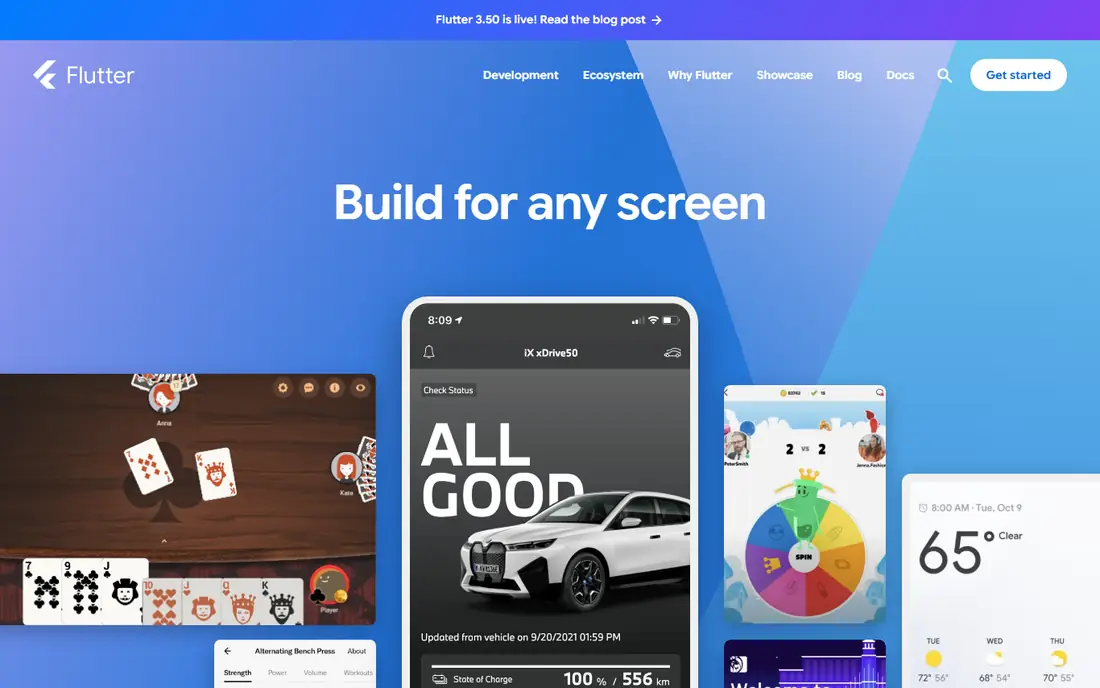
Flutter suits teams building for both mobile platforms at once. Flutter lets developers build iOS and Android apps from one Dart codebase. Hot reload speeds up design tweaks, and the widget library covers most common screens. The honest catch is worth weighing before you sign up. App size can be larger can matter more over months than it seems on day one, especially if your team or household grows. On pricing, the starting point listed above is Free, and the free plan status is Yes. Check the official pricing page for the current terms, since bundles, limits and trial lengths change during the year. If you are unsure, start small, invite one or two other people, and see how it feels in real daily work before you move everything across.
- Single codebase
- Fast hot reload
- Strong widget library
- App size can be larger
- Some native features need plugins
React Native
Ideal for: JavaScript teams building mobile apps
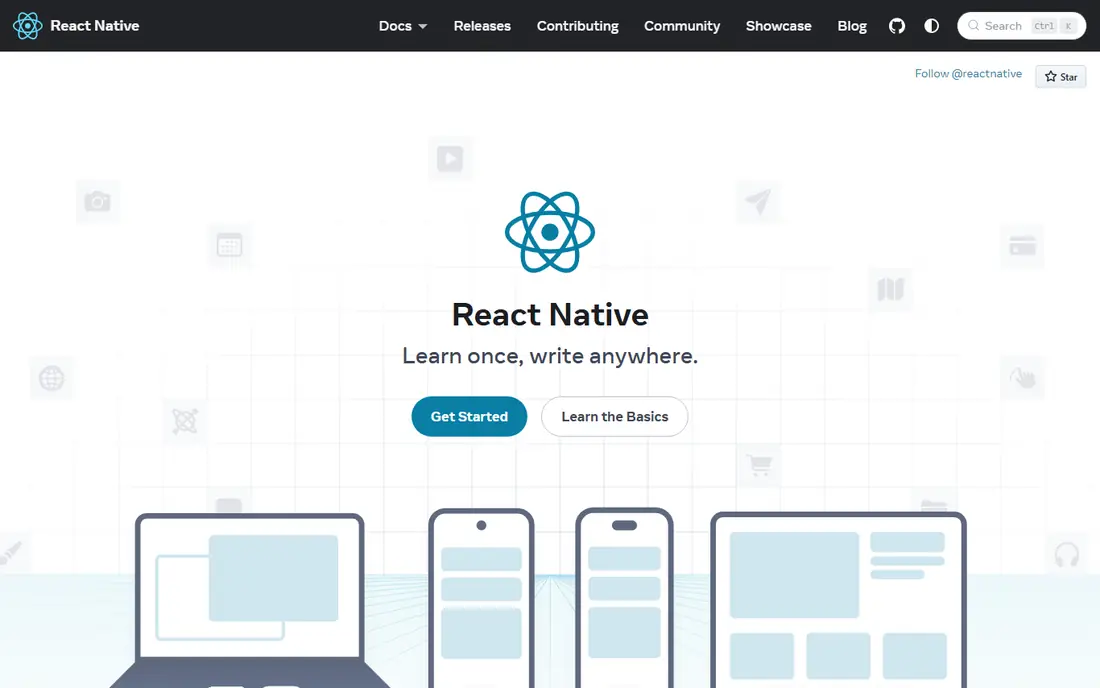
React Native suits web teams moving into mobile. React Native lets JavaScript developers build mobile apps with React skills. Code sharing between platforms saves time, though complex screens may need native code. The honest catch is worth weighing before you sign up. Performance tuning needs native knowledge can matter more over months than it seems on day one, especially if your team or household grows. On pricing, the starting point listed above is Free, and the free plan status is Yes. Check the official pricing page for the current terms, since bundles, limits and trial lengths change during the year. If you are unsure, start small, invite one or two other people, and see how it feels in real daily work before you move everything across.
- JavaScript and React skills transfer
- Large community
- Code sharing
- Performance tuning needs native knowledge
- Upgrades need care
Xcode
Ideal for: native iOS and Mac apps
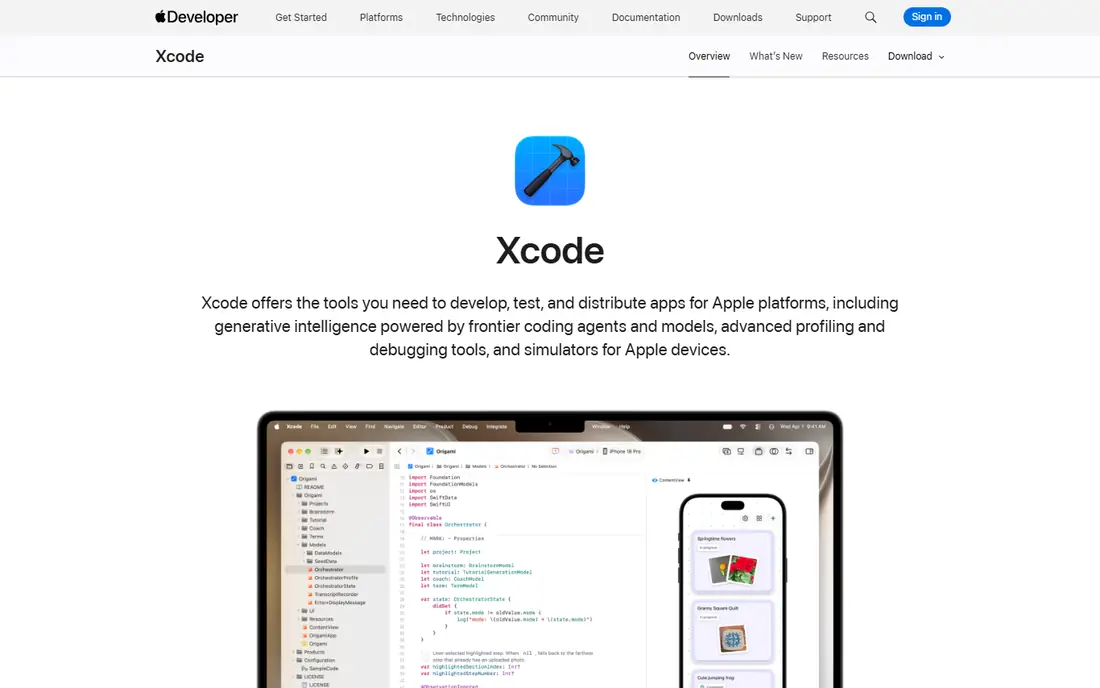
Xcode suits developers focused on Apple platforms. Xcode is the official route to native iOS, iPadOS and Mac apps with Swift. It gives full access to Apple frameworks and device testing, at the cost of needing a Mac. The honest catch is worth weighing before you sign up. Mac only can matter more over months than it seems on day one, especially if your team or household grows. On pricing, the starting point listed above is Free, and the free plan status is Yes. Check the official pricing page for the current terms, since bundles, limits and trial lengths change during the year. If you are unsure, start small, invite one or two other people, and see how it feels in real daily work before you move everything across.
- Official Apple tooling
- Swift support
- Device testing
- Mac only
- Large download and learning curve
Android Studio
Ideal for: native Android apps
Android Studio suits developers focused on Android. Android Studio is the official Android IDE with an emulator and Kotlin support. It suits teams that need full Android features and testing across many devices. The honest catch is worth weighing before you sign up. Can be heavy on modest computers can matter more over months than it seems on day one, especially if your team or household grows. On pricing, the starting point listed above is Free, and the free plan status is Yes. Check the official pricing page for the current terms, since bundles, limits and trial lengths change during the year. If you are unsure, start small, invite one or two other people, and see how it feels in real daily work before you move everything across.
- Official Android tooling
- Emulator
- Kotlin support
- Can be heavy on modest computers
- Setup takes time
OutSystems
Ideal for: low code enterprise apps
OutSystems suits enterprises building internal apps quickly. OutSystems uses visual development to speed up enterprise app delivery. It fits organisations that need governance and scale, not just a quick prototype. The honest catch is worth weighing before you sign up. Pricing is enterprise focused can matter more over months than it seems on day one, especially if your team or household grows. On pricing, the starting point listed above is See website, and the free plan status is Free trial. Check the official pricing page for the current terms, since bundles, limits and trial lengths change during the year. If you are unsure, start small, invite one or two other people, and see how it feels in real daily work before you move everything across.
- Visual development
- Enterprise controls
- Fast delivery
- Pricing is enterprise focused
- Learning the platform takes time
Bubble
Ideal for: no code web apps for founders
Bubble suits founders building a web app without code. Bubble lets founders build web apps visually, with databases, workflows and plugins. It is a practical route to a working product before hiring developers. The honest catch is worth weighing before you sign up. Mobile native apps need workarounds can matter more over months than it seems on day one, especially if your team or household grows. On pricing, the starting point listed above is See website, and the free plan status is Yes. Check the official pricing page for the current terms, since bundles, limits and trial lengths change during the year. If you are unsure, start small, invite one or two other people, and see how it feels in real daily work before you move everything across.
- Visual no code building
- Plugins
- Hosting included
- Mobile native apps need workarounds
- Performance depends on plan
Mendix
Ideal for: low code apps for large teams
Mendix suits large teams building business apps. Mendix offers visual modelling and collaboration for business app teams. It suits organisations that need IT governance alongside faster delivery. The honest catch is worth weighing before you sign up. Pricing is quote based can matter more over months than it seems on day one, especially if your team or household grows. On pricing, the starting point listed above is See website, and the free plan status is Free trial. Check the official pricing page for the current terms, since bundles, limits and trial lengths change during the year. If you are unsure, start small, invite one or two other people, and see how it feels in real daily work before you move everything across.
- Visual modelling
- Collaboration tools
- Enterprise governance
- Pricing is quote based
- Platform learning takes time
Microsoft Power Apps
Ideal for: apps inside Microsoft 365
Microsoft Power Apps suits companies already using Microsoft 365. Power Apps builds apps that connect to Microsoft 365 data and services. It is strongest for companies already running on Microsoft tools. The honest catch is worth weighing before you sign up. Licensing can be confusing can matter more over months than it seems on day one, especially if your team or household grows. On pricing, the starting point listed above is See website, and the free plan status is Free trial. Check the official pricing page for the current terms, since bundles, limits and trial lengths change during the year. If you are unsure, start small, invite one or two other people, and see how it feels in real daily work before you move everything across.
- Deep Microsoft 365 integration
- AI builder
- Templates
- Licensing can be confusing
- Best inside Microsoft shops
How we picked these
We started from the topic and the related searches readers actually use, then checked each product against official feature pages, pricing pages, app store listings, privacy policies and public reviews. We kept only products that exist and work today, that fit the topic directly, and whose official homepage we could identify. We dropped products that did not fit, even when they were popular in a neighbouring category. We compared pricing and free tiers from vendor pages and recent public pricing summaries, and we wrote See website where a price could not be verified cleanly. We did not claim hands-on testing we did not do. Our picks favour clear pricing, a usable free or trial option where one exists, and a realistic fit for ordinary users, not just power users.
How to pick app development software
Start with the job you need done most weeks, not the longest feature list. A tool that handles that job in a few clicks will get used, while a powerful tool that needs constant setup often sits idle. Write down two or three must have features before you browse, and use them as a filter for every option in this list.
Check the total cost, not just the headline price
Headline prices often leave out per user fees, add ons, storage limits and higher tiers for reporting or integrations. Add up the cost for your real team size or household, and check whether annual billing, a free plan or a trial changes the picture. A slightly higher plan can be cheaper than two separate tools that overlap.
Test with real work, not a demo project
Use a trial or free plan with a real project, a real week of meals, or a real set of tasks, depending on the topic. Invite the people who will actually use it, and watch where they get stuck. If setup takes more than a short session, or if key data is hard to export, treat that as a warning sign.
Check privacy, support and exit options
Read the privacy page for data handling, check what support is offered on your plan, and confirm you can export your work. These points matter most when you need help or decide to leave. A tool with clear terms and a working export option is easier to trust with daily work, money or family details.
Frequently asked questions
What is the best best app development software for most people?
For most readers, Flutter is a solid starting point because it balances features, price and ease of use. Still, the best choice depends on your budget, your device and the one job you need done most often. Use the comparison table to narrow the list to two or three, then test them with real work.
Is there a free best app development software option?
Yes, several options in this list offer a free plan, including Flutter, React Native, Xcode, Android Studio, Bubble. Free plans usually cover basic use, while paid plans add storage, advanced features or higher limits. Check what the free plan leaves out before you rely on it for a team or a household.
How much does best app development software cost?
Costs vary widely, from free plans to monthly subscriptions that rise with users, features or usage. The starting prices in the table give a rough guide, but the total depends on your team size and the tier you need. Always confirm the current price on the official site before you pay.
Can I switch from one best app development software option to another later?
In most cases, yes, but switching takes time, especially if you have a large library, history or team setup to move. Export your data first, test the new option with a small project, and keep the old account active until the move is complete. Tools with clear export options make this much easier.
How do I choose between the options in this list?
Start with your main need, your budget and the devices you use every day. Then compare the top two or three options on free plans, pricing for your real team size, and the one feature you will use most. A short trial with real work usually reveals the right pick faster than reading more reviews.