Best App for Banking in 2026: 7 Apps Compared

- 1
 Chase MobileBranches plus appVisit
- 2
 Bank of America MobileFull-service bankingVisit
- 3
 Capital One MobileNo-fee checkingVisit
- 4
 Wells Fargo MobileBranches plus appVisit
- 5
 Ally Bank MobileOnline-only bankingVisit
- Chase suits customers who want a large branch network plus a polished mobile app.
- Capital One suits customers who want no-fee checking with strong mobile tools and Cafe locations.
- Ally Bank suits online-only banking with competitive savings rates and no monthly maintenance fees on checking.
- SoFi suits customers who want banking, investing and lending in one app.
- Chime suits fee-conscious customers who want early direct deposit and no monthly fees, with a different model from traditional banks.
Quick comparison
| Product | Ideal for | Price from | Free version | |
|---|---|---|---|---|
| Chase Mobile | Branches plus app | Free | Yes | Visit |
| Bank of America Mobile | Full-service banking | Free | Yes | Visit |
| Capital One Mobile | No-fee checking | Free | Yes | Visit |
| Wells Fargo Mobile | Branches plus app | Free | Yes | Visit |
| Ally Bank Mobile | Online-only banking | Free | Yes | Visit |
 SoFi | Banking plus investing | Free | Yes | Visit |
 Chime | Fee-conscious banking | Free | Yes | Visit |
The best apps for banking
Banking apps differ less on basic transfers than on fees, branch access, savings rates and extra features. Traditional banks offer branches and full services, online banks offer higher savings rates and lower fees, and fintech apps offer different account structures with their own trade-offs. The list below covers each model, with terms stated generally since rates and fees change often.
Chase Mobile
Ideal for: Branches plus app

Chase Mobile suits customers who want both a strong app and a branch nearby. The app covers mobile check deposit, Zelle transfers, budgeting tools, card controls and account alerts, while the large branch and ATM network helps when in-person service matters. The product range, from checking and savings to credit cards and investing, keeps most banking in one place.
Some checking accounts carry monthly fees that can be waived by meeting direct deposit or balance conditions, and savings rates run lower than online-only banks. For customers who value branches plus a polished app, Chase is the most complete traditional bank option.
- Large branch and ATM network
- Polished app with budgeting, Zelle and card controls
- Wide product range
- Some accounts have monthly fees that can be waived by meeting conditions
- Savings rates are lower than online banks
Bank of America Mobile
Ideal for: Full-service banking
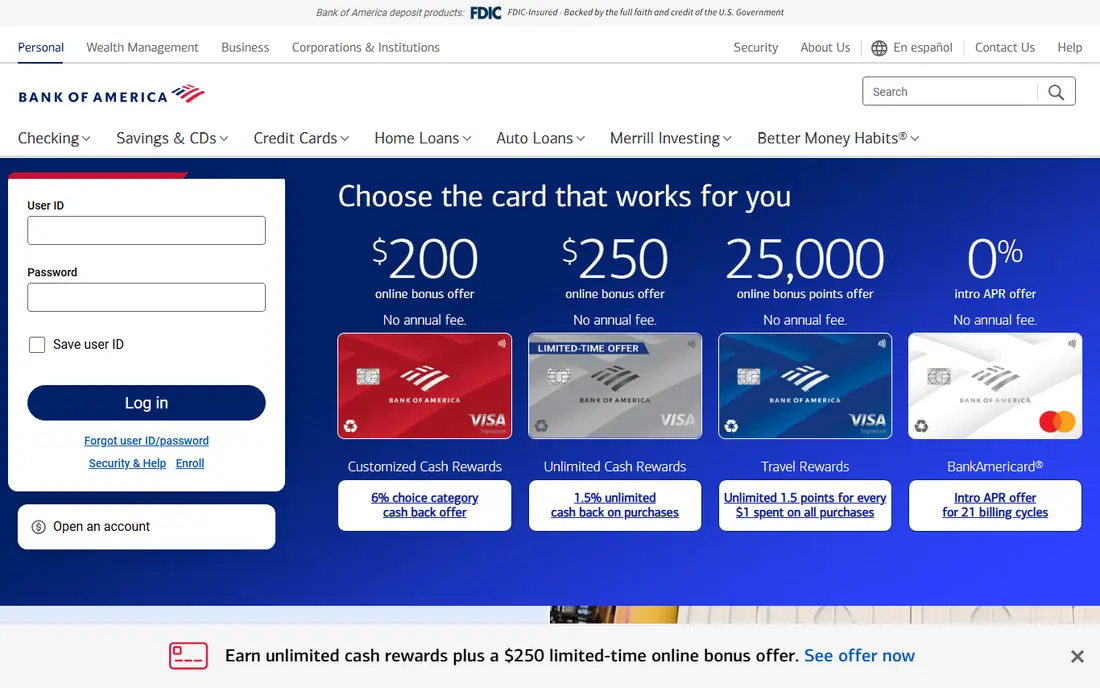
Bank of America Mobile suits customers who want full-service banking in one app. Mobile check deposit, Zelle, card controls and budgeting tools cover everyday banking, while the branch network and Merrill investing integration serve customers with broader financial needs. Preferred Rewards can add card and banking benefits for qualifying balances.
Monthly fees apply to some accounts unless waived by conditions, and savings rates are lower than online banks. For customers who want a traditional bank with investing integration, Bank of America is a strong choice.
- Large branch and ATM network
- Full product range including Merrill investing
- Preferred Rewards for qualifying customers
- Some accounts have monthly fees waivable by conditions
- Savings rates are lower than online banks
Capital One Mobile
Ideal for: No-fee checking
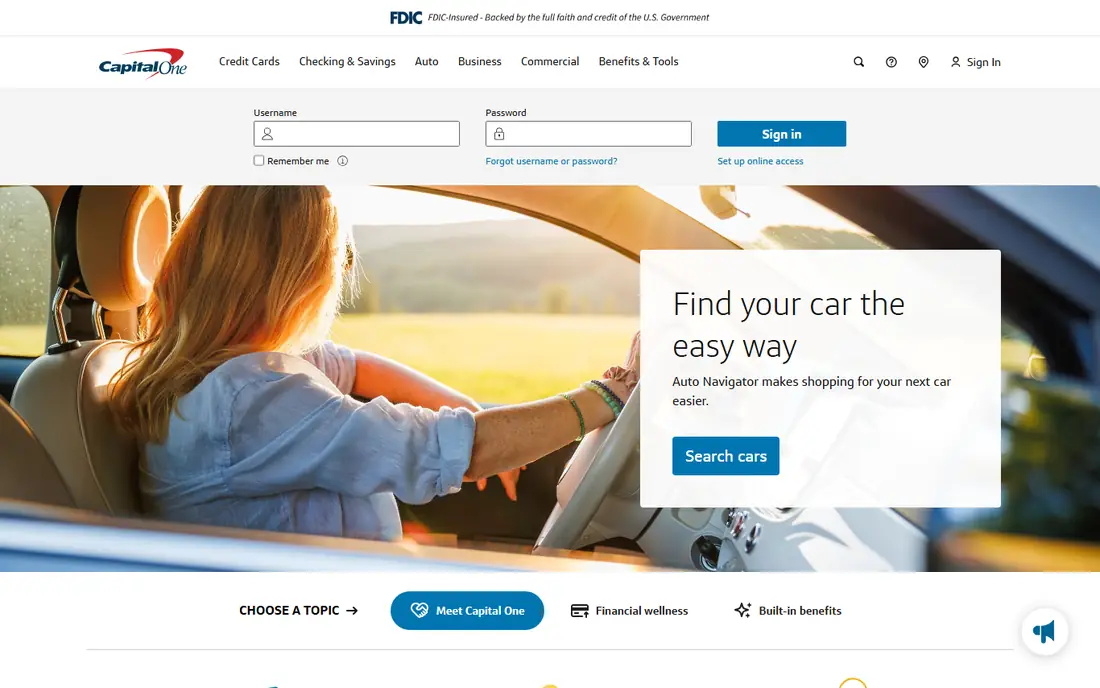
Capital One Mobile suits customers who want no-fee checking with strong mobile tools. Many checking accounts have no monthly fee and no minimum balance, the app offers card controls, virtual card numbers and budgeting features, and Cafe locations in some cities provide in-person help without a full branch network.
Branches are fewer than Chase or Bank of America, so customers who need frequent in-person service may prefer a larger network. For fee-conscious customers who bank mostly on a phone, Capital One offers an excellent balance of no-fee accounts and mobile quality.
- No-fee checking with no minimum balance on many accounts
- Strong app with card controls and virtual cards
- Cafe locations in some cities
- Branch network is smaller than Chase or Bank of America
- Savings rates vary by product
Wells Fargo Mobile
Ideal for: Branches plus app
Wells Fargo Mobile suits customers who want a large traditional bank with a solid app. Mobile check deposit, Zelle transfers, card controls and account alerts cover everyday needs, while branches and ATMs provide in-person access across much of the country. The product range covers checking, savings, credit cards and lending.
Monthly fees apply to some accounts unless waived, and savings rates run lower than online-only banks. For customers who prioritize branch access and a familiar large bank, Wells Fargo is a reliable option.
- Large branch and ATM network
- Solid app with Zelle, mobile deposit and card controls
- Wide product range
- Some accounts have monthly fees waivable by conditions
- Savings rates are lower than online banks
Ally Bank Mobile
Ideal for: Online-only banking
Ally Bank Mobile suits online-only banking customers who want low fees and competitive savings rates. Checking accounts have no monthly maintenance fees, savings rates are typically higher than traditional banks, and customer service is available around the clock. ATM fee reimbursements in many cases help offset the lack of branches.
There are no physical branches, so cash deposits require workarounds such as money orders or transfers. For customers comfortable banking entirely online, Ally offers the best combination of fees and savings rates here.
- No monthly maintenance fees on checking
- Competitive savings rates
- 24/7 customer service and ATM fee reimbursements in many cases
- No physical branches
- Cash deposits need workarounds
SoFi
Ideal for: Banking plus investing
SoFi suits customers who want banking plus investing and lending in one app. Checking and savings accounts carry no account fees on many products, early direct deposit is available, and the app adds investing, personal loans, student loan refinancing and credit monitoring in the same place. That breadth suits customers consolidating financial accounts.
There are no physical branches, and the product range can overwhelm customers who only want simple banking. For customers who want one app for banking and investing, SoFi offers the most integrated experience here.
- Banking, investing, lending and credit monitoring in one app
- No account fees on many products
- Early direct deposit
- No physical branches
- Product breadth can overwhelm customers who only want banking
Chime
Ideal for: Fee-conscious banking
Chime suits fee-conscious customers who want no monthly fees and early direct deposit. The app offers checking and savings with no monthly fees, early direct deposit in many cases, and fee-free overdraft up to a limit for eligible members. The design is mobile-first and simple, which appeals to customers who want straightforward banking.
Chime is a financial technology company, not a bank, with accounts held through partner banks, and cash deposits at retail locations cost a fee. Customer service is app-based rather than branch-based. For customers who prioritize no fees and mobile simplicity, Chime is a strong fintech option, with the caveat that it is not itself a bank.
- No monthly fees
- Early direct deposit up to two days early in many cases
- Fee-free overdraft up to a limit for eligible members
- Not a bank itself, accounts are held through partner banks
- Cash deposits cost a fee at retail locations
- Customer service is app-based
How we picked these
We compared official bank and app pages, fee schedules and public reviews for banking apps available to US customers in October 2026. We kept apps from traditional banks, online banks and fintech providers with active mobile apps, and we stated fees and features generally since rates and terms change often. This article is not financial advice, and account terms should be confirmed with each provider before opening an account. We did not claim hands-on testing.
How to choose the right banking app
Start with how you bank. Branch users need Chase, Bank of America or Wells Fargo, online-only users benefit from Ally savings rates, and fee-conscious mobile users may prefer Capital One, SoFi or Chime. Matching the model to your habits matters more than any single feature.
Then compare fees and rates on your actual use. Check monthly fees and waiver conditions, overdraft policies, ATM fees, savings rates and direct deposit timing, since those determine real cost. Finally, test the app before switching fully: try mobile deposit, transfers and card controls, and confirm that bill pay, Zelle and alert features work as you expect.
A practical check before switching banks is to list every automatic payment, direct deposit and linked service tied to the old account, from bills and subscriptions to payroll and investment transfers, and move them one group at a time. Missing a single autopay can cause a late fee or a service interruption that wipes out months of fee savings. Keep the old account open with a small balance for one full billing cycle, so any forgotten payment still clears while you confirm the new account works.
Frequently asked questions
What is the best app for banking?
Chase and Bank of America suit branch plus app banking, Capital One suits no-fee checking, Ally Bank suits online-only banking with competitive savings rates, SoFi suits banking plus investing, and Chime suits fee-conscious mobile banking. The best app depends on branch needs, fees and extra features.
Are banking apps free?
Most bank mobile apps are free to download and use, with no fee for the app itself. Account fees, overdraft fees and ATM fees depend on the account and provider, so check the fee schedule for the specific account, not just the app.
Is Chime a bank?
No, Chime is a financial technology company, not a bank. Banking services are provided through partner banks, with deposits insured through those partners subject to applicable limits. Check the current partner bank disclosure before opening an account.
Which bank app has the best savings rates?
Online banks like Ally typically offer higher savings rates than traditional branch banks, though rates change with market conditions. Compare current annual percentage yields on each provider site before choosing, since published rates in articles quickly become outdated.
Can I deposit checks with a banking app?
Yes, all apps on this list support mobile check deposit, subject to limits and hold times. Check deposit limits, cutoff times and funds availability in each app, since those vary by provider and account history.