Best App for Finance Tracking in 2026: 8 Apps Compared

- 1
 YNABHands-on zero-based budgetingVisit
- 2
 Monarch MoneyCouples and householdsVisit
- 3
 Copilot MoneyApple users who want a polished dashboardVisit
- 4
 PocketSmithLong-range forecastingVisit
- 5
 Quicken SimplifiSimple spending plansVisit
- YNAB suits people who want a hands-on budgeting method, while Monarch and Copilot suit people who want a clear all-in-one dashboard.
- Quicken Simplifi offers strong value at its listed annual price, and Rocket Money and Goodbudget give useful free starting points.
- PocketSmith stands out for long-range cash flow forecasting, and Empower suits people who want investment tracking next to basic budgeting.
- Bank connection quality matters more than a long feature list, so use a free trial first and check that your own banks connect cleanly.
- The best app for tracking finances is the one you will open each week, so pick for habit fit rather than for the longest feature list.
Quick comparison
| Product | Ideal for | Price from | Free version | |
|---|---|---|---|---|
| YNAB | Hands-on zero-based budgeting | See website | Free trial (34 days) | Visit |
| Monarch Money | Couples and households | See website | Free trial | Visit |
| Copilot Money | Apple users who want a polished dashboard | $7.92 per month | Free trial | Visit |
| PocketSmith | Long-range forecasting | See website | Free trial | Visit |
| Quicken Simplifi | Simple spending plans | $3.99 per month | No | Visit |
 Rocket Money | Subscription tracking | Free | Yes | Visit |
 Goodbudget | Envelope budgeting | Free | Yes | Visit |
 Empower | Investment and net worth tracking | Free | Yes | Visit |
The best finance tracking apps
We compared official feature pages, pricing pages, app store listings, and public reviews for eight finance tracking apps. Our pick for most people is Monarch Money for its clean household view, with YNAB close behind for people who want a stricter budgeting method.
YNAB
Ideal for: Hands-on zero-based budgeting
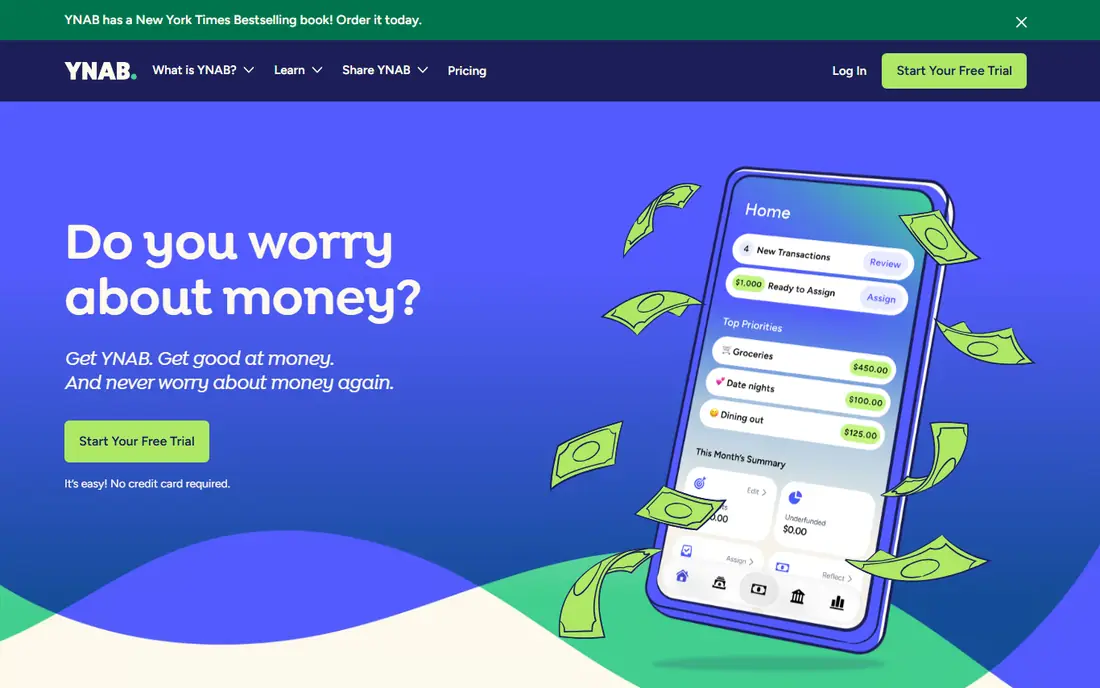
YNAB asks you to give every dollar a job before you spend it, which is the core of its method. You set categories for bills, food, savings, and fun, then move money between them as plans change. That structure helps people who tend to overspend in a few categories without noticing, because the app shows exactly what is left in each envelope. The free trial lasts 34 days, which gives enough time to run a full pay cycle and see if the method sticks.
The trade-off is effort. YNAB works best when you check it often and approve transactions, and people who want a fully automatic tracker may find that chore tiresome. It also costs more than several rivals once the trial ends, so it makes sense mainly if you use the budgeting method rather than just the account view. For disciplined budgeters, though, that method is the point, and few apps teach it as clearly.
- Clear budgeting method
- Strong goal and category tools
- Helpful learning resources
- Higher learning curve at first
- No permanent free plan
Monarch Money
Ideal for: Couples and households
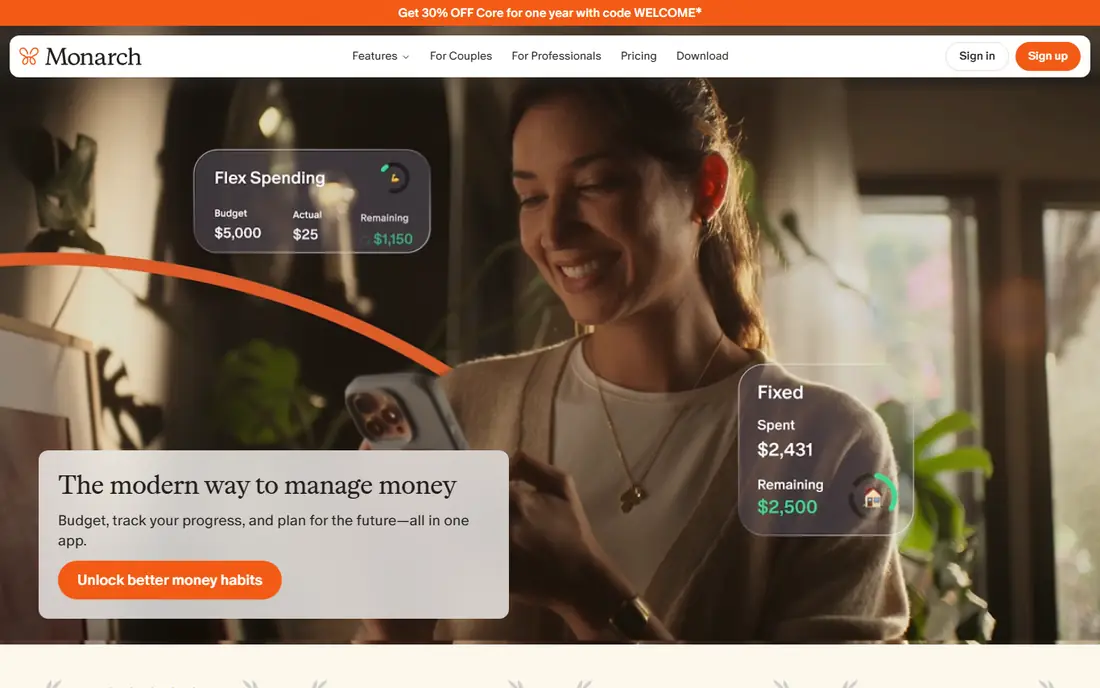
Monarch Money pulls bank accounts, credit cards, loans, investments, and property into one dashboard, then lets partners share the same view without paying for a second account. That shared view is its biggest draw for couples, since both people can see spending, goals, and upcoming bills in the same place. Custom reports show spending trends by category and merchant, and the app flags recurring charges so forgotten subscriptions are easier to spot.
Monarch is less of a teaching tool than YNAB. It gives you flexible budgets and clear charts, but it does not push one budgeting philosophy, which suits people who already know how they like to budget. The main risk is common to every aggregator: a bank may change its login flow and break a connection for a while. If your main banks connect well during the trial, Monarch is our pick for most households.
- Shared household view at no extra cost
- Strong reports and goal tracking
- Recurring bill detection
- No permanent free plan
- Some bank connections can need reconnection
Copilot Money
Ideal for: Apple users who want a polished dashboard
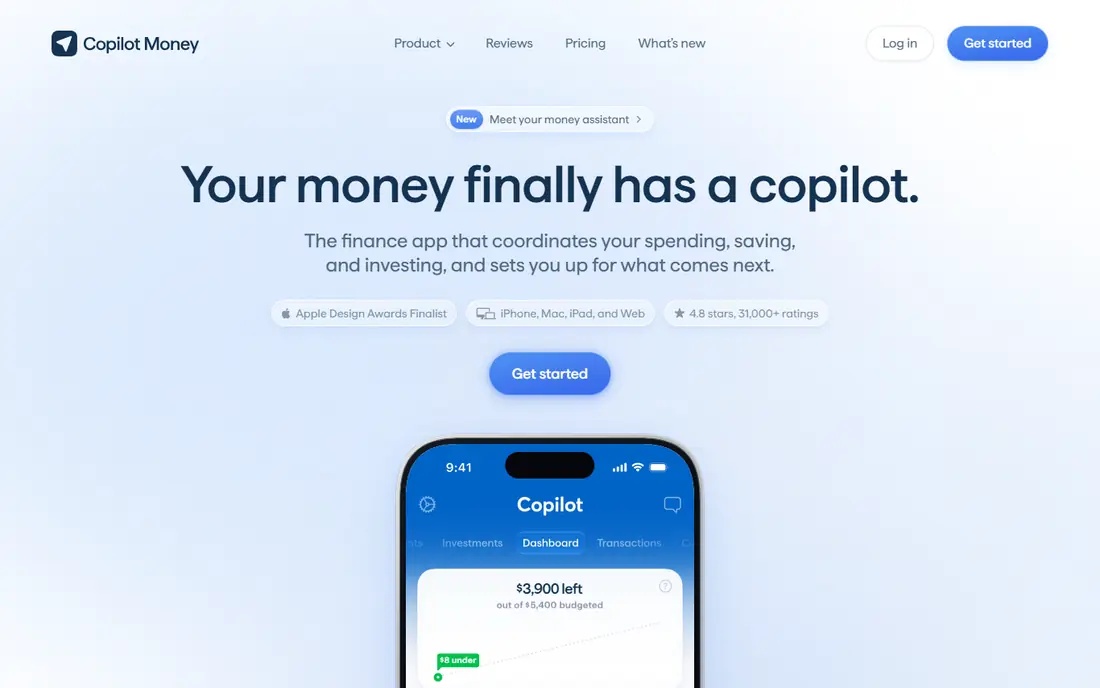
Copilot Money is built around a calm, visual dashboard that shows spending, budgets, investments, and net worth without clutter. Its automatic categorization learns from your corrections, and rollover budgets let unspent money carry into later months for larger goals. A daily view shows what you spent against your plan, plus upcoming bills, so a quick morning check covers most of what matters. The listed price is $7.92 per month when billed yearly at $95, which we confirmed on the vendor site.
The catch is platform focus. Copilot shines on iPhone, iPad, Mac, and the web, and Android users will not get the same native experience. It is also a paid-only product after the trial, so people who want a free tracker should look at Rocket Money or Goodbudget instead. For Apple households who value design and a low-friction daily check, Copilot is hard to beat.
- Clean design on Apple devices
- Automatic categorization
- Rollover budgets and cash flow views
- Apple-first experience
- No permanent free plan
PocketSmith
Ideal for: Long-range forecasting
PocketSmith is the forecasting pick in this list. You can project daily balances far into the future, test what happens if income or bills change, and build dashboards around the accounts and budgets you care about most. Multi-currency support helps people with accounts in more than one currency, and the budgeting system is flexible rather than tied to one method. That makes it a good fit for planners who like scenarios and what-if thinking.
The downside is density. New users may find the dashboard and settings take longer to learn than the simpler apps here, and the value depends on keeping feeds and forecasts up to date. People who only want a weekly spending check may find it more than they need. For long-range planners, freelancers with uneven income, and households planning large purchases, the forecast tools justify the extra setup.
- Cash flow forecasts up to decades ahead
- Multi-currency support
- Custom dashboards
- Interface can feel dense
- Bank feed coverage varies by country
Quicken Simplifi
Ideal for: Simple spending plans
Quicken Simplifi starts with your income, subtracts bills and subscriptions, and shows what is safe to spend for the rest of the month. That spending plan updates as you spend, and savings goals sit inside the plan so goal money is not spent by accident. Projected cash flow adds a forward view, and the app connects to a large number of financial institutions. The listed price on the vendor site is $3.99 per month billed annually, which makes it one of the cheaper paid options here.
Simplifi is less opinionated than YNAB, which is both a strength and a weakness. People who want guidance without rules will like it, while strict budgeters may miss the discipline of assigning every dollar. There is no free tier, so the trial period is the time to test your bank connections. For most people who want a simple plan, clear projections, and a low price, Simplifi is a strong value pick.
- Clear spending plan view
- Projected cash flow
- Connects to many institutions
- No free plan
- Less strict than a zero-based budget
Rocket Money
Ideal for: Subscription tracking
Rocket Money starts by finding your recurring subscriptions and bills, which is the fastest way to spot money leaking each month. The free plan covers account linking, balance alerts, subscription tracking, and spending views, while Premium adds cancellation help, automated savings, net worth tracking, and unlimited budgets. Alerts warn you when a balance drops or spending spikes, so surprises are less likely to slip past.
The free plan is genuinely useful, but the full experience is paid, and some people will not need the Premium extras. Bill negotiation help can save money, but results depend on the provider and the bill, so treat it as a bonus rather than a promise. If your main goal is cutting subscriptions and getting a basic spending view for free, start here before paying for anything.
- Finds recurring subscriptions
- Spending breakdowns and alerts
- Optional bill negotiation help
- Best features sit behind Premium
- Bill negotiation results vary
Goodbudget
Ideal for: Envelope budgeting
Goodbudget brings the old envelope method to phones and the web. You divide money into envelopes for groceries, rent, transport, and savings, then record spending against each envelope. Sharing a household budget is straightforward, and the method itself teaches restraint, since an empty envelope is a clear signal to stop. The free plan covers basic envelopes and accounts, with a paid Plus plan adding more envelopes and accounts.
The main limit is automation. Goodbudget leans on manual entry more than the aggregators above, which keeps you aware of spending but takes more time each week. People with many accounts or a wish for automatic imports may prefer Monarch or Simplifi. For couples, families, and anyone who likes the discipline of envelopes without paper cash, Goodbudget remains a solid free starting point.
- Simple envelope method
- Easy household sharing
- Works on web and mobile
- Manual entry for many transactions
- Fewer automatic bank features
Empower
Ideal for: Investment and net worth tracking
Empower, formerly Personal Capital, offers a free dashboard that links bank, investment, and retirement accounts into one net worth view. Investment tools show allocation and performance, and retirement planning tools help you test whether savings are on track. Security features include encryption and multi-factor authentication, and the dashboard works well for people whose main question is how their investments and overall wealth are doing.
Budgeting is the weaker side. Category budgets exist, but they are simpler than YNAB or Monarch, so strict budgeters may feel shortchanged. Advisory services are available for a fee and are separate from the free tools, so read the terms before signing up for managed advice. For investors who want a free, broad wealth view with decent budgeting on the side, Empower is the best free option in this list.
- Free dashboard with investment views
- Retirement planning tools
- Strong security options
- Budgeting is lighter than rivals
- Advisory services carry fees
How we picked these
We compared official feature pages, pricing pages, app store listings, privacy policies, and public reviews for each app, and we checked that every homepage listed here loads and belongs to its product. We favored apps that still work in October 2026, connect to US banks, and cover a distinct need, from strict budgeting to forecasting to free tracking. Prices shown are the ones we could confirm on vendor sites at writing time; where a price was unclear we wrote "See website" rather than guessing. We did not claim hands-on testing, and we weighed bank connection reliability, budgeting depth, and free options alongside design.
What to check before you pay
Start with a trial and connect your real accounts before judging any app. A tracker that cannot hold a stable link to your main bank will frustrate you no matter how good its charts look, so watch for broken feeds during the first two weeks. Next, match the method to your habits: strict budgeters do better with YNAB or Goodbudget, while people who want a dashboard do better with Monarch, Copilot, or Empower. Check the free plan limits too, since some free tiers cap accounts or budgets in ways that only show up after setup.
Think about who else needs access. Couples and households should favor apps with shared views, while solo users can pick on design and price alone. Read the privacy policy before linking accounts, and turn on multi-factor authentication wherever it is offered. Finally, set a review date one month in: if you have not opened the app weekly, switch to a simpler one rather than paying for a tool you ignore.
Frequently asked questions
What is the best app for finance tracking for beginners?
Quicken Simplifi and Rocket Money are good beginner picks because both show a simple spending view without forcing a strict method. Simplifi builds a spending plan from income and bills, while Rocket Money starts with subscriptions and basic spending. Try the free or trial option first and keep the one you open most often.
What are the best finance tracking apps for couples?
Monarch Money is our pick for couples because partners can share one household view at no extra cost. Goodbudget also works well for shared envelope budgets, and Quicken Simplifi supports sharing with one other person. Pick the app whose budget style both partners will actually use.
Do I need a paid app to track my finances?
No. Rocket Money, Goodbudget, and Empower all offer useful free plans that cover account views and basic tracking. Paid apps add deeper budgeting, forecasting, or unlimited budgets, so pay only if you need those extras after trying the free tier.
Is it safe to link my bank accounts to a finance app?
Linking uses bank-grade connections and encryption at the major apps here, and you should also turn on multi-factor authentication on both the app and your bank. Read the privacy policy, check what data the app stores, and remove any account link you no longer use. No app can promise zero risk, so keep an eye on transactions yourself.
Can a finance tracking app help me save money?
Yes, mainly by showing where money goes and flagging recurring charges you forgot. Apps with goals and forecasts, like PocketSmith and Simplifi, help you plan for larger costs. The saving itself still comes from the choices you make after seeing the numbers.