Best Apps for Group Photo Sharing in 2026: 7 Apps Compared

- 1
 Google PhotosEasy shared albums for anyoneVisit
- 2
 ClusterPrivate group albumsVisit
- 3
 FamilyAlbumFamily photo sharingVisit
- 4
 FlickrPhotographer group poolsVisit
- 5
 Amazon PhotosPrime member photo storageVisit
- Google Photos is our pick for easy shared albums that work for almost any group.
- Cluster and FamilyAlbum suit private family and friend groups with a focused album experience.
- Flickr and SmugMug suit photographers who want quality, organisation, and control.
- Amazon Photos suits Prime members who want free photo storage with sharing.
Quick comparison
| Product | Ideal for | Price from | Free version | |
|---|---|---|---|---|
| Google Photos | Easy shared albums for anyone | Free | Yes | Visit |
| Cluster | Private group albums | Free | Yes | Visit |
| FamilyAlbum | Family photo sharing | Free | Yes | Visit |
| Flickr | Photographer group pools | Free | Yes | Visit |
| Amazon Photos | Prime member photo storage | Free | Yes | Visit |
 Shutterfly | Shared sites and prints | Free | Yes | Visit |
 SmugMug | Quality sharing with control | See website | Free trial | Visit |
The best apps for group photo sharing
Group photos scatter across chats, emails, and phones after every trip, wedding, or season. A good group photo app gathers them in one shared album that everyone can add to and enjoy.
We compared official app pages, help pages, and app store listings for each app below. Our pick for most people is Google Photos, because shared albums are easy, storage is generous, and almost everyone already has an account.
Privacy matters here. Check who can view, add, and download photos in each shared album, and avoid posting sensitive photos in large public groups.
Google Photos
Ideal for: Easy shared albums for anyone
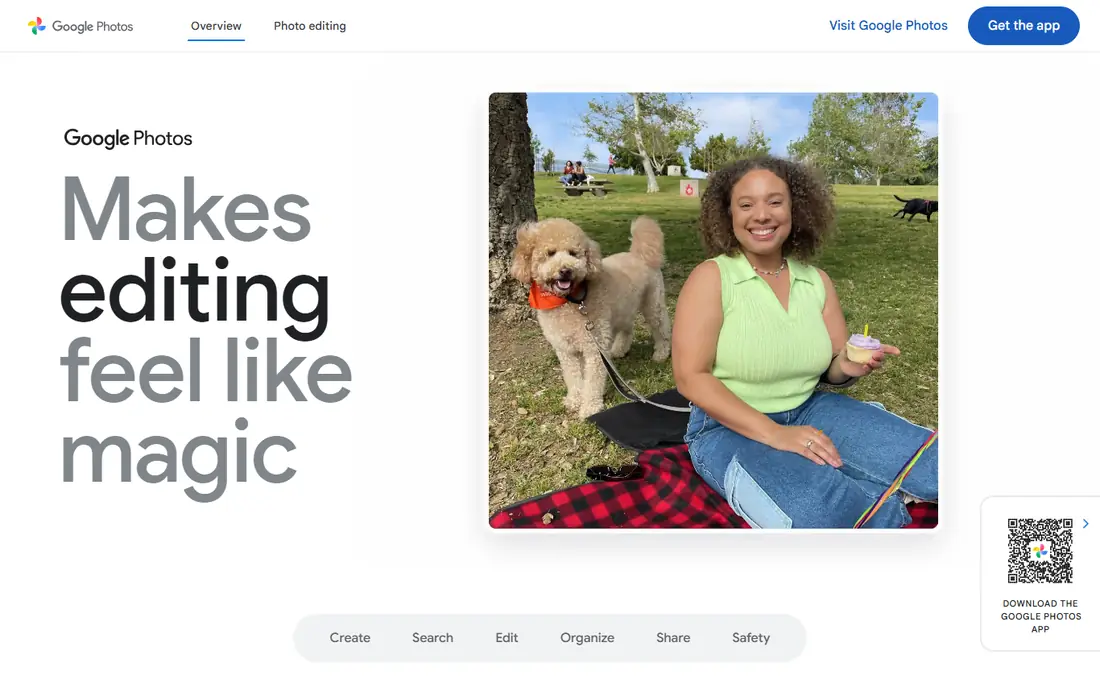
Google Photos lets you create a shared album, invite people by link or account, and let everyone add photos and videos. Partner sharing can also auto-share photos of chosen people.
Free storage has limits, and shared album privacy depends on link settings, so check who can join and download. For most groups, though, its ease and reach are unmatched.
Our view: the simplest group photo sharing choice for most people.
Bottom line: Google Photos is a strong fit for easy shared albums for anyone, and its main draw is shared albums anyone can join. Weigh that against the limits above before you commit, and test it with your own real work during any trial or free period.
- Shared albums anyone can join
- Partner sharing
- Strong search
- Free storage limits apply
- Privacy settings need checking per album
Cluster
Ideal for: Private group albums
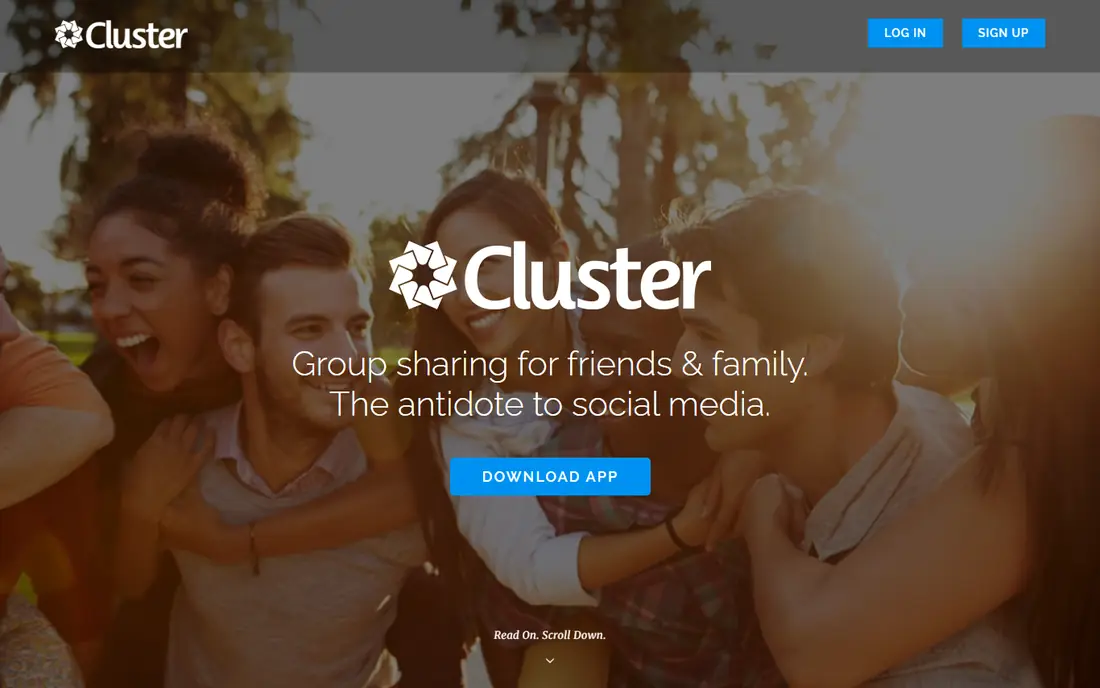
Cluster is built around private group spaces where friends, families, or teams share photos in one album. Everyone in the space can add photos, comment, and enjoy the collection.
Its user base is smaller than Google Photos, and its editing and storage features are thinner. For private group sharing without social noise, that focus is a plus.
Our view: a focused private album app for close groups.
Bottom line: Cluster is a strong fit for private group albums, and its main draw is private spaces for groups. Weigh that against the limits above before you commit, and test it with your own real work during any trial or free period.
- Private spaces for groups
- Everyone can add photos
- Simple invites
- Smaller user base
- Fewer editing and storage features than Google
FamilyAlbum
Ideal for: Family photo sharing

FamilyAlbum is designed for families to share baby and child photos privately, with unlimited photo storage and simple invites for grandparents and relatives.
Its family focus means work teams or large event groups may prefer a general app. For families, though, its privacy and simplicity are ideal.
Our view: the best private app for family photo sharing.
Bottom line: FamilyAlbum is a strong fit for family photo sharing, and its main draw is built for families. Weigh that against the limits above before you commit, and test it with your own real work during any trial or free period.
- Built for families
- Unlimited storage for photos
- Private family groups
- Family focus may not suit work teams
- Video limits vary
Flickr
Ideal for: Photographer group pools
Flickr lets photographers create groups and pools where members share photos around a theme, event, or place. Its display quality and organisation tools suit people who care about photo craft.
Free accounts have limits, and the interface feels photographer-focused rather than casual. For photo clubs and event photographers, it remains a strong shared space.
Our view: the best group sharing app for photographers and photo clubs.
Bottom line: Flickr is a strong fit for photographer group pools, and its main draw is group pools and albums. Weigh that against the limits above before you commit, and test it with your own real work during any trial or free period.
- Group pools and albums
- High-quality photo display
- Strong organisation tools
- Free account limits apply
- Interface suits photographers more than casual sharers
Amazon Photos
Ideal for: Prime member photo storage
Amazon Photos offers unlimited photo storage for Prime members, with family sharing and album sharing for groups. It is a practical home for a large photo collection.
Its social features are thinner than Cluster or Google Photos, and full value needs a Prime membership. For Prime households, though, the storage alone is compelling.
Our view: a strong storage-first choice for Prime families.
Bottom line: Amazon Photos is a strong fit for prime member photo storage, and its main draw is unlimited photo storage for Prime members. Weigh that against the limits above before you commit, and test it with your own real work during any trial or free period.
- Unlimited photo storage for Prime members
- Family sharing
- Album sharing
- Full value needs Prime
- App is less social than rivals
Shutterfly
Ideal for: Shared sites and prints
Shutterfly lets groups create shared photo sites and albums, with easy ordering of prints, books, and gifts from shared photos. It suits events where families also want printed memories.
It is print-focused, so pure digital sharing features are thinner than Google Photos. If your group wants prints as well as sharing, that focus is a benefit.
Our view: the best group sharing app when prints and gifts matter too.
Bottom line: Shutterfly is a strong fit for shared sites and prints, and its main draw is shared photo sites. Weigh that against the limits above before you commit, and test it with your own real work during any trial or free period.
- Shared photo sites
- Easy prints and gifts
- Album sharing
- Print-focused, so pure sharing features are thinner
- Upselling for prints
SmugMug
Ideal for: Quality sharing with control
SmugMug offers beautiful, customisable galleries with strong privacy and download controls, plus unlimited storage on paid plans. Groups, clubs, and photographers can share polished collections.
It needs a subscription for full use, and it feels less casual than free apps. For groups that want a professional-looking shared gallery, it is worth the cost.
Our view: the best polished gallery option for serious group sharing.
Bottom line: SmugMug is a strong fit for quality sharing with control, and its main draw is beautiful galleries. Weigh that against the limits above before you commit, and test it with your own real work during any trial or free period.
- Beautiful galleries
- Privacy and download controls
- Unlimited storage on paid plans
- Subscription needed for full use
- Less casual than free apps
How we picked these
We compared official app pages, help pages, and app store listings, and we looked at shared album controls, privacy settings, storage limits, and ease of inviting people. We favoured apps where everyone in a group can add photos easily.
We did not claim hands-on testing. Where storage or free tiers varied, we noted the limit rather than presenting a single figure as universal.
How to choose a group photo sharing app
Start with the group. Families suit FamilyAlbum or Google Photos, close friends suit Cluster, photographers suit Flickr or SmugMug, and event groups suit Google Photos or Shutterfly.
Check who can add, view, and download. A good group app lets everyone add photos, while the organiser controls downloads and link sharing. Test those settings with a small album first.
Think about storage and quality. Unlimited photo storage helps large groups, but check whether full-resolution originals are kept or photos are compressed. Photographers should confirm this carefully.
Make joining easy. If half the group struggles to join, photos will stay scattered. A link invite that works without a new account helps, though privacy may suffer, so balance ease with control.
Set ground rules for the album. Agree what belongs in the shared album, who can post, and whether sensitive photos stay out. A short note at the start prevents awkward deletions later.
Finally, back up the collection. Download the shared album periodically, since groups change and accounts close. A local backup protects memories that only lived in one app.
Frequently asked questions
What is the best app for sharing photos with a group?
Google Photos is our pick for most groups, thanks to easy shared albums. Cluster suits private groups, while FamilyAlbum suits families.
Can everyone in a group add photos?
Yes, on the apps here, shared albums and spaces let invited members add photos. Check download and privacy settings for each album.
Are group photo albums private?
They can be, if you use invite-only albums and avoid public links. Check each app privacy settings, since link-shared albums can be viewed by anyone with the link.
Do I need to pay for group photo sharing?
No, for basic sharing. Google Photos, Cluster, and FamilyAlbum offer free sharing, while SmugMug needs a subscription for its full gallery features.
What happens to photos if someone leaves a group?
It depends on the app. Some apps keep photos added by a departed member, while others remove access. Download important photos before membership changes.
Can I print photos from a shared album?
Yes, on several apps here. Shutterfly is built for prints and gifts from shared albums, while Google Photos and Amazon Photos also offer print ordering in many regions.