6 Best App for Managing Over 100 GB of PDF Files for 2026

- 1
 Foxit PDF EditorWindows PDF editing at scaleVisit
- 2
 ZoteroResearch libraries plus citationsVisit
- 3
 PDF ExpertQuick reading and annotationVisit
- 4
 DEVONthinkHuge local Mac librariesVisit
- 5
 MendeleyStudent research librariesVisit
- Top of the list is Foxit PDF Editor, which targets Windows PDF editing at scale.
- Paperless-ngx is the one to check for free self-hosted storage.
- No starting price is published for Foxit PDF Editor, PDF Expert and DEVONthink; expect a quote.
- 3 of 6 tools offer a free plan: Zotero, Mendeley, Paperless-ngx.
- A fair warning about Zotero: cloud storage is only 300 MB free, with premium plans from $20 to $120 a year.
Direct answer
Foxit PDF Editor comes first here, mainly for Windows PDF editing at scale. Zotero fits research libraries plus citations; PDF Expert fits fast reading and annotation. The other 3 tools in the list cover narrower or pricier cases.
Quick comparison
| Product | Ideal for | Price from | Free version | |
|---|---|---|---|---|
| Foxit PDF Editor | Windows PDF editing at scale | See website | No | Visit |
| Zotero | Research libraries plus citations | Free | Yes | Visit |
| PDF Expert | Quick reading and annotation | See website | No | Visit |
| DEVONthink | Huge local Mac libraries | See website | No | Visit |
| Mendeley | Student research libraries | Free | Yes | Visit |
 Paperless-ngx | Free self-hosted storage | Free | Yes | Visit |
App for Managing Over 100 GB of PDF Files compared in detail
Ainotely compared 6 app for managing over 100 GB of PDF files. The goal is a practical shortlist: published prices, free plan facts, best-fit use cases and honest limits for every entry.
Foxit PDF Editor
Ideal for: Windows PDF editing at scale
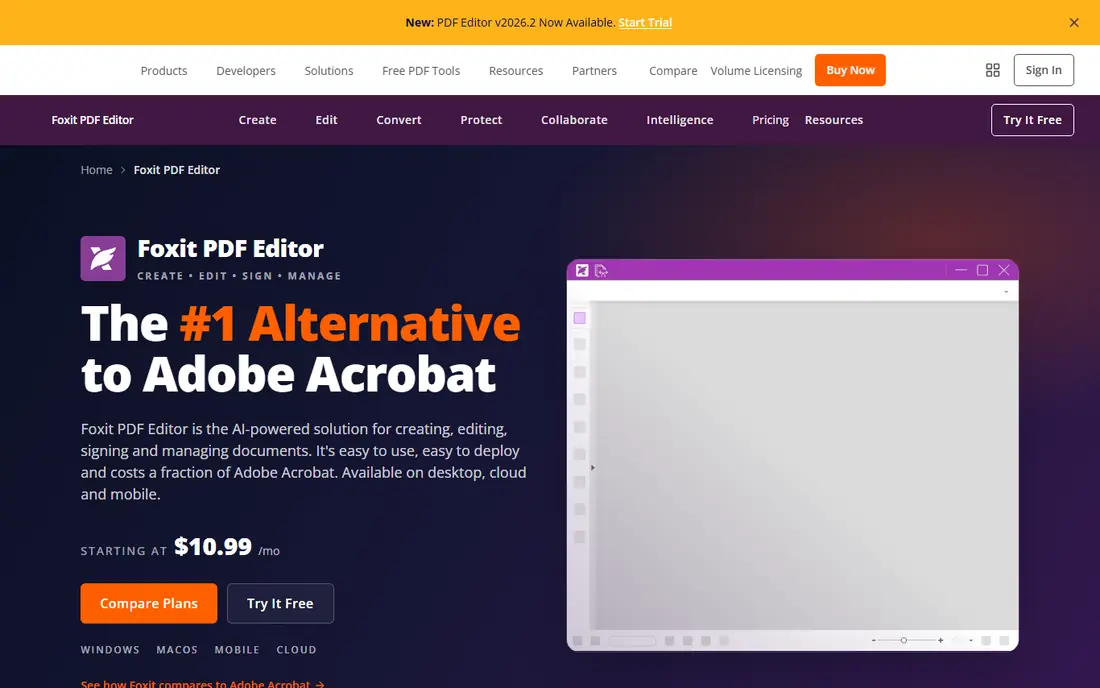
Foxit PDF Editor is a good fit for Windows PDF editing at scale. More specifically, for an office that edits, redacts, and batches hundreds of PDFs, Foxit is a capable Acrobat alternative.
Trade-offs to know: Interface is dense; Cloud features need a subscription.
In practice, the limits are management depth. Its library management is weaker than DEVONthink's or Zotero's, its interface is dense, and cloud features need a subscription. No starting price is listed for Foxit PDF Editor here; confirm pricing on the vendor site. No free plan comes with Foxit PDF Editor.
- Less expensive than Acrobat for numerous teams
- Takes care of large files well
- Premium license
Zotero
Ideal for: Research libraries plus citations
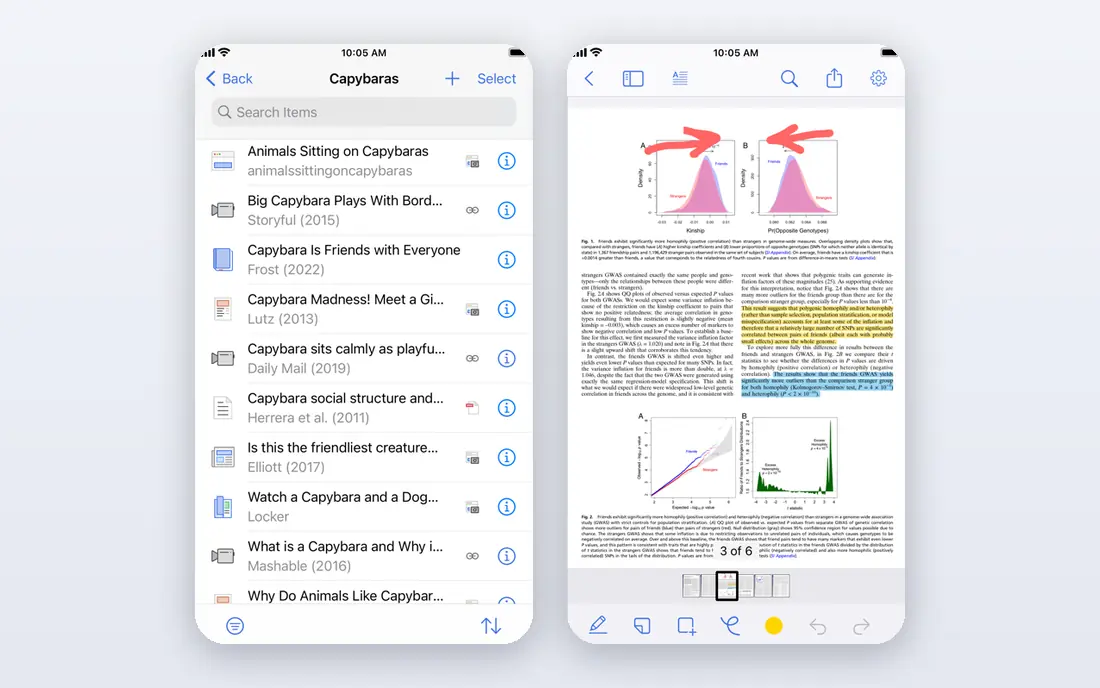
For research libraries plus citations, Zotero is a natural candidate. Its free, open-source app handles bibliographic data and PDFs together, its citation tools insert references in Word and Google Docs. Its linked-file mode keeps a 100 GB library on your local drive or your own cloud folder instead of Zotero's cloud, which supplies only 300 MB free.
For a researcher whose library is largely papers, Zotero is the standard. The trade is cloud storage and polish. Its cloud storage is small without a premium plan from $20 to $120 a year, its interface feels dated, and its mobile experience is restricted. Price to start with Zotero: Free. A free plan is available with Zotero.
Highlights: Plugins for full-text indexing and translation; Solid citation management. Honest limits: Cloud storage is only 300 MB free, with premium plans from $20 to $120 a year; Interface feels dated.
- Linked-file mode keeps large libraries off its cloud
- Free and open source
- Mobile experience is restricted
PDF Expert
Ideal for: Quick reading and annotation
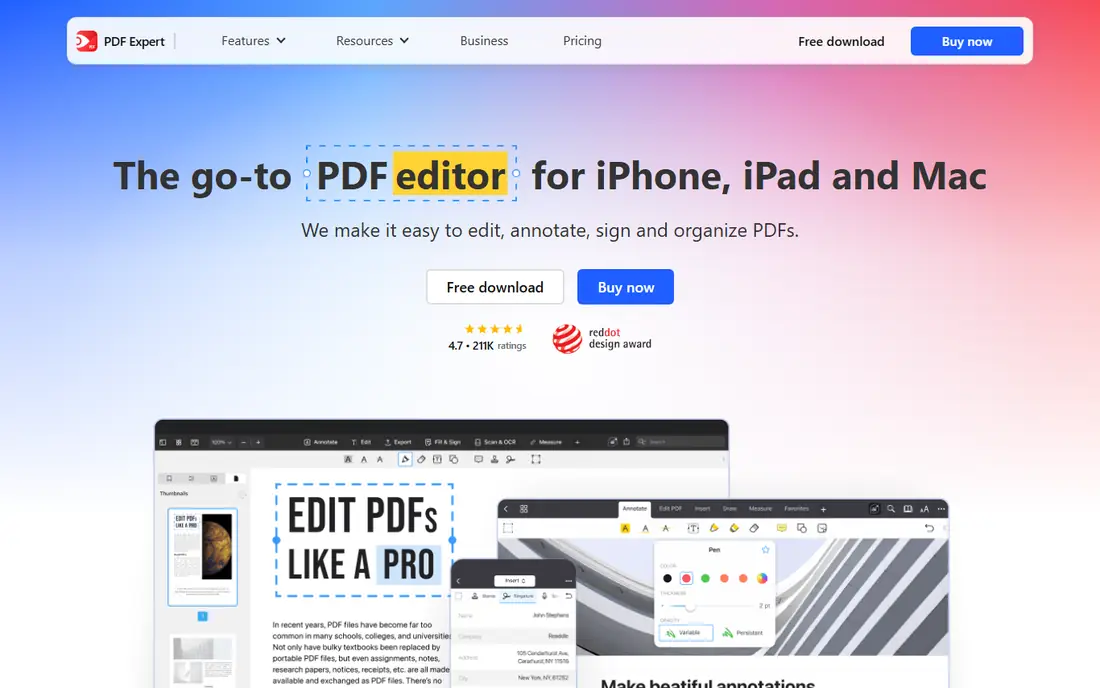
Think of PDF Expert for quick reading and annotation. Its quick search and rendering stay responsive across large collections, its annotation and form tools handle markup, signing, and editing, and its clean interface makes long reading sessions pleasant. On top of that, the limits are product and management.
It needs a premium subscription, it is Mac and iOS only. Its library management is weaker than DEVONthink's or Zotero's, with no citation tools. PDF Expert shows no starting price here, so confirm the cost on the vendor site. PDF Expert has no permanent free option.
Drawbacks to consider: Weaker library management than DEVONthink or Zotero; premium subscription.
- Decent iPad and Mac experience
- Quick search and rendering across large collections
- Mac and iOS only
DEVONthink
Ideal for: Huge local Mac libraries
DEVONthink is built with huge local Mac libraries in mind. The trade is system and complexity. It is Mac only, it needs a premium license, and its database model has a ramp-up time.
Where it shines: AI classification and see-also suggestions.
Its local-first databases deal with 100 GB or more without cloud bottlenecks, its full-text search stays quick across large collections. Its AI classification and see-also suggestions help organize documents that would otherwise sit in unnamed folders. DEVONthink does not show a starting price in this comparison, so check the vendor site for current pricing. DEVONthink has no permanent free option.
Drawbacks to consider: Mac only; Ramp-up time for its database model.
- Adaptable sync choices
- Takes care of very large databases
- Interface feels dense to new users
Mendeley
Ideal for: Student research libraries
Mendeley is aimed squarely at student research libraries. Its free storage is restricted, it can slow down with very large libraries.
Where it is weaker: Premium starts around $4.99 a month; Free storage is restricted.
It is owned by Elsevier instead of open source, with premium features from around $4.99 a month. From a buyer's view, Mendeley suits best for students whose libraries are large but not yet at 100 GB, or who use it alongside local storage. Starting cost for Mendeley: Free. Mendeley offers a free plan.
- Free version for organizing and annotating PDFs
- Large user community
- Owned by Elsevier, not open source
Paperless-ngx
Ideal for: Free self-hosted storage
Paperless-ngx serves free self-hosted storage. For a household or small office with 100 GB of scans, Paperless-ngx costs nothing but a server and some setup time.
Watch-outs: Support comes from the community, not a vendor.
More specifically, the limits are setup and support. Price to start with Paperless-ngx: Free. A free plan is available with Paperless-ngx. Strengths: Free and open source with unlimited local storage.
- Web interface for access from any device
- Automatic OCR and tagging
- Needs Docker and server setup
How these tools were picked
The comparison looks at four things: starting price, free access, how well the feature set matches app for managing over 100 GB of PDF files, and the main limit of each tool. Where a price is missing, the vendor does not list one publicly or ties it to a quote. Always confirm before budgeting. Tools are placed by general fit for app for managing over 100 GB of PDF files, with price clarity and free access as tie-breakers. A different team can reasonably rank them differently.
Pre-purchase checklist
- Get a written quote from Foxit PDF Editor, PDF Expert and DEVONthink; the list shows no starting price for them.
- Read the fine print on the free plans from Zotero, Mendeley and Paperless-ngx; seat, project and feature caps differ.
- Read the limits listed for Foxit PDF Editor first: premium license.
- Let daily users try Zotero on real work; their feedback beats any feature checklist.
- Check the support hours and onboarding help PDF Expert offers; smaller vendors vary a lot here.
Frequently asked questions
Can I try these tools before paying?
Often, yes. Zotero, Mendeley and Paperless-ngx have a free plan. Use your own data and a real task during the test, and check what the free tier or trial limits before you rely on it.
Which options for app for managing over 100 GB of PDF files have a free plan?
Zotero, Mendeley and Paperless-ngx offer a free plan in this list. Free plans usually cap users, projects or features, so check the limits on the vendor page.
Is Zotero free for large libraries?
Yes, locally: Zotero itself is free and open source, and linked files keep a 100 GB library on your own drive. Only Zotero's cloud storage is limited, with premium plans from $20 to $120 a year for bigger cloud storage.
Do these tools publish their prices?
Not all of them. Foxit PDF Editor, PDF Expert and DEVONthink publish no starting price, so expect a quote request for those. The rest, Zotero included, show a starting price, though seats and billing terms still change the final cost.
Is Foxit PDF Editor the right pick for everyone comparing app for managing over 100 GB of PDF files?
No single tool suits every team. Foxit PDF Editor comes first because it fits Windows PDF editing at scale, while Zotero suits research libraries plus citations and PDF Expert suits fast reading and annotation. Match the tool to your own size, budget and workflow before deciding.