Best app for self employed in 2026: 8 Options Compared

- 1
 QuickBooksbookkeeping for self-employed peopleVisit
- 2
 FreshBooksinvoicing and expensesVisit
- 3
 Wavefree invoicing basicsVisit
- 4
 HoneyBookclient and project flowVisit
- 5
 Bonsaicontracts and invoicingVisit
- The strongest options for app for self employed cover the core task well, and the differences are mostly in price, limits, and ease of use.
- Start with a free plan or trial where one is offered, and test it on a real task before you pay for a full year.
- Check privacy, export, and cancellation terms on the official site, because those details matter as much as the headline features.
- Our pick for most people is QuickBooks, while FreshBooks is a strong second choice for readers who want a different balance of price and features.
Quick comparison
| Product | Ideal for | Price from | Free version | |
|---|---|---|---|---|
| QuickBooks | bookkeeping for self-employed people | See website | Free trial | Visit |
| FreshBooks | invoicing and expenses | See website | Free trial | Visit |
| Wave | free invoicing basics | Free | Yes | Visit |
| HoneyBook | client and project flow | See website | Free trial | Visit |
| Bonsai | contracts and invoicing | See website | Free trial | Visit |
 Square | payments and sales | Free | Yes | Visit |
 Stripe | online payments | Free | Yes | Visit |
 Xero | accounting for small operations | See website | Free trial | Visit |
The best app for self employed
We looked for tools that work in October 2026, fit best app for self employed closely, and can be checked on their own official sites. The eight options below are in the order we would shortlist them, starting with the most broadly useful choice.
QuickBooks
Ideal for: bookkeeping for self-employed people
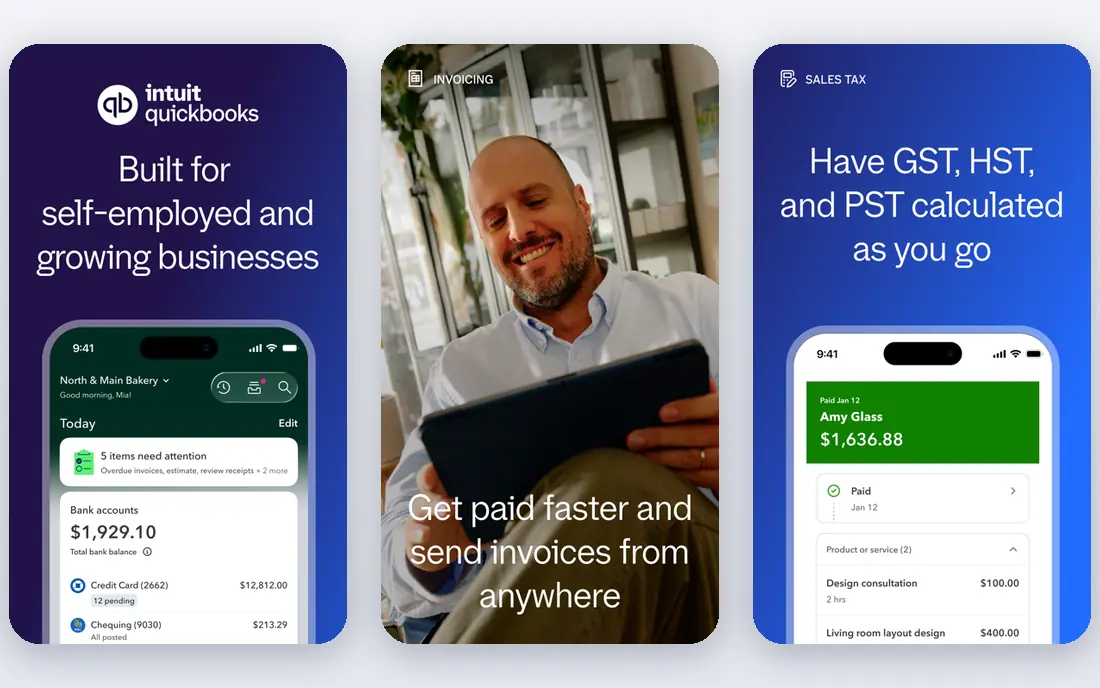
If you want a direct answer, QuickBooks stands out for bookkeeping for self-employed people. Its official feature pages show a clear fit for best app for self employed, and it is easy to explain to a new user. Most readers want a tool they can start with on a normal day, not a project that needs a week of setup, and this option meets that test.
Before you commit, check the details that affect daily use. Check pricing, free plan limits, and privacy terms on the official site before you settle on QuickBooks. Many readers can start free and upgrade only when a limit becomes real. Skip QuickBooks if your main need is outside bookkeeping for self-employed people.
- Good fit for bookkeeping for self-employed people
- Clear official documentation and support pages
- Practical for regular use
- Limits apply on lower-priced plans
- Some features need a paid plan
- Check current pricing before you commit
FreshBooks
Ideal for: invoicing and expenses
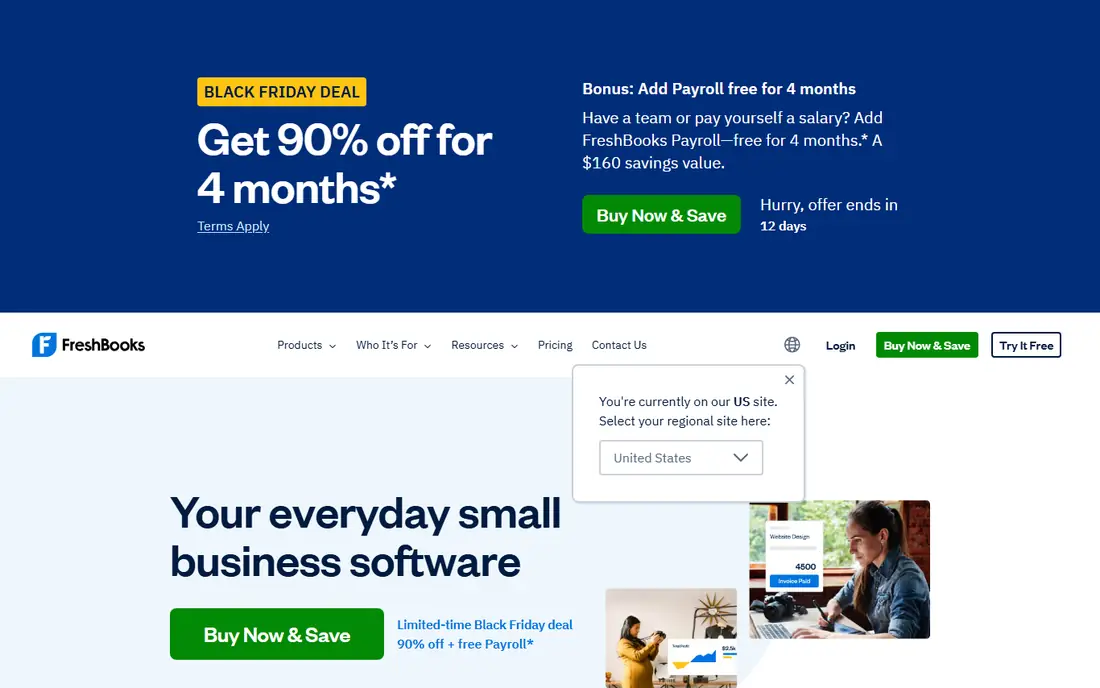
In our comparison, FreshBooks stands out for invoicing and expenses. Its official feature pages show a clear fit for best app for self employed, and it is easy to explain to a new user. Most readers want a tool they can start with on a normal day, not a project that needs a week of setup, and this option meets that test.
The honest trade-off is worth naming. Check pricing, free plan limits, and privacy terms on the official site before you settle on FreshBooks. Many readers can start free and upgrade only when a limit becomes real. Skip FreshBooks if your main need is outside invoicing and expenses.
- Good fit for invoicing and expenses
- Clear official documentation and support pages
- Practical for regular use
- Limits apply on lower-priced plans
- Some features need a paid plan
- Check current pricing before you commit
Wave
Ideal for: free invoicing basics
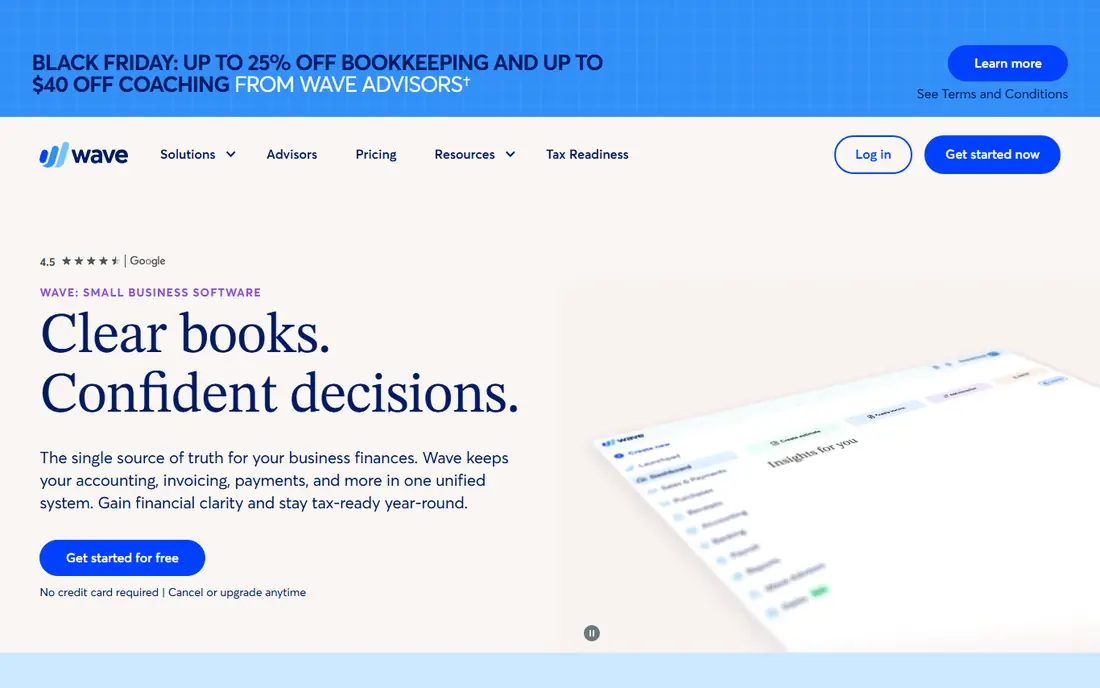
On balance, Wave stands out for free invoicing basics. Its official feature pages show a clear fit for best app for self employed, and it is easy to explain to a new user. Most readers want a tool they can start with on a normal day, not a project that needs a week of setup, and this option meets that test.
What would make us pause is the learning curve and the limits on cheaper plans. Check pricing, free plan limits, and privacy terms on the official site before you settle on Wave. Many readers can start free and upgrade only when a limit becomes real. Skip Wave if your main need is outside free invoicing basics.
- Good fit for free invoicing basics
- Clear official documentation and support pages
- Practical for regular use
- Limits apply on lower-priced plans
- Some features need a paid plan
- Check current pricing before you commit
HoneyBook
Ideal for: client and project flow
For a first shortlist, HoneyBook stands out for client and project flow. Its official feature pages show a clear fit for best app for self employed, and it is easy to explain to a new user. Most readers want a tool they can start with on a normal day, not a project that needs a week of setup, and this option meets that test.
A careful reader should also check privacy and export options. Check pricing, free plan limits, and privacy terms on the official site before you settle on HoneyBook. Many readers can start free and upgrade only when a limit becomes real. Skip HoneyBook if your main need is outside client and project flow.
- Good fit for client and project flow
- Clear official documentation and support pages
- Practical for regular use
- Limits apply on lower-priced plans
- Some features need a paid plan
- Check current pricing before you commit
Bonsai
Ideal for: contracts and invoicing
If simplicity matters most, Bonsai stands out for contracts and invoicing. Its official feature pages show a clear fit for best app for self employed, and it is easy to explain to a new user. Most readers want a tool they can start with on a normal day, not a project that needs a week of setup, and this option meets that test.
The main limit is that no single tool fits every workflow. Check pricing, free plan limits, and privacy terms on the official site before you settle on Bonsai. Many readers can start free and upgrade only when a limit becomes real. Skip Bonsai if your main need is outside contracts and invoicing.
- Good fit for contracts and invoicing
- Clear official documentation and support pages
- Practical for regular use
- Limits apply on lower-priced plans
- Some features need a paid plan
- Check current pricing before you commit
Square
Ideal for: payments and sales
When we weighed the options, Square stands out for payments and sales. Its official feature pages show a clear fit for best app for self employed, and it is easy to explain to a new user. Most readers want a tool they can start with on a normal day, not a project that needs a week of setup, and this option meets that test.
Price alone should not decide this choice. Check pricing, free plan limits, and privacy terms on the official site before you settle on Square. Many readers can start free and upgrade only when a limit becomes real. Skip Square if your main need is outside payments and sales.
- Good fit for payments and sales
- Clear official documentation and support pages
- Practical for regular use
- Limits apply on lower-priced plans
- Some features need a paid plan
- Check current pricing before you commit
Stripe
Ideal for: online payments
For everyday use, Stripe stands out for online payments. Its official feature pages show a clear fit for best app for self employed, and it is easy to explain to a new user. Most readers want a tool they can start with on a normal day, not a project that needs a week of setup, and this option meets that test.
Support and updates matter as much as the feature list. Check pricing, free plan limits, and privacy terms on the official site before you settle on Stripe. Many readers can start free and upgrade only when a limit becomes real. Skip Stripe if your main need is outside online payments.
- Good fit for online payments
- Clear official documentation and support pages
- Practical for regular use
- Limits apply on lower-priced plans
- Some features need a paid plan
- Check current pricing before you commit
Xero
Ideal for: accounting for small operations
For many readers, Xero stands out for accounting for small operations. Its official feature pages show a clear fit for best app for self employed, and it is easy to explain to a new user. Most readers want a tool they can start with on a normal day, not a project that needs a week of setup, and this option meets that test.
The catch is practical, not dramatic. Check pricing, free plan limits, and privacy terms on the official site before you settle on Xero. Many readers can start free and upgrade only when a limit becomes real. Skip Xero if your main need is outside accounting for small operations.
- Good fit for accounting for small operations
- Clear official documentation and support pages
- Practical for regular use
- Limits apply on lower-priced plans
- Some features need a paid plan
- Check current pricing before you commit
How we picked these
We started with the topic in the keyword and kept only products that exist and work in October 2026 and truly fit that topic. We compared official feature pages, pricing pages, app store listings, privacy policies, and public reviews, and we favoured products with clear terms over products with vague claims. We did not claim hands-on testing that did not happen, and we did not add our own app to any list. We also weighed price, free options, ease of use, and the honest drawbacks for each product. A product that is powerful but hard to learn can still belong here, but we say so plainly, and a simple product with a clear limit can be the better pick for many readers.
What to check before you choose
First, define the one job you need done most often, then test that job in a free plan or trial before you pay. A long feature list is less useful than a tool that handles your daily task without friction, and a short trial will reveal problems that a sales page will not show. Second, check the total cost, including any per-user, per-seat, or usage charges, and check how easy it is to cancel or export your data. If the pricing page is unclear, treat that as useful information and ask the vendor a direct question before you commit to a yearly plan. Third, check privacy and support. Read the privacy policy for data use and retention, check what support channels are offered, and look at recent public reviews for reports of billing or reliability problems. A tool with clear privacy terms and responsive support is usually a safer long-term choice.
Frequently asked questions
Is there a free option for best app for self employed?
Yes, several options on this list offer a free plan or a free trial, but the limits differ. Check the free plan row in the comparison table and the vendor pricing page for the current limits before you rely on a free tier for regular work.
Which option is best for beginners?
Our pick for most people is QuickBooks, because it covers the core job with a clear setup path. Beginners should start there, test one real task, and only move to a more advanced option if they hit a clear limit.
Can I switch later if I pick the wrong tool?
In most cases, yes, but switching is easier if you check export options first. Before you commit, confirm that you can export your notes, files, or data in a usable format, and keep a copy of anything important outside the tool.
How do I know the price is current?
Prices change, so use the vendor site linked in each product block as the final check. If a price is shown as See website, that means you should confirm the current plan and total cost on that site before you pay.
Is my data private with these tools?
Privacy terms vary, so read the privacy policy for the tool you choose and check settings for data sharing, retention, and account deletion. Prefer tools that state their data practices plainly and let you control sharing and deletion.