Best Apps to Accept Credit Card Payments in 2026: 7 Compared

- Square is our pick for small businesses starting with card payments, in person or online.
- Stripe suits online businesses and platforms that need flexible payment APIs.
- PayPal suits businesses whose customers already trust and use PayPal checkout.
- Shopify Payments, Helcim, Stax, and Clover suit store owners and businesses with specific pricing or hardware needs.
Quick comparison
| Product | Ideal for | Price from | Free version | |
|---|---|---|---|---|
 Square | Small business card payments | Free | Yes | Visit |
 Stripe | Online and platform payments | See website | No | Visit |
 PayPal | Trusted checkout for buyers | Free | Yes | Visit |
 Shopify Payments | Shopify store payments | See website | No | Visit |
 Helcim | Transparent card processing | See website | No | Visit |
 Stax | Subscription-style processing | See website | No | Visit |
 Clover | Countertop card systems | See website | No | Visit |
The best apps to accept credit card payments
Accepting card payments is now expected for almost any small business, whether you sell in person, online, or both. The apps below differ in fees, hardware, payout speed, and setup effort.
We compared official feature pages and pricing pages for each provider below. Our pick for most small businesses is Square, because its free app, simple hardware, and clear dashboard make starting easy.
Fees matter more than hardware prices. Compare transaction fees, monthly costs, and payout timing on your real sales mix before choosing.
Square
Ideal for: Small business card payments

Square lets small businesses accept cards in person with a reader, online with payment links or a store, and by invoice, all from one account. Its dashboard tracks sales, customers, and payouts clearly.
Transaction fees apply to each sale, and advanced features sit on paid plans. Hardware costs are modest for basic readers, which keeps startup costs low.
Our view: the easiest starting point for small business card payments.
Bottom line: Square is a strong fit for small business card payments, and its main draw is free app and simple readers. Weigh that against the limits above before you commit, and test it with your own real work during any trial or free period.
- Free app and simple readers
- In-person and online payments
- Clear dashboard
- Transaction fees apply per sale
- Advanced features need paid plans
Stripe
Ideal for: Online and platform payments
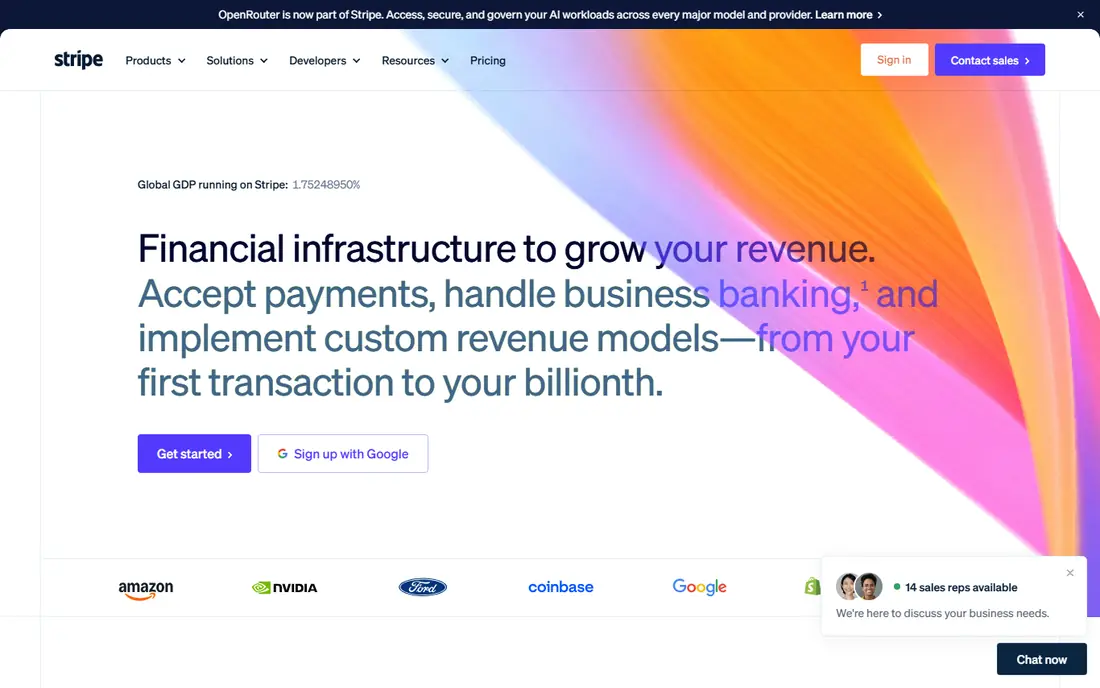
Stripe is the leading online payments platform for businesses that sell on websites, apps, or marketplaces. Its APIs support cards, wallets, subscriptions, and marketplace payouts.
It needs developer effort or a platform integration, so non-technical sellers may prefer Square or PayPal. Pricing is per transaction, with extra fees for some features.
Our view: the best choice for online businesses that need flexible payments.
Bottom line: Stripe is a strong fit for online and platform payments, and its main draw is flexible payment APIs. Weigh that against the limits above before you commit, and test it with your own real work during any trial or free period.
- Flexible payment APIs
- Online checkout
- Subscription and marketplace tools
- Developer effort needed
- Pricing is per transaction with extra fees for some features
PayPal
Ideal for: Trusted checkout for buyers
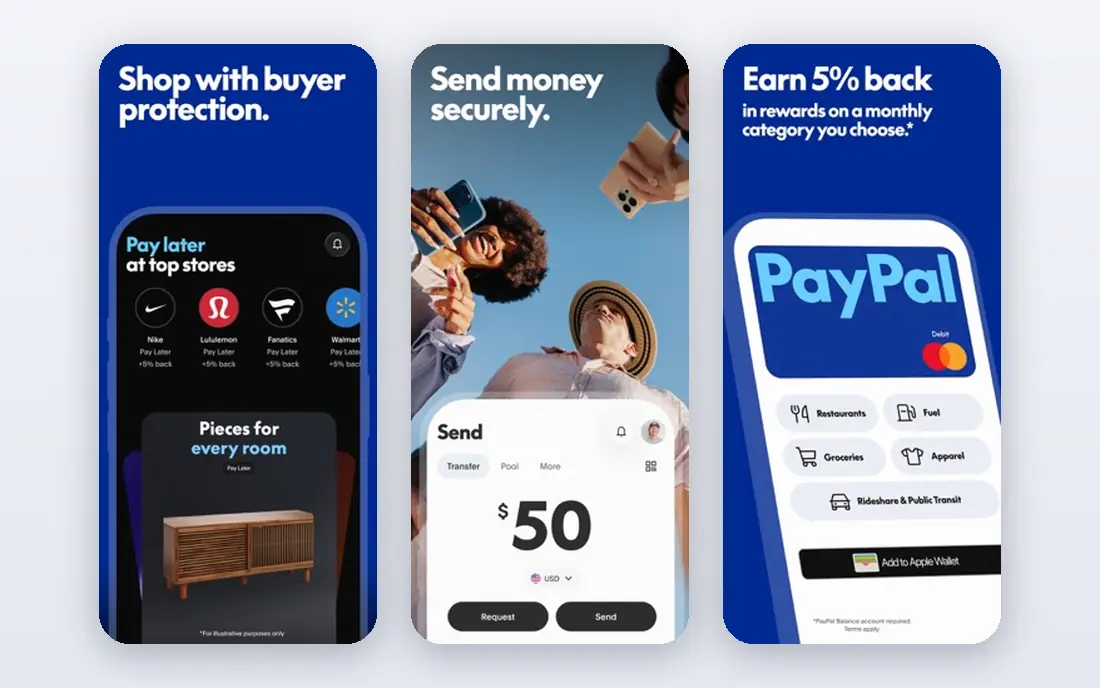
PayPal lets businesses accept cards and PayPal payments online, by invoice, or in person with card readers in some regions. Buyers trust the PayPal name, which can lift checkout completion.
Transaction fees apply, and new sellers may face holds on funds until a history is built. For online sellers, though, buyer recognition is a real advantage.
Our view: a strong checkout choice when buyer trust matters most.
Bottom line: PayPal is a strong fit for trusted checkout for buyers, and its main draw is buyer trust and recognition. Weigh that against the limits above before you commit, and test it with your own real work during any trial or free period.
- Buyer trust and recognition
- Online checkout and invoicing
- Seller tools
- Fees apply per transaction
- Holds can affect new sellers
Shopify Payments
Ideal for: Shopify store payments
Shopify Payments is built into Shopify stores, letting merchants accept cards without a separate gateway. Sales, payouts, and store data sit in one dashboard.
It requires a Shopify store, and transaction fees still apply, varying by plan. For Shopify sellers, it is the simplest payment setup available.
Our view: the natural payment choice for Shopify stores.
Bottom line: Shopify Payments is a strong fit for shopify store payments, and its main draw is built into Shopify stores. Weigh that against the limits above before you commit, and test it with your own real work during any trial or free period.
- Built into Shopify stores
- No extra gateway fees on Shopify plans
- Unified dashboard
- Needs a Shopify store
- Transaction fees still apply
Helcim
Ideal for: Transparent card processing
Helcim offers card processing with interchange-plus pricing, which shows the real card cost plus a markup, rather than a flat blended rate. That transparency can save money for higher-volume sellers.
It is a smaller brand than Square or Stripe, and setup involves a merchant account application. For sellers who want pricing clarity, it is worth a quote.
Our view: a transparent pricing option for sellers who want to see real card costs.
Bottom line: Helcim is a strong fit for transparent card processing, and its main draw is interchange-plus pricing transparency. Weigh that against the limits above before you commit, and test it with your own real work during any trial or free period.
- Interchange-plus pricing transparency
- No monthly fees on some plans
- Hardware options
- Smaller brand than Square or Stripe
- Setup needs a merchant account
Stax
Ideal for: Subscription-style processing
Stax, formerly Fattmerchant, offers subscription-style card processing with interchange-plus rates and business tools. Higher-volume sellers can save compared with flat-rate pricing.
A monthly subscription applies, so low-volume sellers may do better with Square pay-as-you-go pricing. For steady, higher-volume sales, the model can pay off.
Our view: a strong subscription-pricing option for higher-volume sellers.
Bottom line: Stax is a strong fit for subscription-style processing, and its main draw is subscription pricing for processing. Weigh that against the limits above before you commit, and test it with your own real work during any trial or free period.
- Subscription pricing for processing
- Interchange-plus rates
- Business tools
- Monthly subscription cost
- Best for higher-volume sellers
Clover
Ideal for: Countertop card systems
Clover offers countertop point-of-sale systems with card payments, inventory, employee tools, and an app market for restaurants and retailers. Its hardware feels professional at the counter.
Hardware and plan costs are higher than Square basic readers, and contract terms vary by reseller, so read terms carefully. For established counters, its full system is appealing.
Our view: a polished counter system for established retail and restaurant businesses.
Bottom line: Clover is a strong fit for countertop card systems, and its main draw is full point-of-sale hardware and software. Weigh that against the limits above before you commit, and test it with your own real work during any trial or free period.
- Full point-of-sale hardware and software
- Restaurant and retail tools
- App market
- Hardware and plan costs are higher
- Contracts vary by reseller
How we picked these
We compared official feature pages and pricing pages, and we looked at transaction fees, hardware, payout timing, setup effort, and online versus in-person coverage. We favoured providers with clear fee pages.
We did not claim hands-on processing. Where fees varied by plan or sales mix, we wrote See website or noted the model rather than quoting a single rate.
How to choose a card payment app
Start with where you sell. In-person sellers suit Square or Clover, online sellers suit Stripe or PayPal, and Shopify sellers suit Shopify Payments. Channel fit avoids awkward workarounds.
Also consider how refunds and chargebacks are handled by each provider. Clear refund flows protect your reputation, and a provider with slow dispute handling can leave you waiting weeks for a resolution on a single sale.
Compare total fees on your real sales. Flat-rate, interchange-plus, and subscription pricing suit different volumes, so model your monthly sales, average ticket, and card mix before choosing.
Check payout timing and holds. Some providers pay next day, while others hold funds for new sellers or risky categories. Cash flow matters, so confirm payout terms in writing.
Test hardware and the app before committing. Order a basic reader, run test sales, and check refunds, receipts, and reporting. A smooth test predicts a smooth launch.
Confirm contract terms carefully. Watch for monthly minimums, early termination fees, and hardware leases, especially with reseller-sold systems such as Clover.
Finally, check support quality. Payment problems block sales, so test support response times during your trial and note whether help is available when you actually sell.
Frequently asked questions
What is the cheapest way to accept credit cards?
It depends on volume. Square suits low-volume sellers with no monthly fee, while Helcim or Stax can save higher-volume sellers through interchange-plus or subscription pricing.
Do I need hardware to accept cards?
For in-person sales, yes, usually a reader or terminal. For online sales, payment links, checkout, or invoices work without hardware.
How fast do I get paid after a card sale?
Payout timing varies by provider, from next day to several days, and new sellers may face holds. Confirm payout terms before you start selling.
Can I accept cards without a business bank account?
Most providers need a bank account for payouts, though some offer wallet or card payout options. Check each provider requirements before signing up.
Is Square or Stripe better for a small business?
Square suits small businesses that sell in person or want simple setup, while Stripe suits online businesses that need flexible payment tools. Many businesses use both.
Can I accept contactless payments with these apps?
Yes. Square, Clover, PayPal, and most providers here support tap-to-pay cards and wallets through readers or compatible phones, depending on your region and hardware.