Best Apps to Read Books for Free in 2026: 8 Options Compared

- 1
 LibbyLibrary ebooks and audiobooksVisit
- 2
 HooplaInstant library borrowingVisit
- 3
 Project GutenbergClassic public domain booksVisit
- 4
 Open LibraryBorrowing classic and modern booksVisit
- 5
 Google Play BooksFree books plus a storeVisit
- Libby and Hoopla suit library card holders for ebooks and audiobooks.
- Project Gutenberg and Open Library suit classic and public domain books.
- Google Play Books and Kindle suit free sections alongside paid stores.
- A library card gives the most value, so get one before you pay for a reading app.
Quick comparison
| Product | Ideal for | Price from | Free version | |
|---|---|---|---|---|
| Libby | Library ebooks and audiobooks | Free | Yes | Visit |
| Hoopla | Instant library borrowing | Free | Yes | Visit |
| Project Gutenberg | Classic public domain books | Free | Yes | Visit |
| Open Library | Borrowing classic and modern books | Free | Yes | Visit |
| Google Play Books | Free books plus a store | Free | Yes | Visit |
 Kindle App | Free books on any device | Free | Yes | Visit |
 Kobo App | Free books and an alternative store | Free | Yes | Visit |
 Audible Free Section | Free audiobooks and podcasts | Free | Yes | Visit |
The best best app to read books for free
Free reading apps should give you real books, not just samples, without a subscription trap. We compared library access, public domain catalogs, audiobooks, offline reading and ease of borrowing, and we favored apps that work with a public library card or a truly free catalog.
In this guide, we list eight best app to read books for free options and explain who each one suits best, what it costs to start, and where it falls short. We kept the list focused on products that are widely available in the United States and that a reader can actually sign up for today, rather than filling the list with niche tools that are hard to buy or that have stopped updating their product. Prices and free tiers are shown as we found them in October 2026, and we note where a price needs a check on the vendor site because it varies by plan, team size or region.
Libby
Ideal for: Library ebooks and audiobooks
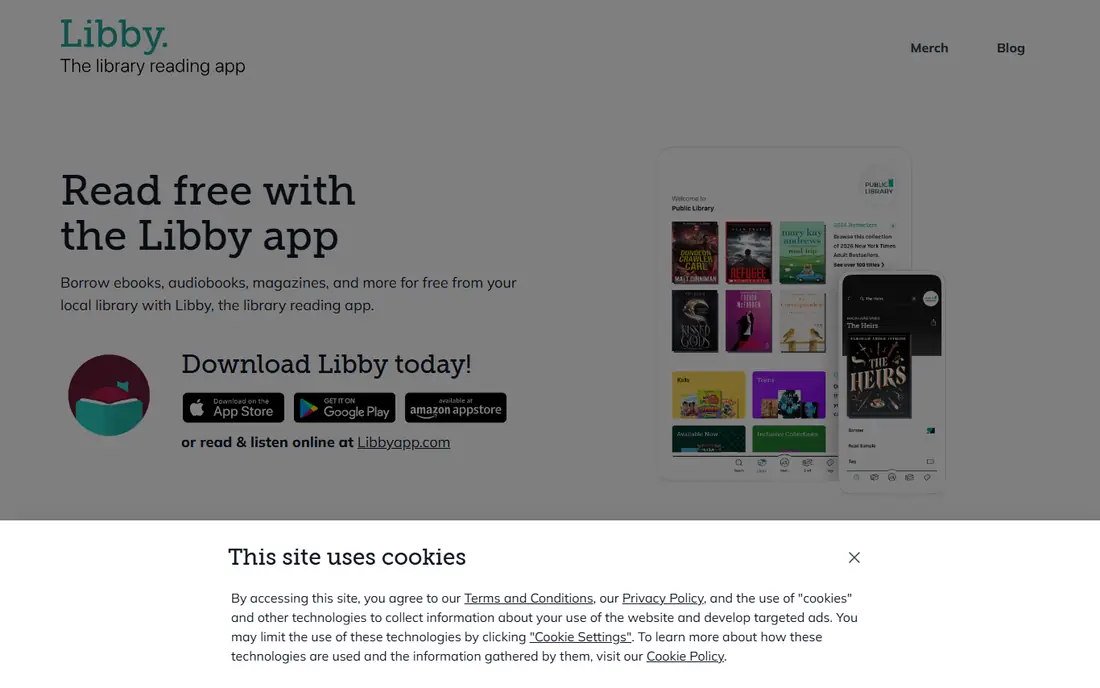
Libby, from OverDrive, lets library card holders borrow ebooks and audiobooks, place holds, download for offline reading and sync to Kindle in the US. It suits readers who want new releases free through their public library.
Popular titles carry wait times, and availability depends on your library collection. For most readers, Libby plus a library card is the best free reading setup available, covering both ebooks and audiobooks.
- Library ebooks and audiobooks
- Holds and offline reading
- Kindle sync in US
- Needs a library card
- Popular titles have wait times
Hoopla
Ideal for: Instant library borrowing
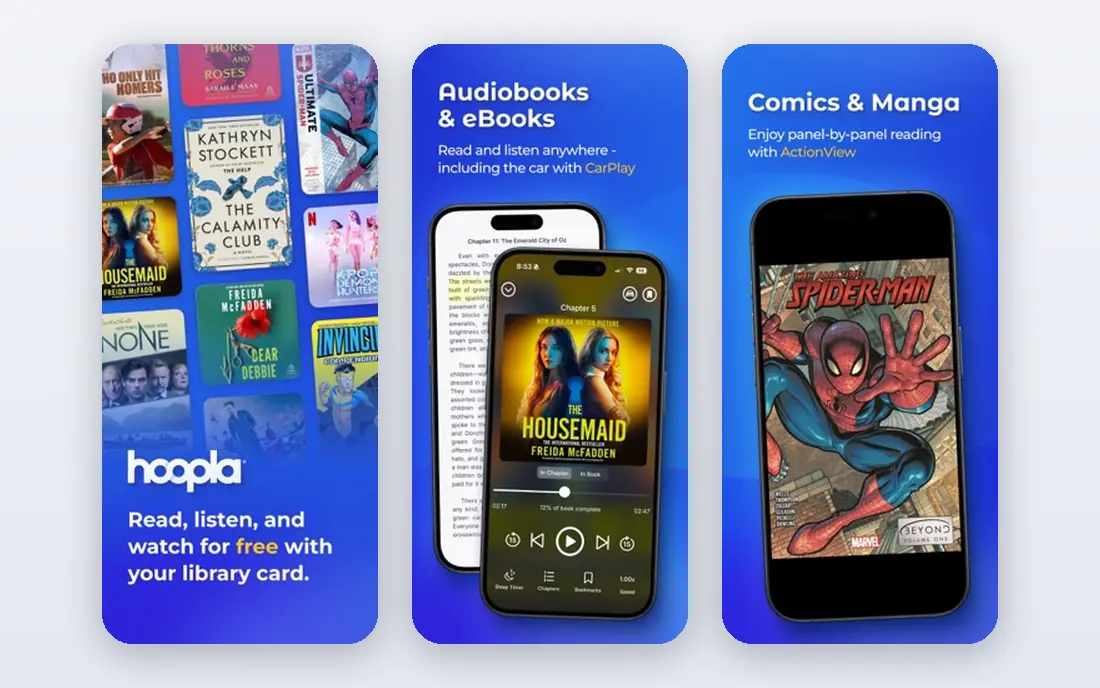
Hoopla offers instant borrowing from participating libraries with no wait lists, covering ebooks, audiobooks, comics, music and video. It suits readers who want a book now rather than a hold queue.
Monthly borrow limits vary by library, and catalog depth differs from Libby. Hoopla works best alongside Libby: use Hoopla for instant picks and Libby for new releases and holds.
- Instant borrows with no waits
- Ebooks, audiobooks and more
- Monthly borrow limits vary by library
- Catalog varies
Project Gutenberg
Ideal for: Classic public domain books
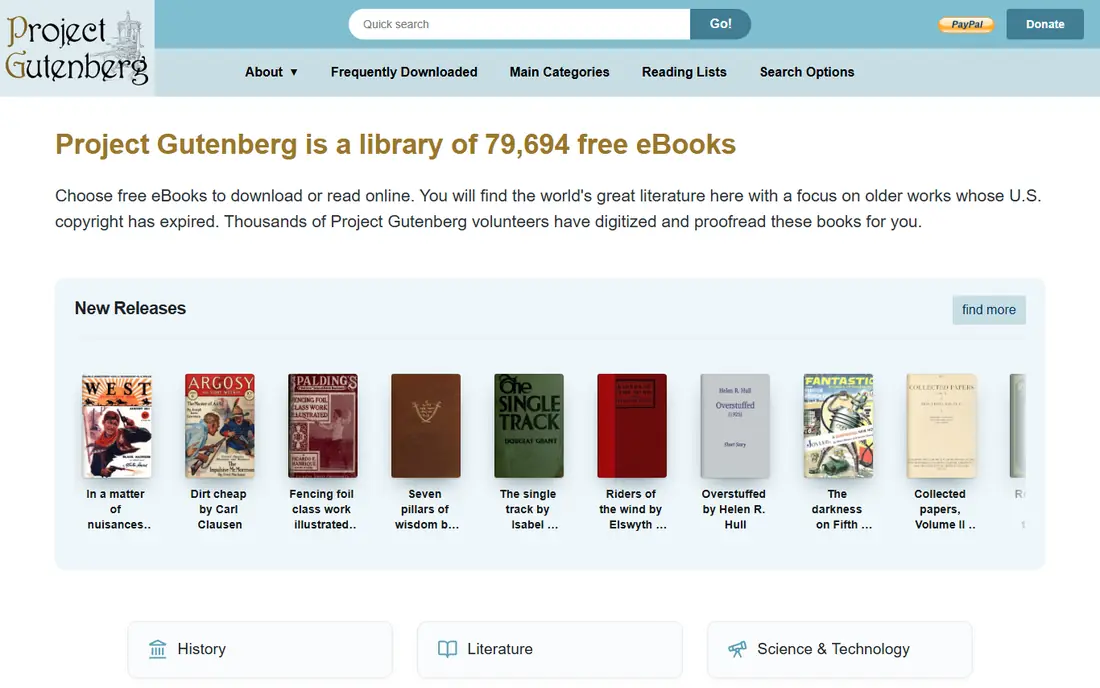
Project Gutenberg offers tens of thousands of free public domain ebooks, including classic novels, poetry and nonfiction, in formats for most readers and apps. It needs no account and no library card.
The catalog covers older works only, so new releases are absent, and the reading experience is simple. For classics, Project Gutenberg remains the most reliable free source.
- Over 70,000 free ebooks
- Many formats
- No account needed
- Classics only
- No new releases
- Simple reading experience
Open Library
Ideal for: Borrowing classic and modern books
Open Library, from Internet Archive, offers a large catalog of books to borrow or read, including many public domain works and controlled digital lending for newer titles. It suits readers and researchers looking beyond a local library catalog.
Borrow limits and waits apply to some titles, and the interface is basic compared with Libby. For discovery and older titles, Open Library is a valuable free complement.
- Large catalog
- Controlled digital lending
- Many formats
- Borrow limits and waits for some titles
- Interface is basic
Google Play Books
Ideal for: Free books plus a store
Google Play Books includes a free section with classics and promotional titles, plus cloud sync, notes and Android integration for purchased books. It suits Android readers who want one app for free and paid books together.
The free catalog is limited compared with Libby or Project Gutenberg, since most current titles are paid. Use Play Books for its free section and convenience, not as a sole free library.
- Free ebook section
- Cloud sync
- Android integration
- Free catalog is limited
- Full books are mostly paid
Kindle App
Ideal for: Free books on any device
The free Kindle app reads free classics, daily deals and library books synced from Libby in the US, with Whispersync, notes and cross-device progress. It suits readers who already use Amazon or who borrow through Libby.
Most new Kindle books are paid, so the free value comes from classics, deals and library loans. For Kindle owners and app readers alike, the free app is a useful reading home.
- Free classics and deals
- Whispersync
- Large store
- Free catalog is limited
- Best with Amazon account
Kobo App
Ideal for: Free books and an alternative store
Kobo offers a free app with a free ebook section, reading statistics, adjustable fonts and lighting, and a store alternative to Kindle. It suits readers who prefer Kobo devices or who want an alternative ecosystem.
The free catalog is limited, and the US store is smaller than Kindle. For free classics and comfortable reading settings, Kobo is a solid choice, especially for Kobo e-reader owners.
- Free ebook section
- Reading stats
- Adjustable reading settings
- Free catalog is limited
- Store is smaller than Kindle in US
Audible Free Section
Ideal for: Free audiobooks and podcasts
Audible offers a free section with selected audiobooks, podcasts and Audible Originals that do not need a full membership. It suits listeners who want to try audiobooks before committing to a subscription.
The full audiobook catalog is paid, so free listeners should pair Audible free content with Libby or Hoopla for library audiobooks. For a taste of audiobook listening, the free section is a good start.
- Free audiobooks and podcasts
- Audible app features
- Full audiobook catalog is paid
- Free section is limited
How we picked these
We compared official feature pages, pricing pages, app store listings, privacy policies and public reviews for each option, and we checked that each product is still available and working in October 2026. We favored products that fit the topic directly, publish clear pricing or a clear free tier, and explain how they handle data and support. We left out products that looked discontinued, that did not match the topic, or whose official homepage we could not verify. Prices change often, so check the vendor page linked in each block before you pay.
We also paid attention to the details that decide daily satisfaction, not just headline features. That meant checking how a free plan actually limits use, whether a paid plan is priced per user, per device or per account, and what happens when you add team members or exceed a limit. Where a vendor only publishes quote-based pricing, we say so rather than guessing a number, and where a first-year discount differs from a renewal price, we flag that difference in the product write-up so the second year does not come as a surprise.
How to read free without running out of books
Get a library card first. Libby and Hoopla together cover new releases, instant borrows, ebooks and audiobooks at no cost, and many libraries offer cards online to local residents. That single step gives more free books than any paid app trial.
Build a backup shelf from public domain sources. Project Gutenberg and Open Library cover classics and older nonfiction that never expire, so a reading slump never means an empty shelf. Download a few classics for offline reading before a trip.
Use holds strategically. Place holds on popular Libby titles early, read an instant Hoopla pick while you wait, and keep a classic from Gutenberg as a fallback. A small queue keeps reading steady without paying for impatience.
Before you commit, run a short trial with the work you actually do, not with demo data. Set up one real project, booking, routine or workflow, invite the people who will use the tool every day, and check support response time when you hit a question. A product that feels good in a sales demo can still fail on a busy day, so a trial that mirrors real use is the most reliable test. If two options feel close after that trial, choose the one with clearer pricing, simpler cancellation and better support, since those factors matter long after the novelty of a new tool fades. Keep a note of the trial end date, the renewal price and the cancellation steps, so a decision made in a hurry does not turn into a subscription you forgot to review. That small record, kept in the same place as your other subscription dates, makes the yearly renewal check a five-minute job rather than a surprise bill.
Frequently asked questions
What is the best app to read books for free?
Libby is the best free reading app for most people because it borrows new ebooks and audiobooks through a library card. Hoopla suits instant borrows, and Project Gutenberg suits classics.
What is the best app for free audio books?
Libby and Hoopla are the best free audiobook apps through a library card, covering new and backlist titles. Audible free content offers a smaller selection without a membership.
What is the best library app?
Libby leads for library borrowing, with holds, offline reading and Kindle sync in the US. Hoopla complements it with instant borrows and no wait lists at participating libraries.
Can I read books for free on Kindle?
Yes, the free Kindle app reads free classics, deals and library books borrowed through Libby in the US. Most new Kindle titles are paid, but library and classic options keep reading free.
Are free book apps legal?
Yes, when books come from a library, a public domain source like Project Gutenberg, or a publisher free section. Avoid pirate sites that offer new books free without a license, since those copies are not legal.