App to Scan PDF: 6 Tools Worth Comparing in 2026

- 1
 CamScannerFeature depth and batch workVisit
- 2
 SwiftScanSpeed and workflowsVisit
- 3
 Genius ScanQuick private scanningVisit
- 4
 iScannerAI cleanup and additional toolsVisit
- 5
 Apple NotesIPhone owners, no installVisit
- CamScanner is the opening pick, best for feature depth and batch work.
- 6 out of 6 tools include a free plan, among them CamScanner, SwiftScan, Genius Scan and iScanner.
- The lowest published monthly entry price here is $3.99 per month, from iScanner.
- What to know about Genius Scan first: text recognition sits behind the premium level.
Direct answer
Start with CamScanner if you need feature depth and batch work. Look at SwiftScan for speed and workflows, and at Genius Scan for quick private scanning. The full list of 6 tools follows, with prices and free plan facts.
Quick comparison
| Product | Ideal for | Price from | Free version | |
|---|---|---|---|---|
| CamScanner | Feature depth and batch work | Free | Yes | Visit |
| SwiftScan | Speed and workflows | Free | Yes | Visit |
| Genius Scan | Quick private scanning | Free | Yes | Visit |
| iScanner | AI cleanup and additional tools | $3.99 per month | Yes | Visit |
| Apple Notes | IPhone owners, no install | Free | Yes | Visit |
 Adobe Scan | Best free scan quality | Free | Yes | Visit |
App to Scan PDF compared in detail
Ainotely compared 6 tools for app to scan PDF. The goal is a practical shortlist: published prices, free plan facts, best-fit use cases and honest limits for every entry.
CamScanner
Ideal for: Feature depth and batch work
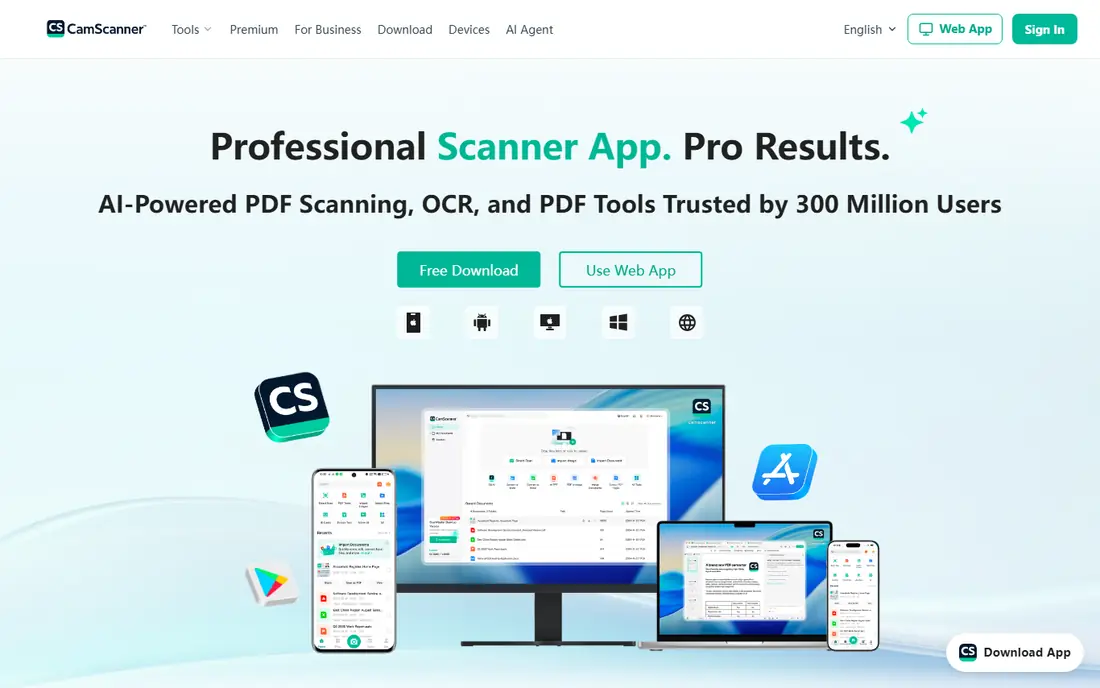
CamScanner is built with feature depth and batch work in mind. CamScanner is the power-user choice, with the widest feature set here: batch scanning, text recognition in more than 40 languages, annotations, faxing, and export to Google Drive, Dropbox, and Box.
The main drawbacks: Premium costs about $4.99 to $9.99 a month in guides.
As for the details, high-volume users who scan daily will use features the more straightforward apps lack. On cost, CamScanner starts like this: Free. Free access exists with CamScanner.
- Deep feature set with batch scanning
- Text recognition in 40 plus languages
- Past privacy questions linger
SwiftScan
Ideal for: Speed and workflows

Choose SwiftScan for speed and workflows. SwiftScan, formerly Scanbot, is aimed at people who scan on the move. Beyond that, capture is quick, edge detection is steady, and automatic file naming plus cloud workflows move scans to Dropbox, Drive, and other services with little manual work.
Watch-outs: Free scans carry a watermark.
In practice, travelers and freelancers who scan receipts and contracts daily will feel the speed difference. That makes the free tier a trial more than a daily tool for searchable PDFs. SwiftScan starts at: Free. A free plan is available with SwiftScan.
- Very quick capture and clean interface
- Automatic file naming
- Formerly named Scanbot
Genius Scan
Ideal for: Quick private scanning
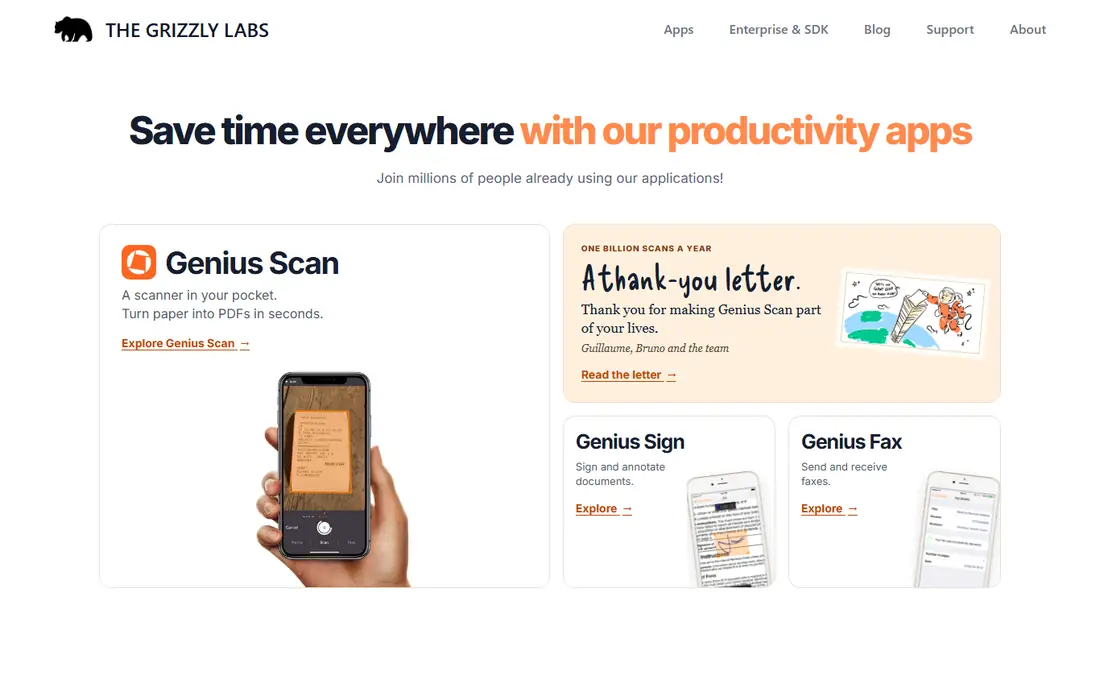
Where Genius Scan fits: quick private scanning. Text recognition sits behind the premium level, with guides listing either a one-time purchase near $2.99 or a subscription near $4.99 a month, so check the current store terms.
Watch-outs: One-time purchase near $2.99 in some guides, subscription in others.
Beyond that, if you need searchable text free, Adobe Scan or Lens spans you. Genius Scan pricing: Free. Genius Scan offers a free plan.
Main advantages: Quick capture with decent edge detection.
- No account needed
- No watermark on free scans
- Text recognition sits behind the premium level
iScanner
Ideal for: AI cleanup and additional tools
Where iScanner fits: AI cleanup and additional tools. Users who only scan occasionally will get more free value from Adobe Scan or Lens. Edge cleanup, blur matching, and enhancement tools tidy up hard pages.
Strengths: AI edge cleanup and polish.
Where it falls short: Some features push toward the subscription; premium plans near $3.99 a month or more in guides. The feature set runs wider than most rivals, with document tools beyond straightforward capture. Text recognition is included, which fits users who want searchable PDFs without Adobe. Worth adding: iScanner layers on AI polish to the standard scan flow. Price to start with iScanner: $3.99 per month. Free access exists with iScanner.
- Text recognition included
- Broad feature set beyond scanning
- Free level is restricted
Apple Notes
Ideal for: IPhone owners, no install
Apple Notes is aimed squarely at iPhone owners, no install. Apple Notes is the scanner most iPhone owners already have. The limits are scope and system.
Limits to weigh: Scans live inside Notes except when shared out.
There is nothing to install, nothing to pay, and scans stay on your device except when you share them. There are no batch workflows, no advanced naming rules, and no Android version. For casual iPhone scanning, a receipt here and a form there, it is all most people need, and it costs nothing. Starting cost for Apple Notes: Free. Apple Notes has a free plan.
- Built into every iPhone and iPad
- Free with no watermark
- No batch workflows or advanced export
Adobe Scan
Ideal for: Best free scan quality
Adobe Scan is designed for best free scan quality. Point the camera at a page and it finds the edges, straightens the image, cleans up shadows, and runs text recognition so the PDF is searchable.
Main advantages: No watermark on free scans.
Limits to weigh: Scans lean on Adobe cloud. The primary trade-off is the Adobe cloud: scans sync to Adobe Document Cloud, which fits Adobe users and worries privacy-first users. Also, the free version is ample, with unlimited scans and no watermark, which spans most personal and student use outright. On cost, Adobe Scan starts like this: Free. Adobe Scan has a free plan.
- Solid text recognition for searchable PDFs
- Auto page detection and cleanup
- Premium at $9.99 a month brings storage and features most casual users skip
Our selection method
Selection started from tools commonly considered for app to scan PDF, then narrowed to 6 that have clear pricing information or a clear quote process. Treat prices as a snapshot: vendors change plans often, so check the vendor site for the figure that applies today. Position on the page reflects fit for a typical buyer first, with price clarity and free access breaking ties. Treat it as a guide, not a ruling.
A buyer's checklist
- Prices are a starting point; iScanner shows $3.99 per month to start, so verify what your seat count would cost.
- Look at free plan limits closely: CamScanner, SwiftScan, Genius Scan and others have one, and the caps decide whether it is usable for real work.
- Before choosing CamScanner, weigh its main limit: free scans carry a watermark.
- Read the plan comparison for Adobe Scan carefully; key features often start on a higher tier.
- Check whether CamScanner bills monthly or annually, and what cancelling early costs.
Frequently asked questions
What is the best free app to scan to PDF?
CamScanner comes first here and is built for feature depth and batch work. Buyers with other needs may prefer SwiftScan (for speed and workflows) or Genius Scan (for quick private scanning). Compare costs and limits first.
What is the cheapest option for app to scan PDF in this list?
On published monthly entry prices, iScanner is the lowest here at $3.99 per month. Entry price is only part of the cost, because seats, add-ons and billing terms can change the total.
Which options for app to scan PDF have a free plan?
6 of the 6 tools have a free plan, including CamScanner, SwiftScan, Genius Scan and iScanner. Free plans usually cap users, projects or features, so check the limits on the vendor page.
Can scanner apps make PDFs searchable?
Yes, when text recognition is included. Adobe Scan, Lens, CamScanner, and iScanner offer it, though Genius Scan and SwiftScan keep it behind premium levels.
Do these tools publish their prices?
Yes. Every tool from CamScanner to Adobe Scan shows a starting price, though seats, add-ons and billing terms still change the final cost.
How are the tools for app to scan PDF ordered?
The order follows typical fit for app to scan PDF, with CamScanner first and Adobe Scan last, then price clarity and free access. It is editorial judgement, not a score, so another team could rank the tools differently.