Best App to Share Videos in 2026: 8 Apps Compared

- YouTube is the best all-round video sharing platform, with the largest audience, strong search, and free uploads.
- Vimeo suits creators who care about quality and an ad-free player, while TikTok suits short vertical clips built for discovery.
- Streamable is the fastest way to share a single clip with a link, and Loom and Vidyard suit work videos and sales messages.
- Odysee offers a decentralized alternative with creator-friendly discovery, while Wistia suits businesses that want branded players and analytics.
- Think about privacy before you upload. Public platforms are built for discovery, while business tools give you password protection and viewer controls.
Quick comparison
| Product | Ideal for | Price from | Free version | |
|---|---|---|---|---|
 YouTube | Largest audience and search | Free | Yes | Visit |
 Vimeo | High quality ad-free hosting | Free | Yes | Visit |
 TikTok | Short vertical video discovery | Free | Yes | Visit |
 Streamable | Fast single-clip sharing | Free | Yes | Visit |
 Loom | Work video messages | Free | Yes | Visit |
 Odysee | Decentralized video sharing | Free | Yes | Visit |
 Wistia | Branded business video hosting | Free | Yes | Visit |
 Vidyard | Sales and marketing video | Free | Yes | Visit |
The best apps to share videos
We compared official feature pages, pricing pages, app store listings, and public reviews for the apps below. Our pick for most people is YouTube, because it combines free uploads, a huge audience, search visibility, and simple sharing links in one place.
YouTube
Ideal for: Largest audience and search
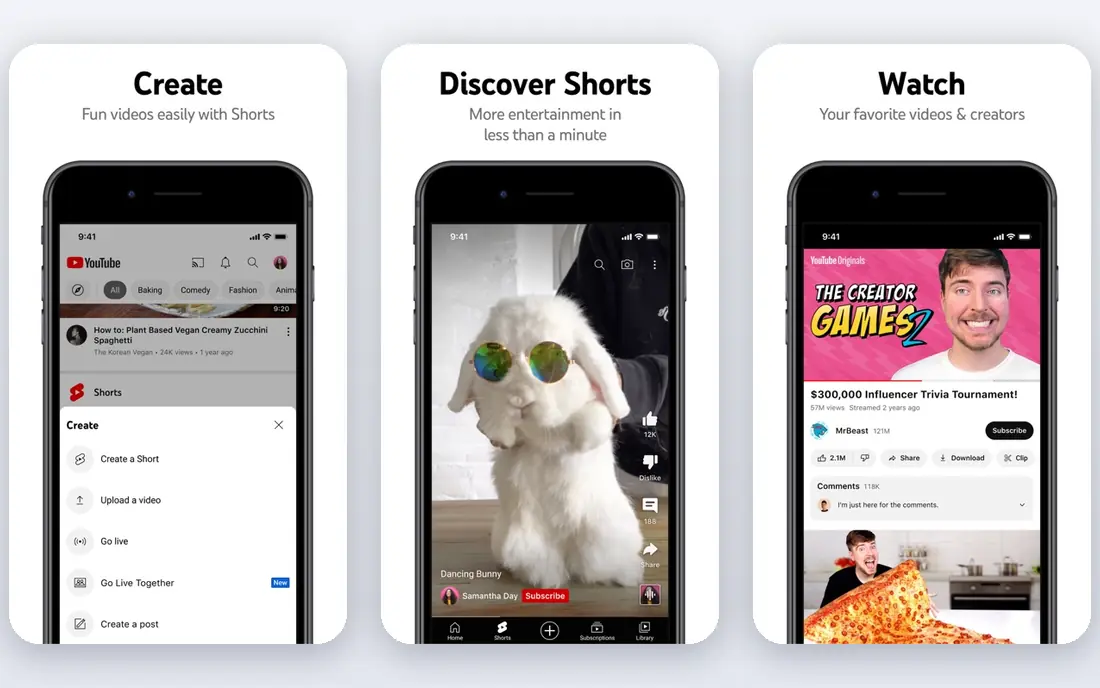
YouTube remains the default place to share videos, because it is where viewers already search. You can upload long videos, Shorts, and live streams, set videos to public, unlisted, or private, and share a link anywhere. Search visibility means a useful video can keep finding viewers for years.
The trade-off is competition and ads. Standing out takes consistent posting and good titles, and most videos play with ads unless viewers pay for Premium. For reach, search, and staying power, no other platform on this list matches YouTube.
- Largest video audience and strong search
- Free uploads with privacy options
- Live streaming, Shorts, and community tools
- Crowded feed makes discovery competitive
- Ads on most videos
- Content rules and monetization thresholds can frustrate new creators
Vimeo
Ideal for: High quality ad-free hosting
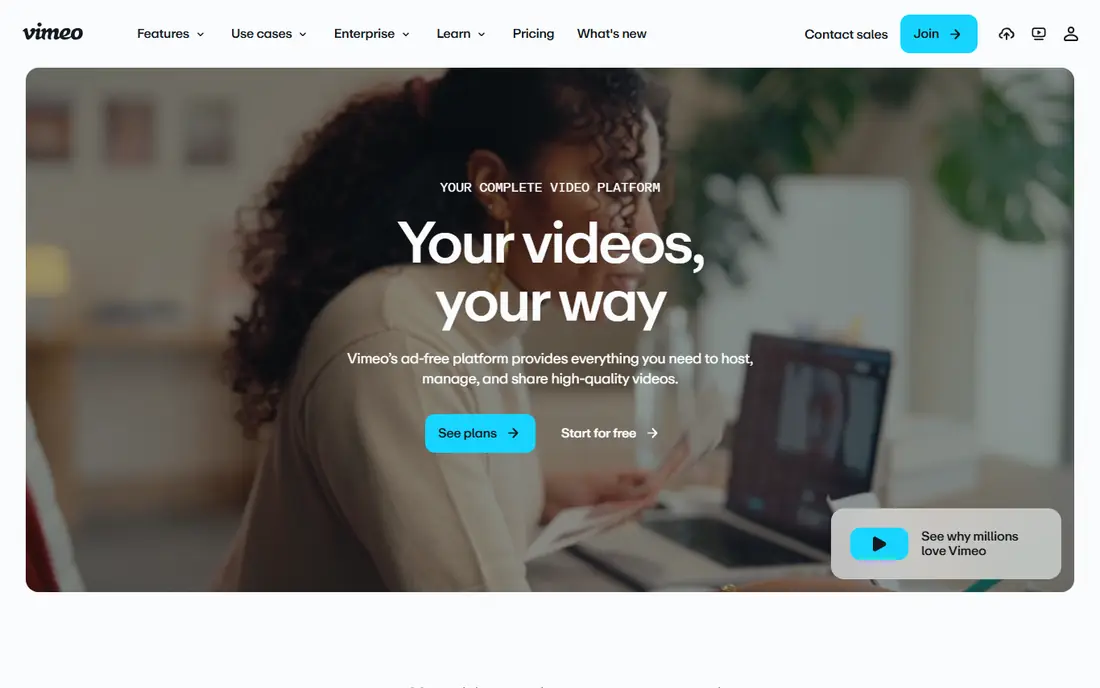
Vimeo is the quality-first choice. Videos play ad-free in high resolution, embeds can be customized to match your site, and privacy controls include password protection and domain restrictions. Review tools let collaborators leave time-coded comments and track versions in one library.
Anyone can now share unlimited public videos on Vimeo for free, though storage and advanced features still sit on paid plans. The audience is smaller and more professional than YouTube, so Vimeo suits portfolios, client work, and embedded site videos more than chasing viral reach.
- Ad-free high quality playback
- Strong privacy and embed controls
- Review tools with time-coded comments
- Free plan limits apply to storage and features
- Smaller audience than YouTube
- Advanced tools need paid plans
TikTok
Ideal for: Short vertical video discovery
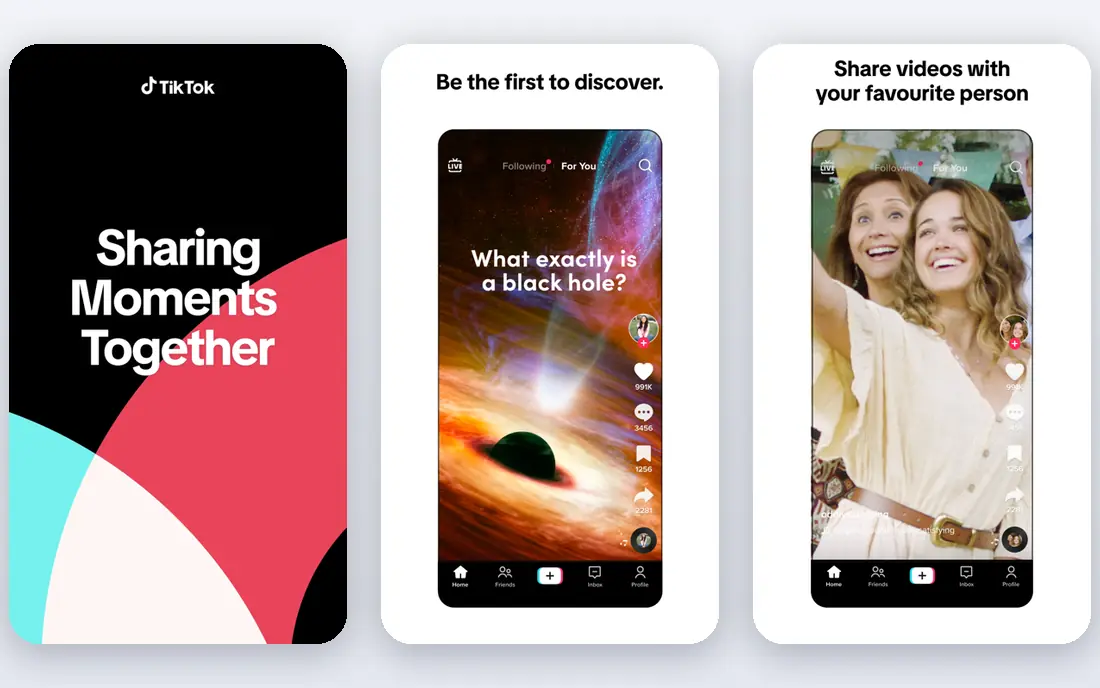
TikTok is built for short vertical video that travels. Its feed can surface a new creator to millions of viewers without an existing following, and built-in editing, effects, music, and sounds make polished clips fast to produce. For quick tips, behind-the-scenes clips, and entertainment, it is unmatched for discovery.
The format has limits. Long or detailed topics fit poorly, trends change weekly, and reach depends on an algorithm that shifts without warning. Use TikTok to reach new viewers, and send them to YouTube or your site for longer content.
- Powerful discovery for short vertical clips
- Built-in editing, effects, and sounds
- Huge active audience
- Short format limits depth
- Trends move fast
- Creators depend on an algorithm they do not control
Streamable
Ideal for: Fast single-clip sharing
Streamable is the simplest tool on this list. Drag in a video file, get a link, and share it anywhere, with no account needed for basic uploads. Playback supports 4K at 60 frames per second, and one-click resizing adapts clips to widescreen, square, or vertical formats.
It is not a place to build an audience. There is no feed or discovery, and free use has limits on uploads and storage. For sharing a game clip, a bug recording, or a quick video with friends or a team, Streamable is the fastest option here.
- Upload and share a clip with a link in seconds
- No account needed for basic uploads
- 4K playback and simple editing
- Not a discovery platform or audience builder
- Free uploads have limits
- Branding and analytics need paid plans
Loom
Ideal for: Work video messages
Loom turns a message into a video. Record your screen, camera, or both, trim and stitch clips, add text and overlays, then share a link or embed the video in Slack, email, or docs. Transcripts and captions in many languages make videos accessible, and viewer insights show who watched.
It is a work tool, not a public platform, so there is no audience or discovery. Free plans limit recording length and storage, with fuller features on paid tiers. For team updates, tutorials, feedback, and async explanations, Loom saves meetings and keeps context clear.
- Fast screen and camera recording
- Easy sharing and embedding
- Transcripts, captions, and viewer insights
- Business-focused, not a public video platform
- Free plan limits recording length and storage
- Best features need paid plans
Odysee
Ideal for: Decentralized video sharing
Odysee is a video sharing platform built on decentralized technology, where creators run channels, upload videos, and build audiences across topics from tech and gaming to education and music. Discovery pages surface new and featured creators, and live streaming is supported.
The audience is far smaller than YouTube or TikTok, and the platform's moderation approach differs from larger sites, so the content mix varies widely. For creators who want an alternative home for their videos and more direct control over their channel, Odysee is worth trying alongside a mainstream platform.
- Open video platform with creator channels
- Discovery across many topics
- Live streaming support
- Smaller audience than mainstream platforms
- Content moderation differs from larger sites
- Interface feels less polished
Wistia
Ideal for: Branded business video hosting
Wistia is a video platform for businesses that want video on their own site to look and work professionally. Players are ad-free and on brand, webinars run with engagement tracking, and analytics show who watched, for how long, and whether they are ready for sales follow-up. Forms inside videos can capture leads directly.
There is no public feed or discovery audience, so Wistia complements YouTube rather than replacing it. Pricing beyond the free tier is business-oriented. For marketing teams that measure video impact, Wistia is the most capable option here.
- Ad-free branded players and embeds
- Webinar tools and engagement analytics
- Lead capture forms inside videos
- Business pricing beyond the free tier
- No public discovery audience
- Setup is heavier than simple sharing tools
Vidyard
Ideal for: Sales and marketing video
Vidyard helps sales and marketing teams send personal video that stands out in crowded inboxes. You can record a message, see who watched and for how long, host a branded video library, and connect viewing data to your CRM so follow-ups happen at the right moment.
It is built for revenue teams, so casual creators will find it overpowered for simple sharing. Free use covers basic recording and sharing, with automation and deeper analytics on paid plans. For outreach, onboarding, and customer training videos, Vidyard ties video to results better than generic hosts.
- Personal video messages for sales outreach
- Hosting with viewer engagement analytics
- Integrations with CRM and marketing tools
- Sales focus limits general sharing use
- Advanced automation needs paid plans
- Free tier is a starting point, not the full product
How we picked these
We compared official feature pages, pricing pages, app store listings, and public reviews for each app, and we opened every homepage to confirm it loads and belongs to the product named. We dropped three candidates whose homepages could not be fetched in our checks, and replaced them with Odysee, Wistia, and Vidyard. We favored platforms still operating in October 2026 that let you upload and share a video with a link, and we left out pure editing apps with no hosting.
Choosing between public reach and private control
Public platforms and business tools solve different problems. If you want viewers to find you, YouTube and TikTok are the obvious pair, with Vimeo as a quality portfolio. If you want to control who watches, business tools like Wistia, Vidyard, and Loom offer passwords, private links, and viewer analytics.
Check privacy settings before every upload. A video set to public can be downloaded, reposted, and indexed, so keep personal details, client work, and unreleased material on private or unlisted links. For client videos, a password-protected business host is safer than a public link shared by email.
Frequently asked questions
What is the best app to share videos for free?
YouTube is the best free option for most people, with free uploads, a huge audience, and privacy settings for public, unlisted, and private videos. Vimeo also offers free sharing, and Streamable is the fastest free way to share a single clip.
What is the best video sharing app for business?
Wistia is our pick for business video hosting, with branded players, lead capture, and engagement analytics. Vidyard suits sales teams that want personal video outreach, and Loom suits internal team video messages.
Is Vimeo better than YouTube?
Vimeo is better for ad-free quality, privacy controls, and professional portfolios, while YouTube is better for audience size, search visibility, and discovery. Many creators use both: YouTube for reach and Vimeo for client work and embeds.
How can I share a video privately?
Use unlisted or private settings on YouTube, password protection on Vimeo or Wistia, or a private link from Loom or Streamable. Avoid posting sensitive videos publicly, and check the platform's privacy page before sharing client or personal material.
What is the best app for sharing short videos?
TikTok is the best app for short vertical video discovery, with built-in editing and a feed that can reach new viewers fast. YouTube Shorts is the closest alternative if you want short clips inside a larger channel.