Best Apps to Summarize PDFs Fast in 2026: 8 Apps Compared

- 1
 ChatPDFChat with PDFsVisit
- 2
 HumataResearch documentsVisit
- 3
 Adobe Acrobat AI AssistantAdobe usersVisit
- 4
 NotebookLMResearch groundingVisit
- 5
 SciSpaceAcademic papersVisit
- ChatPDF and Humata are our picks for chatting with a PDF, while Adobe Acrobat AI Assistant suits users already in Adobe tools.
- NotebookLM is excellent for research, since it grounds answers in your uploaded documents.
- Free plans usually limit pages, questions or documents, so check limits before uploading a long report.
- AI summaries can miss nuance and invent details, so verify important facts against the original PDF.
- For privacy, avoid uploading confidential, legal or medical documents to a free AI tool without checking its data policy.
Quick comparison
| Product | Ideal for | Price from | Free version | |
|---|---|---|---|---|
| ChatPDF | Chat with PDFs | Free | Yes | Visit |
| Humata | Research documents | Free | Yes | Visit |
| Adobe Acrobat AI Assistant | Adobe users | See website | Free trial | Visit |
| NotebookLM | Research grounding | Free | Yes | Visit |
| SciSpace | Academic papers | Free | Yes | Visit |
 PDF.ai | Simple PDF chat | Free | Yes | Visit |
 UPDF AI | PDF editor plus AI | See website | Free trial | Visit |
 Smallpdf AI | Quick summaries | Free | Yes | Visit |
The best apps to summarize PDFs fast
PDF summarizers use AI to turn a long document into a short summary, key points or answers to your questions. We compared official feature pages, pricing, app listings and public reviews to find apps that still work well in October 2026, with attention to free limits, accuracy and privacy, since a fast summary is useless if it is wrong or leaks your document.
ChatPDF
Ideal for: Chat with PDFs
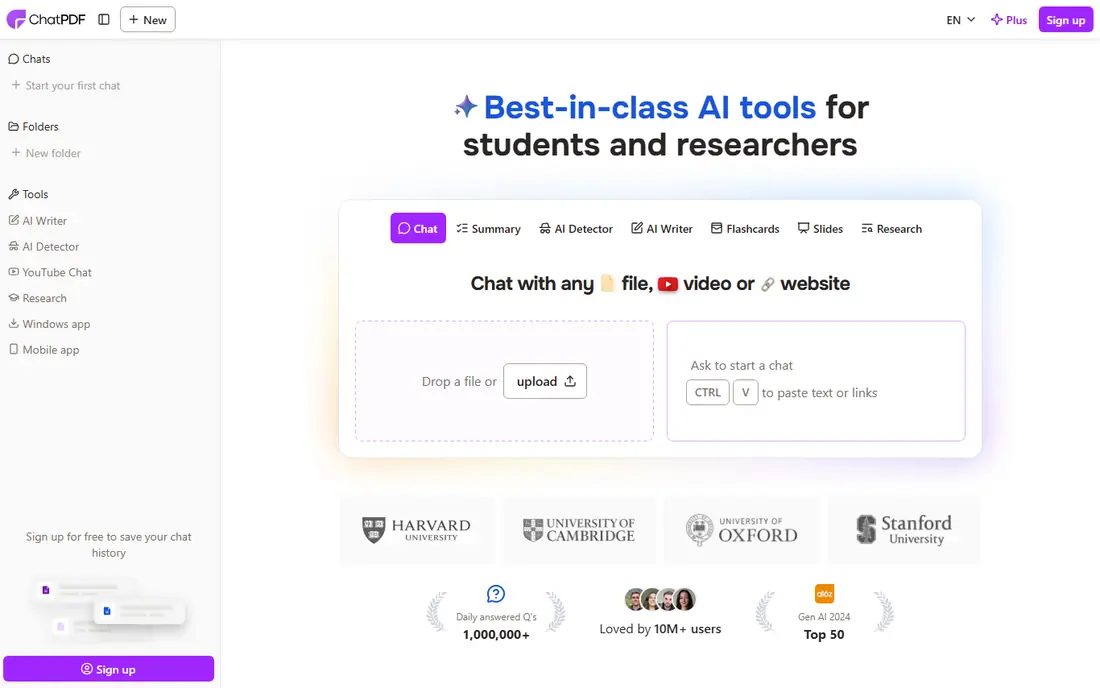
ChatPDF is the simplest way to summarize a PDF fast: upload a file, get a summary, then ask questions in plain language. It cites page references for many answers, which helps you verify claims against the original, and it works in the browser without installing software. That simplicity made ChatPDF the best known PDF chat tool, and it remains a good first try for students and professionals.
Free plan limits matter, with caps on pages per PDF, PDFs per day and questions per day, so long reports may need a paid plan. Accuracy depends on document quality, since scanned or poorly formatted PDFs summarise worse, and privacy deserves care, since uploaded documents go to ChatPDF's servers. For non confidential documents, ChatPDF is fast and easy.
- Easy chat with any PDF
- Summaries and citations
- Works in browser
- Free plan limits pages and questions
- Accuracy varies with document quality
- Privacy policy needs care
Humata
Ideal for: Research documents
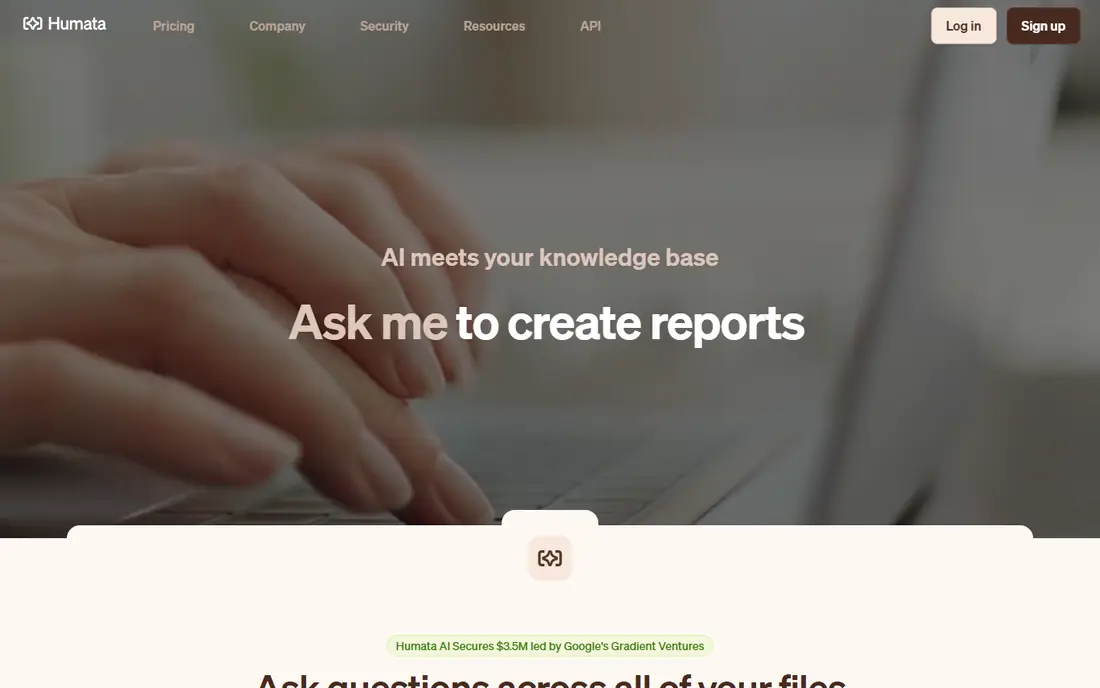
Humata is built for research, with tools to summarize long papers, highlight key findings and chat across multiple documents. It suits students, researchers and analysts who need to compare several reports, since it can answer questions grounded in your uploaded files and show where each answer came from. That citation focus helps with academic and professional work.
The free plan is limited in pages and questions, and the interface feels more research focused than ChatPDF's simple chat. If you work with academic papers or long reports regularly, Humata's research features justify a paid plan, but for a single short PDF, ChatPDF is simpler.
- Good for long research papers
- Highlights and citations
- Multiple document chat
- Free plan limited
- Interface more research focused
- Pricing rises with usage
Adobe Acrobat AI Assistant
Ideal for: Adobe users
Adobe Acrobat AI Assistant brings AI summaries and question answering directly into Acrobat, so users who already edit PDFs in Adobe do not need a separate tool. It can summarize a document, answer questions with citations and generate key points, all inside the PDF editor you already use for annotations and signing. That integration is convenient for professional workflows.
AI Assistant is a paid add on to Acrobat, not a free standalone tool, though trials exist, so casual users should choose a free tool instead. If your organisation already pays for Acrobat, adding AI Assistant is a natural upgrade, especially for legal, finance and research teams that live in PDFs.
- Built into Acrobat
- Summaries, questions and citations
- Trusted PDF editor
- Needs an Acrobat subscription add on
- Not a standalone free tool
- Features vary by plan
NotebookLM
Ideal for: Research grounding
NotebookLM, from Google, lets you upload PDFs and other sources, then ask questions, get summaries and generate study guides or audio overviews grounded in those sources. Its grounding approach, which ties answers to your documents, reduces invented details compared with general chatbots, and its audio overview feature turns a report into a listenable discussion. That makes it excellent for research, revision and briefing preparation.
A Google account is needed, and source limits apply, though the free tier is generous for most users. NotebookLM is not a PDF editor, so pair it with Acrobat or another editor if you need annotations, but for understanding a set of documents fast, it is one of the best free tools available.
- Free from Google
- Grounds answers in your sources
- Audio overviews and study guides
- Google account needed
- Source limits
- Best for research, not general PDF editing
SciSpace
Ideal for: Academic papers
SciSpace, formerly Typeset, is designed for academic papers, with tools to summarize research, explain difficult sections in plain language and explore citations. It suits students and researchers who need to grasp a paper's methods, results and conclusions quickly, without reading every page in detail. Its Copilot can answer questions about a paper and explain formulas and figures.
The free plan is limited, and the academic focus means business reports and contracts summarise less well than research papers. For students and researchers, SciSpace is a strong choice, but general users should start with ChatPDF or NotebookLM.
- Built for academic papers
- Explains complex sections
- Citation and reference tools
- Free plan limited
- Academic focus
- Less suited to general business PDFs
PDF.ai
Ideal for: Simple PDF chat
PDF.ai offers a simple, browser based chat with PDFs, similar to ChatPDF, with summaries, questions and document management for multiple files. Its clean interface makes it easy for users who want a straightforward tool without research specific features. Paid plans add more documents, pages and questions for heavier users.
Free plan limits apply, and research features are thinner than Humata or NotebookLM, so PDF.ai is best for simple, occasional summaries. As with any PDF chat tool, avoid uploading confidential documents without checking the privacy policy and data retention terms.
- Simple chat interface
- Summaries and questions
- Browser based
- Free plan limited
- Fewer research features than Humata
- Privacy needs care
UPDF AI
Ideal for: PDF editor plus AI
UPDF combines a full PDF editor with AI summaries and chat, so you can annotate, edit, convert and summarize a PDF in one app. That all in one approach suits users who already need a PDF editor and want AI as an extra, rather than a separate chat tool. Desktop apps for Windows and Mac work offline for editing, though AI features need internet.
AI features need a paid plan, with a trial to test them, and pricing varies by platform. If you need a PDF editor anyway, UPDF AI is good value, but if you only need summaries, a free chat tool like ChatPDF or NotebookLM is cheaper.
- Full PDF editor plus AI summaries
- Annotations and editing
- Offline desktop apps
- AI features need a paid plan
- Interface can feel busy
- Pricing per platform
Smallpdf AI
Ideal for: Quick summaries
Smallpdf is known for simple PDF tools like compress, convert and merge, and its AI features add summaries and questions to that toolkit. That combination suits users who need to fix a PDF and summarize it in the same session, without switching apps. The browser based tools are easy and fast for quick tasks.
Free tasks are limited per day, and AI features are newer and less research focused than Humata or NotebookLM. For occasional, quick summaries alongside other PDF tasks, Smallpdf AI is convenient, but for heavy research, choose a dedicated research tool.
- Easy PDF tools plus AI summaries
- Browser based
- Good for quick tasks
- Free tasks limited per day
- AI features newer
- Fewer research features
How we picked these
We compared official feature pages, pricing pages and public reviews, and we only included apps that still summarize PDFs in October 2026. We favoured apps with clear free limits, citation features that help verify answers, and a range of uses from simple chat to academic research, since a tool that invents facts is worse than no summary at all.
How to summarize a PDF fast without mistakes
Start by skimming the original document's headings, abstract and conclusion yourself, so you know what the summary should cover and can spot errors. Then use the AI summary as a draft, not a final answer, and verify any numbers, dates, quotes or recommendations against the original pages, especially for work, study or legal decisions. Ask follow up questions with page citations where the tool supports them.
Protect privacy by checking the tool's data policy before uploading sensitive documents. Avoid free tools for confidential contracts, medical records or unpublished research unless the policy clearly states documents are not used for training and are deleted promptly. For sensitive work, use a tool with enterprise privacy controls, or summarize locally with a desktop app where possible.
Frequently asked questions
What is the best app to summarize PDFs fast?
ChatPDF is best for simple, fast summaries, Humata is best for research papers, and NotebookLM is best for free research grounding. Choose based on document type and privacy needs.
Are PDF summarizers accurate?
They are usually good for main ideas, but they can miss nuance, misread tables and invent details, especially in scanned or complex documents. Always verify important facts against the original PDF.
Is ChatPDF free?
Yes, ChatPDF has a free plan, but it limits pages per PDF, PDFs per day and questions per day. Paid plans remove those limits for heavier users.
Can I chat with multiple PDFs at once?
Yes, Humata and NotebookLM both support chatting across multiple documents, which helps for comparing reports or researching a topic from several sources.
Is it safe to upload confidential PDFs to AI summarizers?
It depends on the tool's privacy policy, data retention and training use. Avoid uploading confidential documents to free tools without checking those terms, and use enterprise or local tools for sensitive work.