Best Apparel Design Software in 2026: 8 Compared

- Illustrator remains the standard for fashion graphics, while CLO 3D and Browzwear lead for 3D design.
- Pattern tools such as Tukatech, Optitex and Lectra suit production, not just illustration.
- Techpacker fills a gap many designers miss: clear specs for suppliers.
- Choose by stage: illustration, 3D sampling, pattern or tech pack, because few tools cover all four well.
Quick comparison
| Product | Ideal for | Price from | Free version | |
|---|---|---|---|---|
 Adobe Illustrator | fashion illustration and tech packs | See website | Free trial | Visit |
 CLO 3D | 3D garment design | See website | Free trial | Visit |
 Browzwear | 3D fashion design for brands | See website | No | Visit |
 CorelDRAW | vector apparel graphics | See website | Free trial | Visit |
 Tukatech | pattern making and grading | See website | No | Visit |
 Optitex | pattern and 3D design | See website | No | Visit |
 Techpacker | tech packs and collaboration | See website | Free trial | Visit |
 Lectra | fashion pattern and cutting | See website | No | Visit |
The best apparel design software
Apparel design software covers illustration, 3D sampling, pattern making and tech packs. Different tools lead at each stage, so the best choice depends on whether you design, sample or manufacture. This guide compares options across the workflow.
Adobe Illustrator
Ideal for: fashion illustration and tech packs
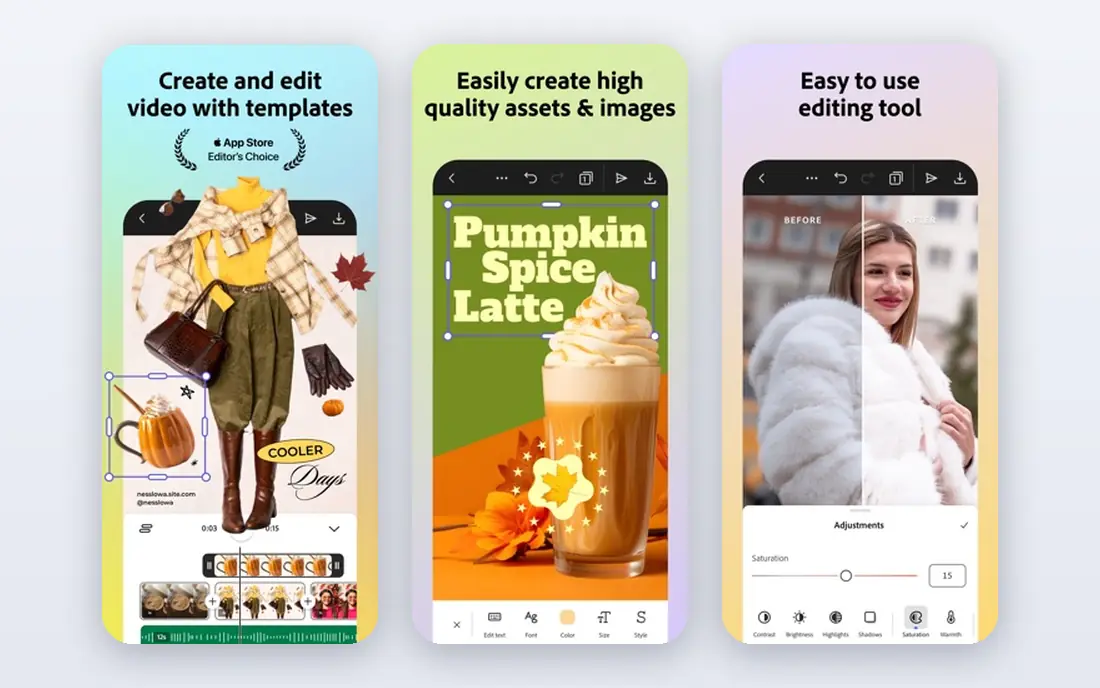
For many buyers, this is the natural starting point. Adobe Illustrator is the industry standard for fashion illustration, flats and tech pack graphics. Designers use vector tools for precise garment drawings, prints and colourways. On pricing, the starting price is listed above, and where a vendor does not publish a clear price we list it as See website. Check what is included at that level, because seats, usage limits and add-ons often change the real monthly cost. Fashion specific pattern features need plugins or other tools, and the subscription cost adds up. That trade-off does not make this a poor choice, but it does decide who should pick it. If the weakness touches your main use case, look at another option on this list. If it touches only a secondary need, the strengths here may still make it our pick for you.
- Vector drawing
- Pattern tools via plugins
- Industry standard
- Subscription cost
- Fashion features need plugins
CLO 3D
Ideal for: 3D garment design
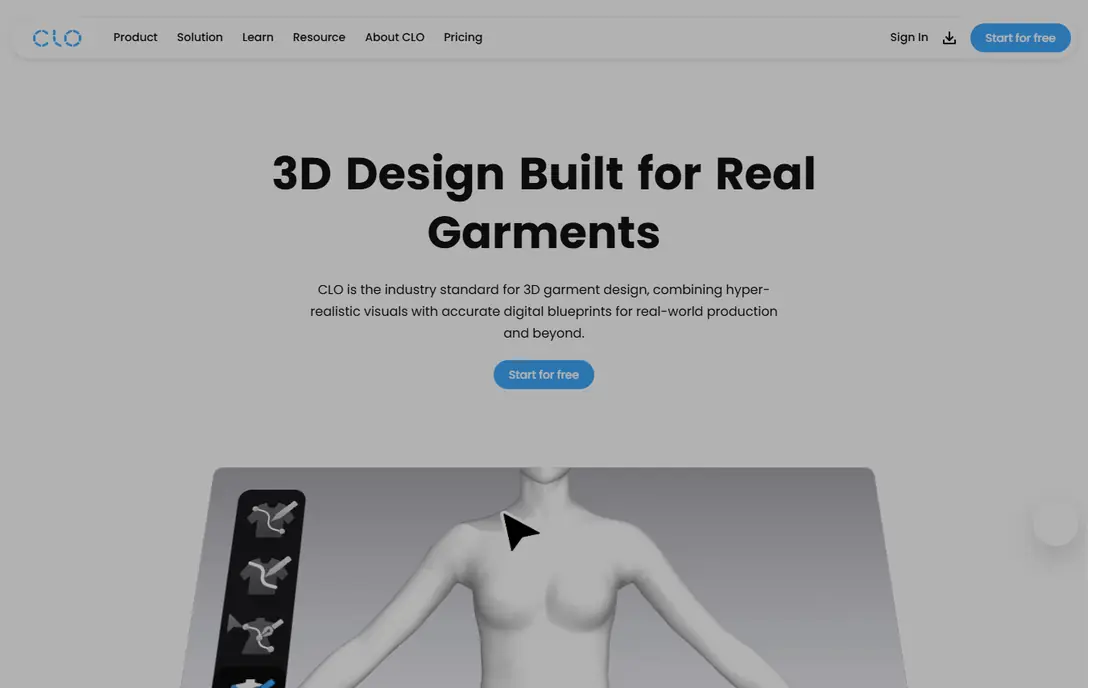
This is a strong choice when the basics matter most. CLO 3D lets designers create garments in 3D from patterns and check fit on avatars. It suits teams that want to reduce physical samples and test designs digitally. On pricing, the starting price is listed above, and where a vendor does not publish a clear price we list it as See website. Check what is included at that level, because seats, usage limits and add-ons often change the real monthly cost. The learning curve is steep, and 3D simulation needs capable hardware. That trade-off does not make this a poor choice, but it does decide who should pick it. If the weakness touches your main use case, look at another option on this list. If it touches only a secondary need, the strengths here may still make it our pick for you.
- 3D garment simulation
- Pattern to 3D
- Fitting checks
- Learning curve
- Needs good hardware
Browzwear
Ideal for: 3D fashion design for brands
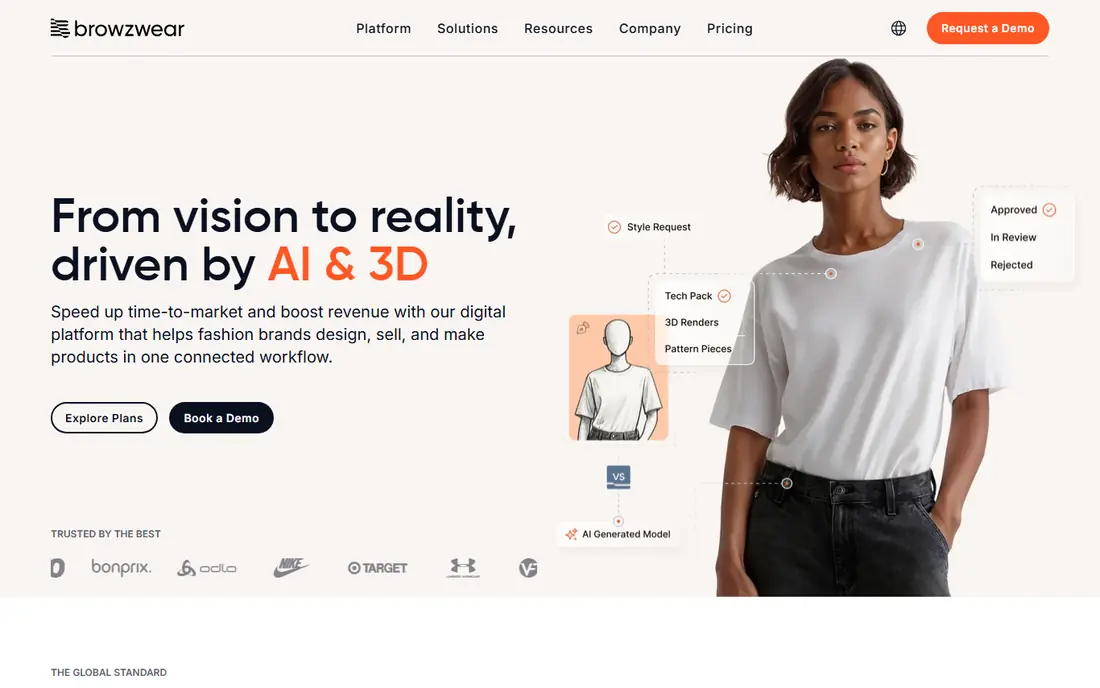
What sets this option apart is its focus on a clear use case. Browzwear offers 3D fashion design for brands, with fit, grading and production workflows. It suits larger brands moving to digital sampling and 3D product creation. On pricing, the starting price is listed above, and where a vendor does not publish a clear price we list it as See website. Check what is included at that level, because seats, usage limits and add-ons often change the real monthly cost. Pricing is enterprise level, and setup needs pattern and 3D knowledge. That trade-off does not make this a poor choice, but it does decide who should pick it. If the weakness touches your main use case, look at another option on this list. If it touches only a secondary need, the strengths here may still make it our pick for you.
- 3D design
- Fit and grading
- Brand workflows
- Enterprise pricing
- Setup takes time
CorelDRAW
Ideal for: vector apparel graphics
Teams that want a straightforward setup should look closely here. CorelDRAW offers vector drawing for apparel graphics, prints and tech packs. It suits designers who prefer a one time purchase option over subscription. On pricing, the starting price is listed above, and where a vendor does not publish a clear price we list it as See website. Check what is included at that level, because seats, usage limits and add-ons often change the real monthly cost. It is less fashion specific than Illustrator, and the fashion community around it is smaller. That trade-off does not make this a poor choice, but it does decide who should pick it. If the weakness touches your main use case, look at another option on this list. If it touches only a secondary need, the strengths here may still make it our pick for you.
- Vector drawing
- Print tools
- One time option
- Less fashion specific than Illustrator
- Smaller fashion community
Tukatech
Ideal for: pattern making and grading
This option earns its place through a different strength than the leaders. Tukatech covers pattern making, grading and marker making for apparel production. It suits manufacturers and brands that need accurate patterns for production. On pricing, the starting price is listed above, and where a vendor does not publish a clear price we list it as See website. Check what is included at that level, because seats, usage limits and add-ons often change the real monthly cost. Pricing is quoted, and pattern software takes training to use well. That trade-off does not make this a poor choice, but it does decide who should pick it. If the weakness touches your main use case, look at another option on this list. If it touches only a secondary need, the strengths here may still make it our pick for you.
- Pattern making
- Grading
- Marker making
- Pricing is quoted
- Learning curve
Optitex
Ideal for: pattern and 3D design
For buyers with a specific need, this one deserves a closer look. Optitex combines 2D pattern making with 3D simulation and production tools. It suits companies that need pattern accuracy plus digital sampling. On pricing, the starting price is listed above, and where a vendor does not publish a clear price we list it as See website. Check what is included at that level, because seats, usage limits and add-ons often change the real monthly cost. Pricing is quoted and the focus is enterprise, so small designers may find it heavy. That trade-off does not make this a poor choice, but it does decide who should pick it. If the weakness touches your main use case, look at another option on this list. If it touches only a secondary need, the strengths here may still make it our pick for you.
- 2D patterns
- 3D simulation
- Production tools
- Pricing is quoted
- Enterprise focus
Techpacker
Ideal for: tech packs and collaboration
This is worth considering when budget or simplicity is a priority. Techpacker helps teams create tech packs and share them with suppliers. It suits brands that need clear specs, measurements and revision control. On pricing, the starting price is listed above, and where a vendor does not publish a clear price we list it as See website. Check what is included at that level, because seats, usage limits and add-ons often change the real monthly cost. It focuses on tech packs, so designers still need a drawing tool for illustrations. That trade-off does not make this a poor choice, but it does decide who should pick it. If the weakness touches your main use case, look at another option on this list. If it touches only a secondary need, the strengths here may still make it our pick for you.
- Tech pack creation
- Collaboration
- Supplier sharing
- Tech pack focused
- Not a design drawing tool
Lectra
Ideal for: fashion pattern and cutting
Our shortlist would feel incomplete without this option. Lectra offers pattern, grading and cutting solutions for fashion manufacturers. It suits large manufacturers that need integrated pattern and production workflows. On pricing, the starting price is listed above, and where a vendor does not publish a clear price we list it as See website. Check what is included at that level, because seats, usage limits and add-ons often change the real monthly cost. Pricing is enterprise level, and it is manufacturing focused rather than a solo designer tool. That trade-off does not make this a poor choice, but it does decide who should pick it. If the weakness touches your main use case, look at another option on this list. If it touches only a secondary need, the strengths here may still make it our pick for you.
- Pattern design
- Grading
- Cutting solutions
- Enterprise pricing
- Manufacturing focus
How we picked these
We compared official feature pages, pricing pages, app store listings, privacy policies and public reviews for each product on this list. We checked that each product exists, works in October 2026 and truly fits the topic, and we left out products that did not fit even when they were well known in a nearby category. We also weighed who each product suits, what it does well and where it falls short. Prices change, so where we could not verify a current price from the vendor we wrote See website. We did not claim hands-on testing that did not happen, and we focused on facts a buyer can check before paying.
How to choose apparel design software
First, start here
Map your workflow stage. Illustrators need vector drawing. 3D designers need simulation and fit tools. Manufacturers need pattern, grading and markers. Buying a 3D tool for simple flats wastes money, while using Illustrator alone for production patterns creates errors.
Next, check the details
Check supplier compatibility. Tech packs, patterns and files must open correctly for factories and pattern makers. Test file exchange with a real supplier or pattern maker before committing, and check measurement and grading accuracy.
Finally, decide with confidence
Check learning time and cost. 3D and pattern tools take training, and enterprise pricing adds up. Start with the tool that covers your most frequent stage, learn it well, and add specialist tools as volume grows.
Frequently asked questions
What is apparel design software?
Apparel design software helps designers create garments, from illustrations and prints to 3D samples, patterns and tech packs. Different tools cover different stages, including drawing, 3D simulation, pattern making and supplier specifications.
What is the best software for fashion design?
Adobe Illustrator is the standard for fashion illustration and flats. CLO 3D and Browzwear lead for 3D garment design. Tukatech and Optitex suit pattern making. The best choice depends on your stage in the workflow.
What is 3D fashion design software?
3D fashion design software creates digital garments from patterns and simulates them on avatars. It helps check fit, drape and style without physical samples. CLO 3D and Browzwear are leading options.
What is a tech pack?
A tech pack is a specification document for a garment, including measurements, materials, construction details and artwork. Suppliers use it to produce samples and bulk orders accurately. Techpacker helps teams create and manage tech packs.
Do I need pattern software as a fashion designer?
Designers who work with manufacturers benefit from pattern knowledge, but not every designer needs pattern software. Illustrators can start with Illustrator, while brands moving to production need pattern tools such as Tukatech or Optitex.