Best Application Security Platforms in 2026: 8 Tools Compared

- Snyk and GitHub Advanced Security fit teams that want security inside developer workflows.
- Veracode and Checkmarx cover the full testing range, from static analysis to software composition.
- SonarQube suits teams that want code quality and security in one self-hosted or cloud tool.
- Contrast, Invicti, and Burp Suite cover runtime protection, web scanning, and manual testing.
Quick comparison
| Product | Ideal for | Price from | Free version | |
|---|---|---|---|---|
 Snyk | Developer-first security | See website | Yes | Visit |
 Veracode | Full application testing | See website | No | Visit |
 Checkmarx | Enterprise AppSec | See website | Free trial | Visit |
 SonarQube | Code quality and security | See website | Yes | Visit |
 GitHub Advanced Security | GitHub-native security | See website | No | Visit |
 Contrast Security | Runtime protection | See website | No | Visit |
 Invicti | Web application scanning | See website | No | Visit |
 Burp Suite | Manual web testing | See website | Yes | Visit |
The best application security platforms
We compared official feature pages, pricing pages, and app-store listings for application security platforms available in October 2026. The list covers static and dynamic testing, composition analysis, runtime protection, and manual testing, since no single tool covers every stage.
Snyk
Ideal for: Developer-first security
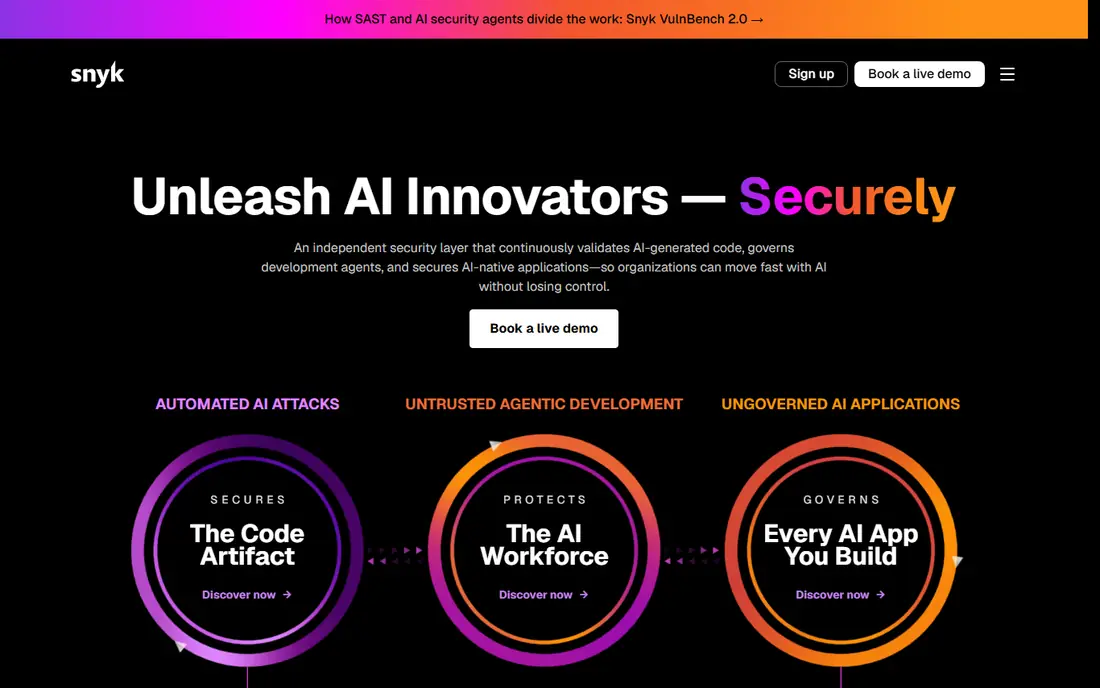
Snyk is a developer security platform that scans code, open-source dependencies, containers, and infrastructure as code for vulnerabilities. It integrates with IDEs, Git, and CI pipelines so developers see fixes where they work, and its AI fix suggestions help remediate issues faster. A free tier covers small projects.
Enterprise pricing is quote-based, and large or complex codebases need tuning to reduce noise. For a team that wants security inside the developer workflow rather than a separate audit step, Snyk is a leading choice.
- Finds issues in code, dependencies, containers, and infrastructure
- IDE and CI integrations
- Free tier
- Full platform pricing is quote-based
- Large codebases need tuning
Veracode
Ideal for: Full application testing
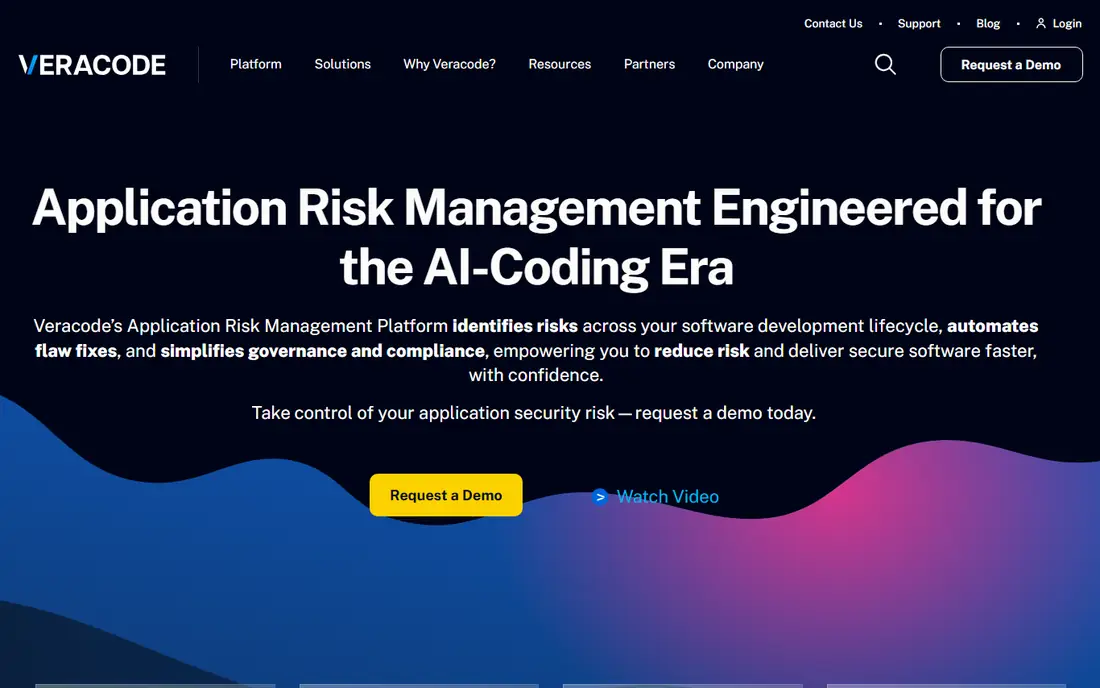
Veracode is a full application security platform covering static analysis, dynamic analysis, software composition analysis, and manual penetration testing services. Its cloud platform reports on vulnerabilities across the software lifecycle, with compliance reporting for standards such as PCI and OWASP. A long track record with large enterprises backs its maturity.
Pricing is quote-based and onboarding takes time, which suits larger organizations better than small teams. For an enterprise that needs a complete testing program under one vendor, Veracode is a strong pick.
- Static, dynamic, and composition analysis
- Long track record
- Compliance reporting
- Pricing is quote-based
- Setup and onboarding take time
Checkmarx
Ideal for: Enterprise AppSec
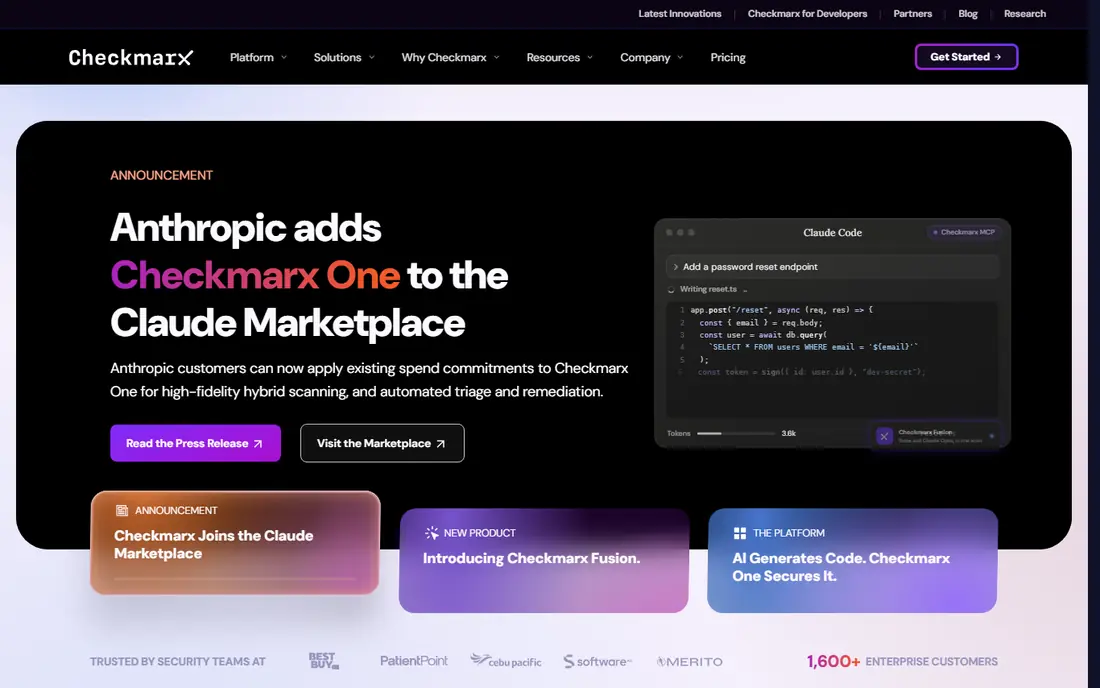
Checkmarx One is a cloud-native application security platform covering static analysis, dynamic analysis, software composition, API security, and container security. Its AI-assisted remediation and risk management help teams prioritize fixes, and it runs in the cloud or self-hosted for regulated environments.
Like other enterprise platforms, pricing is quote-based and setup needs expertise. For a large organization consolidating several AppSec tools into one platform, Checkmarx offers broad coverage in a single system.
- One platform for SAST, DAST, SCA, and API security
- AI-assisted remediation
- Cloud or self-hosted
- Pricing is quote-based
- Configuration needs expertise
SonarQube
Ideal for: Code quality and security
SonarQube, from SonarSource, analyzes code for bugs, vulnerabilities, code smells, and security hotspots, with a free community edition for self-hosting and a cloud option, SonarQube Cloud. It supports many languages and integrates with CI pipelines to gate releases on quality and security rules.
SonarQube focuses on code, so it does not cover runtime protection or web application scanning on its own. For a team that wants code quality and security checks in one tool, with a free starting point, SonarQube is a solid choice.
- Self-hosted or cloud options
- Code quality plus security
- Free community edition
- Focus is code, not runtime or web scanning
- Enterprise features need paid plans
GitHub Advanced Security
Ideal for: GitHub-native security
GitHub Advanced Security adds code scanning, secret scanning, dependency review, and push protection to GitHub repositories. Copilot Autofix can suggest fixes for code scanning alerts, and security overview dashboards track risk across an organization. It works where developers already review code and merge pull requests.
The catch is scope and cost: it requires GitHub Enterprise or a paid add-on, and it only covers GitHub repositories. For a team already on GitHub that wants security without another tool, Advanced Security is the natural add-on.
- Code scanning, secret scanning, and dependency review inside GitHub
- Push protection
- Copilot Autofix
- Needs GitHub Enterprise or paid add-on
- GitHub-only scope
Contrast Security
Ideal for: Runtime protection
Contrast Security uses runtime instrumentation to find vulnerabilities as applications actually run, which reduces false positives compared with static-only tools. Its platform covers application detection and response, protecting running apps from attacks, plus security testing during development. Developers get feedback tied to real execution paths.
Setup involves agents in the application runtime, which needs engineering time. Pricing is quote-based. For a team that wants accurate findings from real runtime behavior and protection in production, Contrast is a distinctive choice.
- Runtime analysis with low false positives
- Application protection in production
- Developer feedback
- Agent-based setup
- Pricing is quote-based
Invicti
Ideal for: Web application scanning
Invicti, formerly Netsparker, is a web application security scanner that uses proof-based scanning to confirm vulnerabilities, reducing false positives. It combines dynamic scanning with interactive testing and offers compliance reporting for standards such as PCI DSS and HIPAA. Enterprise features include asset discovery and workflow integrations.
Invicti focuses on web applications, so it does not replace code scanning tools. For a team that needs reliable web app scanning with confirmed findings, Invicti is a strong pick.
- Proof-based scanning with low false positives
- DAST plus interactive testing
- Compliance reports
- Pricing is quote-based
- Focused on web apps, not code
Burp Suite
Ideal for: Manual web testing
Burp Suite, from PortSwigger, is the standard toolkit for manual web application security testing. The free Community Edition covers proxy, repeater, and intruder basics, while Professional adds an automated scanner, extensions, and collaboration features. Security testers use it to intercept, modify, and analyze web traffic.
Burp Suite needs skilled testers to use well, and it is not a set-and-forget scanner. For a security team that does manual testing and penetration testing, it remains an essential tool.
- Industry-standard manual testing toolkit
- Free community edition
- Extensible with plugins
- Needs skilled testers
- Professional edition is paid
How we picked these
We compared official feature pages, pricing pages, and app-store listings for application security platforms available in October 2026. We favored tools with current products, clear coverage of a testing stage, and integration into developer workflows. We also looked at developer workflow integration, false positive handling, and language coverage, since adoption decides whether a security tool actually improves security. We did not include our own product in this list.
How to choose an application security platform
Start with your development stage. Teams that need code and dependency checks should look at Snyk, SonarQube, or GitHub Advanced Security. Enterprises that need a full program should compare Veracode and Checkmarx. Web-focused teams need Invicti or Burp Suite, while runtime protection points to Contrast.
Then run a pilot on a real repository or application. Check false positive rates, fix guidance quality, and CI integration before committing, since a noisy tool gets ignored. Also confirm compliance reporting needs and whether your team prefers cloud, self-hosted, or both. The best platform is the one developers actually fix findings in.
Choosing an AppSec platform is mostly about developer adoption. A tool with the best detection still fails if developers ignore its findings, so check how findings appear in daily work: IDE warnings, pull request comments, and clear fix guidance beat a separate dashboard that nobody opens. False positive rate matters more than raw finding count, so run a pilot on a real repository and measure how many alerts developers dismiss. Also check language and framework coverage for your stack, since a tool strong in Java may be thin in Go or Python. Compliance reporting matters for regulated teams, but confirm which standards and report formats are included before buying. Finally, plan rollout in stages: start with one team and one pipeline, tune rules to reduce noise, and expand only when fix rates stay healthy. A phased rollout builds trust, while a big-bang rollout with noisy rules teaches developers to ignore the tool.
Frequently asked questions
What is an application security platform?
An application security platform finds and helps fix vulnerabilities in software, covering code, dependencies, containers, APIs, and running applications. Tools range from static analysis and web scanning to runtime protection and manual testing.
What is the difference between SAST and DAST?
SAST, static application security testing, analyzes source code without running it. DAST, dynamic testing, tests a running application from the outside. Most mature programs use both, since each finds issues the other misses.
Is Snyk free?
Snyk offers a free tier for small projects and open-source work, with paid plans for teams and enterprises. Full platform pricing is quote-based, so teams should ask for a quote based on their codebase size and contributor count.
Can one tool cover all application security?
No single tool covers every stage well. Most teams combine code scanning, dependency checks, web scanning, and runtime protection, choosing tools that integrate into their existing workflow and CI pipeline.
What is GitHub Advanced Security?
GitHub Advanced Security is a paid add-on for GitHub Enterprise that adds code scanning, secret scanning, dependency review, and push protection to repositories. It works inside GitHub, so teams already on GitHub can add security without a separate platform.
How do I reduce false positives in AppSec tools?
Start by tuning rules to your stack and suppressing findings that do not apply to your code, such as test files or vendored libraries. Use reachability analysis where available, since a vulnerability in unused code matters less than one in a reachable path. Track dismissal rates by rule and review the noisiest rules monthly with developers, rather than letting them pile up. A pilot on a real repository, with developers marking false positives, gives a realistic noise baseline before you roll the tool out widely.