6 Appointment Reminder Software Options Ranked for 2026

- 1
 YouCanBookMeSolo operators who want a refined, branded booking page with remindersVisit
- 2
 Acuity SchedulingService firms that want booking, payments and reminders togetherVisit
- 3
 GoRemindersSmall service companies that want straightforward SMS-first remindersVisit
- 4
 AppointmentReminders.comMedical, dental and professional offices that require call, text and email remindersVisit
- 5
 PodiumLocal companies that want reminders inside a full messaging productVisit
- YouCanBookMe is the opening pick, best for solo operators who want a refined, branded booking page with reminders.
- For the cheapest start, look at GReminders: From $8/user/month.
- GReminders suits financial advisors and professionals who want scheduling plus reminders.
- Check the limits for YouCanBookMe before you commit: SMS reminders cost additional on every plan.
- A free plan is available from 2 of the 6 tools: YouCanBookMe, GReminders.
Direct answer
YouCanBookMe is the first pick on this list for solo operators who want a refined, branded booking page with reminders. Acuity Scheduling fits service companies that want booking, payments and reminders together; GoReminders fits small service companies that want straightforward SMS-first reminders. The full list of 6 tools follows, with prices and free plan facts.
Quick comparison
| Product | Ideal for | Price from | Free version | |
|---|---|---|---|---|
| YouCanBookMe | Solo operators who want a refined, branded booking page with reminders | From $9/month | Yes | Visit |
| Acuity Scheduling | Service firms that want booking, payments and reminders together | From $16/month | Free trial | Visit |
| GoReminders | Small service companies that want straightforward SMS-first reminders | From $10/month | Free trial | Visit |
| AppointmentReminders.com | Medical, dental and professional offices that require call, text and email reminders | $9.95/month | Free trial | Visit |
| Podium | Local companies that want reminders inside a full messaging product | See website | No | Visit |
 GReminders | Financial advisors and professionals who want scheduling plus reminders | From $8/user/month | Yes | Visit |
Every option for appointment reminder software explained
If you are comparing appointment reminder software, this page covers 6 tools in one place: what each is best for, what it costs to start, whether it has a free plan, and the main limit to know about.
YouCanBookMe
Ideal for: Solo operators who want a refined, branded booking page with reminders
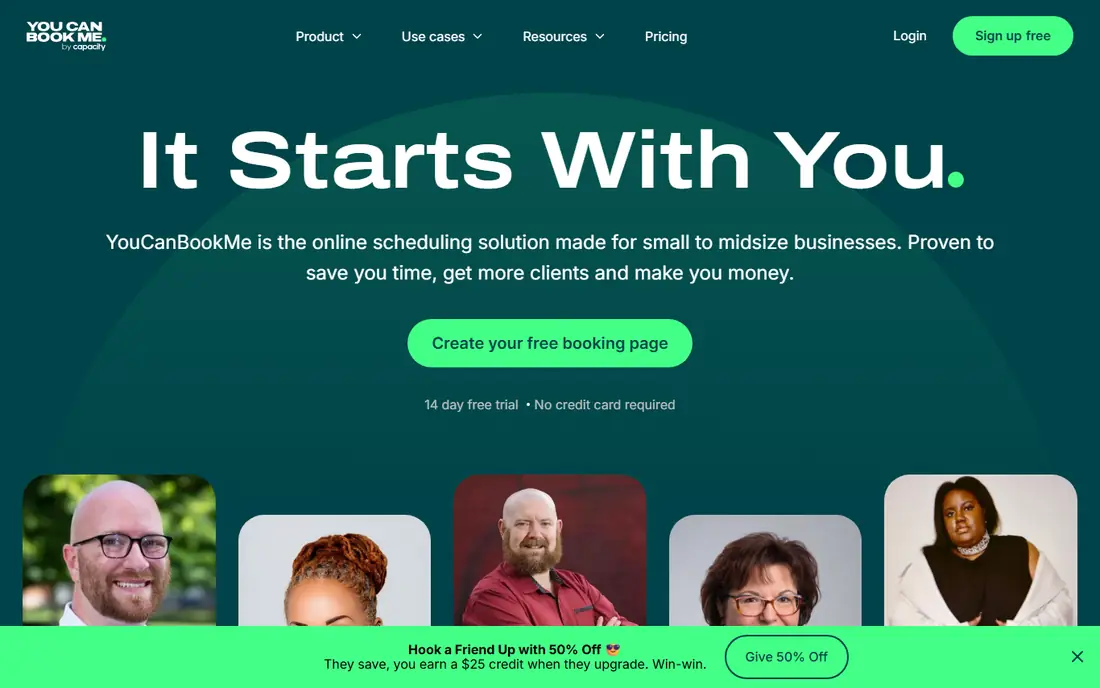
YouCanBookMe serves solo operators who want a refined, branded booking page with reminders. The catch that matters for this category is SMS. Backgrounds, colors, logos, custom questions and footers all bend to your brand.
The free plan already provides you one calendar connection and one booking page. On top of that, pricing is straightforward: Individual at $9 per month, Professional at $13, Teams at $18 per member. Also, YouCanBookMe is the pick when the booking page matters as much as the reminder. For everyday use, the customization is the standout. What you pay to start with YouCanBookMe: From $9/month. YouCanBookMe includes a free tier.
Drawbacks to consider: No mobile app.
- Per-connection pricing stays cheap for solo users
- Genuinely handy free plan
- Reminder features are entry-level next to dedicated reminder tools
Acuity Scheduling
Ideal for: Service firms that want booking, payments and reminders together

Acuity Scheduling was built for service firms that want booking, payments and reminders together. You are also paying for a full scheduling suite, so if you already book another way, it is more tool than you need. On top of that, the reminder side includes the essentials: automatic confirmations and reminders, cancellation policies and the capacity to charge no-show fees through the payment integration.
Watch-outs: Costs more than reminder-only software.
Reasons to shortlist it: deposits and packages. On top of that, compared to the specialist reminder tools, Acuity hands you less control over multi-step reminder sequences and channels. Beyond that, clients book through your branded page, fill in intake forms, pay deposits or full amounts, and get automatic reminders by email and text. What you pay to start with Acuity Scheduling: From $16/month. Free options: Free trial.
- Full booking flow with intake forms
- Automatic email and text reminders included
- SMS reminders rely on plan limits
GoReminders
Ideal for: Small service companies that want straightforward SMS-first reminders
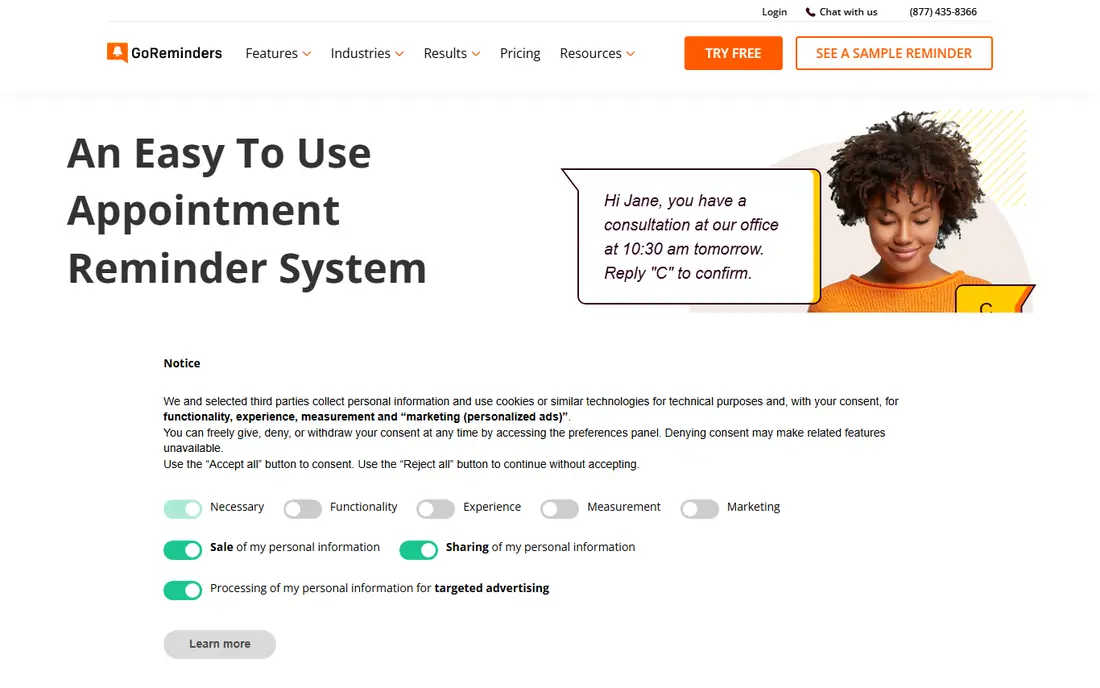
In short, GoReminders is for small service businesses that want straightforward SMS-first reminders. You link a calendar, write your message templates with name and date tags. It texts or emails clients on whatever schedule you set, from 30 days out down to one hour before.
In daily use, if you need intake forms, packages or a refined client booking page, a fuller scheduler like Acuity will serve you better. For everyday use, GoReminders is for companies that already have a booking flow and just need the reminder layer done well. The honest catch is scope. Clients confirm by replying with a single letter, and you can see at a glance who confirmed, who asked to reschedule and who cancelled. GoReminders starts at: From $10/month. Trial and free access: Free trial.
What to check first: Reminder focus means booking features are entry-level.
- Very quick setup with no ramp-up time
- Outlook and iCloud calendars
- Appointments count toward your monthly limit even if cancelled
AppointmentReminders.com
Ideal for: Medical, dental and professional offices that require call, text and email reminders
Pick AppointmentReminders.com if this describes you: medical, dental and professional offices that require call, text and email reminders. This is one of the longest-running reminder services in the business, operating since 2013, and it presents in the practical details. Also, what you do not get is a modern booking front end or a marketing suite.
What works well: True multi-channel reminders across SMS.
Trade-offs to know: The product site feels dated. AppointmentReminders.com is a reminder engine, not a scheduler, so it suits offices that already have scheduling software and want the notification layer handled by a specialist. Voice calls can go out from your own office caller ID, with text-to-speech or your own recorded voice files. Compliance gets real attention here. That combination makes it a natural shortlist pick for medical and dental practices. Price to start with AppointmentReminders.com: $9.95/month. Free options: Free trial.
- 30-day free trial with no card
- HIPAA and TCPA conscious design
- Advanced reporting is thinner than pricier rivals
Podium
Ideal for: Local companies that want reminders inside a full messaging product
Choose Podium for local firms that want reminders inside a full messaging system. Podium has moved well beyond its review-generation roots into an AI-driven customer communication product for local firms. Its AI employee responds to leads immediately, books appointments, sends confirmations and reminders, and re-engages past customers, all through text conversations that feel human.
Best features of Podium: Consolidates texting.
On top of that, the trade-off is scope and price. From a buyer's view, Podium uses custom pricing with no public levels. It is made for firms that want the entire communication system, not just reminders. Podium shows no starting price here, so confirm the cost on the vendor site. Podium has no free tier. Where it falls short: Far more product than a reminders-only buyer needs.
- Capable review-generation tools
- AI employee manages lead response
- Custom pricing with no public levels
GReminders
Ideal for: Financial advisors and professionals who want scheduling plus reminders
In short, GReminders is for financial advisors and professionals who want scheduling plus reminders. The free Basic plan spans 100 email reminders per month on one calendar, which is enough for a solo operator to test the waters.
As for the details, watch the pricing structure though: SMS reminders run on add-on credits. So the real monthly cost relies on your message volume. The starting price for GReminders: From $8/user/month. Free access exists with GReminders.
Limits to weigh: SMS reminders need premium add-on credits on top of the base plan.
- Deep CRM integrations including Redtail and Wealthbox
- Free Basic plan for email reminders
- The product leans heavily toward financial services
How these tools were picked
The comparison looks at four things: starting price, free access, how well the feature set matches appointment reminder software, and the main limit of each tool. Plan names, prices and limits change often. Treat the figures here as a starting point and verify them with the vendor. Tools are placed by general fit for appointment reminder software, with price clarity and free access as tie-breakers. A different team can reasonably rank them differently.
What to confirm before you sign up
- Ask Podium for a written quote, since no starting price is shown.
- Look at free plan limits closely: YouCanBookMe and GReminders have one, and the caps decide whether it is usable for real work.
- Run a trial of Acuity Scheduling, GoReminders and AppointmentReminders.com with real work before paying for a year; your own workflow is the best test.
- Before choosing YouCanBookMe, weigh its main limit: SMS reminders cost extra on every plan.
- Make sure AppointmentReminders.com lets you export your data in a format another tool can read.
- Map your must-have features to a specific Podium plan before you compare prices.
Frequently asked questions
What is the cheapest option for appointment reminder software in this list?
On published monthly entry prices, GReminders is the lowest here at $8/user/month. Entry price is only part of the cost, because seats, add-ons and billing terms can change the total.
Which options for appointment reminder software have a free plan?
YouCanBookMe and GReminders offer a free plan in this list. Free plans usually cap users, projects or features, so check the limits on the vendor page. Several others offer a trial instead.
Do these tools publish their prices?
Not all of them. Podium publishes no starting price, so expect a quote request for it. The rest, YouCanBookMe included, show a starting price, though seats and billing terms still change the final cost.
Is YouCanBookMe the right pick for everyone comparing appointment reminder software?
No single tool suits every team. YouCanBookMe comes first because it fits solo operators who want a polished, branded booking page with reminders, while Acuity Scheduling suits service businesses that want booking, payments and reminders together and GoReminders suits small service businesses that want simple SMS-first reminders. Match the tool to your own size, budget and workflow before deciding.
Should I choose SMS, email or voice reminders?
Email fits professional clients and carries more detail. Voice calls still matter for older patients and anyone who does not text, which is why multi-channel tools exist.
How much does appointment reminder software cost?
Most dedicated tools start between $8 and $30 per month for small teams, with SMS-heavy or marketing-oriented systems running $39 and up. Watch for metered SMS credits, which can push the real monthly cost well above the headline price.