Best Appointment Scheduling Software in 2026: 8 Tools Compared

- 1
 CalendlySolo professionals and teams booking meetingsVisit
- 2
 Acuity SchedulingService businesses booking by service and staffVisit
- 3
 SetmoreSmall teams wanting a strong free tierVisit
- 4
 Square AppointmentsBusinesses needing booking plus paymentsVisit
- 5
 SimplyBook.meService businesses with locations and staffVisit
- Calendly and Appointlet suit solo professionals and teams that book meetings from a simple link.
- Acuity Scheduling and SimplyBook.me suit service businesses that sell time by service, staff member or location.
- Square Appointments suits businesses that also take payments and run a point of sale.
- Setmore offers a useful free tier for small teams, but check limits on staff, locations and reminders.
Quick comparison
| Product | Ideal for | Price from | Free version | |
|---|---|---|---|---|
| Calendly | Solo professionals and teams booking meetings | Free | Yes | Visit |
| Acuity Scheduling | Service businesses booking by service and staff | See website | Free trial | Visit |
| Setmore | Small teams wanting a strong free tier | Free | Yes | Visit |
| Square Appointments | Businesses needing booking plus payments | Free | Yes | Visit |
| SimplyBook.me | Service businesses with locations and staff | See website | Free trial | Visit |
 Appointlet | Teams wanting simple, clean booking pages | Free | Yes | Visit |
 Doodle | Groups finding a time that suits everyone | Free | Yes | Visit |
 Booksy | Salons and beauty businesses booking clients | See website | Free trial | Visit |
The best best appointment scheduling software
We compared the leading best appointment scheduling software on fit, features and value, and the eight picks below cover different budgets and needs.
Calendly
Ideal for: Solo professionals and teams booking meetings
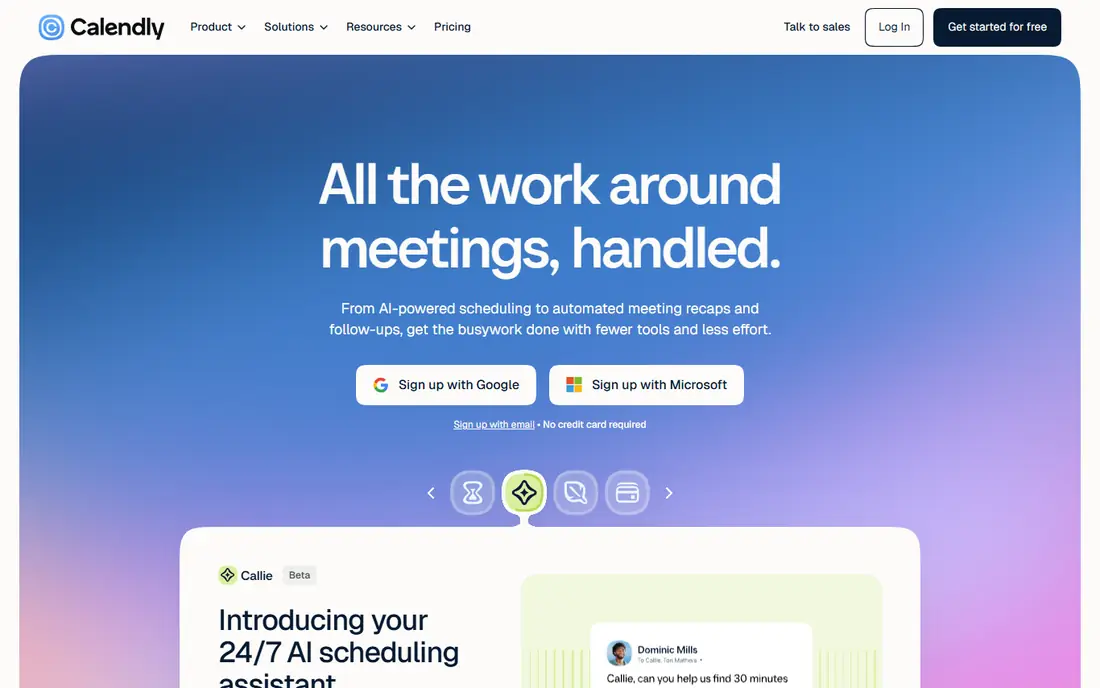
Calendly fits consultants, sales teams and anyone who books meetings from a link. Its booking pages and calendar sync remove the back-and-forth of finding a time. In daily use, simple booking links and round-robin routing stands out as the practical reason to consider it, especially for readers whose main need matches its best use. The catch is that it is built for meetings first, so salons and clinics may need a service-focused tool. Pricing is listed as Free with a free plan status of Yes. Before you commit, check the current plan details on the official site, including limits, trial terms and what happens when you cancel. For most readers in this group, this is worth a short trial before you commit, especially if the free tier or trial covers your main use.
- Simple booking links and round-robin routing
- Calendar sync
- Useful free tier
- Service and staff booking features are thinner than salon tools
- Advanced routing needs paid plans
Acuity Scheduling
Ideal for: Service businesses booking by service and staff
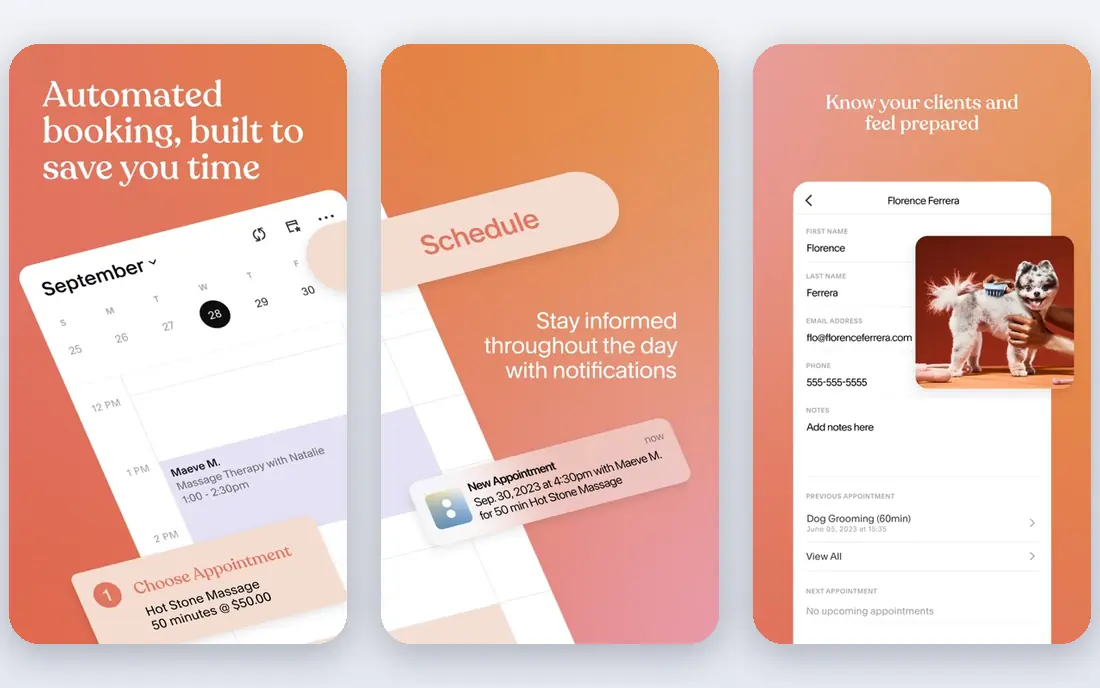
Acuity Scheduling fits salons, clinics and coaches that sell time by service and provider. Its intake forms and service options handle the detail that meeting tools miss. In daily use, client self-scheduling by service and staff stands out as the practical reason to consider it, especially for readers whose main need matches its best use. The catch is setup time: complex service menus need careful configuration before launch. Pricing varies by plan, so we list it as See website rather than guessing a figure that may not match your plan. Before you commit, check the current plan details on the official site, including limits, trial terms and what happens when you cancel. Try it with a real task from your own work before you pay, since a demo rarely shows the limits you will meet daily.
- Client self-scheduling by service and staff
- Intake forms
- Payment options
- Owned by Squarespace, so pricing and plans follow that ecosystem
- Setup takes care for complex services
Setmore
Ideal for: Small teams wanting a strong free tier
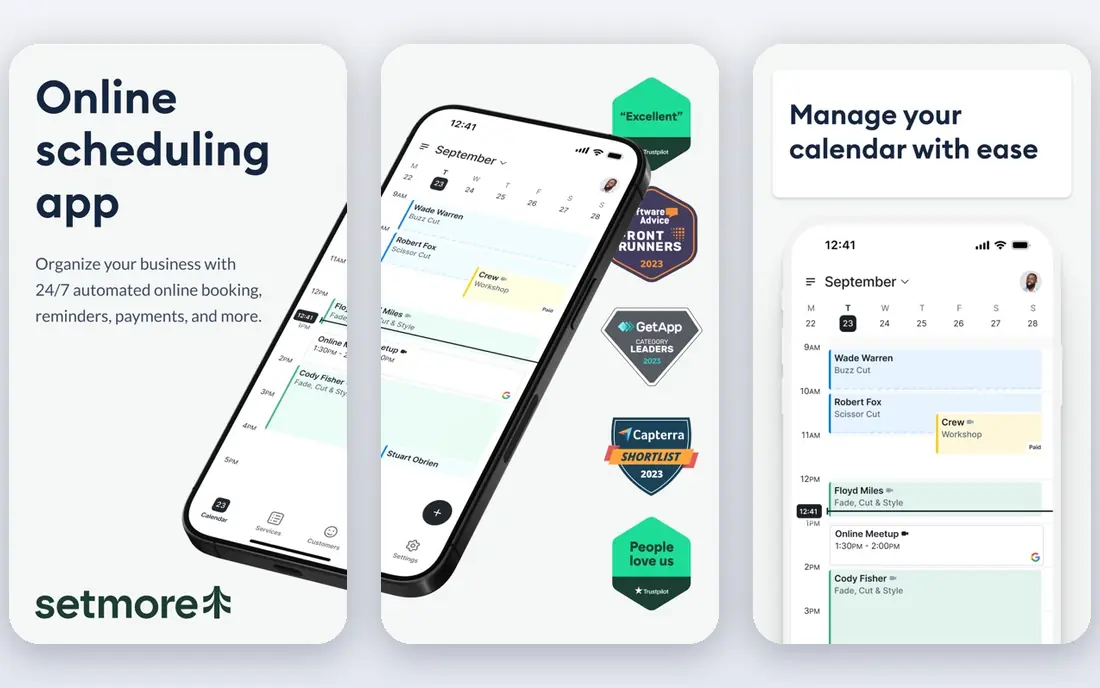
Setmore fits small teams that want to start free and grow slowly. Its free tier covers the basics well, which suits a new business testing online booking. In daily use, free tier for small teams stands out as the practical reason to consider it, especially for readers whose main need matches its best use. The catch is that busy teams will hit free-plan limits on staff or features fairly fast. Pricing is listed as Free with a free plan status of Yes. Before you commit, check the current plan details on the official site, including limits, trial terms and what happens when you cancel. If this matches your main need, put it near the top of your shortlist and compare its total cost, not only its headline price.
- Free tier for small teams
- Booking page and reminders
- Staff and service options
- Free plan limits staff and features
- Advanced reporting needs paid plans
Square Appointments
Ideal for: Businesses needing booking plus payments
Square Appointments fits businesses that already take payments through Square. Booking plus payments in one place keeps deposits, sales and client records together. In daily use, booking, payments and point of sale in one system stands out as the practical reason to consider it, especially for readers whose main need matches its best use. The catch is ecosystem fit: teams outside Square should compare specialist booking tools first. Pricing is listed as Free with a free plan status of Yes. Before you commit, check the current plan details on the official site, including limits, trial terms and what happens when you cancel. Shortlist it if your budget and workflow match, and test the exact feature you will use most before you decide.
- Booking, payments and point of sale in one system
- Staff management
- Client records
- Best value inside the Square ecosystem
- Standalone booking features are less deep than specialists
SimplyBook.me
Ideal for: Service businesses with locations and staff
SimplyBook.me fits service businesses with several staff members or locations. Its booking options cover the combinations that simple meeting tools cannot handle. In daily use, booking by service, provider and location stands out as the practical reason to consider it, especially for readers whose main need matches its best use. The catch is a busy interface and add-on pricing, so check the full cost for your setup. Pricing varies by plan, so we list it as See website rather than guessing a figure that may not match your plan. Before you commit, check the current plan details on the official site, including limits, trial terms and what happens when you cancel. For most readers in this group, this is worth a short trial before you commit, especially if the free tier or trial covers your main use.
- Booking by service, provider and location
- Website widget
- Payments and memberships
- Interface can feel busy
- Some features need paid add-ons
Appointlet
Ideal for: Teams wanting simple, clean booking pages
Appointlet fits teams that want a clean booking page without a long setup. Its simple pages and calendar sync suit consultants and small teams well. In daily use, clean booking pages stands out as the practical reason to consider it, especially for readers whose main need matches its best use. The catch is depth: service businesses may miss staff, location and payment options. Pricing is listed as Free with a free plan status of Yes. Before you commit, check the current plan details on the official site, including limits, trial terms and what happens when you cancel. Try it with a real task from your own work before you pay, since a demo rarely shows the limits you will meet daily.
- Clean booking pages
- Calendar sync
- Useful free tier
- Fewer service-business features than Acuity or SimplyBook
- Reporting is basic
Doodle
Ideal for: Groups finding a time that suits everyone
Doodle fits groups that need to find one time that works for many people. Its polls solve the classic group scheduling problem faster than long email threads. In daily use, group polls for finding meeting times stands out as the practical reason to consider it, especially for readers whose main need matches its best use. The catch is that it is not a full service booking system, so paid appointments need another tool. Pricing is listed as Free with a free plan status of Yes. Before you commit, check the current plan details on the official site, including limits, trial terms and what happens when you cancel. If this matches your main need, put it near the top of your shortlist and compare its total cost, not only its headline price.
- Group polls for finding meeting times
- Booking pages
- Simple setup
- Less suited to paid service booking
- Service and staff options are limited
Booksy
Ideal for: Salons and beauty businesses booking clients
Booksy fits salons, barbershops and beauty professionals that book clients by service and stylist. Its salon-focused booking and client records match how beauty businesses actually work. In daily use, booking built for salons and barbershops stands out as the practical reason to consider it, especially for readers whose main need matches its best use. The catch is focus: general meeting or medical booking is better served by a general tool. Pricing varies by plan, so we list it as See website rather than guessing a figure that may not match your plan. Before you commit, check the current plan details on the official site, including limits, trial terms and what happens when you cancel. Shortlist it if your budget and workflow match, and test the exact feature you will use most before you decide.
- Booking built for salons and barbershops
- Client records
- Marketplace discovery
- Pricing varies by market and features
- Less suited to general meetings or clinics
How we picked these
We compared official feature pages, pricing pages, app store listings, privacy policies and public reviews for each option in this list. We checked whether each product still exists and works today, whether its homepage loads, and whether its price and free tier could be confirmed from the vendor. Where a price could not be confirmed, we wrote See website rather than guessing.
We favoured products that fit the topic closely, served different budgets and use cases, and had clear strengths and honest weaknesses. We did not claim hands-on testing we did not do, and we left out products that did not fit the topic, even when they were popular in a nearby category.
How to pick scheduling software that cuts no-shows
Match the tool to how clients book: by person, by service or by location. A meeting tool works well for consultants, while a salon or clinic needs service length, staff choice and buffer time between bookings. Test the booking flow on a phone, since many clients book from mobile.
Turn on reminders by email and text, and set a cancellation policy that clients see before they confirm. Reminders are the simplest way to cut no-shows, and a clear policy reduces awkward conversations. Check whether reminders cost extra or sit on a paid plan.
Connect payments where it helps, such as deposits for high-value bookings, and sync with the calendar you actually use. Double bookings usually come from a calendar that is not connected, not from a bad tool.
Frequently asked questions
What is the best appointment scheduling software?
Calendly is a strong general pick for meetings, while Acuity Scheduling and SimplyBook.me suit service businesses with staff, services and locations. Square Appointments fits businesses that also need payments and point of sale.
What is the best free appointment scheduling software?
Setmore and Calendly both offer free tiers that suit solo users and very small teams. Check limits on event types, team members and reminders before you rely on a free plan for a busy diary.
What is the best app for scheduling clients?
For client-facing service work, Acuity Scheduling, SimplyBook.me and Square Appointments give clients a clear booking page with service and staff choice. For simple meetings, Calendly and Doodle are faster to set up.
Do clients need an account to book?
In most tools, no: clients book from a link or a page without creating an account. You keep the account, and clients receive a confirmation and reminders by email or text.
Can scheduling software take payments?
Yes, several tools connect to payment providers for deposits or full payment at booking. Square Appointments builds this in, while Calendly, Acuity Scheduling and SimplyBook.me connect to common payment providers on paid plans.