Best Apps for ADHD College Students in 2026: 8 Apps Compared

- Todoist and Structured help turn overwhelming workloads into small, visible next steps, which is the core ADHD planning need.
- Forest and Tiimo make focus and routine visual and rewarding, which helps sustain attention and daily structure.
- Notion suits students who want one workspace for notes, tasks and deadlines, though it needs setup discipline.
- Goblin Tools is a free, playful helper for breaking tasks down when a big assignment feels impossible to start.
Quick comparison
| Product | Ideal for | Price from | Free version | |
|---|---|---|---|---|
 Todoist | Simple task capture | Free | Yes | Visit |
 Forest | Focus sessions with rewards | See website | No | Visit |
 Notion | All-in-one student workspace | Free | Yes | Visit |
 Tiimo | Visual daily routines | See website | Free trial | Visit |
 Structured | Simple day planning | Free | Yes | Visit |
 Microsoft To Do | Free simple lists | Free | Yes | Visit |
 Goblin Tools | Breaking big tasks down | Free | Yes | Visit |
 Sunsama | Guided daily planning | See website | Free trial | Visit |
The best apps for ADHD college students
These apps support organization and focus; they are not medical treatment, and students with ADHD should talk to a clinician or campus support service about diagnosis and accommodations. The right app reduces friction: capturing tasks fast, making the next step obvious, and giving gentle structure without punishment. The eight apps below are established tools students with ADHD commonly use, compared from official pages and app listings.
Todoist
Ideal for: Simple task capture

Todoist wins for ADHD students because capture is instant: type a task in plain language with a date, and it lands in the right list without form-filling. Projects, labels and filters then turn a long list into a short today view, which is exactly what an overwhelmed brain needs.
The free plan covers core tasks, with Pro adding reminders, filters and more. The risk is list growth without review, so pair Todoist with a weekly ten-minute review to clear, reschedule or delete stale tasks.
- Very fast task capture on any device
- Natural language dates
- Karma streaks for motivation
- Full features need Pro
- Can become a long list without regular review
Forest
Ideal for: Focus sessions with rewards
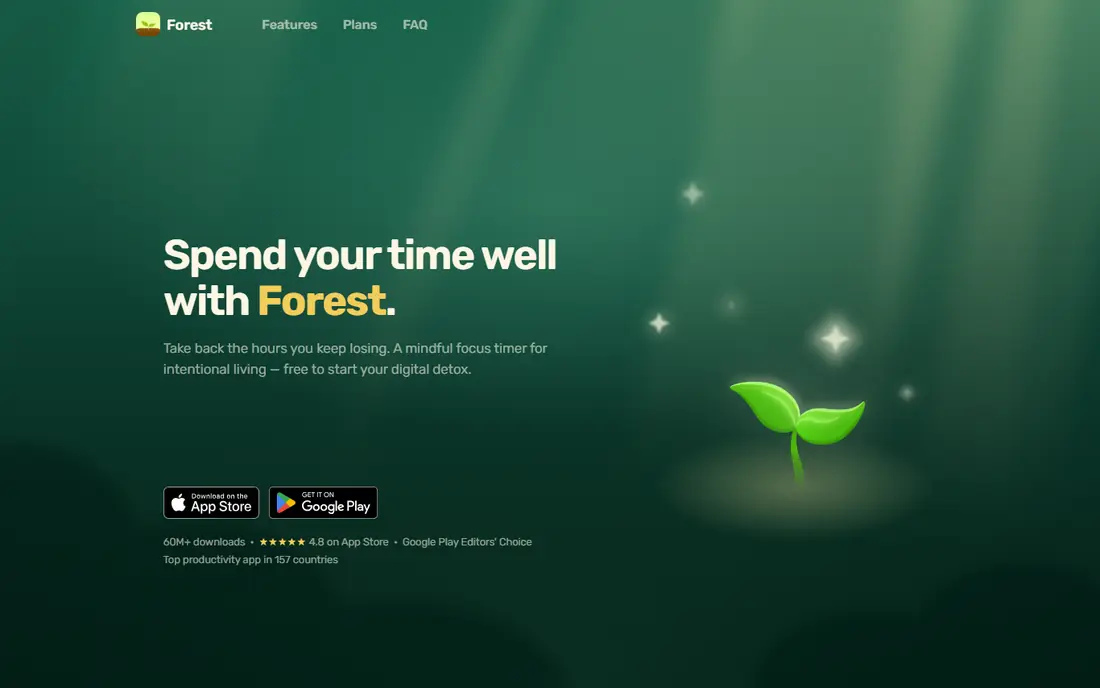
Forest turns focus into a game: plant a virtual tree, set a timer, and stay off your phone while it grows. Leaving the app kills the tree, which gives a gentle, visible reason to resist distraction that a plain timer lacks. Over time, a forest of completed sessions shows real progress.
It is a paid app and only a timer, so pair it with a planner like Todoist. For a student whose main struggle is phone distraction during study, Forest is a charming and effective tool.
- Visual focus timer grows a virtual tree
- Phone use breaks the tree, which discourages distraction
- Real tree planting partnerships
- Paid app
- Simple timer, not a full planner
Notion
Ideal for: All-in-one student workspace

Notion lets a student build one workspace for lecture notes, assignments, deadlines and revision, with databases that show tasks by course, due date or status. Its free education plan makes it accessible, and templates mean you rarely start blank.
The danger for ADHD users is setup as procrastination: endless template tweaking instead of studying. Pick one simple template, freeze it for the semester, and resist redesigning. Used with discipline, Notion is a powerful student hub.
- Notes, tasks, databases and calendars in one place
- Free for students with education plan
- Huge template library
- Setup can become procrastination
- Flexibility can overwhelm
Tiimo
Ideal for: Visual daily routines
Tiimo is designed with neurodivergent users in mind, showing the day as a visual timeline of activities with checklists and gentle reminders. That visual structure helps students who struggle to feel time passing or to sequence a morning routine.
It is subscription based after a trial, and its ecosystem is smaller than mainstream planners. For a student who thinks visually and needs routine support, Tiimo is a thoughtful and distinctive choice.
- Visual timeline for the day
- Designed with neurodivergent users in mind
- Gentle reminders and checklists
- Subscription based
- Smaller ecosystem than Notion or Todoist
Structured
Ideal for: Simple day planning
Structured is a day planner that shows tasks on a timeline, so a student can see the shape of the day at a glance and drag tasks into order. Its simplicity is the point: no databases, no projects, just today laid out clearly.
It is not a full project manager, so pair it with Todoist or Notion for semester planning. For a student who needs to answer one question each morning, what do I do today, Structured is excellent.
- Clean timeline day planner
- Very easy to build a day
- Works on Apple devices and Android
- Not a full project manager
- Some features need Pro
Microsoft To Do
Ideal for: Free simple lists
Microsoft To Do is a free, simple task app with a My Day view that asks you to pick today's tasks each morning, which is a helpful ADHD habit in itself. Lists, reminders and sharing cover most student needs without complexity.
Power features trail Todoist, and full sync needs a Microsoft account. For a student who wants a free, no-fuss list with a daily focus ritual, To Do is a solid choice.
- Free with a Microsoft account
- My Day view for daily focus
- Syncs across devices
- Fewer power features than Todoist
- Needs Microsoft account for sync
Goblin Tools
Ideal for: Breaking big tasks down
Goblin Tools is a free web toolkit whose Magic ToDo feature breaks a daunting task, like write essay, into small concrete steps, which is often the exact help an ADHD brain needs to start. Its playful tone lowers the pressure that makes big tasks feel impossible.
It is not a full planner, so use it to break tasks down, then move the steps into Todoist or Structured. For starting trouble, Goblin Tools is a free and genuinely useful trick.
- Magic ToDo breaks tasks into small steps
- Free and web based
- Playful, low-pressure design
- Not a full planner
- Web only, no native apps
Sunsama
Ideal for: Guided daily planning
Sunsama guides a daily planning ritual: pull tasks from Todoist, Notion or other tools, plan them into calendar timeboxes, and work in focus mode on one task at a time. That guided structure helps students who know what to do but struggle to plan when to do it.
It is subscription based after a trial, and it may be more than a light user needs. For a student who wants a calm, guided daily plan, Sunsama is a premium but effective option.
A further support worth using is body doubling, where you study alongside another person, in person or virtually, to stay on task. Many students with ADHD focus better with another person present, even silently, and apps like Forest pair naturally with a body doubling session. Campus study groups, library sessions and virtual co-working rooms all provide that structure.
- Guided daily planning ritual
- Calendar and task integration
- Focus mode for single tasks
- Subscription cost
- More tool than some students need
How we picked these
We compared official product pages and app listings, focusing on capture speed, visual structure, focus support, reminders and price, since those factors matter most for ADHD users. We favored tools that are actively maintained today and work on the devices students actually carry.
We also note that no app treats ADHD. These tools support strategies like externalizing tasks, timeboxing and reducing distraction, and they work best alongside campus support, accommodations and clinical care where appropriate.
How to use apps for ADHD without adding overwhelm
Pick two apps, not eight. One for capture and planning, like Todoist or Structured, and one for focus, like Forest, is enough. Every extra app adds decisions and maintenance, which is the opposite of what an ADHD system needs. Drop any app you have not opened in two weeks.
Make the next step tiny and visible
ADHD brains stall on vague tasks like study biology. Break that into open chapter four, read ten pages, write five flashcards, and put only the first step in today's view. Goblin Tools helps with breaking down, and Structured or Todoist helps with showing only today.
Build a daily planning ritual
Spend five minutes each morning picking three tasks for the day, timeboxing the hardest one, and setting a Forest session for it. That ritual, repeated daily, matters more than any app feature. Sunsama and Microsoft To Do's My Day both support it well.
Use campus support alongside apps
Register with your campus disability or accessibility office for accommodations like extended time, note-taking support or reduced-distraction testing. Apps help daily, but accommodations change the environment itself, and both together work better than either alone.
Frequently asked questions
What is the best app for ADHD college students?
Todoist is best for simple task capture, Structured and Tiimo for visual daily planning, Forest for focus, and Notion for an all-in-one workspace. Most students do best with one planner plus one focus app.
Can apps help with ADHD?
Apps can support organization, focus and routine, which are common ADHD challenges, but they are not treatment. Students should also consider campus support, accommodations and clinical care where appropriate.
What is the best free app for ADHD students?
Todoist, Microsoft To Do, Structured and Goblin Tools all offer free plans or free use that cover core needs. Forest and Sunsama are paid, while Tiimo offers a trial.
How do I stop procrastinating on assignments?
Break the assignment into tiny first steps with Goblin Tools, put only the first step in today's view, and start with a short Forest focus session. A small, timed start beats waiting for motivation.
Should I use Notion if I have ADHD?
Notion can work if you keep it simple: one template, frozen for the semester, with tasks by course and due date. If setup becomes procrastination, switch to a simpler planner like Todoist or Structured.
What is body doubling for ADHD?
Body doubling means working alongside another person, in person or virtually, which helps many people with ADHD stay focused and start tasks. The other person does not need to help, just being present provides structure and accountability.