Best Apps for Interior Design in 2026: 9 Apps Compared

- 1
 Planner 5DBuilding a room in 3D on phone or webVisit
- 2
 RoomSketcherAccurate floor plans and printable layoutsVisit
- 3
 HomestylerFree 3D design with a huge model libraryVisit
- 4
 IKEA KreativSeeing IKEA furniture in your own roomVisit
- 5
 Sweet Home 3DA free desktop planner with no subscriptionVisit
- Planner 5D is our pick for most people who want to build a room in 3D: the free plan has no time limit, and Premium is listed at $19.99 per month or $59.99 per year.
- Sweet Home 3D is the only fully free, open source option here, and RoomSketcher offers a free plan limited to 10 projects.
- IKEA Kreativ is free and lets you scan your own room, but it only places IKEA products.
- Havenly (from $159) and Decorilla (from $599) are paid design services, not software, so they suit people who want a professional plan rather than a tool.
- Always test the free plan with one real room before paying, because renders, furniture catalogs and watermarks are where the limits sit.
Quick comparison
| Product | Ideal for | Price from | Free version | |
|---|---|---|---|---|
| Planner 5D | Building a room in 3D on phone or web | $19.99 per month | Yes | Visit |
| RoomSketcher | Accurate floor plans and printable layouts | $12 per month (billed annually) | Yes | Visit |
| Homestyler | Free 3D design with a huge model library | $6.8 per month | Yes | Visit |
| IKEA Kreativ | Seeing IKEA furniture in your own room | Free | Yes | Visit |
| Sweet Home 3D | A free desktop planner with no subscription | Free | Yes | Visit |
 Houzz | Inspiration photos and finding local pros | Free | Yes | Visit |
 Havenly | An online designer on a fixed budget | $159 per project | No | Visit |
 Decorilla | Full custom design from experienced designers | $599 per project | No | Visit |
 SketchUp | Detailed 3D modeling and custom furniture | $10.75 per month (billed annually) | No | Visit |
The best apps for interior design
Interior design apps fall into three groups: tools where you draw and furnish a room yourself, tools that show products in your space, and services that connect you with a human designer. The nine below cover all three, so you can match the tool to how much work you want to do.
Planner 5D
Ideal for: Building a room in 3D on phone or web

Planner 5D is the most balanced option for someone who wants to draw a floor plan, furnish it and see it in 3D without learning professional software. Its site describes 2D and 3D design on web and mobile, a furniture library of more than 8,000 items on the homepage and 10,000+ on the pricing page, mood boards and a shopping list with cost estimates.
The free plan gives you unlimited projects with access to about half of the furniture catalog. The catch is what it leaves out: uploading an existing floor plan, standard renders, the Budget Widget and AI Studio credits all need a paid plan. Premium is listed at $19.99 monthly or $59.99 yearly, and the page also shows a lower per-month figure in its header, so check the checkout screen before you commit. Professional is $49.99 monthly or $399.99 yearly and adds 4K renders without watermarks and CAD export.
For a single room or a move-in plan, Premium for one month is usually enough. The iOS app carries a 4.4 rating from more than 42,000 App Store ratings.
- Free plan has no time limit
- Works on web, Windows, Android and iOS
- Floor plan upload and AI tools on paid plans
- Free plan covers only half the furniture catalog
- Premium price shown inconsistently on the pricing page
RoomSketcher
Ideal for: Accurate floor plans and printable layouts

RoomSketcher leans toward accurate layouts rather than decorating inspiration. That makes it a good fit when you are planning a renovation, checking whether a sofa fits, or handing a plan to a contractor.
The free plan keeps up to 10 projects with basic 2D and 3D tools, limited furniture and symbols, and watermarked 3D snapshots. It also includes two one-time credits and one free AI floor plan conversion. Pro costs $12 per month billed annually ($144 per year) or $24 month to month, and adds the full furniture library, Live 3D, measurements and printing to scale. Team starts at $35 per month billed annually for five users.
Pay-per-use options exist too: the pricing page lists 2D or 3D renders at $4 each and professional floor plan orders at $38 per floor. If you only need one polished picture, that can be cheaper than a subscription.
- Free plan with no credit card
- Measurements and printing to scale on Pro
- Can order professional floor plans
- Free 3D snapshots are watermarked
- Live 3D and measurements need a paid plan
Homestyler
Ideal for: Free 3D design with a huge model library

Homestyler markets itself as free 3D interior design software. Its homepage lists a cloud-based floor planner, more than 10 million branded 3D furniture models, over 500 design templates, and AI features such as turning a 2D plan into an editable 3D model and generating moodboards.
The Basic plan is free and includes unlimited 1K renders. Anything sharper, such as 4K renders, video rendering or extra AI credits, requires coins, one-off purchases or a subscription. Paid plans start low: Pro+ from $6.8 per month with 75 renders each for 2K and 4K, and Master+ from $11.8 per month with unlimited 4K image rendering. Those are the starting prices on the pricing page, so confirm the billing period at checkout.
It is a good choice if you want rich visuals on a small budget and do not mind a busy interface with many features. The iOS app has a 4.4 rating from about 5,500 App Store ratings.
- Free Basic plan with unlimited 1K renders
- Large branded model library
- AI tools including floor plan conversion
- Higher resolution renders and video need coins or a paid plan
- Free plan has only 3 AI credits in total
IKEA Kreativ
Ideal for: Seeing IKEA furniture in your own room
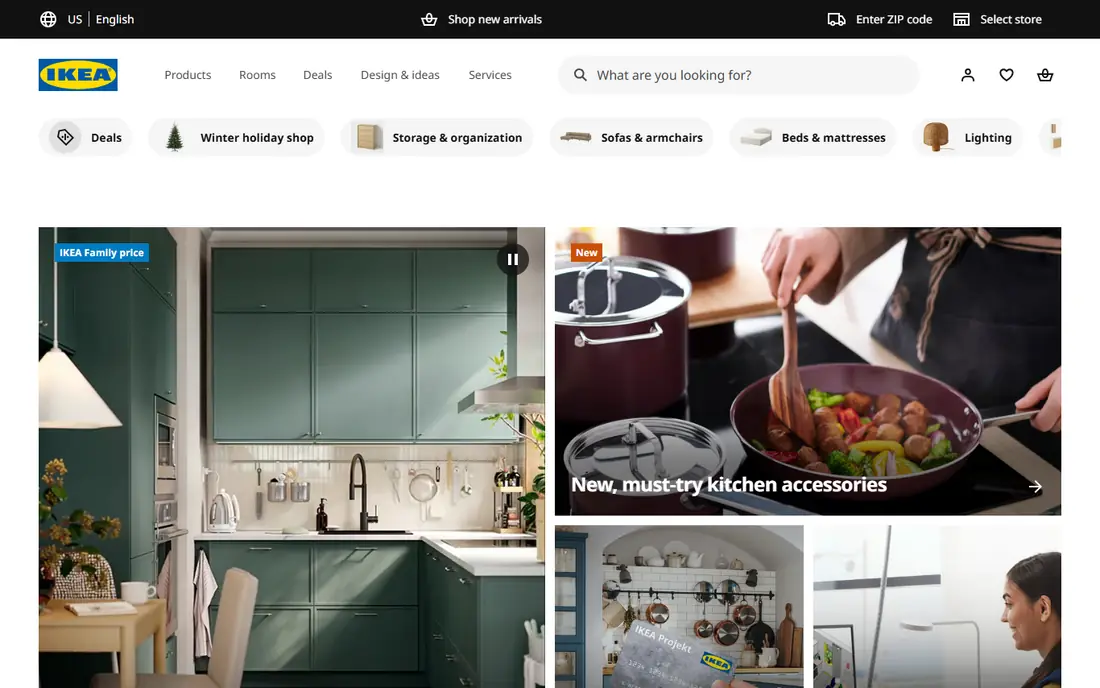
IKEA Kreativ solves a specific problem: will this sofa, shelf or kitchen island look right in my actual room. According to IKEA's launch announcement, the Scene Scanner inside the IKEA app turns a series of room photos into an interactive 3D replica with accurate dimensions. You can erase furniture that is already there, drop in IKEA products and swap alternatives.
IKEA says the full room design experience is free for US customers and that designs are stored in the cloud, can be saved to an IKEA account and added to your cart. You can also start from more than 50 3D showrooms on the IKEA Kreativ page if you would rather borrow a layout than scan your own.
The limit is obvious: it is a shopping tool for one retailer. Treat it as the last step, after you have settled on a layout somewhere else. Because the announcement dates from 2022, we would check the current IKEA app for which devices and countries are supported.
- Free to use
- Scans your real room into an editable 3D version
- Can remove existing furniture from the scene
- Only places IKEA products
- Details come from a 2022 launch announcement and may have changed
Sweet Home 3D
Ideal for: A free desktop planner with no subscription

Sweet Home 3D is the answer for people who dislike subscriptions. Its site describes a free application for drawing your floor plan, arranging furniture and viewing the result in 3D. The full version includes more than 10,000 models and 400 textures, and you can produce photo and video renderings.
It runs on Windows, macOS and Linux, and the site says it can also be used online in any WebGL-capable browser. The project is open source and hosted on SourceForge under the GNU General Public License. The page lists version 7.5, last updated May 5, 2025.
The trade-off is effort. There is no mention of AI floor plan conversion or automatic styling, so you place walls, doors and furniture by hand. If you are patient and want a no-cost, no-account tool, it is hard to beat.
- Completely free and open source (GNU General Public License)
- Runs on Windows, macOS and Linux, or in a browser
- Available in 29 languages
- No AI features listed on its site
- Needs more manual work than newer tools
Houzz
Ideal for: Inspiration photos and finding local pros
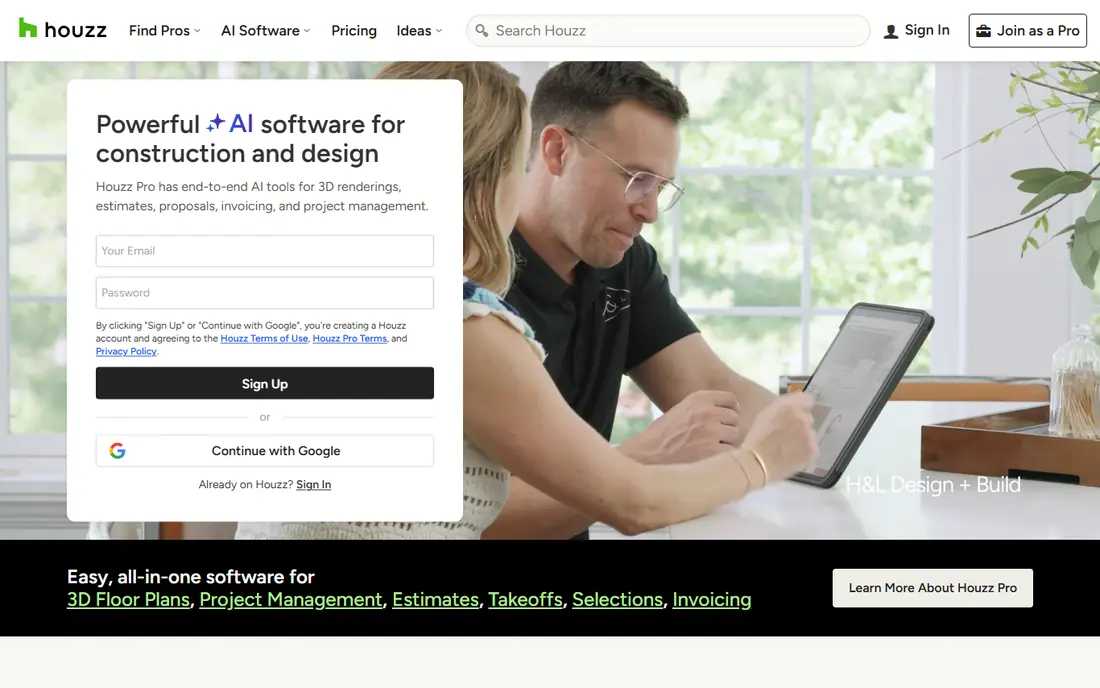
Houzz is where many design projects start, not where they get drawn. The app listing describes more than 20 million photos of finished interiors and exteriors, which you can sort by style, location or room and save into collections to share with family or a professional.
It also lists more than 3 million home improvement professionals, with reviews and photos of past work, plus editorial articles and a Q&A style advice section. The homepage lets you find pros by category and shows cost guides. The App Store listing shows a 4.8 rating from over 320,000 ratings.
Do not expect to build a floor plan here. The pricing page on the site is for Houzz Pro, which is software for contractors and designers with a free 30-day trial, not for homeowners. Pair Houzz with a planning tool from this list.
- Millions of room photos sorted by style and room
- Directory of architects, contractors and designers
- Free to browse
- It is not a room planner
- Business software (Houzz Pro) is aimed at professionals
Havenly
Ideal for: An online designer on a fixed budget

Havenly is a design service rather than an app. You take a style quiz, get matched with a designer, and receive a design plan with a rendering of your space and a shopping list. The site lists online design starting at $159 (shown as $199 before the discount) and in-person design starting at $499.
There is also a free AI interior design option to get started on your own, though the page gives no pricing detail for it. Havenly says "Love your design or it's free," and members get discounts on hundreds of brands. In-person designers serve cities including Denver, Houston, Austin, Dallas, Chicago and New York.
Havenly suits someone who knows the room is not working but cannot picture the fix. The iOS app has a 4.4 rating, though the rating count is small compared with the other apps here.
- Fixed-price packages
- Designer matched through a style quiz
- Free AI interior design option to start
- Prices vary with promotions
- Online packages are limited to the scope you buy
Decorilla
Ideal for: Full custom design from experienced designers
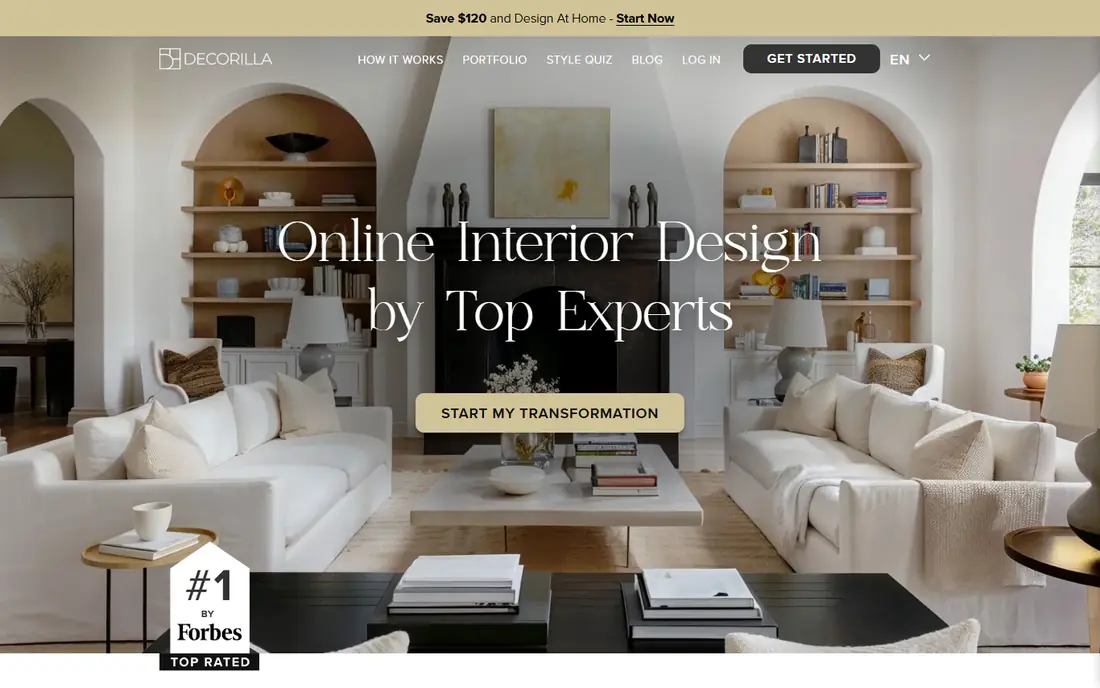
Decorilla is the premium end of online design. You pick a package, designers submit concepts, and you work one-on-one with the one you prefer. You receive a 3D model, a color palette and a floor plan.
The site lists Bronze at $599 ($479 with the current promotion), Silver at $859, Gold at $1,099 and Platinum from $1,980, plus hourly help at $119 to $500 per hour. It also advertises up to 45% off at more than 350 furniture stores and a satisfaction guarantee.
This is not for a quick weekend refresh. It makes sense for a whole-room or whole-home project where a wrong furniture purchase costs far more than the design fee.
- Multiple designer concepts to choose from
- Includes a 3D model, color palette and floor plan
- Member discounts at over 350 furniture stores
- Most expensive option here
- Prices shown with promotions that change
SketchUp
Ideal for: Detailed 3D modeling and custom furniture
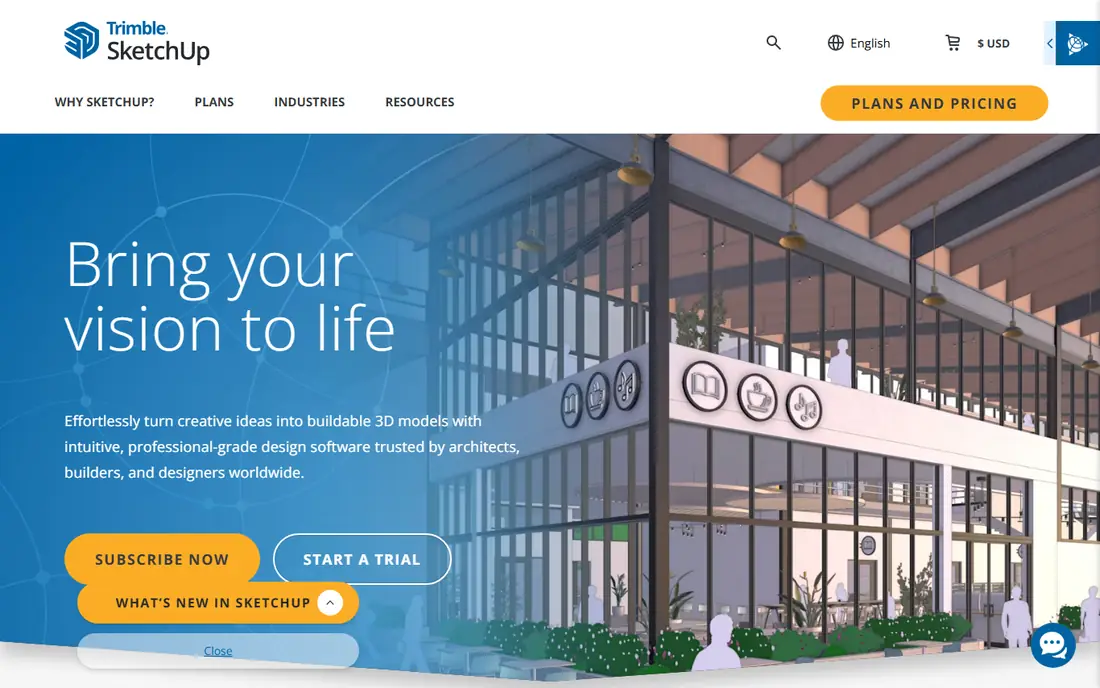
SketchUp is a general-purpose 3D modeler that designers use for interiors, built-ins and renovations. It is not a drag-and-drop decorator. You model walls, cabinets and furniture yourself, which gives you control that simpler apps cannot match.
The pricing page lists Go at $10.75 per user per month billed annually, covering essential 3D design for iPad and web. Pro is $33.25 and adds the full desktop modeler, LayOut and more than 1,000 extensions. Studio is $71.58. The only free offering listed is SketchUp for Schools, which needs a Google Workspace for Education or Microsoft Education account.
Choose SketchUp when you need to design a custom kitchen or a piece of furniture that does not exist in any catalog. For plain room layouts, it is more tool than you need.
- Very flexible 3D modeling
- Go plan works on iPad and web
- Large extension ecosystem on Pro
- Steeper learning curve than room planners
- No free plan for general users on its pricing page
How we picked these
We looked at each product's official website, pricing page, and App Store listing, and we did not claim any hands-on testing. For every app we noted the real cost of the free plan, which features sit behind a paywall, which platforms it runs on, and whether it plans rooms, shows products or connects you with a person. We left out apps whose pricing or features we could not confirm from an official page, and we marked prices as See website where a page did not state them.
We also separated tools from services. A room planner and a paid designer solve different problems, so each entry says who it is for and what the catch is.
How to choose an interior design app
Start by deciding what you actually need, because the nine options above do very different jobs.
Layout, inspiration or a human designer
If your main question is where things go, choose a room planner such as Planner 5D, RoomSketcher or Sweet Home 3D. If you do not yet know what style you want, start with Houzz photos. If you want someone else to make the decisions, Havenly or Decorilla replaces the app with a professional.
Check what the free plan really includes
Free plans tend to limit furniture catalogs, render quality, watermarks or the number of projects. Build one real room on the free plan first. If you hit a limit that matters, pay for a single month, finish the project and cancel.
Budget for the whole project
A one-month subscription is cheap, but furniture is not. Tools with a shopping list or budget feature, such as Planner 5D's paid Budget Widget, help you notice an expensive plan early. Designer packages usually cost more than software, so compare the price with the cost of a wrong purchase.
Frequently asked questions
What is the best app for interior design?
For most people who want to draw and furnish a room, we would start with Planner 5D, since its free plan has no time limit. If you want zero cost, Sweet Home 3D is free and open source. If you want a human designer, Havenly starts at $159.
Is there a free interior design app?
Yes. Sweet Home 3D is free, and IKEA Kreativ is free for US customers. Planner 5D, RoomSketcher and Homestyler also have free plans, but they limit furniture, projects, renders or AI credits.
What is the best interior design software for professionals?
SketchUp is the most flexible modeler on this list, with Pro at $33.25 per month billed annually. Planner 5D Professional ($49.99 monthly) and RoomSketcher Team add rendering and client features. Houzz Pro is a separate business product aimed at contractors and designers.
Can I see furniture in my own room before buying?
IKEA Kreativ does this for IKEA products by scanning your room with the IKEA app. Check the current app for supported devices and countries, because the launch details we found date from 2022.
Are paid designers worth it compared with an app?
It depends on the project. An app is enough when you only need a layout. A service like Havenly or Decorilla makes sense when you are buying a lot of furniture and want a complete plan and shopping list.
Sources
- https://planner5d.com/pricing
- https://planner5d.com/
- https://www.roomsketcher.com/pricing/
- https://www.homestyler.com/
- https://www.homestyler.com/pricing
- https://ikea.com/us/en/newsroom/corporate-news/ikea-launches-new-ai-powered-digital-experience-empowering-customers-to-create-lifelike-room-designs-pub58c94890
- https://www.sweethome3d.com/
- https://www.houzz.com/
- https://apps.apple.com/us/app/id399563465
- https://havenly.com/
- https://www.decorilla.com/
- https://sketchup.trimble.com/plans-and-pricing
- https://apps.apple.com/us/app/id606173978
- https://apps.apple.com/us/app/id601137449
- https://apps.apple.com/us/app/id1149153371