Best Apps for Kids to Learn English in 2026: 7 Apps Compared

- 1
 Duolingo ABCEarly reading and phonicsVisit
- 2
 Khan Academy KidsBroad early learningVisit
- 3
 LingokidsPlayful learning ages 2 to 8Visit
- 4
 ABCmouseStructured curriculumVisit
- 5
 StudycatEnglish as a second languageVisit
- Duolingo ABC is our pick for early reading, with free phonics, sight words and handwriting practice and no ads.
- Khan Academy Kids suits broad early learning, with free English reading alongside math, science and stories.
- Lingokids suits playful English learning for ages 2 to 8, with games, songs and speaking practice.
- Studycat suits children learning English as a second language, with ad-free games and pronunciation feedback.
- Check age ranges and privacy settings before installing, and favor apps with no ads, no chat with strangers and clear parent controls.
Quick comparison
| Product | Ideal for | Price from | Free version | |
|---|---|---|---|---|
| Duolingo ABC | Early reading and phonics | Free | Yes | Visit |
| Khan Academy Kids | Broad early learning | Free | Yes | Visit |
| Lingokids | Playful learning ages 2 to 8 | $13.49 per month | Yes | Visit |
| ABCmouse | Structured curriculum | $14.99 per month | Free trial | Visit |
| Studycat | English as a second language | See website | Free trial | Visit |
 Buddy.ai | Speaking practice with AI | See website | Free trial | Visit |
 Epic | Reading library for kids | $13.99 per month | Free trial | Visit |
The best apps for kids to learn English
English apps for kids serve two different groups: native speakers learning to read, and children learning English as a second language. Phonics apps help the first group, while speaking and vocabulary apps help the second. The list below covers both, so start from your child's situation, not from a single ranking.
Duolingo ABC
Ideal for: Early reading and phonics
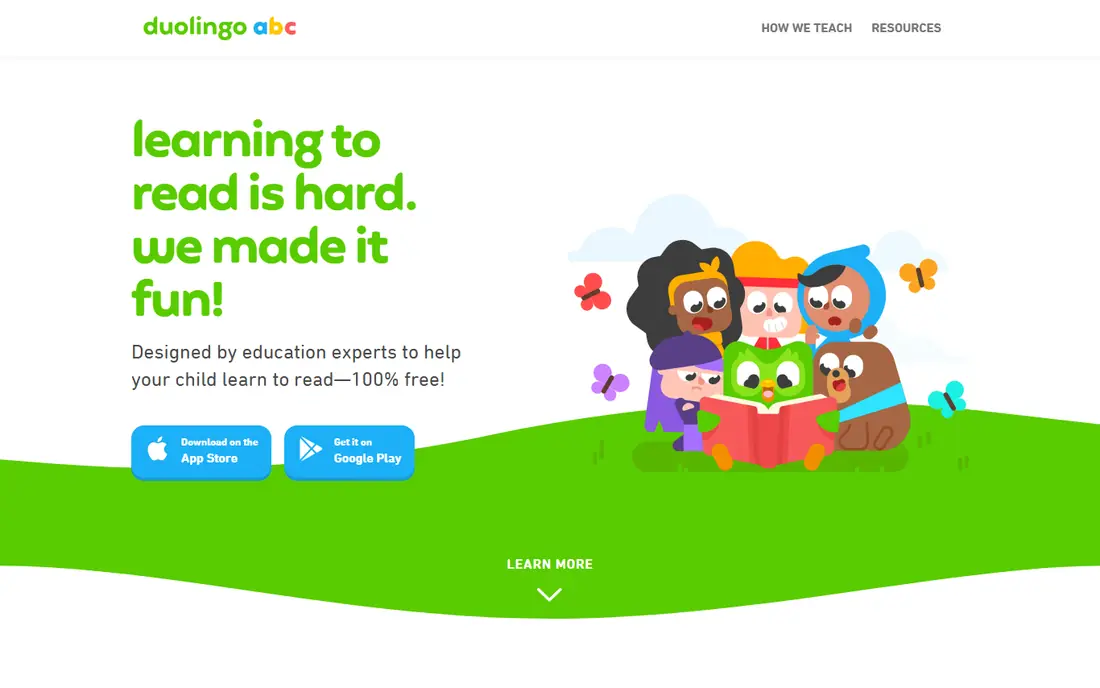
Duolingo ABC is our pick for children learning to read English. Short, game-like lessons teach letter sounds, blending, sight words and handwriting in a sequence that builds steadily, with microphone activities that let children say sounds back. There are no ads, no purchases and no social features, which makes it one of the safest kids apps available.
The limit is scope. Duolingo ABC covers early reading well but does not replace a full English curriculum, especially for older children or for grammar and writing. For preschool through first grade reading, though, it is the best free starting point, and it pairs well with a library app for reading volume.
- Completely free with no ads or in-app purchases
- Structured phonics, sight words and handwriting
- Short, game-like lessons
- Tops out at early elementary reading
- Not a full English curriculum on its own
Khan Academy Kids
Ideal for: Broad early learning
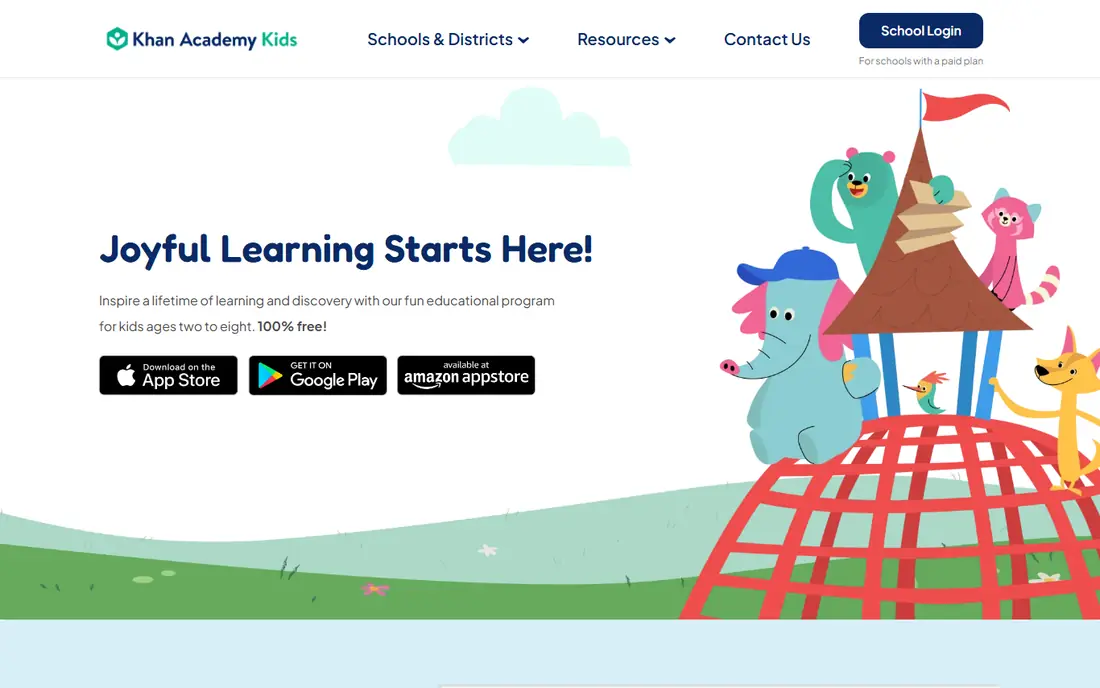
Khan Academy Kids suits families who want English reading inside a broader early learning app. Books, phonics games, vocabulary activities and stories sit alongside math, science and social-emotional learning, all free and ad-free. Animated characters guide children through activities, and offline mode helps on trips.
Specialized reading apps go deeper on phonics alone, and older children will outgrow the app around age 8. For a single free app that covers reading plus everything else a young child needs, Khan Academy Kids is the most practical choice.
- Completely free with no ads or purchases
- English reading alongside math, science and stories
- Offline activities
- Reading depth is broad rather than specialized
- Content tops out around age 8
Lingokids
Ideal for: Playful learning ages 2 to 8
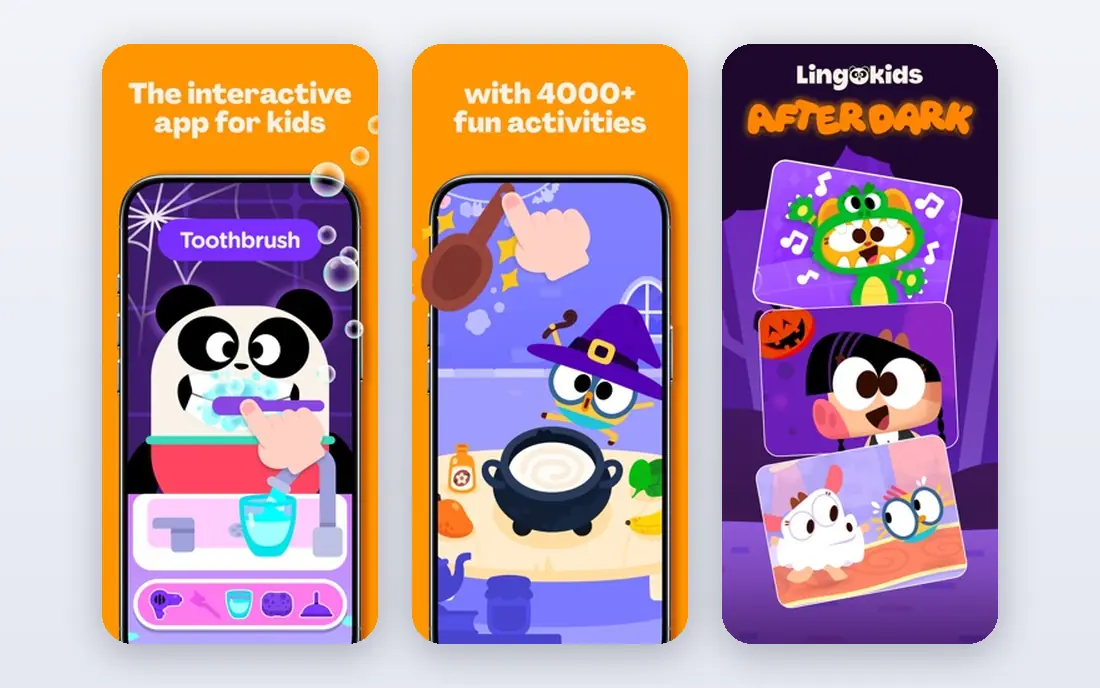
Lingokids takes a play-first approach to English, with games, songs, videos and stories that teach vocabulary, listening and speaking through play. Speech recognition prompts children to say words aloud, which helps pronunciation in a way passive watching cannot. The design is ad-free and kidSAFE certified, with up to four child profiles for siblings.
A subscription gives access to the full library, while the free tier offers a limited daily set of activities. For young children who learn best through play, especially those learning English as a second language, Lingokids is a cheerful and effective choice.
- Over 4,000 games, songs and shows
- Speech recognition prompts children to speak
- Ad-free with kidSAFE certification
- Subscription needed for the full library
- English is part of a broad curriculum, not the sole focus
ABCmouse
Ideal for: Structured curriculum
ABCmouse offers the most structured path on this list, with ten levels moving from letters and sounds to more complex reading. English sits inside a full early curriculum, so a child builds reading alongside math, science and art. Parents can track progress and see completed activities.
The subscription is the main drawback, and the gamified rewards can overwhelm some children. A free trial helps judge fit before paying. For families who want a guided curriculum rather than a loose set of games, ABCmouse is a strong option.
- Structured ten-level curriculum for ages 2 to 8
- English reading alongside math, science, art and music
- Parent progress tracking
- Subscription cost adds up
- Reward-heavy design can distract some children
Studycat
Ideal for: English as a second language
Studycat, formerly Fun English, is built for children learning English as a second language. Ad-free games, songs, phonics and speaking tasks teach everyday English vocabulary and pronunciation, with voice recognition giving instant feedback on spoken words. The design suits ages 3 to 8 and avoids the clutter of broader learning apps.
Subject range is narrower than general early learning apps, since Studycat focuses on English. For a child learning English from another first language, that focus is a strength, and the speaking practice sets it apart from reading-only apps.
- Ad-free games, songs and phonics for ages 3 to 8
- Speaking tasks with pronunciation feedback
- Designed for young English learners
- Subscription needed for full access
- Narrower subject range than Khan Academy Kids or ABCmouse
Buddy.ai
Ideal for: Speaking practice with AI
Buddy.ai gives children regular speaking practice with an AI tutor that listens, responds and corrects. That conversation practice is hard to get from games alone, and it helps children learning English as a second language build confidence speaking aloud. Lessons are game-like and short, which suits young attention spans.
Reading and writing depth is thinner than Duolingo ABC, so Buddy.ai works best as a speaking companion alongside a reading app. For families whose main gap is spoken English practice, Buddy.ai fills a real need that most kids apps ignore.
- Voice-based activities with an AI tutor that listens and responds
- Regular speaking practice
- Game-like lessons for young learners
- Subscription needed for full access
- Speaking focus means less reading and writing depth than Duolingo ABC
Epic
Ideal for: Reading library for kids
Epic is the reading volume app. A large library of picture books, chapter books and audiobooks lets children read widely, with read-to-me options supporting early readers who are not yet independent. Up to four child profiles and a parent dashboard make it practical for families.
It is a library, not a phonics teacher, so children who cannot yet read need a phonics app alongside it. For children who can read at a basic level and need volume and choice to build fluency, Epic is the best library option here.
- Large library of books and audiobooks for ages 2 to 12
- Read-to-me options for early readers
- Up to four child profiles
- Subscription needed after trial
- Library depth varies by age and interest
How we picked these
We compared official app pages, pricing pages, age guidance and public reviews for English learning apps available to US families in October 2026. We kept apps that teach reading, phonics, vocabulary or speaking for children, and we checked free tiers, ads and purchase models as vendors describe them. We favored apps with clear privacy practices and no advertising to children, and we did not claim hands-on testing.
How to choose the right English app
Match the app to the skill gap first. A child learning letter sounds needs Duolingo ABC, a child learning English as a second language needs Studycat or Buddy.ai for speaking, and a child who can read basics needs Epic for volume. Using the wrong app for the gap wastes the subscription and the child's patience.
Then check the practical details: age range, ads, purchases, offline use and parent controls. Let your child try the free tier or trial for a week, and watch whether they return willingly. Short, regular sessions beat long forced ones, and reading together, even for a few minutes a day, helps any app work better.
A helpful routine is to pair app time with a short real conversation each day, such as naming objects during a walk or describing what happened at school in English. Apps build vocabulary and phonics, but spoken confidence grows from using words with a real person who listens and responds. Keep the conversation low pressure and playful, and praise effort rather than correctness, so the child associates speaking English with fun rather than with tests.
Frequently asked questions
What is the best app for kids to learn English?
Duolingo ABC is the best free start for early reading and phonics, while Khan Academy Kids suits broad early learning. Lingokids and Studycat suit playful learning and English as a second language, and Epic suits reading volume once basics are in place.
Are English learning apps for kids safe?
The apps on this list avoid advertising to children and offer parent controls, but always check the privacy policy and app store age rating before installing. Avoid apps with open chat, unguarded purchases or data sharing, and supervise younger children during use.
Do kids need a paid English app?
No. Duolingo ABC and Khan Academy Kids are completely free and cover early reading well. Paid apps like Lingokids, ABCmouse, Studycat and Epic add structure, speaking practice or larger libraries, which suit families who want those extras.
What age should kids start using English learning apps?
Simple phonics and vocabulary play suits ages 3 to 4 with a parent nearby, while structured reading suits ages 5 to 8. Older children benefit more from reading libraries like Epic and from school-based English work. Follow your child's interest and keep sessions short.
Can an app teach a child English on its own?
An app helps with phonics, vocabulary, listening and speaking practice, but conversation with people, reading together and school learning matter more. Use apps as a supplement that makes practice enjoyable, not as a replacement for real language interaction.