Best Apps for Kids to Learn Science in 2026: 7 Apps Compared

- 1
 Khan Academy KidsAges 2 to 8 science basicsVisit
- 2
 TappityElementary science lessonsVisit
- 3
 PBS Kids GamesPreschool science playVisit
- 4
 ABCmouseStructured early learningVisit
- 5
 LingokidsPlayful science for ages 2 to 8Visit
- Khan Academy Kids is our pick for younger children, with free science basics, books and activities and no ads or purchases.
- Tappity suits curious elementary kids, with teacher-led science lessons and a science journal for recording discoveries.
- PhET Interactive Simulations suits older kids and teens who learn by experimenting with physics, chemistry and biology models.
- PBS Kids Games offers free, familiar science play for preschool and early elementary children.
- Check age ranges and privacy settings before installing, and favor apps with no ads, no chat with strangers and clear parent controls.
Quick comparison
| Product | Ideal for | Price from | Free version | |
|---|---|---|---|---|
| Khan Academy Kids | Ages 2 to 8 science basics | Free | Yes | Visit |
| Tappity | Elementary science lessons | See website | Free trial | Visit |
| PBS Kids Games | Preschool science play | Free | Yes | Visit |
| ABCmouse | Structured early learning | $14.99 per month | Free trial | Visit |
| Lingokids | Playful science for ages 2 to 8 | $13.49 per month | Yes | Visit |
 PhET Interactive Simulations | Hands-on science experiments | Free | Yes | Visit |
 BrainPOP Jr. | Animated science explanations | See website | Free trial | Visit |
The best apps for kids to learn science
Good science apps for kids do more than show facts. They let children ask questions, test ideas, watch what happens and record what they found. The apps below cover different ages and styles, from playful preschool exploration to virtual lab experiments for older kids, so start from your child's age and curiosity, not from a single ranking.
Khan Academy Kids
Ideal for: Ages 2 to 8 science basics
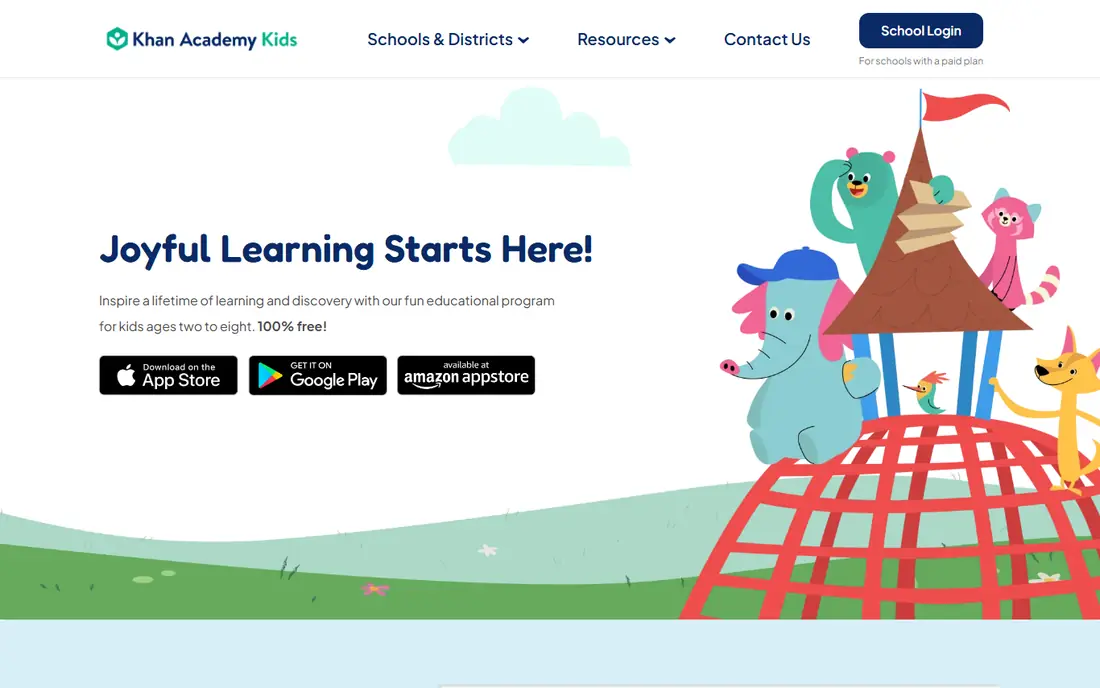
Khan Academy Kids is our pick for younger children because it removes every barrier that usually worries parents. It is free, has no ads and no in-app purchases, and its science content sits alongside reading, math and social-emotional learning in one friendly app. Animated characters guide children through books, videos and activities, and offline mode helps on trips and in cars.
The limit is age. Children near the top of the 2 to 8 range will outgrow the difficulty quickly and need to move to the main Khan Academy app or a subject-specific tool. For preschool and early elementary science basics, though, Khan Academy Kids is the safest and simplest start.
- Completely free with no ads or in-app purchases
- Science basics alongside reading and math
- Offline activities available
- Content tops out around age 8
- Science depth is introductory rather than advanced
Tappity
Ideal for: Elementary science lessons
Tappity feels like a science teacher in an app. A real teacher leads lessons across topics like animals, space, weather and the human body, and children follow along with hands-on activities they can try at home. The science journal lets kids record discoveries and experiment results, which builds the habit of observing and noting, not just watching.
Access is mainly iOS and web, so Android families should check current availability. A subscription gives access to the full lesson library, while a trial lets you test whether your child engages with the teacher-led style. For elementary kids who ask why about everything, Tappity turns that curiosity into structured learning.
- Over 500 science lessons led by a teacher
- Aligned with school science standards
- Science journal for recording experiments
- IOS and web focus, with less Android coverage
- Subscription needed for full access
PBS Kids Games
Ideal for: Preschool science play
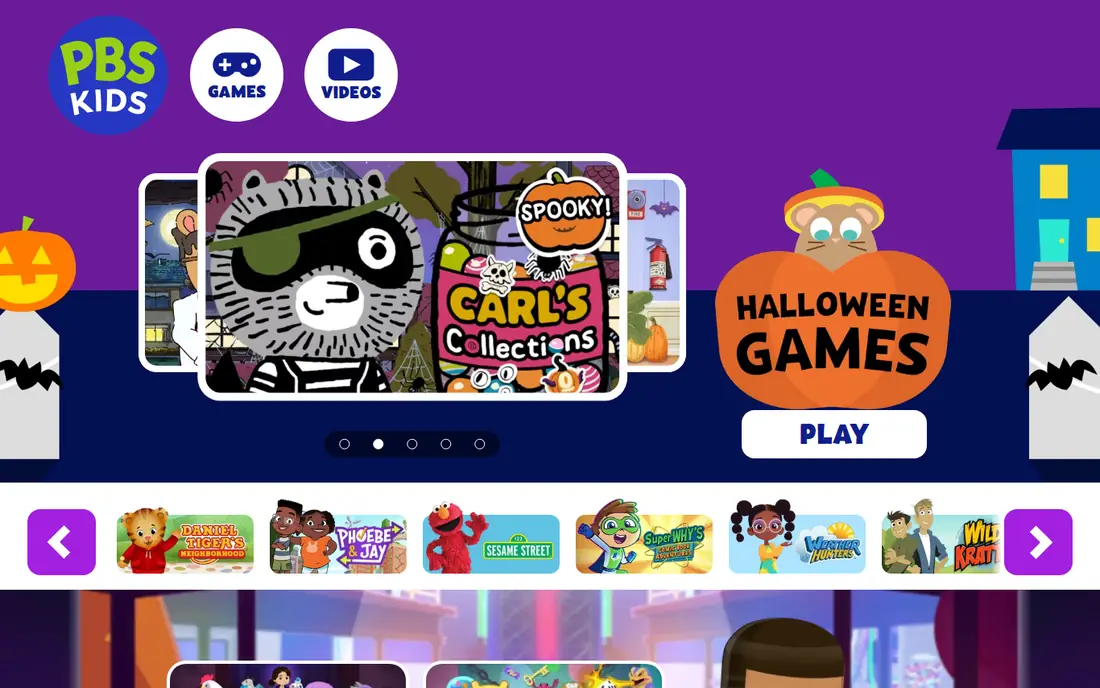
PBS Kids Games brings science play to preschoolers through characters they already know. Games cover topics like animal habitats, weather, plants and simple machines, wrapped in short, friendly activities that suit young attention spans. As a nonprofit product, it avoids the advertising and purchase pressure found in many free kids apps.
Depth is limited by design. These are short games, not a curriculum, and elementary children will want more challenge soon. For ages 2 to 8, especially for a first science app, PBS Kids Games is a safe, free and genuinely enjoyable choice.
- Free with familiar characters
- Science games covering nature, weather and simple experiments
- Nonprofit, child-focused design
- Games are short and simple
- Older children outgrow the content quickly
ABCmouse
Ideal for: Structured early learning
ABCmouse offers the most structured early learning path on this list, with ten levels that move from basic concepts to more complex ones. Science appears alongside reading, math, art and music, so a child who loves science also builds surrounding skills. Parents can track progress and see which activities their child has completed.
The subscription is the main drawback, and the reward-heavy design can distract some children from the learning itself. A free trial helps you judge whether the structure suits your child. For families who want a guided curriculum rather than a loose collection of games, ABCmouse is a strong option.
- Structured curriculum across ten levels for ages 2 to 8
- Science alongside reading, math, art and music
- Progress tracking for parents
- Subscription cost adds up
- Gamified rewards can overwhelm some children
Lingokids
Ideal for: Playful science for ages 2 to 8
Lingokids takes a play-first approach to learning, with games, songs and shows that cover science alongside literacy, math, art and music. The ad-free design and kidSAFE certification reassure parents, and up to four child profiles make it practical for siblings. Offline play helps on the go.
Science is part of a broad curriculum, not a dedicated science app, so children who want deep science exploration will need a second tool. For younger kids who learn best through play and who enjoy variety, Lingokids is a cheerful and safe choice.
- Over 4,000 games, songs and shows including science
- Ad-free design with kidSAFE certification
- Up to four child profiles
- Subscription needed for the full library
- Science is one subject among many, not the sole focus
PhET Interactive Simulations
Ideal for: Hands-on science experiments
PhET Interactive Simulations, from the University of Colorado, lets children and teens experiment with science rather than just reading about it. Build circuits, mix chemicals, explore gravity and test how atoms behave, all in a safe virtual lab. The simulations are research-based and free, which makes PhET a favorite in classrooms worldwide.
Younger children may need a parent or teacher to guide them, since the simulations assume some reading and reasoning. For upper elementary kids, middle schoolers and teens, PhET is the closest thing to a real lab without the cost or safety concerns, and it pairs well with school science topics.
- Over 160 research-based simulations for physics, chemistry and biology
- Free for all users
- Sandbox learning by experimenting
- Better suited to older kids and teens than preschoolers
- Needs guidance for younger children to get the most from it
BrainPOP Jr.
Ideal for: Animated science explanations
BrainPOP Jr. explains science through short animated movies that make tricky ideas feel simple. Topics cover animals, space, weather, the human body and more, with quizzes and activities to check understanding. The tone is friendly and the explanations are clear, which suits younger elementary children who learn by watching and listening.
It is less hands-on than PhET or Tappity, since children watch and answer rather than experiment. A subscription gives access to the full library, though a trial shows whether the style clicks. For a child who loves to ask how things work and enjoys animated explanations, BrainPOP Jr. is a reliable pick.
- Short animated movies explain science topics clearly
- Quizzes and activities reinforce learning
- Designed for younger elementary kids
- Subscription needed for full access
- Less hands-on experimentation than PhET or Tappity
How we picked these
We compared official app pages, pricing pages, age guidance and public reviews for science apps available to US families in October 2026. We kept apps that teach science through play, lessons, simulations or explanations, and we checked free tiers, ads and purchase models as vendors describe them. We favored apps with clear privacy practices and no advertising to children, and we did not claim hands-on testing.
How to choose the right science app
Match the app to your child's age first. Preschoolers need short, visual play from Khan Academy Kids or PBS Kids, elementary kids benefit from teacher-led lessons in Tappity or explanations in BrainPOP Jr., and older kids gain the most from experimenting in PhET. An app that is too advanced will frustrate, while one that is too simple will bore, so watch your child use it for a week before judging.
Then check the practical details. Confirm there are no ads or unguarded purchases, review the privacy policy, and set any parent controls the app offers. The best science app is one your child returns to willingly, so let curiosity lead: if space fascinates them, start there, and let the app follow their questions rather than forcing a fixed path.
A good way to extend a science app is to pair one screen activity with one hands-on activity each week, such as growing seeds after a plant lesson or building a simple circuit after an electricity game. That pairing helps children connect what they tapped to what they can touch, which is where lasting understanding forms. Keep the hands-on step short and messy in a good way, and let the child explain what happened in their own words before moving on to the next lesson.
Frequently asked questions
What is the best science app for kids?
Khan Academy Kids is the best free start for ages 2 to 8, while Tappity suits elementary kids who want teacher-led lessons. PhET suits older kids and teens who learn by experimenting. The best app depends on age and learning style, so try a free option first.
Are science apps for kids safe?
The apps on this list avoid advertising to children and offer parent controls, but always check the privacy policy and app store age rating before installing. Avoid apps with open chat, unguarded purchases or data sharing, and supervise younger children during use.
Do kids need a paid science app?
No. Khan Academy Kids, PBS Kids Games and PhET are all free and cover a wide range of science topics. Paid apps like Tappity, ABCmouse and BrainPOP Jr. add structure, teacher-led lessons or larger libraries, which suit families who want a guided curriculum.
What age should kids start using science apps?
Simple science play suits ages 2 to 4 with a parent nearby, while structured lessons suit ages 5 to 8. Simulations like PhET suit ages 8 and up, with guidance at first. Follow your child's interest and keep sessions short for younger children.
Can science apps replace school science lessons?
No, they work best as a complement. Apps spark curiosity, reinforce topics and let children experiment safely, but school lessons add hands-on labs, teacher guidance and group discussion. Use apps to extend what children learn at school, not to replace it.