Best Apps for Kids in 2026: 8 Apps Compared

- 1
 Khan Academy KidsFree early learning for ages 2 to 8Visit
- 2
 ABCmouseStructured curriculum path for ages 2 to 8Visit
- 3
 PBS Kids GamesFree games with familiar characters for ages 2 to 8Visit
- 4
 EpicLarge digital library for readers ages 4 to 12Visit
- 5
 Duolingo ABCFree phonics and early readingVisit
- Khan Academy Kids is the best free starting point for ages 2 to 8, with no ads and no in-app purchases.
- ABCmouse suits families who want a structured curriculum path, while Epic suits families who want a large reading library.
- PBS Kids Games and ScratchJr offer free, age-appropriate play that parents can trust.
- Check age guidance, ads and in-app purchases before installing any kids app, and use device parental controls for screen time.
Quick comparison
| Product | Ideal for | Price from | Free version | |
|---|---|---|---|---|
| Khan Academy Kids | Free early learning for ages 2 to 8 | Free | Yes | Visit |
| ABCmouse | Structured curriculum path for ages 2 to 8 | $14.99 per month | Yes | Visit |
| PBS Kids Games | Free games with familiar characters for ages 2 to 8 | Free | Yes | Visit |
| Epic | Large digital library for readers ages 4 to 12 | $13.99 per month | Yes | Visit |
| Duolingo ABC | Free phonics and early reading | Free | Yes | Visit |
 ScratchJr | Intro coding and storytelling for ages 5 to 7 | Free | Yes | Visit |
 Starfall | Learn-to-read basics for preschool to grade 3 | $35 per year | Yes | Visit |
 Prodigy Math | Gamified math practice for ages 6 to 12 | Free | Yes | Visit |
The best apps for kids
We compared official feature pages, pricing pages, app store listings, privacy policies and public reviews to build this list of 8 options for best apps for kids. Prices were checked in October 2026 and can change, so confirm the current price on the vendor site before you buy. Our pick for most people is the first option that fits your budget and workflow, not necessarily the most expensive tool on the list. Read the quick comparison first to narrow the field, then read the full write-ups for the two or three options that fit your needs best.
Khan Academy Kids
Ideal for: Free early learning for ages 2 to 8
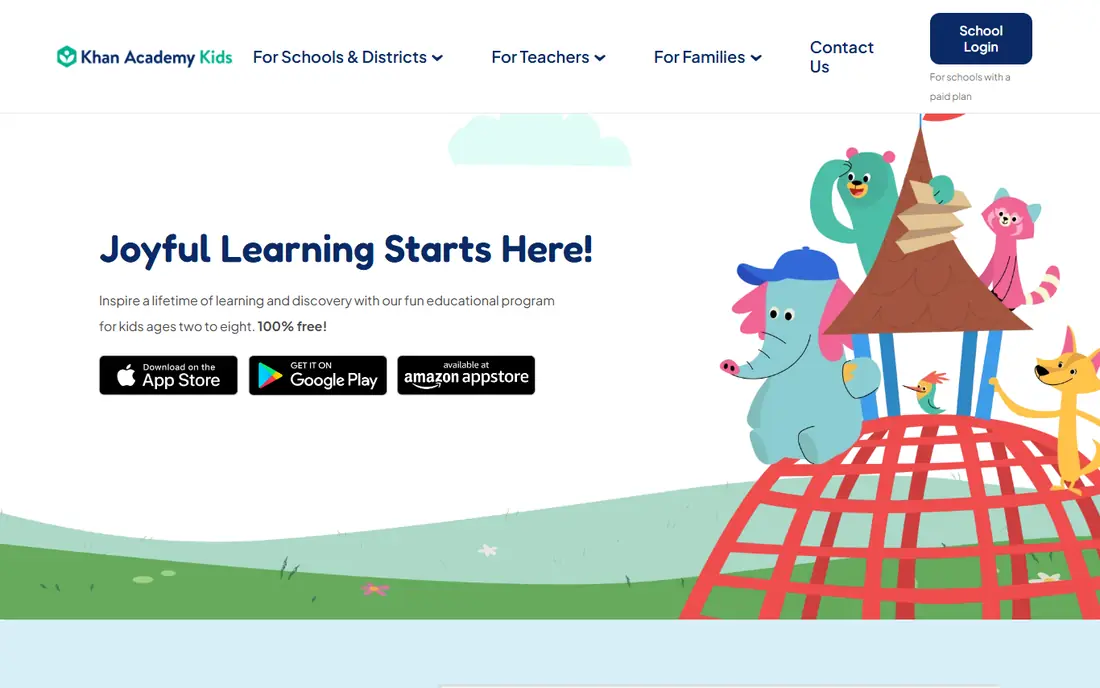
Khan Academy Kids offers a full early learning curriculum for ages 2 to 8, covering reading, math, logic, social-emotional skills and creative play. It is completely free, with no ads and no in-app purchases, which makes it the safest first install for parents. Books, videos and activities are high quality.
Content tops out at age 8, so older children need the main Khan Academy app. There is also no web version, and some areas are thinner than paid curricula. For free early learning, Khan Academy Kids is the best pick.
- Completely free
- No ads or in-app purchases
- Reading, math and social-emotional learning
- Ages top out at 8
- No web version
- Content depth lags paid curricula in some areas
ABCmouse
Ideal for: Structured curriculum path for ages 2 to 8

ABCmouse offers a large guided curriculum for ages 2 to 8, with more than 10,000 activities across reading, math, science, art and music. A step-by-step path suits children who like structure, and parent reports track progress. Offline materials and printables add value.
It costs $14.99 a month after a trial, with annual prices varying by offer, and the gamified design can overwhelm some children. Families on a budget should try Khan Academy Kids first. For a structured paid curriculum, ABCmouse leads.
- 10,000+ activities
- Guided learning path
- Parent progress reports
- Subscription cost
- Annual price varies by offer
- Gamification can overwhelm some children
PBS Kids Games
Ideal for: Free games with familiar characters for ages 2 to 8
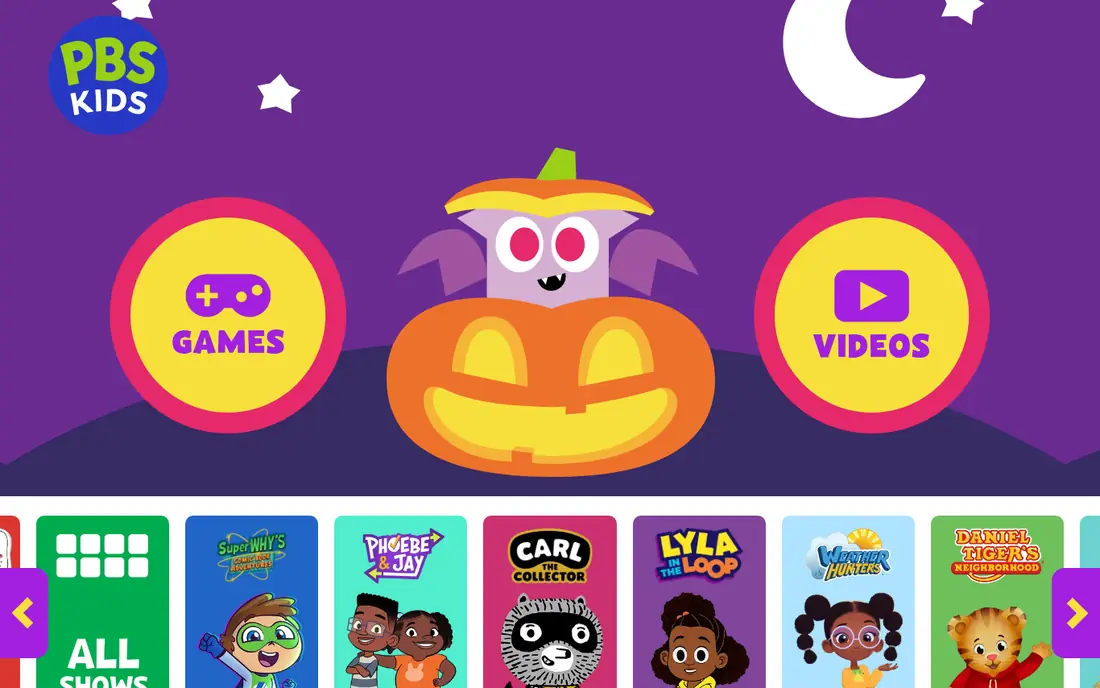
PBS Kids Games offers more than 280 free games featuring familiar characters, covering math, reading, science and social skills for ages 2 to 8. It is free, nonprofit backed, and recommended by pediatric guidance for quality children's media. For playful learning, it is a trusted pick.
Learning depth varies by game, and there is no structured curriculum path like ABCmouse. Web tracking and ads also deserve a check on the site version. For free, character-led play, PBS Kids Games is excellent.
- Free with 280+ games
- Familiar PBS characters
- No subscription
- Learning depth varies by game
- No structured curriculum path
- Ads and tracking need checking on web
Epic
Ideal for: Large digital library for readers ages 4 to 12
Epic offers a large digital library for ages 4 to 12, with books, audiobooks, videos and quizzes. Read-To-Me features help early readers, and choice encourages reading volume. For families who want many books without buying each one, Epic is good value.
It costs $13.99 a month, and library quality varies, so parents should guide younger readers. It is also a library, not a structured curriculum. For reading volume and choice, Epic is a top pick.
- Large book, audiobook and video library
- Read-To-Me features
- Quizzes
- Subscription cost
- Library quality varies
- Younger children need guidance
Duolingo ABC
Ideal for: Free phonics and early reading
Duolingo ABC offers free phonics and early reading lessons in short, game-like sessions for young children. It suits preschool and early elementary readers learning letters and sounds. Being free and ad-free for children makes it a safe supplement.
It focuses on early reading, so it does not replace a full curriculum covering math and science. Older children should move to main Duolingo or Khan Academy. For free phonics practice, Duolingo ABC is a strong pick.
- Free phonics lessons
- Short, game-like sessions
- No ads for children
- Ages focus on early reading
- Depth lags a full curriculum
- Needs a device with app access
ScratchJr
Ideal for: Intro coding and storytelling for ages 5 to 7
ScratchJr introduces coding to ages 5 to 7 through colorful blocks that make characters move, talk and tell stories. It builds sequencing and creative thinking without reading-heavy instructions. For a first coding experience, it is gentle and free.
The age range is narrow, and older children quickly need full Scratch. Saving and sharing also vary by device. For young children starting coding, ScratchJr is the best free pick.
- Free
- Block coding for young children
- Storytelling and creativity focus
- Age range is narrow
- No account or cloud save on some devices
- Depth is limited for older kids
Starfall
Ideal for: Learn-to-read basics for preschool to grade 3
Starfall offers a free learn-to-read program with phonics songs, stories and games for preschool through grade 3. A home membership at $35 a year opens full content across reading and math. For early readers, the phonics focus is clear and effective.
Full content needs a membership, and the design feels dated next to ABCmouse. Math depth is also limited. For cheap, phonics-led reading practice, Starfall is a solid pick.
- Free learn-to-read program
- Home membership is cheap
- Phonics focus
- Membership needed for full content
- Design feels dated
- Math depth is limited
Prodigy Math
Ideal for: Gamified math practice for ages 6 to 12
Prodigy Math turns math practice into an adventure game for ages 6 to 12, with battles and rewards tied to correct answers. The free core game covers curriculum math, and teacher and parent tools track progress. For children who resist worksheets, the game format helps.
Memberships add features and can create upgrade pressure, and the game layer can distract some children from math itself. Content is also math first, not a full curriculum. For gamified math practice, Prodigy is a popular free pick.
- Free core game
- Math practice disguised as adventure
- Teacher and parent tools
- Memberships add features and can pressure children to upgrade
- Game can distract from math
- Content is math first
How we picked these
We started from the topic and shortlisted products that exist and work today, then checked each vendor homepage, pricing page and free tier. We compared feature pages, app store listings, privacy policies and public reviews, and we dropped any product whose homepage could not be verified or whose price could not be checked. Where a price was unclear or varied by region, we wrote See website rather than guessing a number. That rule kept the list honest, even where a neat price would have made the comparison table look tidier.
We also weighed fit over fame. A well-known product stayed on the list only if it truly fits the topic, and smaller tools earned a place when they served a clear use case better. No product here was tested hands-on for this article, and no vendor paid for placement.
Price and free-tier details matter most when plans change often, so we favoured products with clear published pricing and a trial or free tier where one exists. If a vendor changed a plan after our check, the vendor site is the correct source, and the ranking here still reflects fit, not just price. That check takes extra time, but it prevents a shortlist built on outdated pricing or a product that no longer exists.
Choosing kids apps by age, ads and learning goal
Start with age guidance, then check ads and purchases: free apps with ads or aggressive upsells cost attention, not money. Match the app to the goal, such as reading, math or creativity, and set a short daily routine rather than installing many apps at once. Review privacy settings and use a parent dashboard where one exists.
Before you pay, run a trial on a real task from your own work, not a demo file. Check export formats, mobile access and support hours, because those details decide whether a tool survives daily use. Also check renewal terms and cancellation steps, since a cheap first year can become an expensive second year if renewal jumps. Finally, ask who will own setup and training, because a tool nobody is responsible for tends to fall out of use within a few months. Keep a short note on why you picked the winner, so a future review can judge it against the same criteria instead of starting from scratch.
A useful final test is to imagine the tool in six months, when the first excitement has faded and the work is routine. If the daily steps are still quick, the cost is still clear, and the support route is still obvious, the choice is likely sound. If any of those three answers is unclear, use the trial period to get a clear answer before committing to an annual plan.
Frequently asked questions
What is the best free app for kids?
Khan Academy Kids is free with no ads or in-app purchases for ages 2 to 8. PBS Kids Games and ScratchJr are also free and age appropriate.
Is ABCmouse worth paying for?
ABCmouse suits families who want a structured, guided curriculum with many activities. Families on a budget get strong value from Khan Academy Kids for free, so pay only if the guided path helps your child.
What age is Khan Academy Kids for?
Khan Academy Kids is designed for ages 2 to 8, with content for preschool through early elementary. Older children should move to the main Khan Academy app.
Are kids apps safe for privacy?
Safety varies by app. Prefer apps with no ads, clear privacy policies and parent dashboards, and avoid apps that sell data or push in-app purchases to children.