Best Apps for Students to Have on Their Phone in 2026: 8 Apps Compared

- 1
 AnkiSpaced repetition studyVisit
- 2
 Khan AcademyFree learning and test prepVisit
- 3
 NotionNotes, tasks and revisionVisit
- 4
 QuizletFlashcards and revisionVisit
- 5
 Microsoft OneNoteFree note-takingVisit
- Anki is the best study app for long-term retention, with spaced repetition that actually works for exams.
- Khan Academy is the best free learning app, covering math, science and test prep at no cost.
- Notion's free Education plan gives students a full workspace for notes, tasks and revision in one place.
- Quizlet suits quick revision and flashcards, while Zotero handles citations for essays and research.
- Keep the phone stack small: a study app, a notes app, a planner and a focus app cover most student needs without distraction.
Quick comparison
| Product | Ideal for | Price from | Free version | |
|---|---|---|---|---|
| Anki | Spaced repetition study | Free | Yes | Visit |
| Khan Academy | Free learning and test prep | Free | Yes | Visit |
| Notion | Notes, tasks and revision | Free | Yes | Visit |
| Quizlet | Flashcards and revision | Free | Yes | Visit |
| Microsoft OneNote | Free note-taking | Free | Yes | Visit |
 Google Drive | Storage and collaboration | Free | Yes | Visit |
 Zotero | Citations and research | Free | Yes | Visit |
 Forest | Focus and phone discipline | See website | No | Visit |
The best apps for students to have on there phone
These eight apps cover study, notes, planning and focus. We compared official pricing pages, feature pages and public reviews, focusing on what each free tier covers, since student budgets are tight and free plans decide the real cost.
Anki
Ideal for: Spaced repetition study
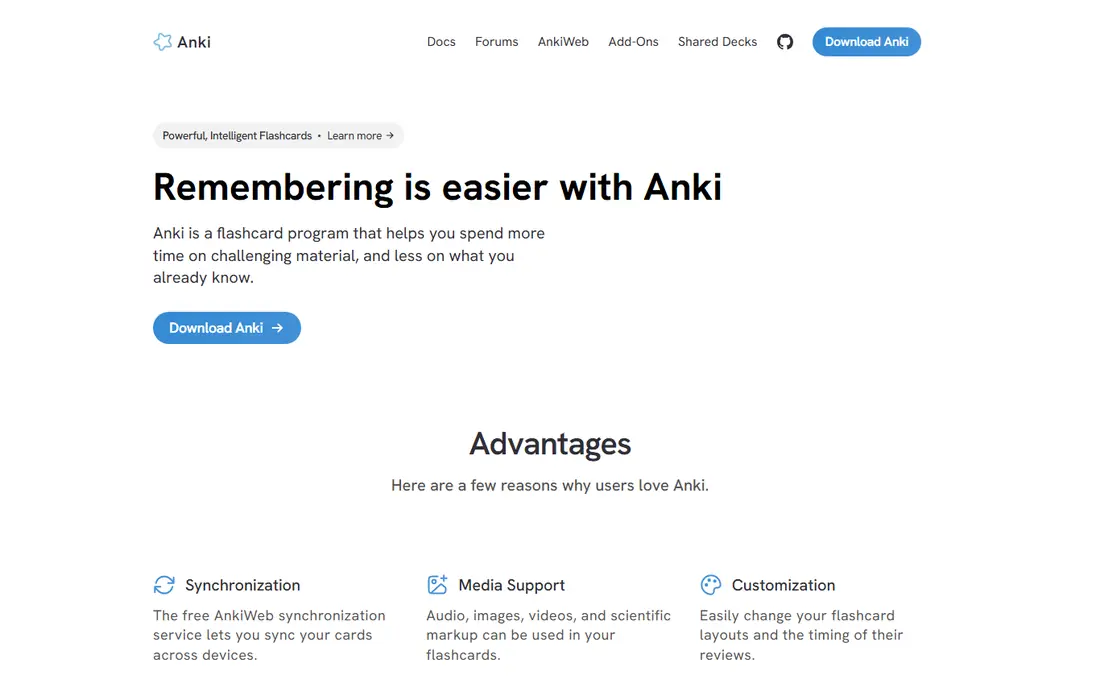
Anki is the best study app for exams because its spaced repetition algorithm schedules reviews at the moment you are about to forget, which builds long-term retention far better than rereading notes. A huge library of shared decks covers medicine, languages, law and more, and the desktop and Android apps are free. The iPhone app costs $24.99 once, which funds development, while the web version stays free.
The interface looks dated and building good cards takes practice, but for a student facing a high-stakes exam, Anki's retention advantage is unmatched. Start with a shared deck for your subject, then add your own cards as you learn.
- Proven spaced repetition
- Huge shared deck library
- Free on desktop and Android
- IPhone app costs $24.99 once
- Interface looks dated
Khan Academy
Ideal for: Free learning and test prep
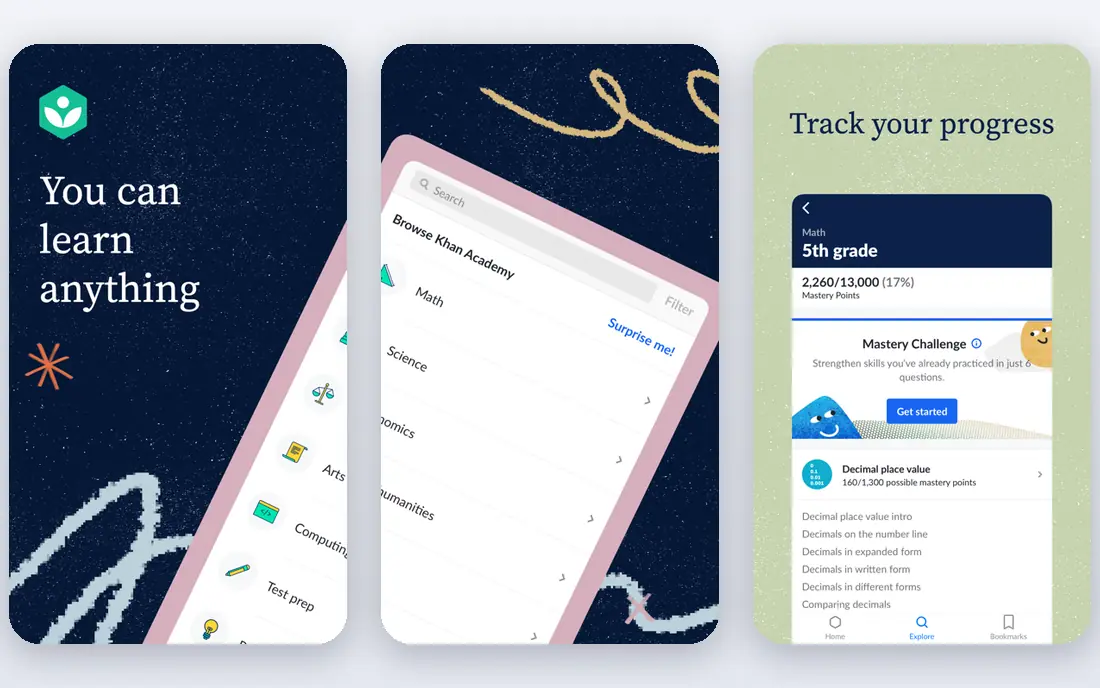
Khan Academy is the best free learning app for students, covering math, science, computing, economics and test prep including SAT practice, all at no cost. Practice exercises give instant feedback, videos explain concepts step by step, and progress tracking shows what to study next. It costs nothing and requires no subscription.
University-level depth is uneven across subjects, and some content needs an internet connection. For a school or early university student filling gaps or preparing for a test, Khan Academy is an essential free resource.
- Completely free
- Math, science and test prep
- Practice exercises with feedback
- No university-level depth for every subject
- No offline app for all content
Notion
Ideal for: Notes, tasks and revision
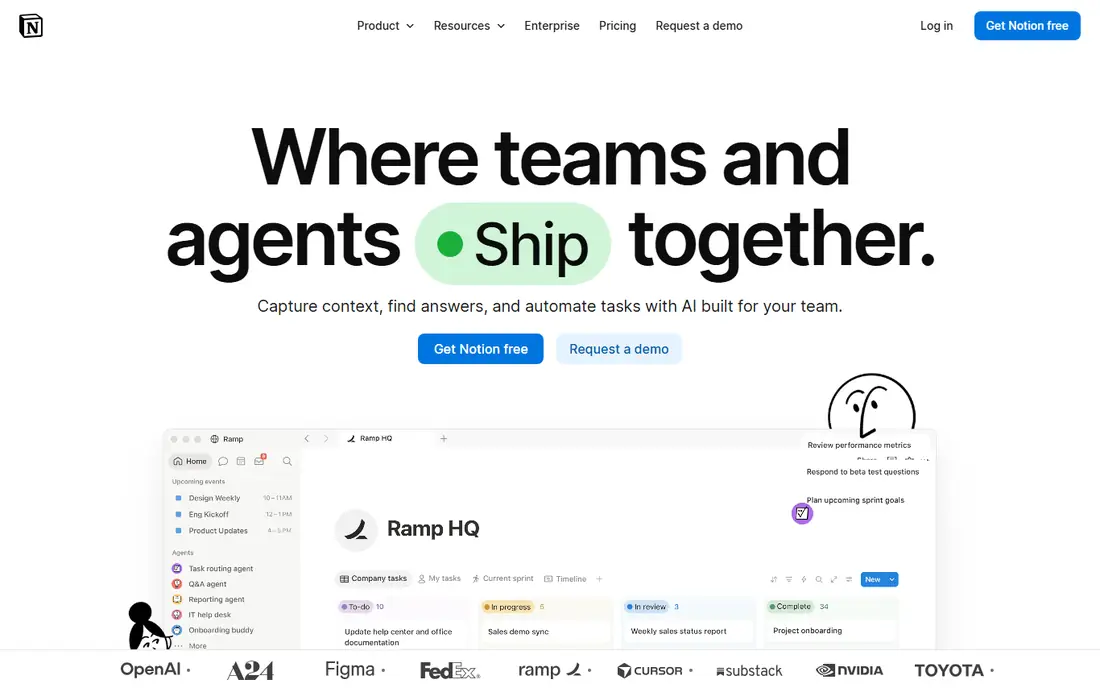
Notion gives students a full workspace for notes, tasks, revision and project planning in one app, with a free Education plan that adds the Plus features students need most. Templates for class notes, revision schedules and essay planning help students start fast, and pages sync across phone and desktop.
The flexibility can feel complex at first, and offline access is limited compared with OneNote. For a student who wants one workspace for everything, Notion's free Education plan is the strongest offer in this list.
- Free Education plan for students
- Notes, tasks and databases in one workspace
- Templates for study
- Can feel complex at first
- Offline access is limited
Quizlet
Ideal for: Flashcards and revision
Quizlet suits quick revision with flashcards, Learn mode and practice tests, plus a huge library of shared sets for common courses and exams. The free tier covers core study modes, while a student plan around $3 per month removes ads and adds advanced features. It is simpler than Anki to start with, which helps students who want fast revision without building a card system.
For long-term retention, Anki's spaced repetition is stronger, but for a quick test next week, Quizlet's ease and shared sets win. Many students use both: Quizlet for fast revision, Anki for long-term memory.
- Huge shared flashcard library
- Learn mode and practice tests
- Free tier covers core study
- Paid plan around $3 per month for students
- Ads on the free tier
Microsoft OneNote
Ideal for: Free note-taking
Microsoft OneNote is the best free note-taking app for students who handwrite or draw, with notebooks for each class, sections for topics and pages for lectures. It is completely free, syncs through OneDrive, and supports handwriting, drawing and audio notes on tablets. That makes it ideal for lecture notes with diagrams.
Sync needs a Microsoft account, and organization can get messy if notebooks multiply. For a student who takes notes by hand or needs free, unlimited note-taking, OneNote is a reliable, no-cost choice.
- Completely free
- Handwriting and drawing support
- Notebooks for each class
- Sync needs a Microsoft account
- Organization can get messy across many notebooks
Google Drive
Ideal for: Storage and collaboration
Google Drive is the storage and collaboration backbone for most student groups, with 15 GB free covering Docs, Sheets, Slides and Drive files. Group projects, shared folders and real-time editing in Docs make collaboration smooth, and files sync across phone and desktop. It costs nothing to start, with paid storage if you outgrow the free tier.
Video and large files fill 15 GB fast, and shared folders need discipline to stay organized. For a student working in groups, Google Drive is the default collaboration tool, and its free tier covers most coursework.
- 15 GB free storage
- Docs, Sheets and Slides included
- Easy group collaboration
- Storage fills fast with video
- Organization needs discipline
Zotero
Ideal for: Citations and research
Zotero is the best free reference manager for students writing essays and research papers. It captures sources from the browser, organizes them into collections, and generates citations and bibliographies through Word and Google Docs plugins. The app itself is free, with 300 MB of free file sync, and paid storage if you store many PDFs.
The first essay takes some learning, and large PDF libraries need paid storage or local sync. For a student writing referenced work, Zotero saves hours of manual citation formatting and keeps sources organized.
- Free reference manager
- Browser capture for sources
- Word and Google Docs plugins
- Free file sync capped at 300 MB
- Learning curve for first essays
Forest
Ideal for: Focus and phone discipline
Forest helps students stay off their phone while studying, by planting a virtual tree that grows during a focus session and dies if you leave the app. That simple game loop makes focus tangible, and focus history shows how much deep work you actually did. It costs around $2.99 once on most platforms, with no subscription.
There is no free tier on most platforms, and it only helps if you commit to the timer. For a student whose phone is the main distraction, Forest's small one-time price is a worthwhile investment in focus.
- Gamified focus timer
- Planting a virtual tree for each session
- Tracks focus time
- One-time purchase around $2.99
- No free tier on most platforms
How we picked these
We compared official pricing pages, feature pages and public reviews for student apps available in October 2026. We favored apps with a generous free tier or student plan, a real user base and current pricing, and we weighed study effectiveness, note-taking quality, collaboration and focus value, since student needs span learning, organizing and staying focused.
What to check before you build a student phone stack
Start with your courses, not an app list. A medical student needs Anki and Zotero, a math student needs Khan Academy and a planner, and a group-project student needs Drive and Notion. Pick apps for the work you actually do this semester, not for a hypothetical future.
Then keep the stack small and the free tiers first. Four apps, a study app, a notes app, a planner and a focus app, cover most needs without turning your phone into a distraction. Use free tiers and student plans before paying, and check student discounts for paid tools.
Finally, protect your attention. Turn off non-essential notifications, use Forest or a focus mode during study blocks, and keep social apps off your home screen during revision. The best student app is the one that helps you study, not the one that keeps you scrolling.
Frequently asked questions
What are the best apps for students?
Anki is best for spaced repetition study, Khan Academy for free learning, Notion for notes and planning with a free Education plan, and Quizlet for quick revision. OneNote, Google Drive, Zotero and Forest round out notes, storage, citations and focus.
Are there free apps for students?
Yes, Khan Academy, OneNote, Google Drive and Zotero are free, while Anki, Notion and Quizlet offer generous free tiers. Notion's free Education plan and Quizlet's student plan make paid features accessible on a student budget.
What is the best study app for exams?
Anki is the best study app for long-term exam retention, thanks to spaced repetition. Quizlet suits quick revision for a test next week, while Khan Academy covers learning gaps and test prep for free.
Do students get discounts on apps?
Yes, Notion offers a free Education plan, Quizlet offers a student plan around $3 per month, and many tools offer education pricing. Check the vendor's education page with a school email before paying full price.
How many apps should a student have on their phone?
Four apps cover most needs: a study app, a notes app, a planner and a focus app. More apps add distraction without adding learning, so keep the stack small and use each app daily.