Best Apps for Time Management in 2026: 8 Apps Compared

- 1
 Toggl TrackSimple time tracking for individuals and teamsVisit
- 2
 ClockifyFree time tracking for teamsVisit
- 3
 RescueTimeAutomatic tracking of computer useVisit
- 4
 HarvestTime tracking with invoicingVisit
- 5
 ForestStaying focused with a timer gameVisit
- Prices and free plans vary widely, so check the current plan page before you pay.
- The best choice depends on how much you will actually use each week, not on the longest feature list.
- Start with a free plan or trial where one exists, then upgrade only when you hit a real limit.
- Read the privacy and cancellation terms, especially for subscriptions that renew automatically.
Quick comparison
| Product | Ideal for | Price from | Free version | |
|---|---|---|---|---|
| Toggl Track | Simple time tracking for individuals and teams | See website | Yes | Visit |
| Clockify | Free time tracking for teams | See website | Yes | Visit |
| RescueTime | Automatic tracking of computer use | See website | Free trial | Visit |
| Harvest | Time tracking with invoicing | See website | Free trial | Visit |
| Forest | Staying focused with a timer game | See website | No | Visit |
 Todoist | Task lists with deadlines and priorities | See website | Yes | Visit |
 Sunsama | Daily planning with calendar integration | See website | Free trial | Visit |
 Timely | Automatic time sheets for teams | See website | Free trial | Visit |
The best apps for time management
We compared official feature pages, pricing pages, app store listings, privacy policies and public reviews to build this list. Our pick for most people is the option that gives the clearest value for its price, but the right choice for you depends on your budget, your devices and how often you will use it.
Toggl Track
Ideal for: Simple time tracking for individuals and teams

Toggl Track fits simple time tracking for individuals and teams. Its simple timer makes tracking feel light enough to keep up daily. That focus shows in day to day use, where the main tools are easy to find and the extras do not get in the way. The catch is worth knowing before you commit. If you forget to start timers, reports will understate your time. Check the current price, the renewal terms and what is included on the plan you actually want, since entry plans often leave out the features shown in marketing. If that trade off still works for your routine, this is an easy option to recommend.
- One click timers
- Reports
- Integrations
- Advanced features need paid plans
- Manual start can be forgotten
Clockify
Ideal for: Free time tracking for teams
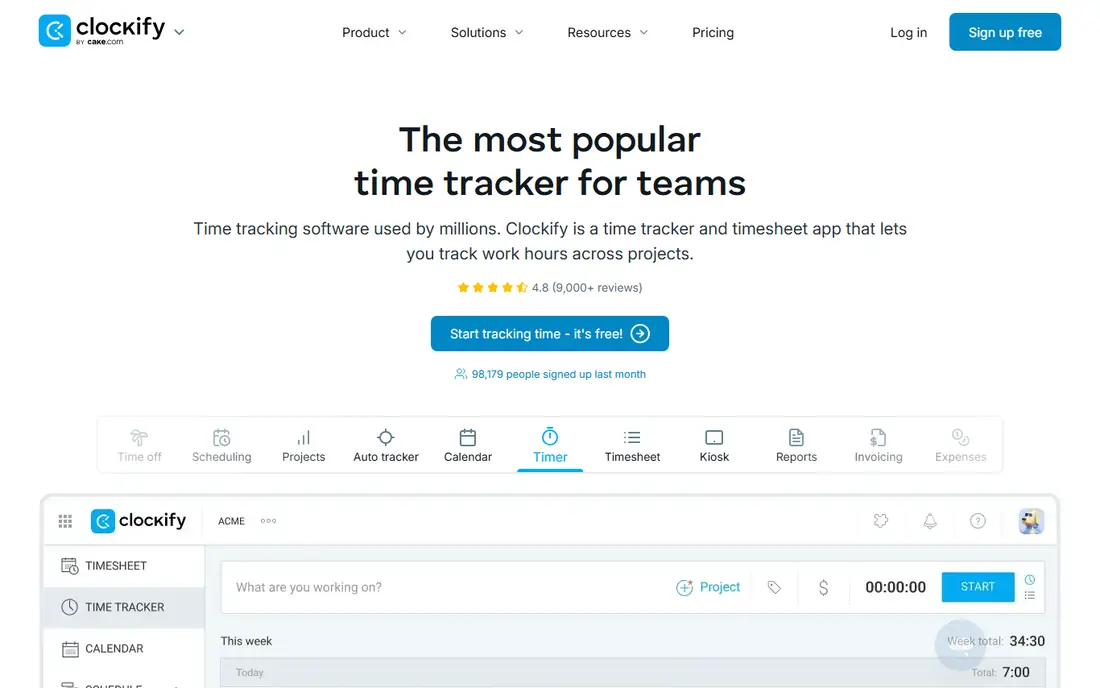
For free time tracking for teams, Clockify is a strong place to start. Small teams can track time and projects without paying at first. It is a practical choice when you want results without a long setup process. The catch is worth knowing before you commit. Larger teams may want stronger reporting or approvals. Check the current price, the renewal terms and what is included on the plan you actually want, since entry plans often leave out the features shown in marketing. If that trade off still works for your routine, this is an easy option to recommend.
- Generous free plan
- Reports
- Team features
- Interface is plain
- Some features need paid tiers
RescueTime
Ideal for: Automatic tracking of computer use
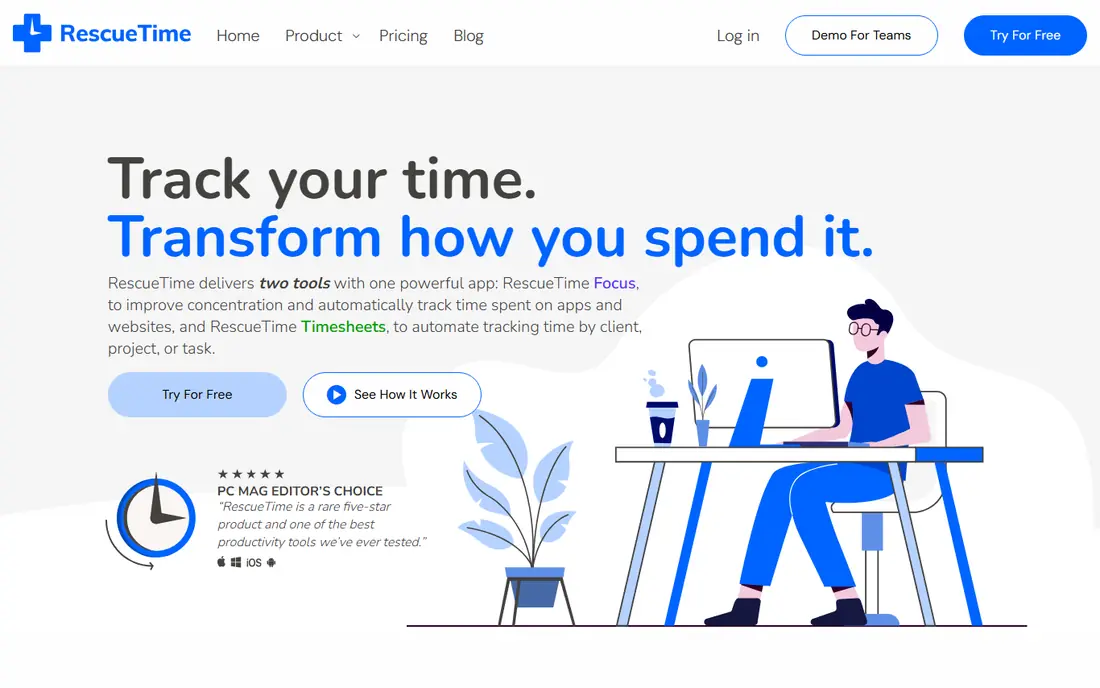
If automatic tracking of computer use is your main need, RescueTime deserves a close look. Automatic tracking shows where hours actually go, without manual timers. The design keeps the core job front and centre. The catch is worth knowing before you commit. People who work mainly on phones will get less value. Check the current price, the renewal terms and what is included on the plan you actually want, since entry plans often leave out the features shown in marketing. If that trade off still works for your routine, this is an easy option to recommend.
- Automatic tracking
- Focus sessions
- Weekly reports
- Desktop focused
- Mobile tracking is limited
Harvest
Ideal for: Time tracking with invoicing
Harvest fits time tracking with invoicing. Freelancers can turn tracked hours straight into invoices. That focus shows in day to day use, where the main tools are easy to find and the extras do not get in the way. The catch is worth knowing before you commit. Solo users who only need a timer may find it more than they need. Check the current price, the renewal terms and what is included on the plan you actually want, since entry plans often leave out the features shown in marketing. If that trade off still works for your routine, this is an easy option to recommend.
- Timers plus invoicing
- Reports
- Integrations
- Paid plans needed for teams
- No free team plan
Forest
Ideal for: Staying focused with a timer game
For staying focused with a timer game, Forest is a strong place to start. Its playful timer helps people put the phone down and stay on task. It is a practical choice when you want results without a long setup process. The catch is worth knowing before you commit. It does not track projects or billable hours in detail. Check the current price, the renewal terms and what is included on the plan you actually want, since entry plans often leave out the features shown in marketing. If that trade off still works for your routine, this is an easy option to recommend.
- Focus timer with growing trees
- Simple and motivating
- No deep reporting
- Mainly a focus aid
Todoist
Ideal for: Task lists with deadlines and priorities
If task lists with deadlines and priorities is your main need, Todoist deserves a close look. Its task system suits people who plan days around clear priorities. The design keeps the core job front and centre. The catch is worth knowing before you commit. If you need detailed time reports, pair it with a tracker. Check the current price, the renewal terms and what is included on the plan you actually want, since entry plans often leave out the features shown in marketing. If that trade off still works for your routine, this is an easy option to recommend.
- Clean task lists
- Priorities
- Reminders
- Time tracking needs integrations
- Free plan limits features
Sunsama
Ideal for: Daily planning with calendar integration
Sunsama fits daily planning with calendar integration. Its daily planning ritual helps users end each day with a realistic plan. That focus shows in day to day use, where the main tools are easy to find and the extras do not get in the way. The catch is worth knowing before you commit. The price is hard to justify if you only need a simple list. Check the current price, the renewal terms and what is included on the plan you actually want, since entry plans often leave out the features shown in marketing. If that trade off still works for your routine, this is an easy option to recommend.
- Guided daily planning
- Calendar sync
- Task import
- Higher price
- No free plan
Timely
Ideal for: Automatic time sheets for teams
For automatic time sheets for teams, Timely is a strong place to start. Automatic capture reduces manual timesheet work for teams. It is a practical choice when you want results without a long setup process. The catch is worth knowing before you commit. Small teams may find simpler trackers enough. Check the current price, the renewal terms and what is included on the plan you actually want, since entry plans often leave out the features shown in marketing. If that trade off still works for your routine, this is an easy option to recommend.
- Automatic capture
- Team timesheets
- Privacy controls
- Price is higher
- Setup takes time
How we picked these
We started with the products that appear most often in this category, then kept only the ones that exist and work today, with a clear official homepage and a plan structure we could describe honestly. We compared official feature pages, pricing pages, app store listings, privacy policies and public reviews, and we left out products whose prices or homepages we could not verify. We did not claim hands on testing that did not happen, and we favoured products with clear terms over products that hide limits in fine print. We also weighed fit over fame. A well known name can be the wrong pick if its plan is built for a different kind of user, while a smaller option can be better when it matches your daily routine. That is why each write up names who the product suits, one concrete strength and one honest weakness, so you can judge the trade off for yourself.
Pick a time tool that matches your work style
Decide between manual and automatic tracking
Manual timers suit billable work, while automatic tracking suits people who want to see where time went. Picking the wrong style is the main reason tools get abandoned.
Keep the system small
One timer, one list and one calendar review beat five apps. Add features only when a clear gap appears in your week.
Review weekly, not daily
A short weekly review shows patterns without turning tracking into a chore. Adjust next week based on that review, not on a single bad day. Before you decide, shortlist two options and test them side by side for a few days of normal use. Note what slows you down, what costs extra, and what you would miss if you switched. That short test usually reveals the right choice faster than reading another ten reviews, because it is based on your routine, your devices and your budget rather than on a generic ranking. Also check support and cancellation before you pay for a year in advance. A clear help centre, a reachable support team and a simple cancel button are worth more than a small discount, because they decide how painful it is to fix a billing problem or leave later. If support is hard to reach during a trial, treat that as a warning sign, not as a minor detail, and choose the option with clearer terms even if its headline price is slightly higher.
Frequently asked questions
What is the best time tracking app?
Toggl Track suits simple tracking, Clockify suits free team tracking, and RescueTime suits automatic tracking. The best pick depends on whether you bill hours or just want insight.
What is the best time management app?
Todoist suits task planning, Sunsama suits guided daily planning, and Forest suits focus sessions. Many people pair a list app with a timer.
Are there free time management tools?
Yes, Clockify, Toggl Track and Todoist offer free plans. Check limits on projects, reports and team size before you rely on them.
Does time tracking help productivity?
It can help when you review the data and change habits. Tracking alone, without review, rarely changes how a week goes.
Can I track time on my phone?
Yes, most apps here have mobile apps. Automatic tracking is stronger on desktop, so check mobile features if you work mainly on a phone.