Best Apps for Tracking Calories and Macros in 2026: 7 Apps Compared

- 1
 MyFitnessPalLargest food databaseVisit
- 2
 CronometerAccurate nutrition dataVisit
- 3
 Lose ItSimple weight-loss trackingVisit
- 4
 MacroFactorAdaptive macro coachingVisit
- 5
 MyNetDiaryGuided food trackingVisit
- Cronometer is our pick for accuracy, with a curated database and detailed micronutrient data.
- MyFitnessPal has the largest food database and fastest barcode scanning for everyday foods.
- MacroFactor suits people who want coaching-style adjustments based on their logged data.
- Lose It and MyNetDiary are simpler, friendlier options for people who want quick logging.
Quick comparison
| Product | Ideal for | Price from | Free version | |
|---|---|---|---|---|
| MyFitnessPal | Largest food database | Free | Yes | Visit |
| Cronometer | Accurate nutrition data | Free | Yes | Visit |
| Lose It | Simple weight-loss tracking | Free | Yes | Visit |
| MacroFactor | Adaptive macro coaching | See website | Free trial | Visit |
| MyNetDiary | Guided food tracking | Free | Yes | Visit |
 Carb Manager | Low-carb and keto tracking | Free | Yes | Visit |
 Nutritionix Track | Fast natural-language logging | Free | Yes | Visit |
The best apps for tracking calories and macros
Tracking calories and macros works best when logging food takes seconds, not minutes. The apps below differ in database size, barcode scanning, and how much control they give you over protein, carbs, and fat targets.
We compared official feature pages, app store listings, and pricing pages for each app. Our pick for most people is Cronometer, because its database is careful about accuracy and its free tier covers detailed macro tracking.
A word of caution: food tracking can become stressful for some people. If logging starts to feel compulsive or distressing, pause and talk to a health professional rather than pushing through.
MyFitnessPal
Ideal for: Largest food database
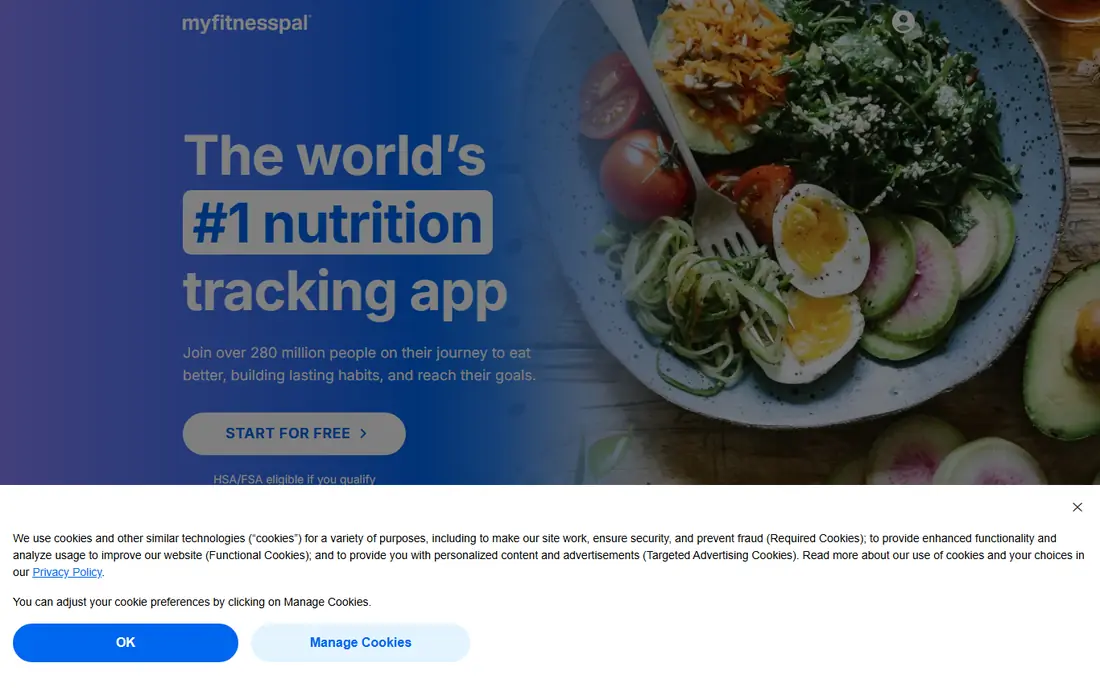
MyFitnessPal is the best-known food tracker, and its database is its main strength. Common branded foods, restaurant items, and recipes are easy to find, and logging a meal usually takes under a minute.
Because many entries are user-added, accuracy can vary, so check entries against labels for foods you eat often. The free tier covers core tracking, while some scanning and analysis features sit behind a paid plan.
Our view: the easiest tracker for everyday foods, thanks to database size and speed.
Bottom line: MyFitnessPal is a strong fit for largest food database, and its main draw is very large food database. Weigh that against the limits above before you commit, and test it with your own real work during any trial or free period.
- Very large food database
- Fast barcode scanning
- Recipe and meal tools
- Some database entries are user-added and less reliable
- Barcode scanning limits sit on the paid tier in some regions
Cronometer
Ideal for: Accurate nutrition data
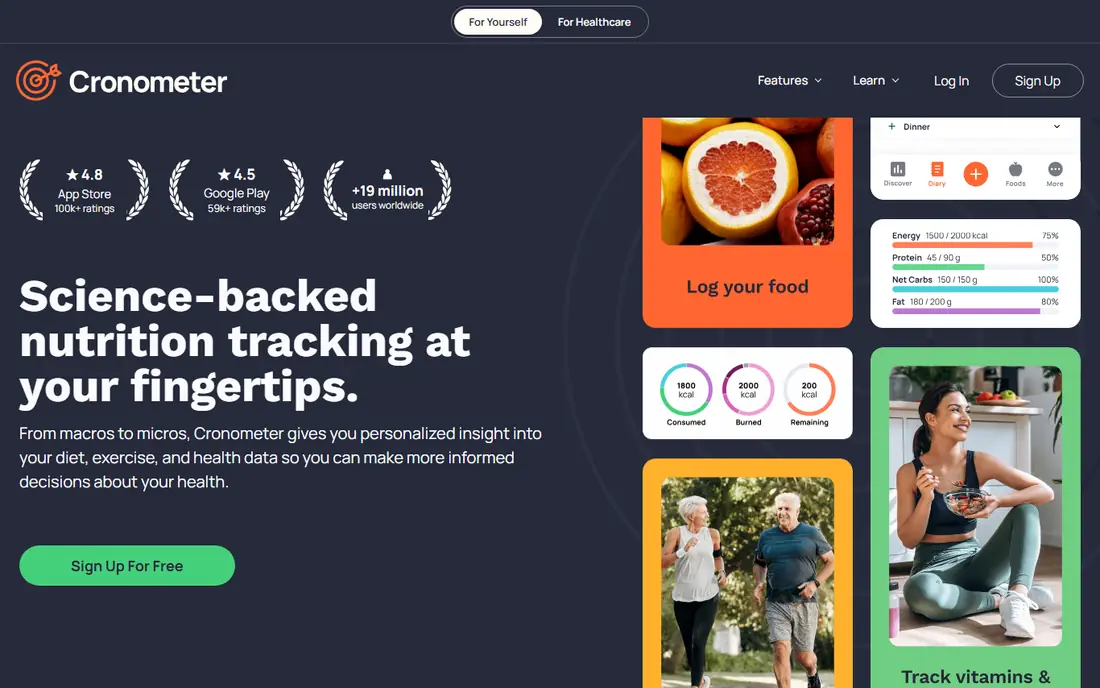
Cronometer stands out for accuracy. Its database leans on lab-verified and official sources, and it tracks vitamins and minerals alongside calories and macros, which few rivals do in the free tier.
The trade-off is coverage: some branded and restaurant foods are harder to find than in MyFitnessPal. The interface is also denser, which suits detail lovers more than casual loggers.
Our view: our pick for people who care about accuracy and detailed nutrition data.
Bottom line: Cronometer is a strong fit for accurate nutrition data, and its main draw is curated database with lab-verified entries. Weigh that against the limits above before you commit, and test it with your own real work during any trial or free period.
- Curated database with lab-verified entries
- Detailed micronutrients
- Custom macro targets
- Database is smaller for branded and restaurant foods
- Interface is dense
Lose It
Ideal for: Simple weight-loss tracking
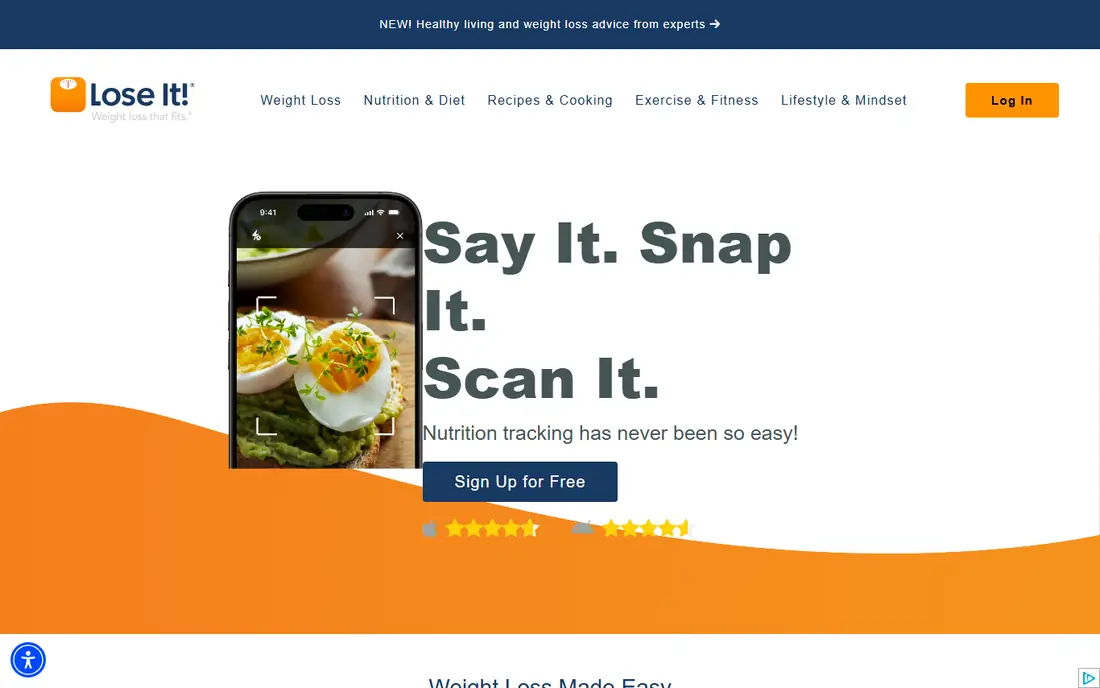
Lose It keeps food logging simple, with a clean interface, barcode scanning, and a clear daily budget view. It suits people who want to track without studying nutrition labels in depth.
Macro and micronutrient detail is thinner than in Cronometer, and some analysis tools sit behind a paid plan. For straightforward calorie and weight tracking, though, it is a pleasant daily tool.
Our view: a good choice for people who want simple, low-friction tracking.
Bottom line: Lose It is a strong fit for simple weight-loss tracking, and its main draw is simple, friendly logging. Weigh that against the limits above before you commit, and test it with your own real work during any trial or free period.
- Simple, friendly logging
- Barcode scanning
- Weight and goal tracking
- Macro detail is thinner than Cronometer
- Some features need the paid tier
MacroFactor
Ideal for: Adaptive macro coaching
MacroFactor adjusts your calorie and macro targets over time based on your logged food and weight trend. That coaching approach suits people who have tracked before and want targets that respond to real results.
There is no permanent free tier, though a trial is offered, so budget for a subscription. The app rewards consistent logging, and casual users may find its detail more than they need.
Our view: the best pick for experienced trackers who want targets that adapt.
Bottom line: MacroFactor is a strong fit for adaptive macro coaching, and its main draw is adaptive targets based on your data. Weigh that against the limits above before you commit, and test it with your own real work during any trial or free period.
- Adaptive targets based on your data
- Detailed macro control
- Strong food database
- No permanent free tier
- Coaching style may feel intense for casual users
MyNetDiary
Ideal for: Guided food tracking
MyNetDiary combines a verified food database with meal planning and daily analysis. It guides new users with targets and tips, which helps people who are tracking for the first time.
The interface packs in a lot, so the first week can feel busy. Once set up, though, logging is quick and the daily summary is easy to read.
Our view: a strong guided option for beginners who want help, not just a blank log.
Bottom line: MyNetDiary is a strong fit for guided food tracking, and its main draw is verified food database. Weigh that against the limits above before you commit, and test it with your own real work during any trial or free period.
- Verified food database
- Meal planning help
- Clear daily analysis
- Interface feels busy at first
- Some advanced tools need the paid tier
Carb Manager
Ideal for: Low-carb and keto tracking
Carb Manager is built for low-carb and keto eating, with net carb tracking, keto recipes, and meal plans. If your plan centres on carbs, it tracks the numbers that matter without extra work.
For a balanced macro plan, a general tracker such as Cronometer may fit better. Carb Manager still works for general tracking, but its strengths are clearly low-carb focused.
Our view: the best tracker for keto and low-carb plans.
Bottom line: Carb Manager is a strong fit for low-carb and keto tracking, and its main draw is built for keto and low-carb diets. Weigh that against the limits above before you commit, and test it with your own real work during any trial or free period.
- Built for keto and low-carb diets
- Net carb tracking
- Recipes and meal plans
- Less useful for balanced macro plans
- Some features need the paid tier
Nutritionix Track
Ideal for: Fast natural-language logging
Nutritionix Track lets you type food in plain language, such as a meal description, and it estimates the nutrition. That makes logging faster than searching item by item, especially for home-cooked meals.
Its analysis tools are simpler than Cronometer or MacroFactor, so it suits quick daily logging more than deep nutrition study. The branded database is strong for US foods.
Our view: a fast, low-effort tracker for people who hate searching item by item.
Bottom line: Nutritionix Track is a strong fit for fast natural-language logging, and its main draw is natural-language food entry. Weigh that against the limits above before you commit, and test it with your own real work during any trial or free period.
- Natural-language food entry
- Large branded database
- Quick logging
- Macro analysis is simpler than specialist apps
- App is less polished for long-term coaching
How we picked these
We compared official feature pages, app store listings, and pricing pages, and we looked at database quality, barcode scanning, macro controls, and free tier limits. We favoured apps that make daily logging fast and accurate.
We did not claim hands-on testing. Where a price or feature depended on region or tier, we wrote See website or noted the limit rather than guessing.
How to choose a calorie and macro tracking app
Start with your goal. Weight loss suits a simple calorie budget, muscle gain needs protein targets, and keto needs net carb tracking. The app that matches your goal will feel easier within a week.
Check the foods you actually eat. Search for ten of your regular meals in each shortlisted app before committing. A large database means little if your usual foods are missing or inaccurate.
Test barcode scanning in a real shop or kitchen. Scanning should be fast and return the right product. If it often fails, logging will feel like a chore and the habit will fade.
Decide how much detail you want. Cronometer and MacroFactor reward detail lovers, while Lose It suits people who want a quick daily total. More detail is not better if you stop logging.
Watch for tracking stress. If logging starts to dominate meals or cause distress, take a break and talk to a health professional. No app is worth harming your relationship with food.
Finally, check export and privacy options. Your food history is personal data, so read the privacy policy and confirm you can export or delete your data if you leave.
Frequently asked questions
Which app is best for tracking macros?
Cronometer is best for detailed macro and micronutrient tracking, while MacroFactor suits people who want adaptive macro targets. MyFitnessPal is best for fast everyday logging.
Are free food tracking apps good enough?
Yes, for most people. Cronometer, MyFitnessPal, and Lose It all offer useful free tiers. Paid tiers add scanning, analysis, or coaching, but core tracking works free.
How accurate are food databases?
Accuracy varies. Curated databases such as Cronometer tend to be more reliable, while user-added entries in larger databases can be off. Check entries against labels for foods you eat often.
Can I track macros without counting every calorie?
Yes. Some people track only protein or carbs, or log main meals rather than snacks. A flexible app lets you set the targets you care about and ignore the rest.
Should I track calories every day?
Not necessarily. Many people track for a few weeks to learn portion sizes, then track only when habits slip. Daily tracking suits some goals, but breaks are healthy too.