Best Apps to Apply for Jobs in 2026: 8 Apps Compared

- LinkedIn, Indeed, and ZipRecruiter give you the largest job pools, with LinkedIn adding networking and Indeed adding fast applications.
- Glassdoor adds pay and culture data to listings, which helps you judge a role before applying.
- Handshake suits students and recent graduates, with employers who specifically want early-career hires.
- Huntr, Teal, and Simplify suit organized job seekers, with tracking boards, resume tools, and autofill for applications.
Quick comparison
| Product | Ideal for | Price from | Free version | |
|---|---|---|---|---|
 LinkedIn | Jobs plus networking | Free | Yes | Visit |
 Indeed | Largest job search | Free | Yes | Visit |
 ZipRecruiter | Matched job alerts | Free | Yes | Visit |
 Glassdoor | Pay and culture data | Free | Yes | Visit |
 Handshake | Students and graduates | Free | Yes | Visit |
 Huntr | Job application tracking | See website | Yes | Visit |
 Teal | Resume and job tracking | See website | Yes | Visit |
 Simplify | Autofill applications | See website | Yes | Visit |
The best apps to apply for jobs
We compared official feature pages, pricing pages, and app listings to find job apps with large listings, useful filters, and tools that help you apply and track progress, not just browse.
Ideal for: Jobs plus networking
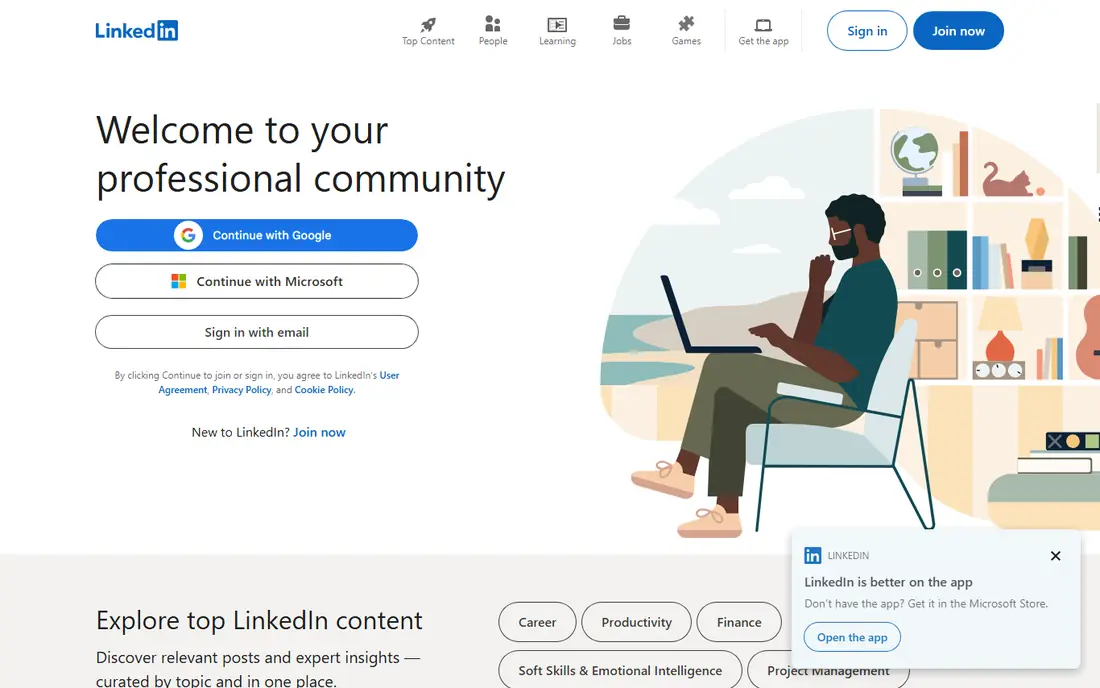
LinkedIn combines job listings with a professional network, which matters because many roles are filled through referrals and recruiter outreach. Easy Apply lets you apply to many roles quickly, while your profile acts as a public resume that recruiters can find. Following companies and engaging with posts can also surface roles before they appear on other boards.
The feed can distract from actual applications, and premium features such as extra insights need a paid plan. Still, for professional and office roles, LinkedIn is essential. Keep your profile current, apply daily, and message recruiters politely rather than relying on applications alone.
- Huge professional network
- Easy Apply for many roles
- Recruiter visibility
- Feed can distract
- Premium features need a paid plan
Indeed
Ideal for: Largest job search
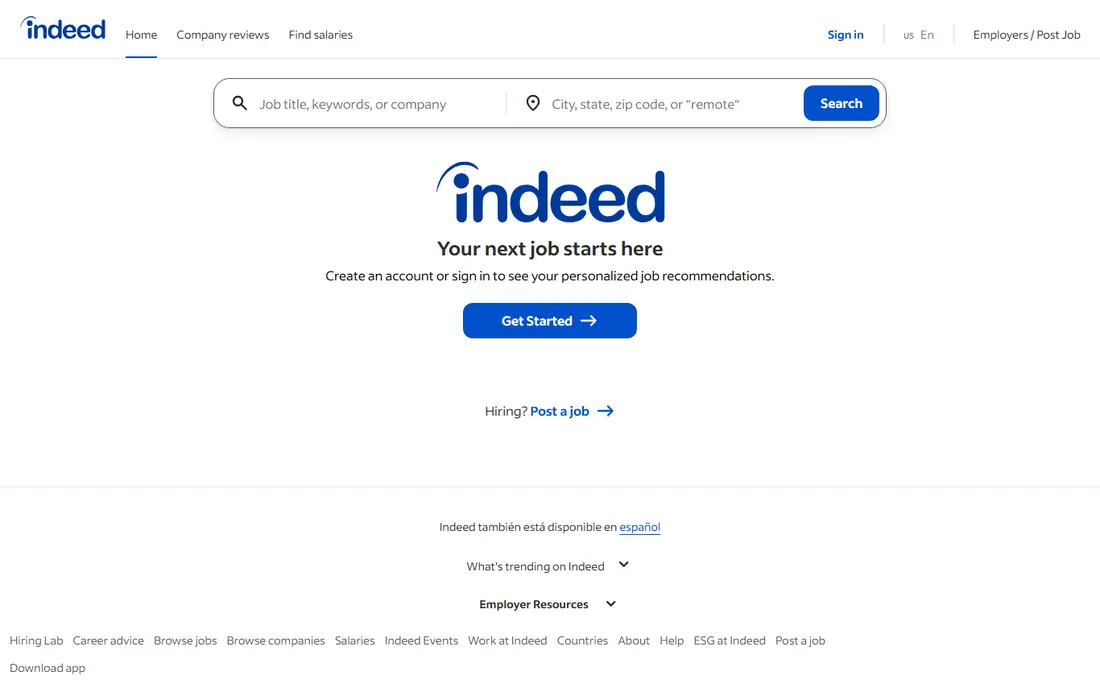
Indeed aggregates listings from many sources, giving it one of the largest job pools in this list. Search filters cover location, pay, job type, and experience, and alerts can notify you of new matches each day. Uploading a resume lets you apply quickly to many roles, which helps when you are applying at volume.
Listing quality varies, and duplicate or stale posts do appear, so check the original employer site before applying to a role that looks odd. Still, for breadth across industries and locations, Indeed is our pick for the widest search.
- Very large listing pool
- Simple search and alerts
- Resume upload and apply
- Listing quality varies
- Duplicate and stale posts appear
ZipRecruiter
Ideal for: Matched job alerts
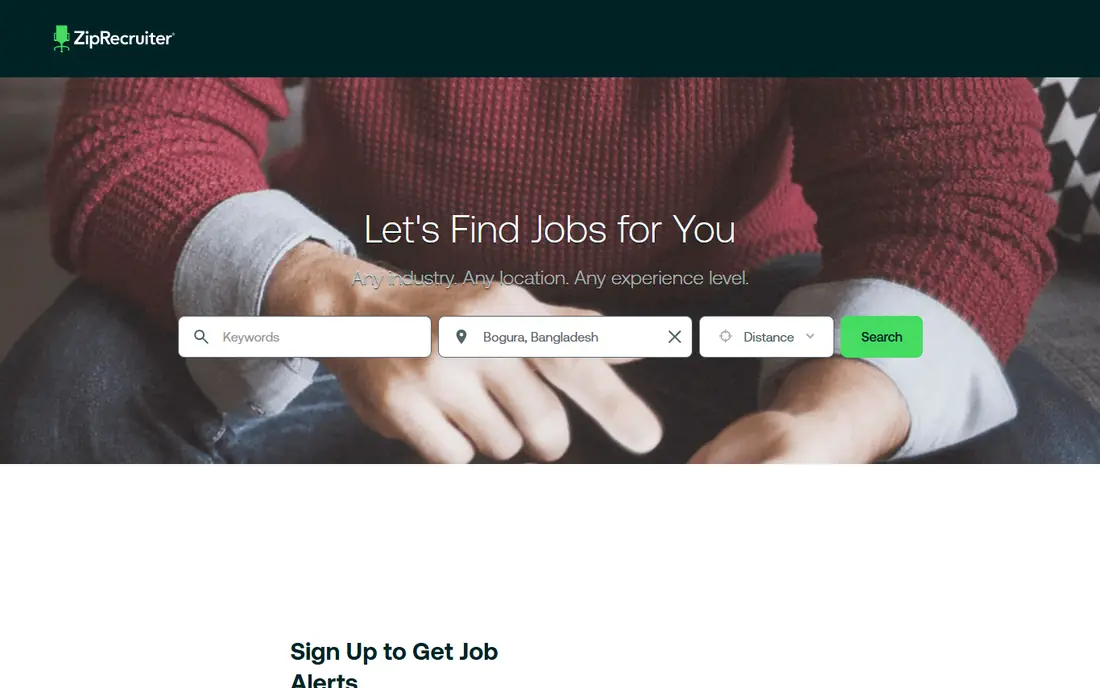
ZipRecruiter matches your profile to jobs and sends alerts for roles that fit, which saves time on daily searching. One profile can be used for many applications, and the mobile app makes it easy to apply from your phone. That matching approach suits job seekers who want relevant alerts rather than endless browsing.
Match quality varies, and many roles also appear on Indeed or LinkedIn, so it works best as an extra source rather than your only board. Still, if you like alerts that do the searching for you, ZipRecruiter is a useful addition to a job search routine.
- Matching technology for job alerts
- One profile for many applications
- Mobile-friendly
- Match quality varies
- Some roles are also on larger boards
Glassdoor
Ideal for: Pay and culture data
Glassdoor pairs job listings with salary data, company reviews, and interview insights, which helps you judge a role before you apply. Knowing a typical pay range lets you negotiate with confidence, and reviews can flag culture problems that a listing hides. Interview questions from past candidates also help you prepare for specific employers.
Review quality varies, and data for small firms can be thin or dated, so treat it as a guide rather than a verdict. Still, no other app here combines listings and employer data so well. Use Glassdoor to research every shortlisted employer before an interview.
- Salary data and reviews
- Job listings
- Interview questions and insights
- Review quality varies
- Some data is dated or limited for small firms
Handshake
Ideal for: Students and graduates
Handshake is built for students and recent graduates, with employers who specifically want early-career hires, internships, and graduate roles. School partnerships mean many listings are targeted at your university, which reduces competition from experienced candidates. The app also surfaces career events and employer sessions.
Once you are past the early-career stage, its pool becomes less useful than general boards. For students and recent graduates, though, Handshake is our pick, and it should be used alongside LinkedIn and Indeed for the widest coverage.
- Employers seeking students
- Internships and graduate roles
- School partnerships
- Less useful after early career
- Pool is smaller than general boards
Huntr
Ideal for: Job application tracking
Huntr helps you manage a job search with a visual board, where each application moves from saved to applied to interview to offer. That structure prevents the common problem of losing track of where you applied and what happens next. A browser extension lets you save jobs from other boards, and resume tools help you tailor applications.
Huntr is a tracker first, not a large job board, so you will still find most roles on LinkedIn or Indeed. The free tier covers core tracking, while full features need a paid plan. If your search feels chaotic, Huntr is our pick for bringing order to it.
- Visual job tracking board
- Resume tools
- Browser extension for saving jobs
- Smaller listing pool
- Paid plan needed for full features
Teal
Ideal for: Resume and job tracking
Teal combines a job tracker with a resume builder and keyword tools that compare your resume against a job description. That keyword view helps you spot missing terms that applicant tracking systems may look for, without rewriting your whole resume for each role. Application insights also show where you are spending time in your search.
The full toolkit has a learning curve, and advanced features need a paid plan. Still, for job seekers who want tracking plus resume help in one place, Teal is our pick. Start with the free tracker, then add the resume tools for roles you care most about.
- Job tracker plus resume builder
- Keyword matching
- Application insights
- Full features need a paid plan
- Learning curve for the full toolkit
Simplify
Ideal for: Autofill applications
Simplify speeds up applications with autofill, filling common fields across many employer sites so you can apply to more roles in less time. It also includes job tracking, which helps you follow up on applications you sent through the tool. The platform has a strong focus on students and recent graduates, with roles and internships suited to early careers.
Autofill does not work on every employer site, and some applications still need manual steps. Still, for high-volume applying, Simplify saves real time. Use it to apply faster, but always review each application before submitting, since autofill errors can hurt your chances.
- Autofill for many applications
- Job tracking
- Student and graduate focus
- Autofill does not work on every site
- Newer platform with a smaller pool
How we picked these
We compared official feature pages, pricing pages, and app listings for job apps live in October 2026. We favored apps with large listings or a distinct tracking or application tool, rather than small boards with no added value. We left out apps that only aggregate listings with no application or tracking help.
What to check before you choose
Start with two large boards, such as LinkedIn and Indeed, plus one tracker, such as Huntr or Teal. That combination gives you breadth and organization without spreading your search across too many apps. Add Glassdoor for research on every employer you shortlist.
Next, tailor each application. Autofill and Easy Apply save time, but a generic resume sent to fifty roles performs worse than a tailored resume sent to ten. Use Teal's keyword view or a manual check to match your resume to each job description.
Finally, track follow-ups. Note the date you applied, the contact if any, and the next step for each role. A weekly review of your tracker shows which approaches work and where you need to follow up or move on.
Before you commit to one option, spend a short trial period with your top two choices from this list. Use each one for a real task from your own work or daily routine, not just a demo, and note where you get stuck, what feels slow, and which features you actually open twice. Check the official pricing page again at that point, since free plans and paid tiers change, and confirm that the plan you need covers the users, projects, or devices you will use. Read the privacy and support pages too, especially for tools that hold personal or work data, and confirm how to export your work if you later switch. A tool that fits your routine in a two-week trial is a far better choice than a more powerful option you avoid opening, so let daily use, not a feature list alone, decide your final pick for best apps to apply for jobs.
Frequently asked questions
What is the best app to apply for jobs overall?
LinkedIn is our pick for professional roles with networking, while Indeed is our pick for the widest search. Add a tracker like Huntr or Teal to stay organized, and use Glassdoor to research employers before interviews.
Are job apps free for job seekers?
Yes, LinkedIn, Indeed, ZipRecruiter, Glassdoor, and Handshake are free for job seekers, and Huntr, Teal, and Simplify all have free tiers. Employers pay for listings and hiring tools, while job seekers generally apply at no cost.
Which app is best for students looking for jobs?
Handshake is our pick for students and recent graduates, since employers there specifically seek early-career hires. Simplify also suits students with autofill and tracking. Use both alongside LinkedIn and Indeed for full coverage.
How can I track my job applications?
Use a tracker like Huntr or Teal, with a board that moves each role from saved to applied to interview to offer. Record the date, the job link, and any contact for each application, and review the board weekly.
Should I use autofill for job applications?
Autofill saves time, especially with Simplify, but always review each application before submitting. Check that your work history, education, and answers filled correctly, since an autofill error can look careless to a hiring manager.
How do I pick between the free and paid plans in this list?
Start with the free plan or trial for any best apps to apply for jobs option that offers one, and use it for at least two weeks on real tasks. Upgrade only when you hit a clear limit, such as a missing feature, a user cap, or a storage limit, rather than paying on day one for features you may never use. Compare the paid tier against the next option in this list as well, since a different tool's free plan may already cover what the first tool charges for.