Best Apps to Exercise in 2026: 8 Apps Compared

- 1
 Nike Training ClubFree guided home workoutsVisit
- 2
 FitOnFree classes and plansVisit
- 3
 PelotonLive and on-demand classesVisit
- 4
 Apple Fitness+Apple device workoutsVisit
- 5
 FreeleticsBodyweight HIIT plansVisit
- Nike Training Club and FitOn give you the best free starting point, with a wide range of home workouts at no cost.
- Peloton and Apple Fitness+ suit people who want live classes, music, and a polished video experience.
- Freeletics and Sweat suit structured training plans, with Freeletics leaning to bodyweight HIIT and Sweat to strength and postnatal options.
- Fitbod and Jefit suit lifters who want plans built around their equipment and progress over time.
Quick comparison
| Product | Ideal for | Price from | Free version | |
|---|---|---|---|---|
| Nike Training Club | Free guided home workouts | Free | Yes | Visit |
| FitOn | Free classes and plans | Free | Yes | Visit |
| Peloton | Live and on-demand classes | See website | Yes | Visit |
| Apple Fitness+ | Apple device workouts | $9.99 per month | Yes | Visit |
| Freeletics | Bodyweight HIIT plans | See website | Yes | Visit |
 Sweat | Structured strength programs | See website | Yes | Visit |
 Fitbod | Personalized strength training | See website | Yes | Visit |
 Jefit | Strength tracking and plans | See website | Yes | Visit |
The best apps to exercise
We compared official feature pages, pricing pages, and app-store listings to find exercise apps with real workout libraries, clear plans, and options for home, gym, and outdoor training. This is general information only, not medical advice. If you have a health condition or an injury, check with a clinician before starting a new training plan.
Nike Training Club
Ideal for: Free guided home workouts
Nike Training Club remains one of the best free exercise apps because its core library is genuinely free, not just a short trial. Workouts cover strength, HIIT, yoga, mobility, and running preparation, with clear guidance on equipment and difficulty. Plans help beginners move from short sessions to longer programs without guessing what to do next.
The trade-off is personalization. There are no live classes, and the plans are less tailored than a paid coaching app that adapts daily to your progress. For most people starting or restarting exercise, though, that matters less than having a large, well-made library at no cost. We would start here before paying for anything else.
- Large free workout library
- Plans for strength, HIIT, yoga, and mobility
- No paywall for core workouts
- No live classes
- Less personalization than paid coaching apps
FitOn
Ideal for: Free classes and plans
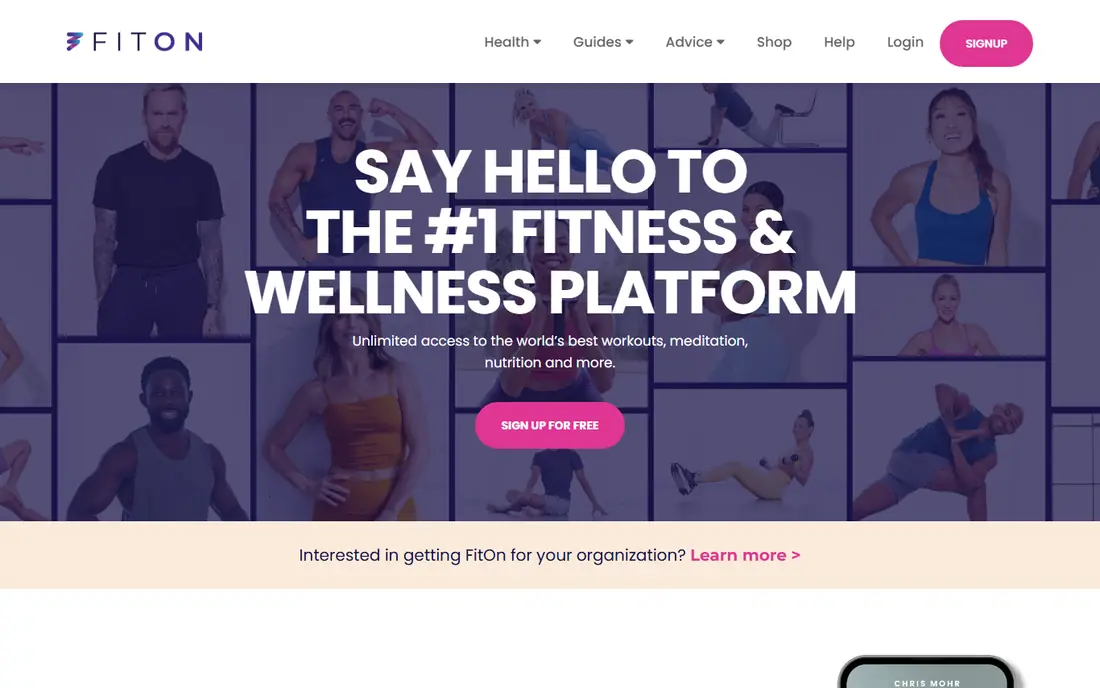
FitOn offers a large library of free classes, including cardio, strength, dance, yoga, and Pilates, with plans that string classes into a weekly routine. The free tier is generous, which makes it easy to try different trainers and styles before committing to a paid plan. For home workouts without equipment, it is one of the easiest apps to open and use.
Some advanced features, such as offline downloads and extra plan tools, sit behind a paid upgrade, and class quality varies a little by trainer. Still, the breadth of the free library is hard to beat. If you like class-style workouts and want them free, FitOn is our pick alongside Nike Training Club.
- Many free classes
- Celebrity trainers
- Plans for cardio, strength, and dance
- Some features need a paid upgrade
- Class quality varies by trainer
Peloton
Ideal for: Live and on-demand classes
Peloton is best known for its bike and treadmill, but the app alone gives access to thousands of classes for strength, running, cycling, yoga, and meditation. Live classes add energy and a leaderboard, while on-demand classes let you train at any hour. Coaching is clear and motivating, and the music selection is a genuine part of the appeal.
Cost is the main drawback, since the full app subscription is a monthly expense and hardware adds much more. The app-only tier is cheaper and still gives a lot of value. If you thrive on live energy and polished production, Peloton is our pick for class lovers.
- Huge live and on-demand class library
- Strong music and coaching
- Bike, tread, and app-only options
- Full experience costs more
- Best with Peloton hardware for some classes
Apple Fitness+
Ideal for: Apple device workouts
Apple Fitness+ shows your Apple Watch metrics on screen during workouts, which makes effort easy to track without checking your wrist. The library covers HIIT, strength, yoga, dance, Pilates, and mindful cooldowns, with new workouts added weekly. A one-month free trial is offered, and eligible device buyers get three months free, with the regular price at 9.99 dollars per month or 79.99 dollars per year.
The limit is the ecosystem. You need an iPhone, iPad, or Apple TV for the full experience, and there is no Android version. For Apple users who already own a Watch, though, the integration is excellent, and the range of workout types suits whole households sharing one plan.
- Works with Apple Watch metrics on screen
- Wide workout range
- New workouts weekly
- Needs Apple devices for the full experience
- No Android version
Freeletics
Ideal for: Bodyweight HIIT plans
Freeletics builds adaptive training plans around bodyweight HIIT, with a digital coach that adjusts difficulty as you progress. That makes it a strong choice for people who train at home or outdoors with little or no equipment. Workouts are short and intense, and the app tracks personal bests so you can see improvement over weeks.
The intensity is also the drawback. Beginners should start with the easier journeys and build up slowly, since jumping into advanced intervals too fast risks soreness or injury. A free tier covers basic workouts, while the coach plan opens full personalization. For time-poor trainers who like short, hard sessions, Freeletics is our pick.
- Coach plans adapt to your level
- Bodyweight focus needs little equipment
- Offline workouts
- HIIT focus is intense for beginners
- Paid coach needed for full plans
Sweat
Ideal for: Structured strength programs
Sweat offers structured programs led by well-known trainers, with clear weekly schedules for strength, HIIT, Pilates, barre, and postnatal training. That structure helps people who drift without a plan, because each week tells you exactly what to do. The app also includes meal ideas and progress tracking, which suit users who want training and nutrition in one place.
A seven-day free trial is offered through website signup, but full programs require a paid plan. The app can also feel busy next to a simple workout library. If you want a guided program rather than a list of classes, Sweat is our pick, especially for strength and postnatal training.
- Structured programs from known trainers
- Strength, Pilates, and postnatal options
- Meal ideas
- Paid plan needed for full programs
- App is busier than simpler rivals
Fitbod
Ideal for: Personalized strength training
Fitbod builds each workout from your available equipment, your training history, and how recovered each muscle group is. That personalization is its main strength, since it avoids repeating the same tired muscles day after day. The app tracks sets, reps, and weights, and it shows progress charts that make long-term gains visible.
The focus is narrow: Fitbod is a strength app, not a general class library, so you will not find dance or yoga here. Beginners may also need to learn basic lift form elsewhere. For lifters who want a smart, adaptive plan for gym or home, Fitbod is our pick over a fixed program.
- Plans adapt to equipment and recovery
- Tracks sets, reps, and progress
- Gym and home modes
- Strength focus only
- Best for users who already know basic lifts
Jefit
Ideal for: Strength tracking and plans
Jefit is a long-running strength app with a huge exercise database and detailed logging for sets, reps, rest, and personal records. You can follow community plans, build your own routines, and track progress over months. That depth suits lifters who like data and want full control over their program.
The interface feels older than Fitbod or Apple Fitness+, and some advanced analytics sit behind a paid plan. Still, the free tier covers logging and many plans, which makes it a low-cost way to train seriously. If you like tracking every set and comparing plans, Jefit is a solid, proven choice.
- Huge exercise database
- Detailed workout logging
- Community plans and challenges
- Interface feels dated
- Some advanced features need a paid plan
How we picked these
We compared official feature pages, pricing pages, and app-store listings for exercise apps that were live in October 2026. We favored apps with a real workout library, a free tier or trial, and clear plan structure, rather than single-feature trackers. We also checked that each app covers a distinct training style, so this list suits different goals rather than repeating the same class library eight times.
What to check before you choose
Start with your training style and your space. Home trainers with no equipment suit Nike Training Club, FitOn, or Freeletics, while lifters suit Fitbod or Jefit. Class lovers suit Peloton or Apple Fitness+, and plan followers suit Sweat. Picking by style avoids paying for a library you will never open.
Next, try the free tier for at least a week. Check whether the coaching voice, music, and session length suit you, and whether the app works on your phone, TV, or watch. A free trial that you never use tells you little, so schedule three sessions in that first week.
Finally, build up slowly. Start with shorter sessions, rest between hard days, and track how you feel as well as what you lifted. If pain persists, stop and seek advice rather than pushing through, since a sustainable routine beats a single hard week.
Frequently asked questions
What is the best free app to exercise?
Nike Training Club and FitOn are our picks for free exercise, since both offer large workout libraries without a paywall for core classes. Fitbod and Jefit also have free tiers for strength training. Start with a free app before paying for a subscription.
Which exercise app is best for beginners?
Nike Training Club and FitOn suit beginners best, because they offer short, guided workouts with clear difficulty labels. Sweat programs also guide beginners well, but they require a paid plan after the trial. Start with low-impact sessions and build up over a few weeks.
Do I need equipment to use these apps?
No, most apps here include bodyweight workouts that need no equipment. Nike Training Club, FitOn, and Freeletics all work well at home with no gear. Fitbod and Jefit adapt to whatever equipment you have, from dumbbells to a full gym.
Which app is best for strength training?
Fitbod is our pick for adaptive strength plans, while Jefit is our pick for detailed logging and community plans. Sweat also offers strong structured strength programs. Choose Fitbod for adaptation, Jefit for control, and Sweat for guided programs.
Can I use these apps without a gym membership?
Yes, all eight apps include home workouts, and several are built for home training. Peloton and Apple Fitness+ work well at home, while Fitbod and Jefit offer home modes. A gym helps for heavy lifting, but it is not required to start.