Best Apps to Improve Communication Skills in 2026: 7 Options Compared

- Orai is our pick for speaking practice because it gives instant feedback on pace, filler words, and clarity.
- Yoodli suits professionals who want private AI coaching on real presentations.
- Poised suits people who want live feedback during actual work meetings.
- Regular short practice beats long occasional sessions for most communication skills.
Quick comparison
| Product | Ideal for | Price from | Free version | |
|---|---|---|---|---|
 Orai | speaking practice with feedback | See website | Free trial | Visit |
 Speeko | AI speech coaching | See website | Free trial | Visit |
 Yoodli | private presentation coaching | See website | Yes | Visit |
 Poised | live feedback in meetings | See website | Free trial | Visit |
 VirtualSpeech | VR public speaking practice | See website | Free trial | Visit |
 ELSA Speak | pronunciation and speaking clarity | See website | Yes | Visit |
 Grammarly | written communication help | Free | Yes | Visit |
The best apps to improve communication skills
We compared official feature pages, pricing pages, and app store listings for communication skills apps that work in October 2026. Our pick for speaking practice is Orai, because its feedback is specific and easy to act on, but presentation, meeting, and writing options below suit other goals.
Orai
Ideal for: speaking practice with feedback
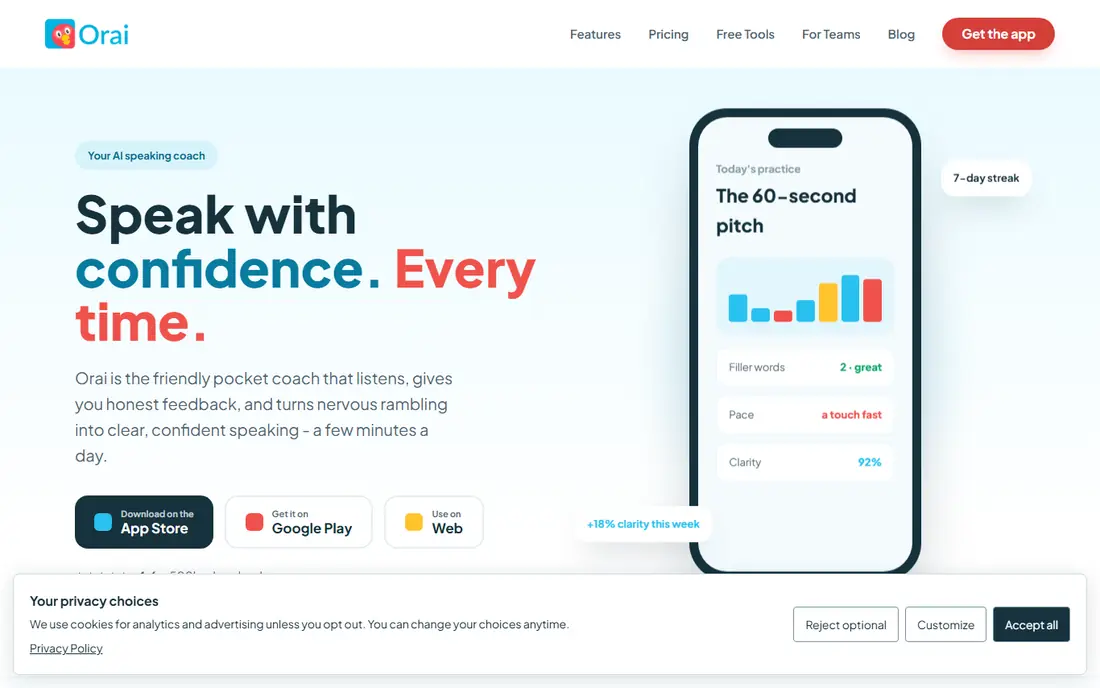
Orai gives feedback on recorded speeches, covering pace, filler words, and clarity. Its strength is specific feedback, which tells you exactly what to change next time. Support quality matters when something breaks, so read the help pages and the refund or cancellation terms before paying. Note which features sit behind higher tiers, because the headline plan rarely includes everything shown on the marketing page.
The catch is platform: it is mobile-first, so desktop users should check options. Read the privacy policy for any product that holds personal or business data, and confirm who can see that data and how long it is kept.
Our view: if speaking practice with feedback is your main need, this option deserves a trial, with the trade-offs above kept in mind. Set a reminder to review the plan after the first month, when real usage shows whether the tier you picked still fits. A clean export path matters, so confirm you can take your data out in a usable format if you later switch.
- Speech feedback on pace and fillers
- Lessons
- Practice tracking
- Mobile-focused
- Advanced coaching needs paid plans
Speeko
Ideal for: AI speech coaching
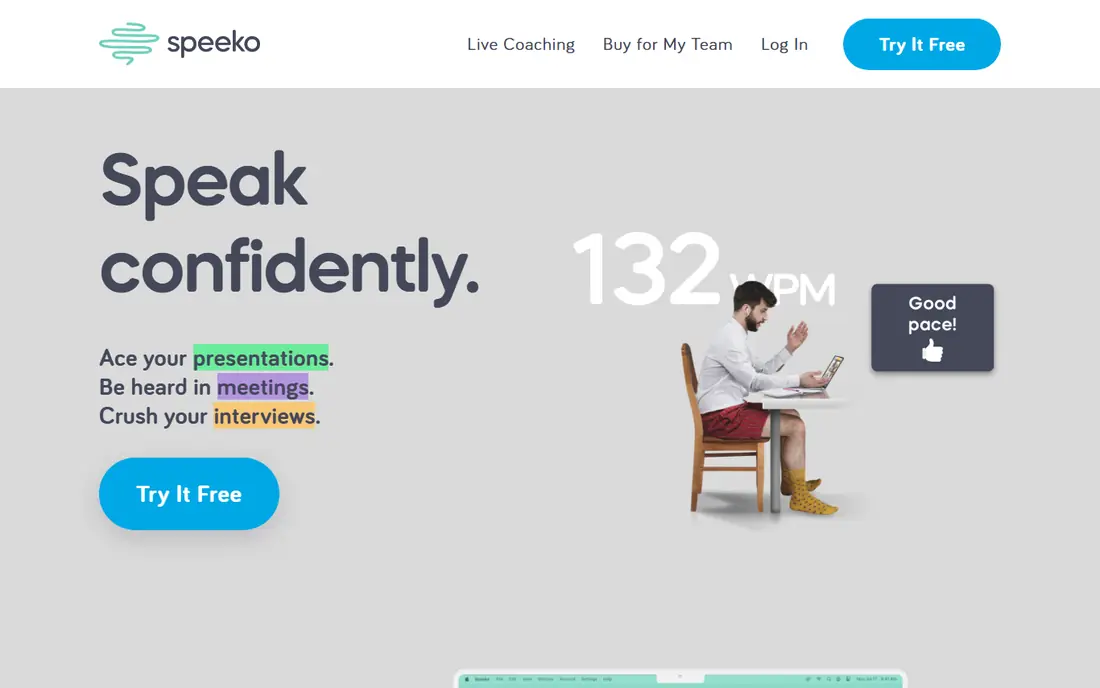
Speeko offers AI speech coaching with exercises and progress tracking. Its strength is coaching structure, which guides practice step by step. Watch for limits that only appear at scale, such as seats, projects, scans, or exports, since those decide the real monthly cost. If your team will use it daily, get one or two colleagues to try the same task in it and compare notes before you choose.
The catch is content range, which is narrower than some rivals. A clean export path matters, so confirm you can take your data out in a usable format if you later switch.
Our view: this option is a strong candidate when AI speech coaching matters most, provided the limits above fit your budget. If you rely on it for work, confirm uptime, backup, and account recovery options before moving anything important into it. Check the pricing page before you commit, since plans and limits change and the page you see at signup is the one that counts.
- AI coaching
- Speech exercises
- Progress tracking
- Smaller content library than larger rivals
- Pricing varies
Yoodli
Ideal for: private presentation coaching
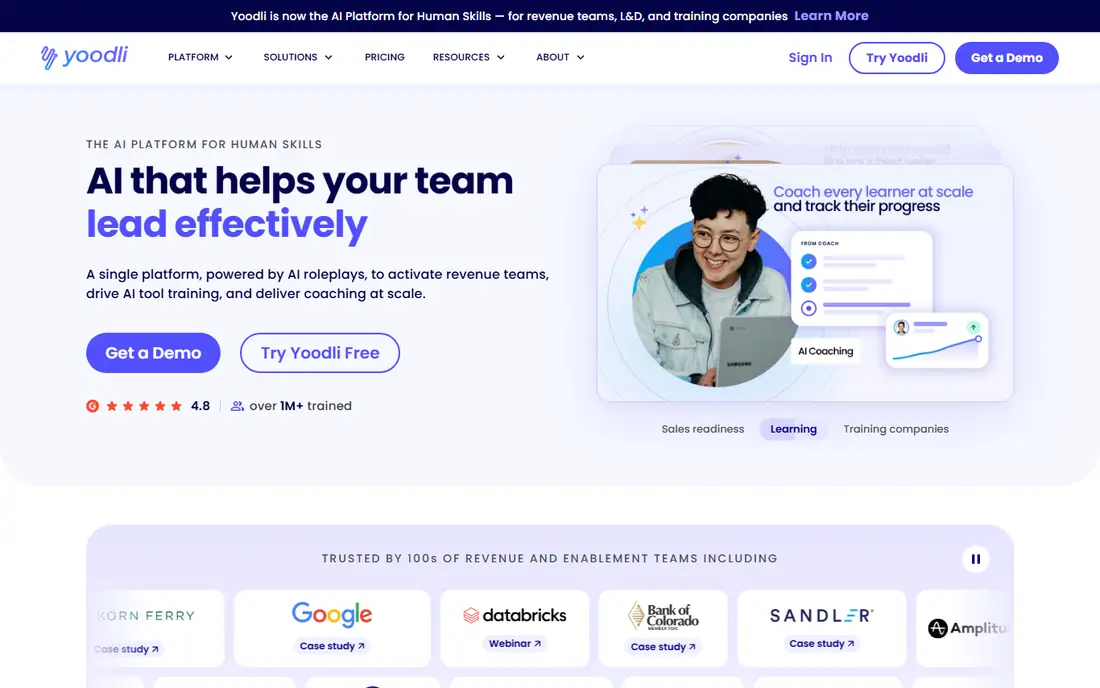
Yoodli coaches presentations privately with analytics on pace, words, and engagement. Its strength is privacy for practice, since you can rehearse without an audience. Compare at least two options on the same task, using the same sample project or data, so the comparison stays honest. Check the pricing page before you commit, since plans and limits change and the page you see at signup is the one that counts.
The catch is free limits, as deeper analytics need paid tiers. Note which features sit behind higher tiers, because the headline plan rarely includes everything shown on the marketing page.
Our view: shortlist this option if private presentation coaching is what you are buying for, and compare it head to head with one other option here. Look at how it handles your existing tools, because a product that fits your current setup saves more time than one with a longer feature list. If your team will use it daily, get one or two colleagues to try the same task in it and compare notes before you choose.
- Private AI coaching
- Presentation analytics
- Roleplay practice
- Free tier limits apply
- Team features need paid plans
Poised
Ideal for: live feedback in meetings
Poised gives live feedback during work meetings and summaries afterwards. Its strength is real-world practice, since feedback comes from actual meetings. Check the pricing page before you commit, since plans and limits change and the page you see at signup is the one that counts. A clean export path matters, so confirm you can take your data out in a usable format if you later switch.
The catch is scope: it suits work meetings more than speech rehearsal. A short trial or a free tier, where one exists, tells you more in a week than any feature list can.
Our view: this option earns its place here for buyers who put live feedback in meetings first, and it is worth a close look before you decide. If your team will use it daily, get one or two colleagues to try the same task in it and compare notes before you choose. Note which features sit behind higher tiers, because the headline plan rarely includes everything shown on the marketing page.
- Real-time meeting feedback
- Post-meeting summaries
- Team tools
- Meeting focus, so general speaking practice is lighter
- Subscription needed
VirtualSpeech
Ideal for: VR public speaking practice
VirtualSpeech offers virtual reality speaking practice with feedback and courses. Its strength is realistic rehearsal, since VR audiences simulate real pressure. Support quality matters when something breaks, so read the help pages and the refund or cancellation terms before paying. Look at how it handles your existing tools, because a product that fits your current setup saves more time than one with a longer feature list.
The catch is hardware: full value needs a VR headset. Read the privacy policy for any product that holds personal or business data, and confirm who can see that data and how long it is kept.
Our view: if VR public speaking practice is your main need, this option deserves a trial, with the trade-offs above kept in mind. Set a reminder to review the plan after the first month, when real usage shows whether the tier you picked still fits. Support quality matters when something breaks, so read the help pages and the refund or cancellation terms before paying.
- VR speaking scenarios
- Feedback
- Course content
- VR hardware helps most
- Pricing varies by course
ELSA Speak
Ideal for: pronunciation and speaking clarity
ELSA Speak gives pronunciation feedback and speaking lessons for English learners. Its strength is pronunciation detail, which helps non-native speakers sound clearer. Watch for limits that only appear at scale, such as seats, projects, scans, or exports, since those decide the real monthly cost. Compare at least two options on the same task, using the same sample project or data, so the comparison stays honest.
The catch is scope: it does not cover slide structure or meeting skills. A clean export path matters, so confirm you can take your data out in a usable format if you later switch.
Our view: this option is a strong candidate when pronunciation and speaking clarity matters most, provided the limits above fit your budget. If you rely on it for work, confirm uptime, backup, and account recovery options before moving anything important into it. Set a reminder to review the plan after the first month, when real usage shows whether the tier you picked still fits.
- Pronunciation feedback
- Speaking lessons
- Accent practice
- Focus is pronunciation, not full presentation skills
Grammarly
Ideal for: written communication help
Grammarly checks writing for grammar, clarity, and tone across apps and browsers. Its strength is written communication, which covers emails, reports, and messages. Compare at least two options on the same task, using the same sample project or data, so the comparison stays honest. Read the privacy policy for any product that holds personal or business data, and confirm who can see that data and how long it is kept.
The catch is medium: it will not coach your spoken delivery. Note which features sit behind higher tiers, because the headline plan rarely includes everything shown on the marketing page.
Our view: shortlist this option if written communication help is what you are buying for, and compare it head to head with one other option here. Look at how it handles your existing tools, because a product that fits your current setup saves more time than one with a longer feature list. A short trial or a free tier, where one exists, tells you more in a week than any feature list can.
- Writing checks
- Tone suggestions
- Clarity rewrites
- Speaking practice is not included
- Premium needed for full tone tools
How we picked these
We compared official feature pages, pricing pages, app store listings, and public reviews for each app. We looked for feedback quality, practice types, live versus recorded coaching, pricing, and privacy. We did not run hands-on tests.
How to improve communication with an app
Pick one skill first. Speaking pace, filler words, and slide structure each need different practice, so focus beats trying everything at once.
Practise with real material. Use your actual talk, pitch, or meeting notes rather than generic scripts, since real stakes reveal real habits.
Review feedback weekly. Short weekly reviews show progress better than daily scores, which can distract from the message itself.
Frequently asked questions
What is the best app to improve communication skills?
Orai is best for speaking practice, Yoodli suits presentation coaching, and Poised suits live meeting feedback. Grammarly suits written communication.
Can apps really improve public speaking?
They help with pace, filler words, and structure through feedback and practice, but live audiences and coaching still matter for confidence and presence.
Are communication coaching apps private?
Most process recordings in the cloud, so check privacy policies and data retention before uploading sensitive work talks. Some offer private or enterprise controls.
How much do communication apps cost?
Pricing ranges from free tiers to monthly subscriptions, with team plans for workplaces. Check whether live feedback features need paid tiers.