Best AppSec Tools in 2026: 7 Tools Compared

- Code scanning, dependency scanning, and dynamic testing cover different flaws, so one tool rarely covers all.
- False positives waste developer time, so check how findings are ranked and whether fixes are suggested.
- Pull request integration matters, since findings that arrive late get ignored.
- Pricing by developer or by repository changes the total, so model your team size.
Quick comparison
| Product | Ideal for | Price from | Free version | |
|---|---|---|---|---|
 Snyk | Developer friendly security scanning | See website | Yes | Visit |
 Sonar | Code quality plus security | See website | Yes | Visit |
 Veracode | Enterprise application security | See website | No | Visit |
 Checkmarx | Enterprise SAST and supply chain | See website | No | Visit |
 GitHub Advanced Security | Security inside GitHub | See website | No | Visit |
 Semgrep | Fast customizable code scanning | See website | Yes | Visit |
 JFrog | Supply chain and artifact security | See website | Yes | Visit |
The best AppSec tools
Application security tools find flaws in code, dependencies, and running apps before attackers do, and the best stack combines code scanning, dependency checks, and runtime protection without slowing developers too much.
We compared scanning coverage, false positive rates, developer workflow fit, and prices across leading tools, and our pick for most teams is a tool that fits into pull requests with clear, fixable findings.
In this guide, we walk through each option in turn, starting with who it suits best, then looking at what it does well and where it falls short, so you can compare like with like. We also cover pricing in plain terms, including where a price is quote based or where a free plan covers only part of the service, because the headline price rarely tells the full story. By the end, you should have a short list of two or three options worth a closer look, rather than a long list of names with no clear differences.
Snyk
Ideal for: Developer friendly security scanning
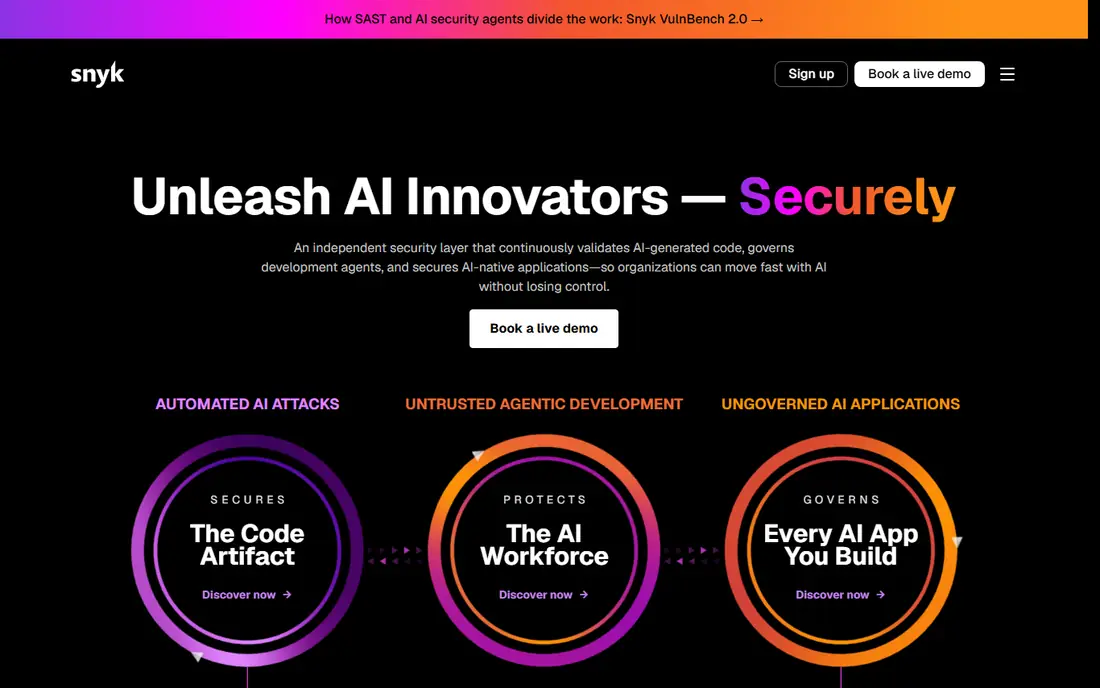
Snyk is a developer friendly security platform that scans code, dependencies, containers, and infrastructure as code. Its pull request integration shows fixes directly where developers work.
Dependency scanning is a strength, since vulnerable libraries are a common attack path. The interface is clear, and a free tier covers small projects.
Pricing grows with developer count, and some advanced scans need higher tiers.
On balance, Snyk stands out for Developer friendly security scanning, with strengths that include Good developer workflow; dependency scanning; clear fixes. The main drawbacks to weigh are Pricing grows with developers; some scans need tiers. If those trade offs fit your situation and your budget, it is worth putting on your short list, and if they do not, compare it with the next options in this guide before you decide, since a small difference in price, coverage, or support can matter a lot over a year of use.
- Good developer workflow
- Dependency scanning
- Clear fixes
- Pricing grows with developers
- Some scans need tiers
Sonar
Ideal for: Code quality plus security
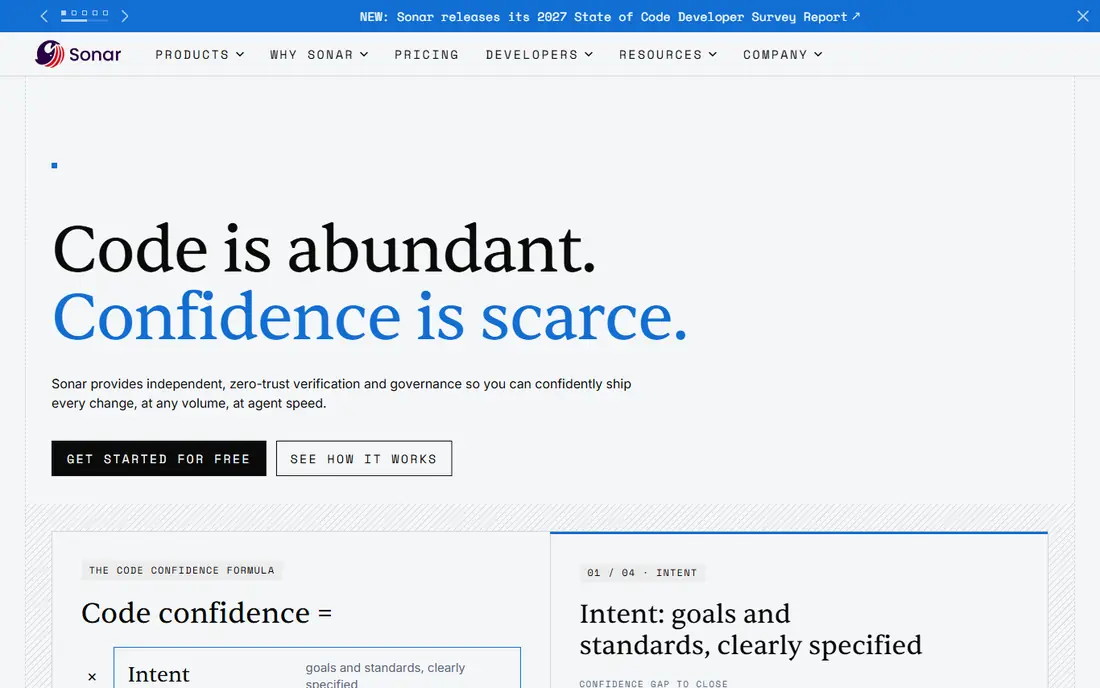
Sonar, from SonarSource, combines code quality and security scanning in one platform. Its tools check code in the IDE, in pull requests, and in continuous integration.
Language coverage is broad, and rules help teams keep code clean as well as secure. For teams that want quality and security together, Sonar is efficient.
Security depth varies by edition, and rules need tuning to reduce noise.
On balance, Sonar stands out for Code quality plus security, with strengths that include Code quality and security; many languages; IDE help. The main drawbacks to weigh are Security depth varies by edition; setup needs tuning. If those trade offs fit your situation and your budget, it is worth putting on your short list, and if they do not, compare it with the next options in this guide before you decide, since a small difference in price, coverage, or support can matter a lot over a year of use.
- Code quality and security
- Many languages
- IDE help
- Security depth varies by edition
- Setup needs tuning
Veracode
Ideal for: Enterprise application security
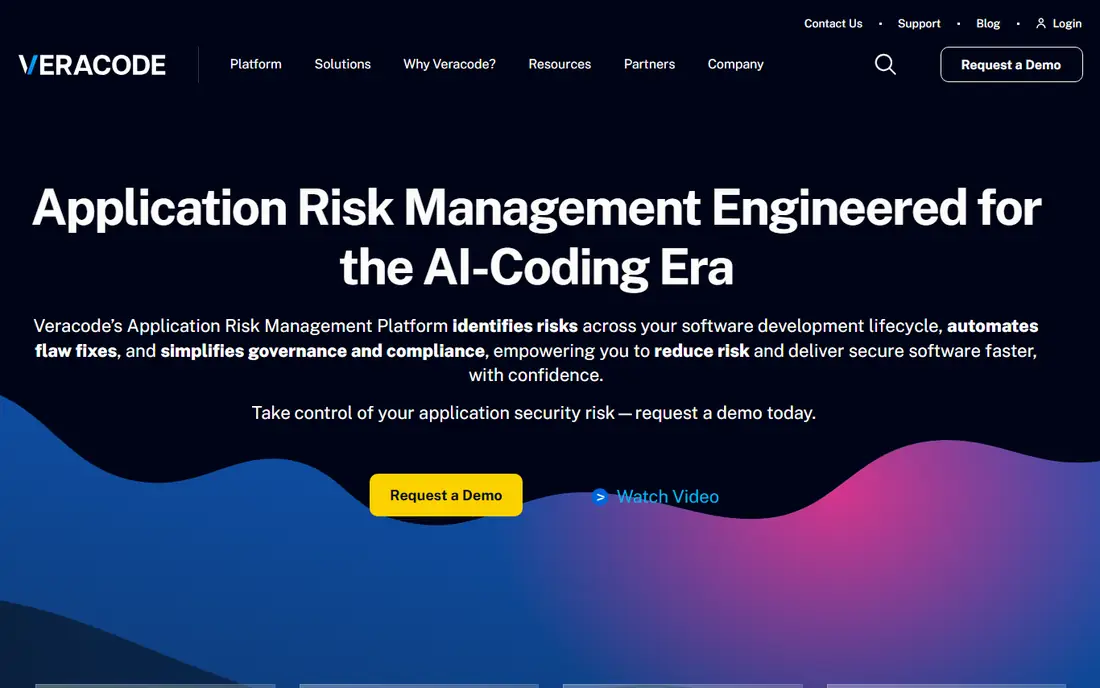
Veracode is an enterprise application security platform with broad scanning across static, dynamic, and software composition analysis. Its reporting suits compliance and audit needs in regulated industries.
The platform scales across large codebases and many teams. For enterprises with strict security requirements, Veracode is a solid choice.
Pricing is quote based, and the interface feels enterprise style rather than developer first.
On balance, Veracode stands out for Enterprise application security, with strengths that include Broad scanning; strong reporting; enterprise scale. The main drawbacks to weigh are Pricing is quote based; interface is enterprise style. If those trade offs fit your situation and your budget, it is worth putting on your short list, and if they do not, compare it with the next options in this guide before you decide, since a small difference in price, coverage, or support can matter a lot over a year of use.
- Broad scanning
- Strong reporting
- Enterprise scale
- Pricing is quote based
- Interface is enterprise style
Checkmarx
Ideal for: Enterprise SAST and supply chain
Checkmarx offers enterprise application security with strong static analysis and supply chain security. Its SAST engine is deep, and its supply chain tools cover dependencies and open source risk.
The platform suits large teams with complex codebases. Integration with development pipelines is well built.
Setup can be complex, and pricing is quote based, so plan for deployment time.
On balance, Checkmarx stands out for Enterprise SAST and supply chain, with strengths that include Strong SAST; supply chain security; enterprise features. The main drawbacks to weigh are Complex setup; pricing is quote based. If those trade offs fit your situation and your budget, it is worth putting on your short list, and if they do not, compare it with the next options in this guide before you decide, since a small difference in price, coverage, or support can matter a lot over a year of use.
- Strong SAST
- Supply chain security
- Enterprise features
- Complex setup
- Pricing is quote based
GitHub Advanced Security
Ideal for: Security inside GitHub
GitHub Advanced Security adds code scanning, secret scanning, and dependency alerts inside GitHub itself. Its native workflow means developers see findings in pull requests without switching tools.
Secret scanning catches leaked credentials, which is a common and costly mistake. For teams already on GitHub, that integration is a major advantage.
It requires GitHub, and pricing is per user, so teams on other platforms need another tool.
On balance, GitHub Advanced Security stands out for Security inside GitHub, with strengths that include Native GitHub workflow; code scanning; secret scanning. The main drawbacks to weigh are Needs GitHub; pricing is per user. If those trade offs fit your situation and your budget, it is worth putting on your short list, and if they do not, compare it with the next options in this guide before you decide, since a small difference in price, coverage, or support can matter a lot over a year of use.
- Native GitHub workflow
- Code scanning
- Secret scanning
- Needs GitHub
- Pricing is per user
Semgrep
Ideal for: Fast customizable code scanning
Semgrep is a fast, customizable static analysis tool that suits developer led teams. Its rule system lets teams write custom checks for their own code patterns.
Scanning is quick, and findings appear in pull requests. The open source core is strong, and the cloud platform adds team features.
Enterprise features need a paid plan, and dynamic testing is thinner than at full platform rivals.
On balance, Semgrep stands out for Fast customizable code scanning, with strengths that include Fast scanning; custom rules; good developer fit. The main drawbacks to weigh are Enterprise features need paid plan; dynamic testing is thinner. If those trade offs fit your situation and your budget, it is worth putting on your short list, and if they do not, compare it with the next options in this guide before you decide, since a small difference in price, coverage, or support can matter a lot over a year of use.
- Fast scanning
- Custom rules
- Good developer fit
- Enterprise features need paid plan
- Dynamic testing is thinner
JFrog
Ideal for: Supply chain and artifact security
JFrog combines artifact management with supply chain security, which suits DevOps teams that already manage packages and containers. Its scanning checks artifacts and dependencies for vulnerabilities.
The platform fits naturally into build and release pipelines. For teams that want security inside artifact management, JFrog is efficient.
Security is part of a larger platform, so pure AppSec teams may prefer a specialist, and pricing varies by product.
On balance, JFrog stands out for Supply chain and artifact security, with strengths that include Artifact management; supply chain security; DevOps fit. The main drawbacks to weigh are Security is part of a larger platform; pricing varies. If those trade offs fit your situation and your budget, it is worth putting on your short list, and if they do not, compare it with the next options in this guide before you decide, since a small difference in price, coverage, or support can matter a lot over a year of use.
- Artifact management
- Supply chain security
- DevOps fit
- Security is part of a larger platform
- Pricing varies
How we picked these
We compared official feature pages, pricing pages, app store listings, privacy policies, and public customer reviews for each option in this list, and we kept only options that are available in the United States and that clearly fit the topic of the article.
We gave weight to clear pricing, a usable free option or trial where one is offered, honest limits, and support that a real customer can reach, and we left out options whose pricing was hidden, whose main offer did not match the topic, or whose website did not clearly belong to the product.
We also checked that each product is still offered and working in October 2026, and we noted where a feature, a plan, or a price could not be verified from the vendor, in which case we wrote See website rather than guessing. That approach means some prices in this guide are deliberately general, and we recommend confirming the current price on the vendor website before you buy, since plans and promotions change.
How to choose AppSec tools
Start with what you build, since web apps, APIs, and mobile apps need different coverage, and list the languages and frameworks you use. Check each tool for support for those exact stacks, not just a long language list.
Next, test in a real pull request, and judge whether findings are clear, ranked, and fixable, and whether developers can suppress false positives without hiding real flaws. A tool that blocks every merge will be bypassed.
Finally, check how findings flow into your ticketing system and whether the tool covers dependencies and containers as well as your own code. Choose the stack that developers will actually use in their daily workflow.
Frequently asked questions
What is the best AppSec tool?
It depends on your stack and workflow, since tools lead in different areas, such as static code scanning, dependency scanning, and dynamic testing. Most teams need more than one type of tool for full coverage.
What is AppSec?
Application security, or AppSec, is the practice of finding and fixing security flaws in software during development and in production. It includes code scanning, dependency checks, testing, and runtime protection.
What is the difference between SAST and DAST?
SAST scans source code for flaws without running the app, while DAST tests a running app from outside, like an attacker would. Teams usually use both, since they find different issues.
Do AppSec tools slow down developers?
They can if they block merges with noisy findings, but well tuned tools that run in pull requests with ranked, fixable findings help developers without major delays. Tune rules and thresholds during a trial.
Are open source AppSec tools good enough?
Open source tools can be strong for specific scans, especially static analysis, but commercial tools often add better reporting, support, and integration. Many teams combine open source and commercial tools.