Which Attendance Tracking Software Fits You? 5 Tools Compared

- 1
 DeputyMulti-location teams needing compliance controlsVisit
- 2
 HomebaseHourly teams at restaurants, retail and servicesVisit
- 3
 QuickBooks TimeTeams already running QuickBooks payrollVisit
- 4
 When I WorkShift-based teams that live on schedulesVisit
- 5
 ConnecteamSmall firms wanting an all-in-one employee appVisit
- This list starts with Deputy, which is built for multi-location teams needing compliance controls.
- Check the limits for When I Work before you commit: pricing climbs with features.
- Connecteam fits small firms wanting an all-in-one employee app.
- Starting prices begin at $2.50/user/month with When I Work.
Direct answer
Our first pick is Deputy, best for multi-location teams needing compliance controls. Look at Homebase for hourly teams at restaurants, retail and services, and at QuickBooks Time for teams already running QuickBooks payroll. Prices, free plans and limits for all 5 tools follow.
Quick comparison
| Product | Ideal for | Price from | Free version | |
|---|---|---|---|---|
| Deputy | Multi-location teams needing compliance controls | See website | Free trial | Visit |
| Homebase | Hourly teams at restaurants, retail and services | Free (Basic plan) | Yes | Visit |
| QuickBooks Time | Teams already running QuickBooks payroll | See website | Free trial | Visit |
| When I Work | Shift-based teams that live on schedules | From $2.50/user/month | Free trial (14 days) | Visit |
| Connecteam | Small firms wanting an all-in-one employee app | Free (up to 10 users) | Yes | Visit |
Attendance Tracking Software profiles
This Ainotely guide covers 5 options for attendance tracking software. Each profile lists a starting price, free plan details, strengths and drawbacks, so you can drop poor fits quickly.
Deputy
Ideal for: Multi-location teams needing compliance controls
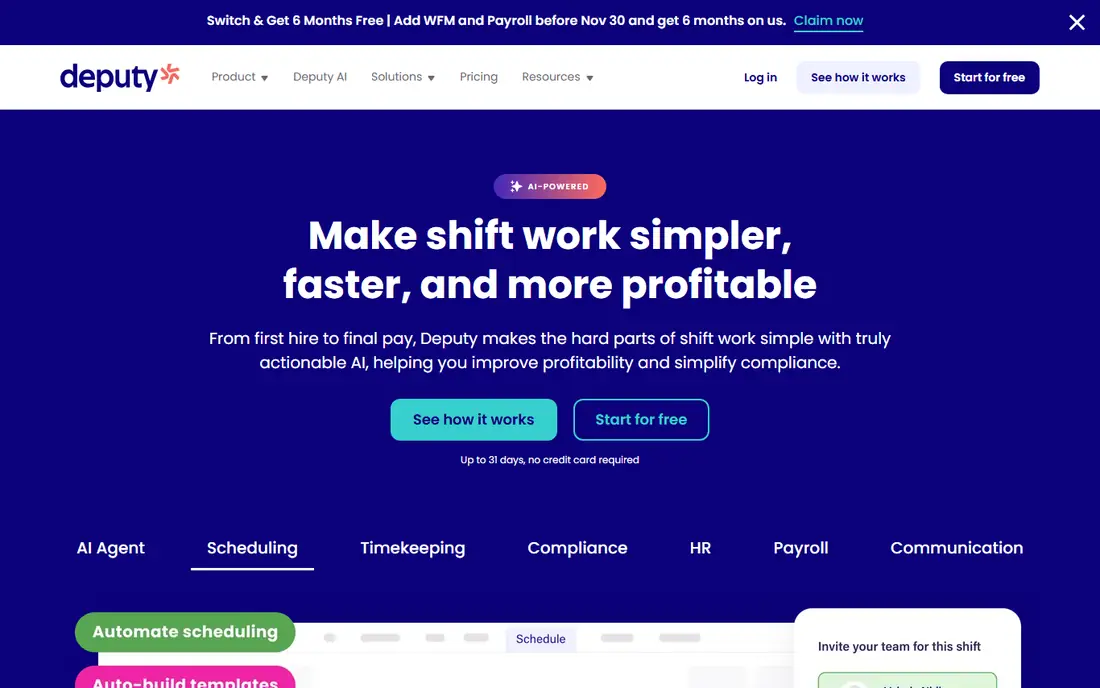
Deputy targets multi-location teams needing compliance controls. The product automatically enforces break rules, overtime limits and Fair Workweek requirements based on location-specific labor laws, which matters enormously for multi-location retail, hospitality and healthcare companies. Beyond that, for operators running multiple locations under different labor rules, though, the compliance engine alone can justify the cost.
More specifically, Deputy is the pick when attendance tracking is a compliance problem, not just a payroll one. Beyond that, timesheets sync to payroll providers like Xero, MYOB, QuickBooks and ADP. A native payroll product now includes shift-based companies end to end. This much capability includes a ramp-up time and enterprise-style pricing. A single-location cafe will find Deputy heavier than it needs, and buyers should confirm pricing for their team size before committing. Pricing for Deputy is not stated here, so ask the vendor for current figures. On free options: Free trial.
Downsides: More complicated than small teams need.
- 390,000+ workplaces
- Capable compliance engine for breaks and overtime
- Quote-based pricing for some plans
Homebase
Ideal for: Hourly teams at restaurants, retail and services

Homebase works best for hourly teams at restaurants, retail and services. Homebase started with the hourly worker in mind and every feature reflects it. Turn any tablet, phone or POS device into a time clock, catch late clock-ins and early punches automatically, and run schedules against sales data imported from your point of sale.
For everyday use, the Basic plan is free for one location with up to 10 employees and spans scheduling, time tracking, messaging and timesheets. Also, premium tiers add advanced time tracking, team communication, PTO management, HR compliance tools and payroll processing as an add-on. Where it falls short is for teams that outgrow the basics. But for a restaurant, cafe or shop with hourly staff, the free starting point is one of the best deals in this category. The starting price for Homebase: Free. Free access exists with Homebase.
Honest limits: Advanced HR features cost more.
- Built-in hiring and payroll
- Any device becomes a time clock
- Free plan caps at 10 employees
QuickBooks Time
Ideal for: Teams already running QuickBooks payroll

Pick QuickBooks Time if this describes you: teams already running QuickBooks payroll. Features are solid across the board: a time kiosk app for on-site tablets, geofenced clock-in reminders, scheduling included in every plan, time-off management, photo attachments on timesheets and more than 50 accounting and payroll integrations.
The main drawbacks: Less appealing outside the Intuit ecosystem.
It is included with QuickBooks Online Payroll Premium and Elite plans. But if QuickBooks already runs your books, the integration value is hard to argue with. No starting price is listed for QuickBooks Time here; confirm pricing on the vendor site. Free options: Free trial.
- Scheduling included in all plans
- Deep QuickBooks integration
- Pricing buried in QuickBooks plan structure
When I Work
Ideal for: Shift-based teams that live on schedules
When I Work serves shift-based teams that live on schedules. The system manages the full shift workflow: time-off requests, shift swaps, team messaging, labor forecasting and overtime alerts, with payroll integrations for QuickBooks, Gusto, ADP and Rippling. Reporting depth and compliance tooling do not match Deputy or the enterprise level of QuickBooks Time.
Honest limits: Attendance reporting is less deep than dedicated trackers.
Worth adding: where Homebase centers the time clock, When I Work centers the schedule and ties attendance to it. From a buyer's view, attendance alerts flag no-shows against the schedule automatically. The starting price for When I Work: From $2.50/user/month. On free options: Free trial (14 days).
- Very good scheduling and shift swapping
- Scales to 500+ employees
- Pricing climbs with features
Connecteam
Ideal for: Small firms wanting an all-in-one employee app
In short, Connecteam is for small companies wanting an all-in-one employee app. An office manager wants PTO approvals that do not live in email threads. If you want one friendly app that replaces five scattered tools, it provides.
Points against: premium levels needed for bigger teams.
Beyond that, teams over 10 users move to premium plans. The workforce features stay deliberately straightforward compared with systems made for compliance-heavy industries. For everyday use, hours flow into digital timesheets that are payroll-ready, with overtime and break calculations handled automatically. The starting price for Connecteam: Free. Connecteam has a free plan.
- Chat and forms in one app
- Free for teams under 10
- Some advanced workforce features are restricted
Our selection method
Selection started from tools commonly considered for attendance tracking software, then narrowed to 5 that have clear pricing information or a clear quote process. Prices and plan limits come from vendor pages and can change, so confirm them on the vendor site before you buy. Tools are placed by general fit for attendance tracking software, with price clarity and free access as tie-breakers. A different team can reasonably rank them differently.
Things to verify first
- Confirm the entry price on the vendor page. For Deputy and QuickBooks Time that means a quote rather than a fixed price.
- Look at free plan limits closely: Homebase and Connecteam have one, and the caps decide whether it is usable for real work.
- Take the trial from Deputy, QuickBooks Time and When I Work and push a live task through it before you pay.
- Before choosing Deputy, weigh its main limit: quote-based pricing for some plans.
- Pick one real project and run it in Connecteam first; a small pilot shows fit faster than a checklist.
- Verify that exporting from Deputy is possible on your plan and covers all your records.
Frequently asked questions
Is Deputy the right pick for everyone comparing attendance tracking software?
No single tool suits every team. Deputy comes first because it fits multi-location teams needing compliance controls, while Homebase suits hourly teams at restaurants, retail and services and QuickBooks Time suits teams already running QuickBooks payroll. Match the tool to your own size, budget and workflow before deciding.
How does GPS attendance tracking work?
Employees clock in from a mobile app that records their location at that moment. Geofencing goes further by defining an approved area around each job site: clock-ins inside the boundary go through, whereas ones outside it get blocked or flagged for manager review.
Do these tools publish their prices?
Not all of them. Deputy and QuickBooks Time publish no starting price, so expect a quote request for those. The rest, Homebase included, show a starting price, though seats and billing terms still change the final cost.
Which options for attendance tracking software have a free plan?
On this list, Homebase and Connecteam include a free plan. Caps on seats, usage or features are common, so test the free plan against your real workload. Several others offer a trial instead.
Can I try these options before paying?
Often, yes. Homebase and Connecteam have a free plan and Deputy, QuickBooks Time and When I Work offer a free trial. Use your own data and a real task during the test, and check what the free tier or trial limits before you rely on it.