If you need professional restoration and forensic work, Cedar Studio is the first tool to look at here. Listed starting prices: CrumplePop AudioDenoise from $25 per month. CrumplePop AudioDenoise fits straightforward dialogue denoise for editors; Magix Sequoia fits integrated audio and video production. All 5 tools are compared below on price, free plan and limits.
Short on time? The summary and table above give the quick view of 5 audio cleanup software for video editors, and the profiles that follow give the detail behind each entry.
Key takeaways
Top of the list is Cedar Studio, which targets professional restoration and forensic work.
None of the 5 tools, from Cedar Studio to Acon Digital Restoration Suite, has a free plan, so budget for a subscription or use a trial.
Acon Digital Restoration Suite suits focused noise, hum, click and clip repair.
The cheapest monthly starting price in the list is $25 per month, offered by CrumplePop AudioDenoise.
Best for: Professional restoration and forensic work
Cedar Studio is a good fit for professional restoration and forensic work. Cedar Studio comes from CEDAR Audio, a company known for software and hardware designed for audio noise reduction, restoration and forensic options.
In practice, consider a lighter plug-in when the problem is ordinary background noise. In practice, the professional and forensic orientation means the toolset is specialized instead of a general editing environment. No starting price is listed for Cedar Studio here; confirm pricing on the vendor site. Free plan details: Not stated.
Downsides: Specialist toolset instead of general editing.
Best for: Straightforward dialogue denoise for editors
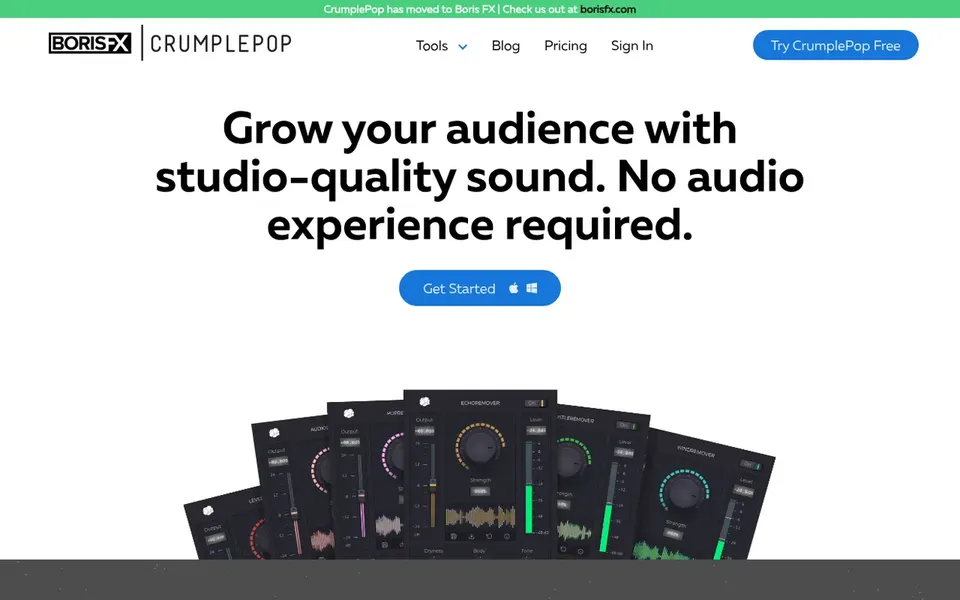
Think of CrumplePop AudioDenoise for straightforward dialogue denoise for editors. CrumplePop AudioDenoise is part of a toolset marketed around helping creators grow an audience with studio-quality sound. Its focus is denoising, which fits video editors who primarily have to reduce background noise in dialogue without learning a full restoration suite.
The narrow focus means hum, clicks and clipping are not its stated purpose, so complicated problems may need extra tools. It also relies on a compatible host application. On cost, CrumplePop AudioDenoise starts like this: $25 per month. On free options: Free trial.
Where it falls short: Narrow scope beyond denoising.
Magix Sequoia is aimed squarely at integrated audio and video production. If cleanup is your only task, a dedicated restoration plug-in is a lighter route.
Drawbacks to consider: Large application for straightforward cleanup.
What works well: Wide multimedia feature set.
For everyday use, since it is a large production application, it may be more than a video editor needs for occasional noise repair. On top of that, learning the full environment takes time. Magix Sequoia shows no starting price here, so confirm the cost on the vendor site. As for free access: Not stated.
Where Adobe Audition fits: all-in-one dialogue editing and repair. For video editors, the spectral view is the practical draw: it lets you see problem frequencies and repair them without leaving the session.
The primary limit is that Audition is a full audio editor, so casual users may find the interface heavy for a fast noise fix. It also sits inside a subscription ecosystem, which matters if you prefer perpetual licenses. Adobe Audition shows no starting price here, so confirm the cost on the vendor site. Free access: Not stated.
Best for: Focused noise, hum, click and clip repair
Acon Digital Restoration Suite is a good fit for focused noise, hum, click and clip repair. Acon Digital Restoration Suite bundles DeNoise, DeHum, DeClick and DeClip into a single plug-in for removing noise, hum, clicks and clipping. In practice, if you want one application for everything, a full editor is the better fit.
Strengths: DeNoise, DeHum.
Trade-offs to know: Needs a host that supports plug-ins.
Also, the modules map neatly onto the problems video editors meet most: room tone, electrical hum, mouth clicks and distorted peaks. More specifically, you need a compatible host, and heavy repair still benefits from careful manual listening. No starting price is listed for Acon Digital Restoration Suite here; confirm pricing on the vendor site. Free options: Not stated.
Ask Cedar Studio, Magix Sequoia, Adobe Audition and Acon Digital Restoration Suite for a written quote, since no starting price is shown.
Take the trial from CrumplePop AudioDenoise and push a live task through it before you pay.
Read the limits listed for Cedar Studio first: professional positioning can be heavy for casual edits.
Ask Cedar Studio which support channels and response times come with the plan you would buy.
Price Acon Digital Restoration Suite for your actual team size; headline prices rarely include add-ons or overage.
How we picked
Each tool was reviewed on what its vendor publishes: price, plan limits, core features and stated drawbacks. We did not run hands-on tests. Seat minimums, billing terms and add-ons can move the real cost, so the starting prices here are a guide and not a quote. The ranking is editorial: typical fit first, then clear pricing, then free access. If your needs are unusual, read the profiles rather than relying on position. Keep it in mind while reading the 5 audio cleanup software for video editors profiles on this page.
Every price and plan detail on this page comes from the vendors’ own websites. We did not run hands-on tests unless the text says so, and we do not publish star ratings or review scores. See how we score and our disclosure.
Keep your shortlist in one place
Paste prices, trial dates and notes from this guide into Ainotely, our AI note app. It files them into a topic and pulls out tasks like “cancel trial by Friday”. Free 7-day trial, no card needed.
What is the cheapest option for audio cleanup software for video editors in this list?
On published monthly entry prices, CrumplePop AudioDenoise is the lowest here at $25 per month. Entry price is only part of the cost, because seats, add-ons and billing terms can change the total.
Do these tools publish their prices?
Not all of them. Cedar Studio, Magix Sequoia, Adobe Audition and Acon Digital Restoration Suite publish no starting price, so expect a quote request for those. The rest, CrumplePop AudioDenoise included, show a starting price, though seats and billing terms still change the final cost.
What should video editors look for in audio cleanup software?
Start with the problems in your footage: background noise, hum, clicks or clipping. A focused plug-in is frequently enough, whereas a full editor fits regular dialogue work.
How are the tools for audio cleanup software for video editors ordered?
The order follows typical fit for audio cleanup software for video editors, with Cedar Studio first and Acon Digital Restoration Suite last, then price clarity and free access. It is editorial judgement, not a score, so another team could rank the tools differently.
How do I judge restoration quality before buying?
Test each candidate on your own noisy clips and listen for artifacts like watery dialogue or lost detail. Vendor documentation and support are worth checking before you commit.
Can spectral editing help with difficult dialogue?
Spectral editing presents audio visually so you can target specific sounds. It takes practice, so it fits editors who manage tough repair on a regular basis.