This list puts Elucidat first for collaborative AI-assisted authoring. Listed starting prices: Elucidat from $4 per user per month. Look at Adobe Captivate for Responsive accessible courses, and at Articulate Storyline for custom accessible interactions. Details, prices and limits for the rest of the 6 tools are below.
Choosing authoring tools for accessible E-Learning usually comes down to price, fit and limits. This Ainotely guide sets 6 tools side by side on those three points, with the facts kept short and checkable.
Key takeaways
Elucidat takes the first slot, best suited to collaborative AI-assisted authoring.
Adobe Captivate comes with a trade-off: can be complicated for beginners.
For the cheapest start, look at Elucidat: $4 per user per month.
Elucidat, DominKnow and the 4 others all need a premium plan or a trial, since no free plan is listed.
Elucidat makes the most sense for collaborative AI-assisted authoring. Elucidat may need training to completely utilize its features and supplies less control over advanced accessibility customizations.
What to check first: Less control over advanced accessibility.
It emphasizes collaborative content creation and comes with accessibility considerations for example responsive design and alt text. Beyond that, for granular control, consider Articulate Storyline or dominKnow. Entry price for Elucidat: $4 per user per month. On free options: Not stated.
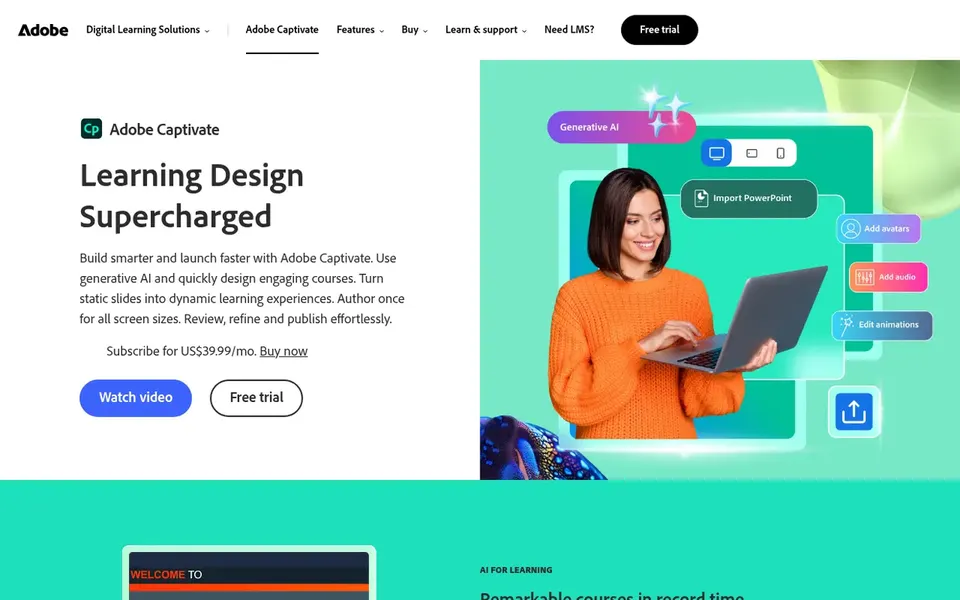
Think of Adobe Captivate for Responsive accessible courses. For those seeking a more straightforward tool, Rise 360 provides a more simplified approach, whereas Storyline offers deeper customization.
Captivate can be complicated for beginners and needs a subscription. Adobe Captivate does not show a starting price in this comparison, so check the vendor site for current pricing. On free options: Not stated.
Articulate Storyline serves custom accessible interactions. Storyline has a steeper ramp-up time and may require extra effort to ensure responsive design across devices.
It is a good match for teams with dedicated developers; for more straightforward, quicker projects, consider Rise 360 or Adobe Captivate. Pricing for Articulate Storyline is not stated here, so ask the vendor for current figures. Free options: Not stated.
iSpring Suite is a good fit for PowerPoint-based accessible courses. iSpring Suite is restricted to the PowerPoint environment and may need additional steps to ensure full accessibility. In daily use, iSpring Suite is an authoring tool that works within PowerPoint to produce interactive, SCORM-ready courses.
It contains features for adding quizzes, video tutorials, and role-plays, and supports accessibility through captioning and keyboard navigation. It is well-suited for organizations already using PowerPoint and seeking to add accessibility features to their presentations. For more advanced authoring, consider Adobe Captivate or Elucidat. No starting price is listed for iSpring Suite here; confirm pricing on the vendor site. Free options: Not stated.
Where it falls short: Restricted to PowerPoint environment.
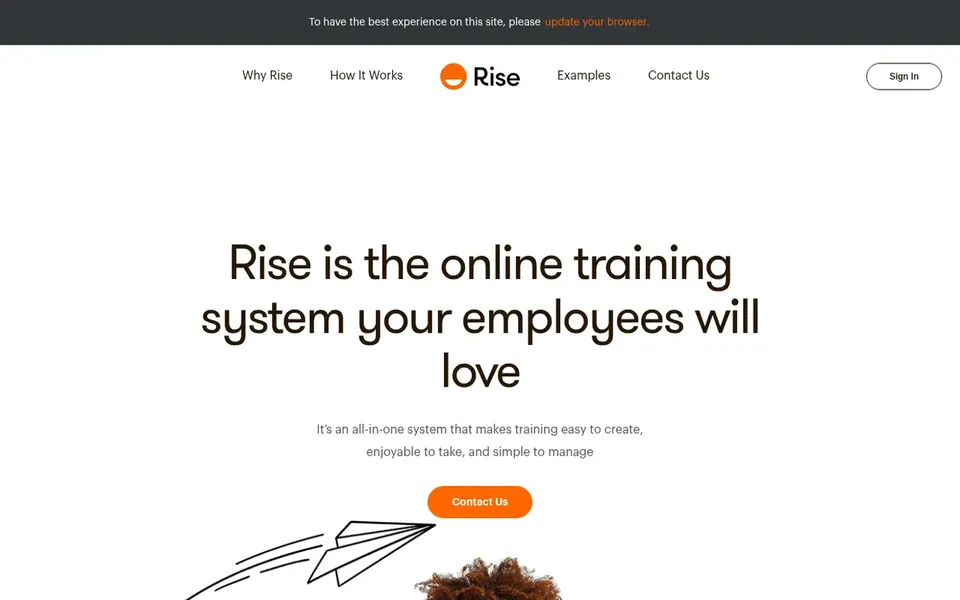
Rise 360 is built with fast accessible course creation in mind. It lets for the creation of interactive training and courses that work on any device, with built-in accessibility features like proper heading structures and alt text support.
Limits to weigh: Restricted advanced interactions.
It is well suited to teams that require to produce accessible content rapidly without deep technical expertise. Rise 360 does not show a starting price in this comparison, so check the vendor site for current pricing. Free plan details: Not stated.
DominKnow is designed for LCMS with accessibility features. It supports accessibility through features like semantic HTML and keyboard navigation, making it right for organizations that require to handle large volumes of accessible content.
As for the details, dominKnow has a complicated setup and a higher learning curve, which may be overwhelming for small teams. Pricing for DominKnow is not stated here, so ask the vendor for current figures. As for free access: Free trial.
Confirm the entry price on the vendor page. For Adobe Captivate, Articulate Storyline, iSpring Suite and others that means a quote rather than a fixed price.
Use real work to test the free trial from DominKnow, rather than a demo project.
Before choosing Elucidat, weigh its main limit: may need training.
Find out whether the entry plan of iSpring Suite covers your must-haves or only a trimmed-down version.
Compare total cost, not headline price: for Rise 360, add extra seats, add-ons and any usage-based charges.
How we picked
Ainotely used vendor pricing pages and product documentation as the base, then compared plans, free access and documented limits for 6 tools. Prices and plan limits come from vendor pages and can change, so confirm them on the vendor site before you buy. Tools are placed by general fit for authoring tools for accessible E-Learning, with price clarity and free access as tie-breakers. A different team can reasonably rank them differently.
Every price and plan detail on this page comes from the vendors’ own websites. We did not run hands-on tests unless the text says so, and we do not publish star ratings or review scores. See how we score and our disclosure.
Keep your shortlist in one place
Paste prices, trial dates and notes from this guide into Ainotely, our AI note app. It files them into a topic and pulls out tasks like “cancel trial by Friday”. Free 7-day trial, no card needed.
How are the tools for authoring tools for accessible E-Learning ordered?
The order follows typical fit for authoring tools for accessible E-Learning, with Elucidat first and DominKnow last, then price clarity and free access. It is editorial judgement, not a score, so another team could rank the tools differently.
What is the cheapest option for authoring tools for accessible E-Learning in this list?
On published monthly entry prices, Elucidat is the lowest here at $4 per user per month. Entry price is only part of the cost, because seats, add-ons and billing terms can change the total. For the full picture, the cards above cover all 6 entries of this Authoring tools for accessible E-Learning list, including price, free plan and limits.
Is Elucidat the right pick for everyone comparing authoring tools for accessible E-Learning?
No single tool suits every team. Elucidat comes first because it fits collaborative AI-assisted authoring, while Adobe Captivate suits Responsive accessible courses and Articulate Storyline suits custom accessible interactions. Match the tool to your own size, budget and workflow before deciding.
Can I produce accessible courses with Rise 360?
Yes, Rise 360 contains built-in accessibility features like responsive design and support for alt text. Even so, for highly customized accessibility, you may need a tool like Articulate Storyline.
Do these tools publish their prices?
Not all of them. Adobe Captivate, Articulate Storyline, iSpring Suite and others publish no starting price, so expect a quote request for those. The rest, Elucidat included, show a starting price, though seats and billing terms still change the final cost.