Best Auto Clipping Software in 2026: 8 Tools Compared

- 1
 Opus ClipCreators who want AI short clips from long videosVisit
- 2
 VizardCreators who want AI clips with editing controlVisit
- 3
 StreamLadderStreamers who want Twitch clips for social mediaVisit
- 4
 Cross ClipStreamers who want simple clip conversionVisit
- 5
 EklipseGamers who want automatic game highlightsVisit
- Opus Clip stands out for creators who want ai short clips from long videos, which makes it a strong starting point for that need.
- Vizard stands out for creators who want ai clips with editing control, which makes it a strong starting point for that need.
- StreamLadder stands out for streamers who want twitch clips for social media, which makes it a strong starting point for that need.
- Cross Clip stands out for streamers who want simple clip conversion, which makes it a strong starting point for that need.
- Prices and free plans vary widely across this list, so check the vendor pricing page for your team size or usage before you commit.
Quick comparison
| Product | Ideal for | Price from | Free version | |
|---|---|---|---|---|
| Opus Clip | Creators who want AI short clips from long videos | See website | No | Visit |
| Vizard | Creators who want AI clips with editing control | See website | Yes | Visit |
| StreamLadder | Streamers who want Twitch clips for social media | See website | Yes | Visit |
| Cross Clip | Streamers who want simple clip conversion | See website | Yes | Visit |
| Eklipse | Gamers who want automatic game highlights | See website | Yes | Visit |
 Kapwing | Creators who want clipping plus full editing | See website | Yes | Visit |
 Veed | Creators who want browser based clipping and editing | See website | Yes | Visit |
 Descript | Creators who want transcript based clipping | See website | No | Visit |
The best auto clipping software
We compared official feature pages, pricing pages, app store listings, privacy policies, and public reviews for this roundup. The products below cover different budgets and needs, so the best choice depends on how you will actually use it day to day. Our pick for most people is Opus Clip, because it covers the core need well, but read the full list before you decide, since a smaller or cheaper option may fit your situation better.
Opus Clip
Ideal for: Creators who want AI short clips from long videos
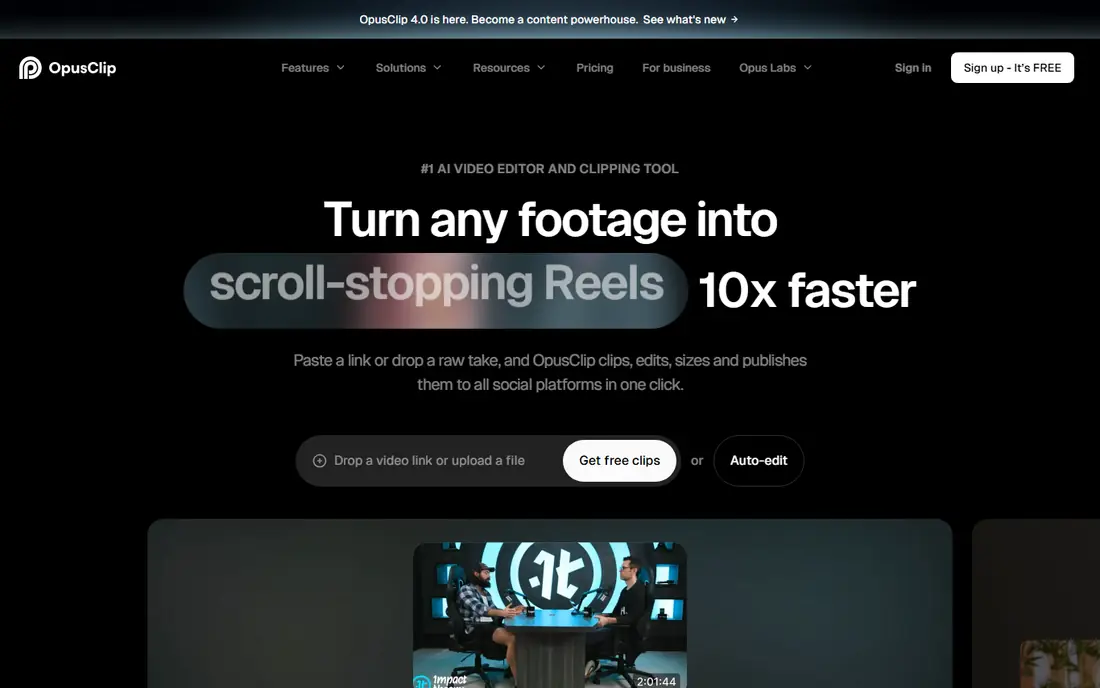
Opus Clip uses AI to turn long videos into short clips with captions for social platforms. It suits creators who post short form video regularly.
When we compared Opus Clip with the rest of this list, its strengths were clear: ai clips from long videos; captions; social formats On the other side, buyers should weigh this catch: free tier limits apply; clip quality varies by source video That trade off matters most if you plan to use the product every day, so check the pricing page and the free plan terms, and trial it with real work before you commit. For many buyers, Opus Clip earns its place here because it handles the core job well, even though no product on this list is perfect for every need.
- AI clips from long videos
- Captions
- Social formats
- Free tier limits apply
- Clip quality varies by source video
Vizard
Ideal for: Creators who want AI clips with editing control

Vizard, formerly Vizard AI, generates AI clips from long videos with editing tools. It fits creators who want AI clips they can edit before posting.
When we compared Vizard with the rest of this list, its strengths were clear: ai clip generation; editing tools; social formats On the other side, buyers should weigh this catch: free tier limits apply; processing time varies That trade off matters most if you plan to use the product every day, so check the pricing page and the free plan terms, and trial it with real work before you commit. For many buyers, Vizard earns its place here because it handles the core job well, even though no product on this list is perfect for every need.
- AI clip generation
- Editing tools
- Social formats
- Free tier limits apply
- Processing time varies
StreamLadder
Ideal for: Streamers who want Twitch clips for social media
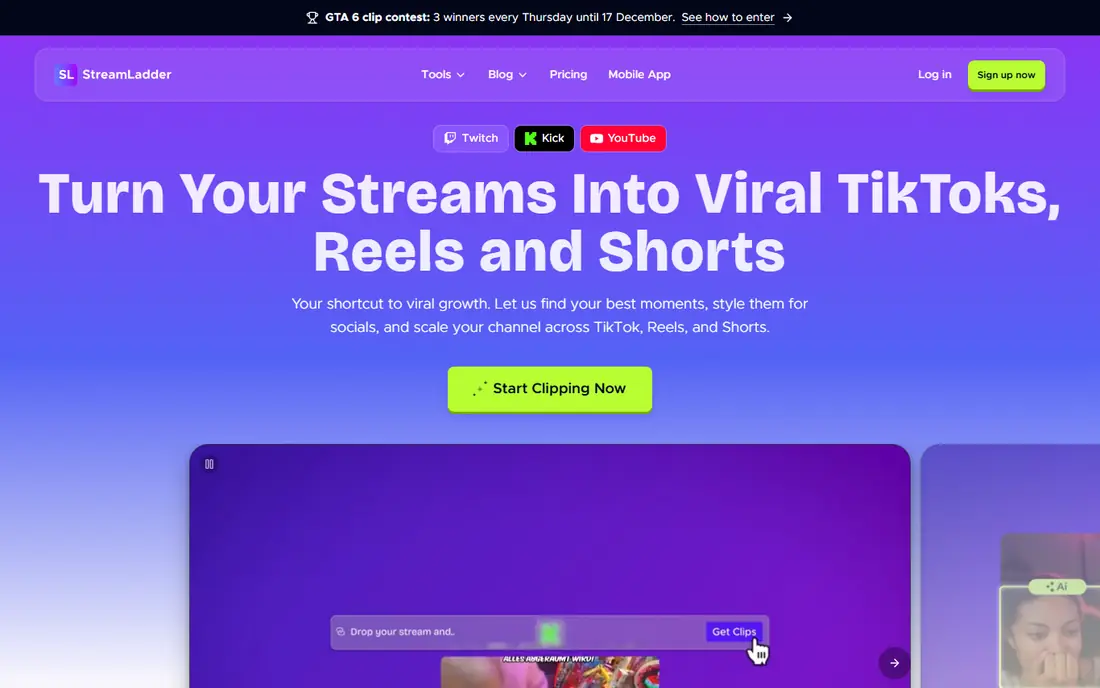
StreamLadder turns Twitch clips into social media formats with captions and templates. It suits Twitch streamers who repurpose clips for TikTok and Reels.
When we compared StreamLadder with the rest of this list, its strengths were clear: twitch clip to social formats; captions; templates On the other side, buyers should weigh this catch: twitch focus; free tier limits apply That trade off matters most if you plan to use the product every day, so check the pricing page and the free plan terms, and trial it with real work before you commit. For many buyers, StreamLadder earns its place here because it handles the core job well, even though no product on this list is perfect for every need.
- Twitch clip to social formats
- Captions
- Templates
- Twitch focus
- Free tier limits apply
Cross Clip
Ideal for: Streamers who want simple clip conversion
Cross Clip converts Twitch and YouTube clips into social formats simply. It fits streamers who want a simple conversion tool without AI editing.
When we compared Cross Clip with the rest of this list, its strengths were clear: simple clip conversion for twitch and youtube; formats On the other side, buyers should weigh this catch: feature range is narrower than ai tools; free tier limits That trade off matters most if you plan to use the product every day, so check the pricing page and the free plan terms, and trial it with real work before you commit. For many buyers, Cross Clip earns its place here because it handles the core job well, even though no product on this list is perfect for every need.
- Simple clip conversion for Twitch and YouTube
- Formats
- Feature range is narrower than AI tools
- Free tier limits
Eklipse
Ideal for: Gamers who want automatic game highlights
Eklipse automatically creates highlights from game streams with AI clips. It suits gamers who want highlights without manual editing.
When we compared Eklipse with the rest of this list, its strengths were clear: automatic game highlights; ai clips; sharing On the other side, buyers should weigh this catch: game focus; clip quality varies by game That trade off matters most if you plan to use the product every day, so check the pricing page and the free plan terms, and trial it with real work before you commit. For many buyers, Eklipse earns its place here because it handles the core job well, even though no product on this list is perfect for every need.
- Automatic game highlights
- AI clips
- Sharing
- Game focus
- Clip quality varies by game
Kapwing
Ideal for: Creators who want clipping plus full editing
Kapwing offers video editing with clipping tools, captions, and templates for creators. It fits creators who want clipping inside a full editor.
When we compared Kapwing with the rest of this list, its strengths were clear: video editing plus clipping tools; captions; templates On the other side, buyers should weigh this catch: free tier exports carry a watermark; advanced features need payment That trade off matters most if you plan to use the product every day, so check the pricing page and the free plan terms, and trial it with real work before you commit. For many buyers, Kapwing earns its place here because it handles the core job well, even though no product on this list is perfect for every need.
- Video editing plus clipping tools
- Captions
- Templates
- Free tier exports carry a watermark
- Advanced features need payment
Veed
Ideal for: Creators who want browser based clipping and editing
Veed provides browser based video editing with AI clipping and captions. It suits creators who edit in a browser without installing software.
When we compared Veed with the rest of this list, its strengths were clear: browser based editing; ai clips; captions and subtitles On the other side, buyers should weigh this catch: free tier limits apply; processing depends on connection That trade off matters most if you plan to use the product every day, so check the pricing page and the free plan terms, and trial it with real work before you commit. For many buyers, Veed earns its place here because it handles the core job well, even though no product on this list is perfect for every need.
- Browser based editing
- AI clips
- Captions and subtitles
- Free tier limits apply
- Processing depends on connection
Descript
Ideal for: Creators who want transcript based clipping
Descript edits video through transcripts, with AI clipping and studio tools. It fits creators who edit by text and want accurate captions.
When we compared Descript with the rest of this list, its strengths were clear: transcript based editing; ai clips; studio tools On the other side, buyers should weigh this catch: learning curve for transcript editing; pricing per user That trade off matters most if you plan to use the product every day, so check the pricing page and the free plan terms, and trial it with real work before you commit. For many buyers, Descript earns its place here because it handles the core job well, even though no product on this list is perfect for every need.
- Transcript based editing
- AI clips
- Studio tools
- Learning curve for transcript editing
- Pricing per user
How we picked these
We started with products and services that exist and work in October 2026 and truly fit the topic, then we compared their official feature pages, pricing pages, app store listings, privacy policies, and public reviews. We looked for a mix of well known leaders and strong smaller options, and we favored products with clear pricing, clear privacy practices, and honest limits. We did not claim hands-on testing that did not happen, and where a price could not be verified from the vendor site, we wrote See website rather than guessing a number.
How to choose auto clipping software
Test with your own videos, not demo clips, since clip quality depends on source audio and pacing. Check supported platforms, caption accuracy, export formats, and free tier limits. Compare time saved against editing time, and pick a tool that fits your posting schedule, since a tool you use weekly beats a powerful tool you rarely open. Before you pay, list your must have features, your budget, and the tools the new product must work with. A short trial with real tasks will tell you more than a feature list alone, and it will show whether support replies quickly when something goes wrong. Check contract length, renewal terms, and how easy it is to export your data or cancel, since those details matter long after the first month.
Frequently asked questions
What is auto clipping software?
Auto clipping software finds highlights in long videos or streams and turns them into short clips for social media.
Do AI clips need editing before posting?
Yes, most AI clips benefit from a quick review for timing, captions, and context before posting.
Can auto clipping work for Twitch streams?
Yes, many tools connect to Twitch and YouTube to find highlights from streams and videos.
Is auto clipping software free?
Many tools offer free tiers with limits, while paid plans add more clips, longer videos, and no watermarks.
What makes a good short clip?
A good clip has a clear hook, short length, captions, and a format that fits the platform where it will be posted.