7 Best Auto Dialer Software with CRM Integration Options for 2026

- 1
 CloudTalkTeams calling across borders needing plenty of local numbersVisit
- 2
 Five9Mid-market and enterprise contact centers at high volumeVisit
- 3
 AircallSMB sales and support teams needing a full phone systemVisit
- 4
 KixieSDR teams on HubSpot, Salesforce or PipedriveVisit
- 5
 JustCallSmall teams wanting phone, SMS and dialer in one placeVisit
- This list starts with CloudTalk, which is built for teams calling across borders needing numerous local numbers.
- PhoneBurner suits solo agents and small teams prioritizing answer rates.
- A fair warning about Aircall: the power dialer and outbound campaigns need the $50 Professional level.
- JustCall has the lowest monthly starting price in this list: $29 per user/month.
Direct answer
Start with CloudTalk if you need teams calling across borders needing many local numbers. Five9 is the stronger choice for mid-market and enterprise contact centers at high volume, while Aircall suits SMB sales and support teams needing a full phone system. The remaining 4 options are covered below with prices and limits.
Quick comparison
| Product | Ideal for | Price from | Free version | |
|---|---|---|---|---|
| CloudTalk | Teams calling across borders needing plenty of local numbers | From €19 per user/month (billed yearly) | Free trial (14 days) | Visit |
| Five9 | Mid-market and enterprise contact centers at high volume | Custom quote | No | Visit |
| Aircall | SMB sales and support teams needing a full phone system | $30 per license/month (Essentials, billed yearly, 3-license minimum) | Free trial | Visit |
| Kixie | SDR teams on HubSpot, Salesforce or Pipedrive | See website | Free trial (7 days) | Visit |
| JustCall | Small teams wanting phone, SMS and dialer in one place | $29 per user/month (Team, billed yearly, 2-seat minimum) | Free trial (14 days) | Visit |
 Aloware | HubSpot and Salesforce teams wanting the dialer inside the CRM | $30 per user/month (iPro + AI, billed annually, 10-user minimum) | Free trial (7 days) | Visit |
 PhoneBurner | Solo agents and small teams prioritizing answer rates | $140 per user/month (Standard, billed annually) | Free trial | Visit |
Our 7 picks for auto dialer software with CRM integration
Ainotely compared 7 tools for auto dialer software with CRM integration. The goal is a practical shortlist: published prices, free plan facts, best-fit use cases and honest limits for every entry.
CloudTalk
Ideal for: Teams calling across borders needing plenty of local numbers
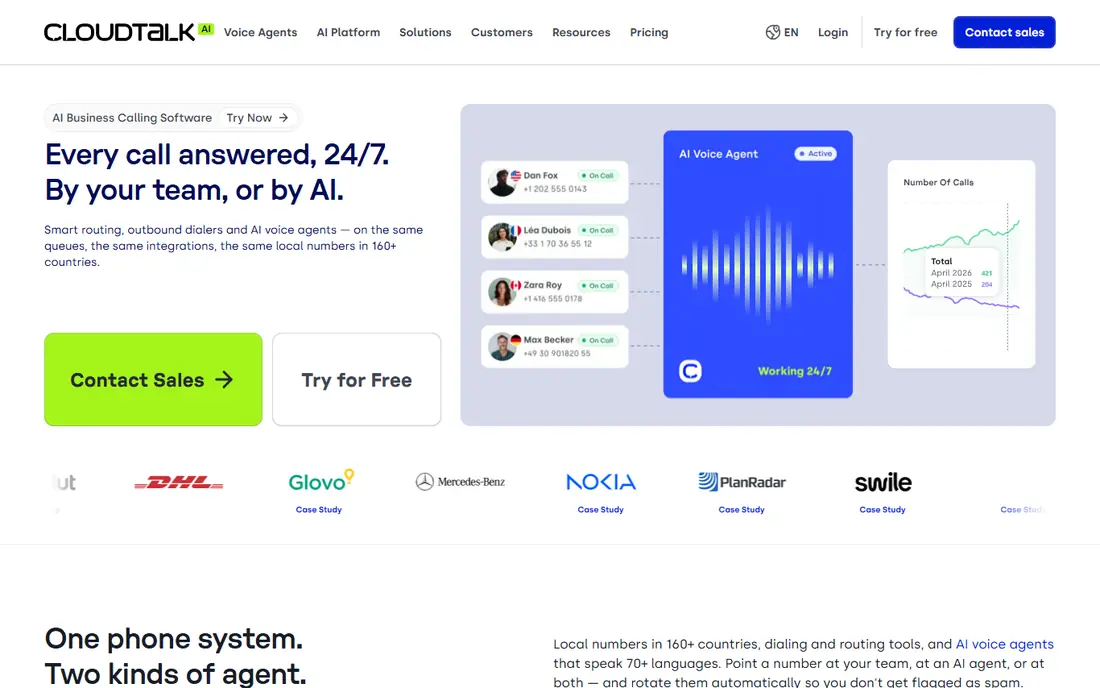
CloudTalk works best for teams calling across borders needing numerous local numbers. CloudTalk wins on international coverage. For an US-only team, domestic rivals offer more straightforward pricing.
Where it is weaker: Entry Lite plan is thin on features.
Plans run from €19 to €49 per user a month on annual billing. But the preview, power and parallel dialers are extras on top of the seat price. On top of that, the 14-day trial is ample, with Expert-tier features, calling credit and up to three numbers included. Budget the dialer add-on if outbound is your central motion. The pricing structure needs a careful read. CloudTalk cost at the entry level: From €19 per user/month. Free access: Free trial (14 days).
- Local numbers in 160+ countries with simple porting
- 14-day trial comes with Expert features and calling credit
- Power and parallel dialers are premium extras, not included
Five9
Ideal for: Mid-market and enterprise contact centers at high volume
Five9 was built for mid-market and enterprise contact centers at high volume. Five9 is the enterprise answer to this category. It supplies every dialing mode a compliance-conscious operation needs, predictive for high-volume campaigns, progressive and preview where regulations or call quality demand a human in the loop, plus workforce management, QA scoring on 100 percent of interactions and AI agents for routine work.
Main advantages: Predictive.
Beyond that, a 10-person SDR team will get more value per dollar from Kixie or Aloware. In practice, the Salesforce integration is deep enough that teams like Yopa run their entire outbound motion through it. Five9 pricing: Custom quote. No free plan comes with Five9. Trade-offs to know: overkill under 20 seats; Quote-only pricing with no public rates.
- 300+ integrations with major CRMs
- Progressive and preview dialing modes in one system
- Made for bigger operations
Aircall
Ideal for: SMB sales and support teams needing a full phone system
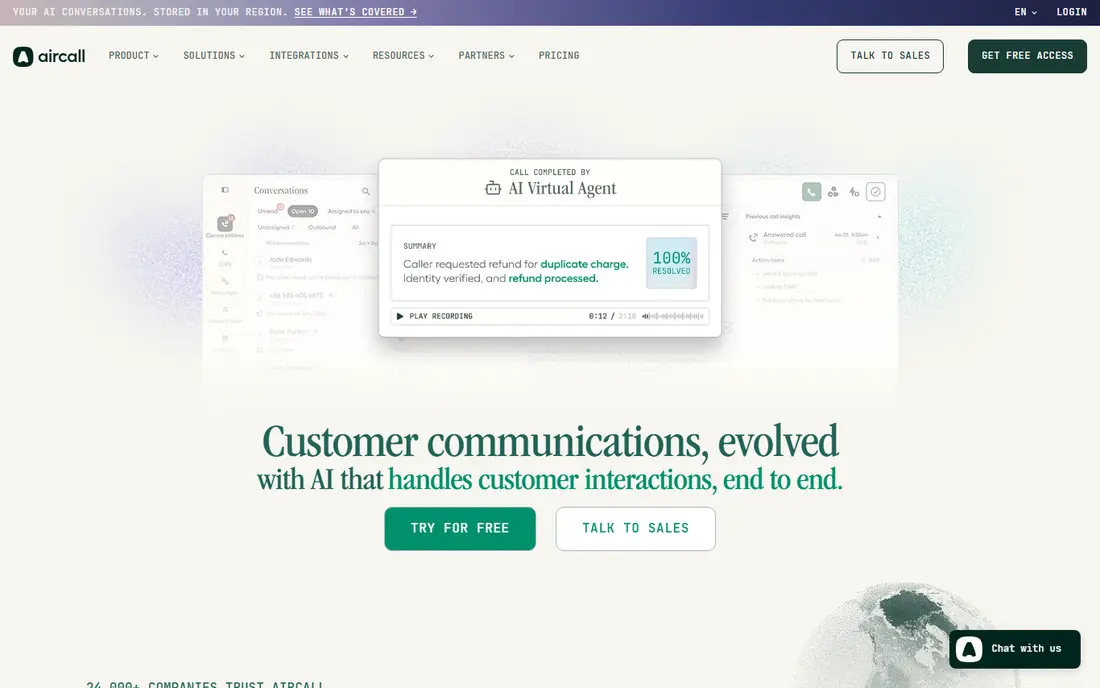
Where Aircall fits: SMB sales and support teams needing a full phone system. The dialer-specific muscle, power dialer, outbound campaigns, smart routing and call whispering, arrives on Professional at $50. From a buyer's view, support teams like the shared inbox and live monitoring.
Drawbacks to consider: 3-license minimum on premium plans.
Sales teams like that the same system deals with inbound follow-up. From a buyer's view, pure outbound teams will find less expensive dialers. But teams that blend inbound and outbound get a lot for the money. From a buyer's view, the integration catalog is the real draw: 250-plus native connections means calls log to Salesforce, HubSpot, Pipedrive or Zendesk without middleware. Price to start with Aircall: $30 per license/month. Trial and free access: Free trial.
What Aircall does well: Shared inbox keeps every conversation visible to the team.
- HubSpot and Pipedrive
- 250+ native integrations with Salesforce
- AI voice agent minutes beyond the bundle cost additional
Kixie
Ideal for: SDR teams on HubSpot, Salesforce or Pipedrive
Kixie works best for SDR teams on HubSpot, Salesforce or Pipedrive. The Multi-Line PowerDialer works through a list whereas reps talk, dropping voicemails and logging every outcome back into the CRM without anyone touching a keyboard.
Honest limits: AI human voice detection costs additional.
Reasons to shortlist it: Bi-directional sync with HubSpot, Salesforce. In daily use, setup takes minutes through a Chrome extension, and the two-way sync means dispositions, notes and recordings land on the right contact record in HubSpot, Salesforce, Pipedrive or Zoho. Worth adding: for a HubSpot or Pipedrive shop that lives on outbound, the depth of the CRM embed typically justifies the sales call. This comparison lists no price for Kixie; ask the vendor. Trial and free access: Free trial (7 days).
- Unlimited US and Canada minutes on every plan
- Pipedrive and Zoho
- Pricing is quote-based with no public seat prices
JustCall
Ideal for: Small teams wanting phone, SMS and dialer in one place
In short, JustCall is for small teams wanting phone, SMS and dialer in one place. Watch the minimums and the extras. In daily use, JustCall is the value pick for teams that require more than a dialer.
Downsides: 2-seat minimum even for solo founders.
More specifically, the power dialer, Salesforce CTI and bulk SMS appear on Pro at $49 per user a month, which is still less than half of PhoneBurner's entry price. Worth adding: if they split time between inbound support and outbound prospecting, Team is a fair deal. From a buyer's view, every plan needs a minimum of two licenses, and features like AI call scoring and the SalesPro multi-line dialer sit behind higher levels or a custom quote. Entry price for JustCall: $29 per user/month. Free plan details: Free trial (14 days).
- Unlimited inbound and outbound calling minutes on every plan
- 14-day trial with no credit card required
- The power dialer only appears on the $49 Pro level
Aloware
Ideal for: HubSpot and Salesforce teams wanting the dialer inside the CRM
Aloware is aimed squarely at HubSpot and Salesforce teams wanting the dialer inside the CRM. The plan structure rewards larger teams. iPro begins at $30 per user a month on annual billing but needs 10 users.
Watch-outs: HubSpot workflow triggers are missing from iPro.
The small-team packages ($199 for up to 3 users, $399 for up to 5) cap minutes and texts. What you pay to start with Aloware: $30 per user/month. Trial and free access: Free trial (7 days).
- AI call transcription and summaries included
- Truly unlimited US and Canada agent minutes with no pay-per-minute asterisk
- The Salesforce integration needs the $85 xPro level
PhoneBurner
Ideal for: Solo agents and small teams prioritizing answer rates
Choose PhoneBurner for solo agents and small teams prioritizing answer rates. Whereas rivals race to dial more lines at once, PhoneBurner dials one line per rep and invests the effort in connection quality: Level 1 carrier routing, ARMOR spam-flag monitoring and remediation, and voicemail drop that keeps reps moving. Also, real estate and insurance teams, where a flagged number kills a week of prospecting, swear by this approach.
Trade-offs to know: SMS and inbound routing only arrive on the $183 Premium level.
Standard begins at $140 per user a month on annual billing. The features that make PhoneBurner a complete system, SMS messaging, inbound routing, AI note-taking, are locked behind Professional ($165) and Premium ($183). In practice, there is no free plan, only a trial with free minutes. PhoneBurner starts at: $140 per user/month. As for free access: Free trial.
What PhoneBurner does well: Single-line power dialer made for deliverability.
- Built-in light CRM included
- ARMOR spam-flag monitoring keeps numbers clean
- Steep entry price for small teams
Our selection method
We compared the tools on published pricing, free plan or trial availability, feature coverage for auto dialer software with CRM integration, and the limits each vendor documents. Where a price is missing, the vendor does not list one publicly or ties it to a quote. Always confirm before budgeting. We ordered the tools by general fit, then by how clearly pricing is shown, then by free access. A buyer with unusual needs may reorder them.
Before you commit
- Get a written quote from Kixie; the list shows no starting price for them.
- Use real work to test the free trial from CloudTalk, Aircall, Kixie and others, rather than a demo project.
- Read the limits listed for CloudTalk first: power and parallel dialers are premium extras, not included.
- Check the support hours and onboarding help Aloware offers; smaller vendors vary a lot here.
- Confirm minimum seats and billing terms with Kixie before you commit to an annual plan.
Frequently asked questions
Do I need a CRM to use an auto dialer?
The entire point of CRM integration is automatic logging: calls, recordings, dispositions and follow-up tasks appear on the contact record without manual entry. Without a CRM, reps lose the history that makes the next call smarter.
Do these tools publish their prices?
Not all of them. Kixie publishes no starting price, so expect a quote request for it. The rest, CloudTalk included, show a starting price, though seats and billing terms still change the final cost.
Is CloudTalk the right pick for everyone comparing auto dialer software with CRM integration?
No single tool suits every team. CloudTalk comes first because it fits teams calling across borders needing many local numbers, while Five9 suits mid-market and enterprise contact centers at high volume and Aircall suits SMB sales and support teams needing a full phone system. Match the tool to your own size, budget and workflow before deciding.
What is the cheapest option for auto dialer software with CRM integration in this list?
On published monthly entry prices, JustCall is the lowest here at $29 per user/month. Entry price is only part of the cost, because seats, add-ons and billing terms can change the total.
Does any tool for auto dialer software with CRM integration here have a free plan?
No tool in this list, CloudTalk and PhoneBurner included, has a permanent free plan. Several tools offer a trial. Trials and quotes are the usual route, so plan a short evaluation period.