Comparing 8 Autodialer Software Options in 2026

- Talkdesk is the opening pick, best for AI-powered contact center dialing.
- Talkdesk, Kixie and the 6 others all need a premium plan or a trial, since no free plan is listed.
- Every tool from Talkdesk to Kixie works by quote, with no list price shown.
- Kixie suits small teams on HubSpot or Salesforce.
Direct answer
Talkdesk is the first pick on this list for AI-powered contact center dialing. Orum fits parallel dialing at scale; PhoneBurner fits pure power dialing for SDR teams. Details, prices and limits for the rest of the 8 tools are below.
Quick comparison
| Product | Ideal for | Price from | Free version | |
|---|---|---|---|---|
 Talkdesk | AI-powered contact center dialing | See website | Not stated | Visit |
 Orum | Parallel dialing at scale | See website | Not stated | Visit |
 PhoneBurner | Pure power dialing for SDR teams | See website | Not stated | Visit |
 JustCall | Budget-friendly dialer with SMS and workflows | See website | Not stated | Visit |
 Dialpad | AI sales dialer with conversation intelligence | See website | Not stated | Visit |
 Five9 | Predictive dialing in a full contact center | See website | Not stated | Visit |
 CloudTalk | International teams needing local numbers | See website | Not stated | Visit |
 Kixie | Small teams on HubSpot or Salesforce | See website | Not stated | Visit |
Autodialer Software compared in detail
If you are comparing autodialer software, this page covers 8 tools in one place: what each is best for, what it costs to start, whether it has a free plan, and the main limit to know about.
Talkdesk
Ideal for: AI-powered contact center dialing
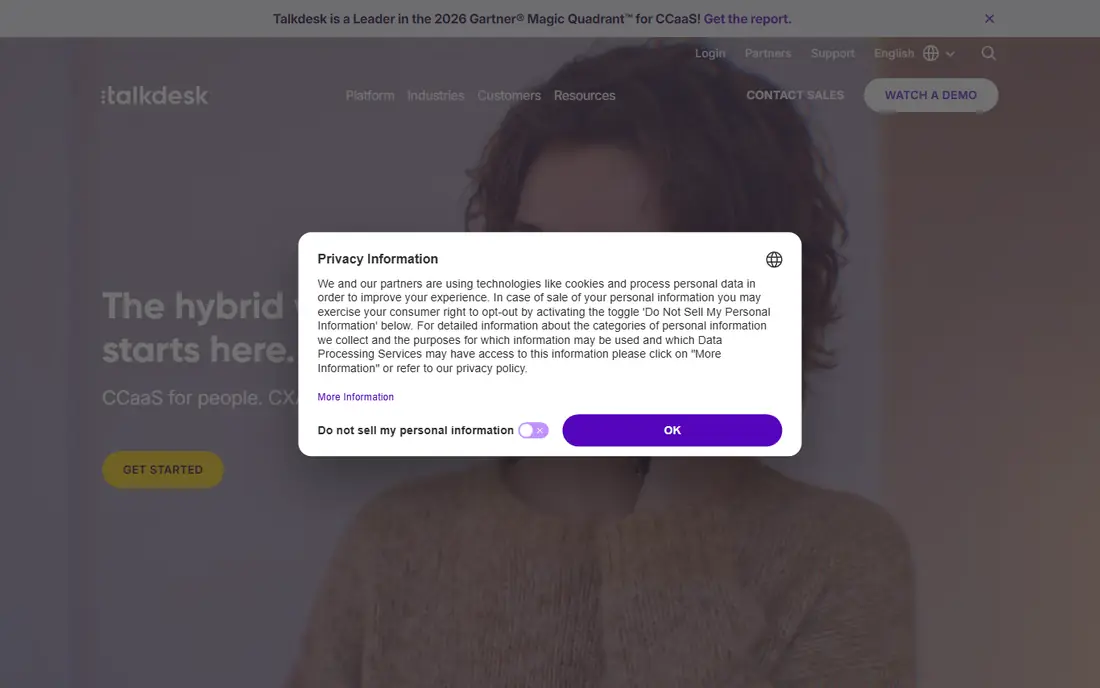
Talkdesk serves AI-powered contact center dialing. Talkdesk positions itself as the AI-first contact center, and its dialing capabilities sit inside that broader story. The sales process is consultative, pricing is quote-based, and implementation is a project.
Trade-offs to know: Enterprise pricing and sales process.
Worth adding: teams that only need a dialer will find better value in the specialists above. For everyday use, sales teams get predictive, power, and preview dialing alongside AI agent assist, conversation analytics, and quality management. Like Five9, this is enterprise software with enterprise buying. More specifically, Talkdesk suits organizations already committed to a full contact center refresh. No starting price is listed for Talkdesk here; confirm pricing on the vendor site. Free access: Not stated.
- Decent predictive and preview dialing modes
- Modern cloud contact center with AI across the product
- Dialer is one module in a big suite
Orum
Ideal for: Parallel dialing at scale

Think of Orum for parallel dialing at scale. Orum changed the math on cold calling with parallel dialing: the system dials multiple prospects at once and links the rep only when a human answers. AI features detect voicemail beeps and leave messages automatically.
Watch-outs: Premium pricing pitched at funded teams.
This only works with the right lists. On top of that, when the list is big and the team is measured on meetings, Orum is hard to beat. On top of that, reps who used to have ten conversations a day can have thirty, since the dialer absorbs the voicemails, busy signals, and dead numbers. Orum does not show a starting price in this comparison, so check the vendor site for current pricing. Free plan details: Not stated.
- Solid Outreach and Salesloft integrations
- Parallel dialer multiplies link rates
- Effectiveness relies on list quality and size
PhoneBurner
Ideal for: Pure power dialing for SDR teams
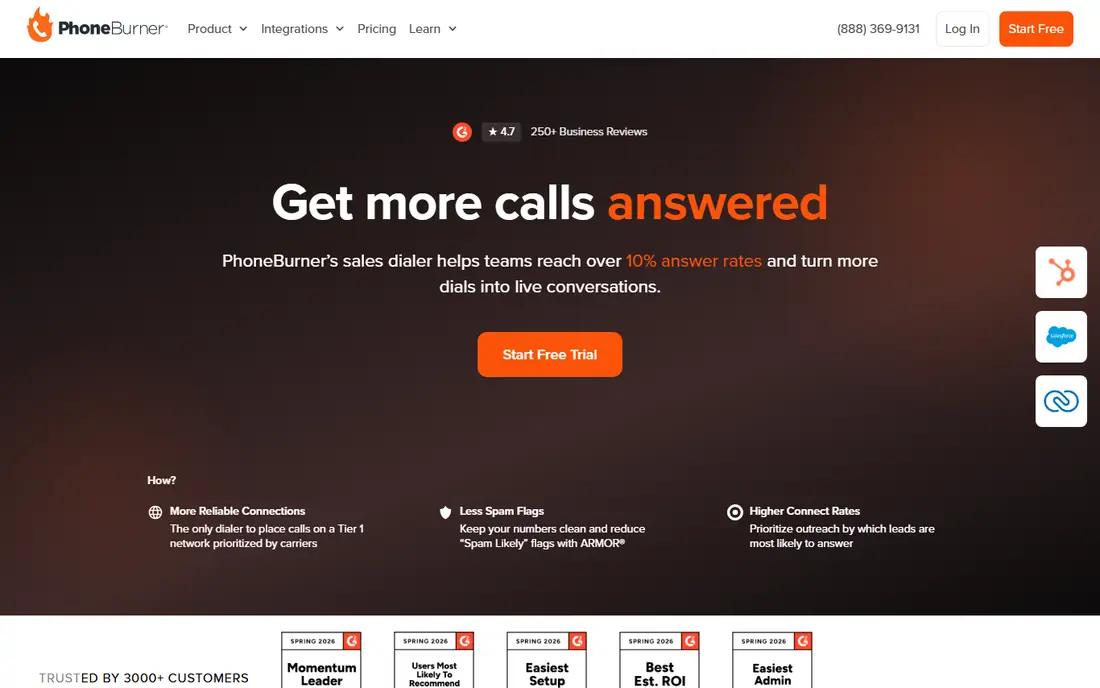
Where PhoneBurner fits: pure power dialing for SDR teams. PhoneBurner does one thing and does it well: it keeps SDRs talking. If you need IVR, inbound queues, or support ticketing, you will pair it with something else.
But for outbound prospecting teams measured on conversations per day, that focus is the point. Teams report big jumps in dials per hour since the dead time between calls nearly disappears. Evaluate it on talk time per hour against your current setup, since that single metric typically decides the purchase. PhoneBurner shows no starting price here, so confirm the cost on the vendor site. Free plan details: Not stated.
The main drawbacks: Restricted to sales dialing.
- In-depth call analytics and leaderboards
- Solid Salesforce and HubSpot integrations
- Not a full phone system
JustCall
Ideal for: Budget-friendly dialer with SMS and workflows
JustCall is aimed squarely at affordable dialer with SMS and workflows. JustCall packs a lot into a low-cost per-user price: a power dialer, business SMS, call recording, and workflow automation across more than a hundred integrations. The trade-offs display up at scale.
For everyday use, for cost-conscious teams that require calling plus texting in one subscription, though, the value is solid. Power users note that predictive and parallel dialing are less refined than on PhoneBurner or Orum, and international call quality gets mixed reviews. Small companies and startups get a credible sales phone system without enterprise contracts, and setup takes hours instead of weeks. JustCall shows no starting price here, so confirm the cost on the vendor site. On free options: Not stated.
Where it falls short: Call quality can vary by region.
- Competitive per-user pricing with generous features
- WhatsApp alongside calling
- Advanced dialer modes are less sophisticated than specialists
Dialpad
Ideal for: AI sales dialer with conversation intelligence
Dialpad serves AI sales dialer with conversation intelligence. Dialpad's differentiator is AI baked into every call: live transcription, live coaching prompts, sentiment analysis, and automatic summaries. The power dialer includes standard outbound workflows.
Sales managers get conversation intelligence without buying a separate Gong or Chorus, and reps get a modern phone experience across devices. Beyond that, teams buying primarily for dialing volume should compare carefully. Pricing for Dialpad is not stated here, so ask the vendor for current figures. Free plan details: Not stated.
Trade-offs to know: Dialer-specific depth trails pure-play dialers.
- Clean interface reps actually like
- Live AI transcription and coaching during calls
- AI features cost additional on higher levels
Five9
Ideal for: Predictive dialing in a full contact center
Five9 makes the most sense for predictive dialing in a full contact center. Large sales and collections operations use it to run high-volume outbound with pacing algorithms, compliance guardrails, and supervisor monitoring, all inside a system that also takes care of inbound, chat, and email.
It earns its keep when you have dozens of agents, compliance requirements, and blended inbound-outbound operations. Five9 does not show a starting price in this comparison, so check the vendor site for current pricing. Trial and free access: Not stated.
Honest limits: Overkill and overpriced for small SDR teams.
- Full omnichannel contact center around the dialer
- Solid workforce management
- Implementation takes time and professional services
CloudTalk
Ideal for: International teams needing local numbers
Choose CloudTalk for international teams needing local numbers. Distributed sales teams can get local presence numbers across 160+ countries, which lifts answer rates meaningfully outside the US. Beyond that, the power dialer, IVR, and CRM integrations include the standard outbound and support workflows at a competitive price.
In daily use, for US-only teams, the international strength matters less. But if your reps call across borders daily, CloudTalk's combination of global numbers and sensible pricing is hard to match. CloudTalk does not show a starting price in this comparison, so check the vendor site for current pricing. As for free access: Not stated.
Drawbacks to consider: Smaller ecosystem than US-centric rivals.
- Decent value for distributed teams
- Local numbers in 160+ countries with easy provisioning
- Some advanced AI features are newer and less proven
Kixie
Ideal for: Small teams on HubSpot or Salesforce
Kixie serves small teams on HubSpot or Salesforce. Calls, texts, notes, and outcomes log to HubSpot or Salesforce automatically, so reps never do data entry and managers get clean activity data. More specifically, the power dialer, SMS, and local presence dialing include the core outbound workflow for small teams without the complexity of a contact center system.
Workforce management, advanced IVR, and complicated queue routing are not Kixie's game. Bigger operations will notice the ceiling. Check the vendor site for Kixie pricing; none is listed in this comparison. As for free access: Not stated.
Downsides: Advanced contact center features are restricted.
- Deep two-way CRM integration with automatic logging
- Power dialer plus SMS in one tool
- Reporting is solid but not enterprise-grade
Our selection method
Pricing pages, product documentation and feature lists were the main sources, and every entry carries at least one honest drawback. Plan names, prices and limits change often. Treat the figures here as a starting point and verify them with the vendor. Order on the page follows fit for the typical buyer first, then price transparency and free access. Your own requirements should decide the final pick.
What to confirm before you sign up
- Ask each vendor, from Talkdesk to Kixie, for a written quote; none of them publishes a starting price.
- Read the limits listed for Talkdesk first: enterprise pricing and sales process.
- Run a one or two week pilot of Orum with the people who will use it every day.
- Test how quickly Five9 answers a pre-sales question; it hints at how support will feel later.
- Check whether the features you need in Talkdesk sit on the entry plan or only on higher tiers.
Frequently asked questions
Do these tools publish their prices?
No. None of the tools, from Talkdesk to Kixie, shows a fixed starting price here, so budget time for quotes.
Does any tool for autodialer software here have a free plan?
A permanent free plan is not offered by Talkdesk, Kixie or the other tools here. Plan a short evaluation period instead.
Do autodialers plug into my CRM?
Most do, with Salesforce and HubSpot integrations being standard. The depth varies: the best integrations log calls, recordings, texts, and outcomes automatically with no rep effort, whereas entry-level ones only log call activities.
How are the tools for autodialer software ordered?
Talkdesk sits first and Kixie last because the order follows typical fit for autodialer software, then price clarity and free access. It is a judgement call, so read each profile for fit and limits.
Is Talkdesk the right pick for everyone comparing autodialer software?
No single tool suits every team. Talkdesk comes first because it fits AI-powered contact center dialing, while Orum suits parallel dialing at scale and PhoneBurner suits pure power dialing for SDR teams. Match the tool to your own size, budget and workflow before deciding.
How much does autodialer software cost?
Per-user pricing for sales dialers usually ranges from budget-friendly plans for small teams to premium per-seat pricing for parallel dialing and enterprise contact centers.