Best Automated Invoice Generation Software

- 1
 QuickBooks OnlineSmall businesses that want invoicing inside full accountingVisit
- 2
 FreshBooksFreelancers and service firms that bill by clientVisit
- 3
 Zoho InvoiceSolo operators who want a free invoicing toolVisit
- 4
 XeroSmall businesses that want unlimited usersVisit
- 5
 WaveFreelancers who want free invoicing and bookkeepingVisit
- Zoho Invoice and Wave Starter both cost $0 and send unlimited invoices, but Zoho caps you at 500 invoices a year while Wave caps bank automation, not invoices.
- QuickBooks Online starts at $38 a month and pairs invoicing with a full ledger, while FreshBooks starts at $23 a month and prices by how many clients you bill.
- Stripe Invoicing charges no monthly fee and takes 0.4% of each settled invoice, which suits low volume billing and grows expensive on large invoices.
- BILL starts at $49 per user a month and adds per-transaction fees, so it fits finance teams that also automate approvals and vendor payments.
- Check the invoice cap, the card processing fee and the user limit before you choose, because those three numbers decide the real monthly cost.
Quick comparison
| Product | Ideal for | Price from | Free version | |
|---|---|---|---|---|
| QuickBooks Online | Small businesses that want invoicing inside full accounting | $38 per month | Yes | Visit |
| FreshBooks | Freelancers and service firms that bill by client | $23 per month | Free trial (30 days) | Visit |
| Zoho Invoice | Solo operators who want a free invoicing tool | $0 per month | Yes | Visit |
| Xero | Small businesses that want unlimited users | $27 per month | Free trial (30 days) | Visit |
| Wave | Freelancers who want free invoicing and bookkeeping | $0 per month | Yes | Visit |
 Invoice Ninja | Budget users who want unlimited invoices without a subscription | $0 per month | Yes | Visit |
 BILL | Finance teams that automate approvals and vendor payments | $49 per user per month | Free trial | Visit |
 Stripe Invoicing | Online businesses that already take card payments | 0.4% per settled invoice | No | Visit |
Best Automated Invoice Generation Software
QuickBooks Online
Ideal for: Small businesses that want invoicing inside full accounting

QuickBooks Online is the most complete option in this list for a business that wants invoicing and accounting in one place. The entry plan, Simple Start, costs $38 a month and covers invoicing, estimates, expense tracking, bank feeds and basic reports. Higher plans add users and features: Essentials at $85 a month adds 3 users and time tracking, Plus at $140 a month adds project tracking and inventory, and Advanced at $340 a month adds batch invoicing, workflow automation and custom user permissions. New customers get 50% off for the first 3 months.
The free plan costs $0 and suits a business that sends almost no invoices, because it caps you at 2 invoices a month, 1 bank connection and 1 user, with no accountant access. Recurring invoices, automatic reminders and online payments are part of the subscription plans, and card processing fees apply on top of the plan price. If you send more than a handful of invoices a month, budget for Simple Start at least, and check the user cap on each plan before you commit, since adding a second person forces a move to Essentials.
- Invoicing sits inside a full accounting ledger
- Recurring invoices and payment reminders run automatically
- The free plan allows only 2 invoices a month
- The entry plan allows only 1 user
FreshBooks
Ideal for: Freelancers and service firms that bill by client
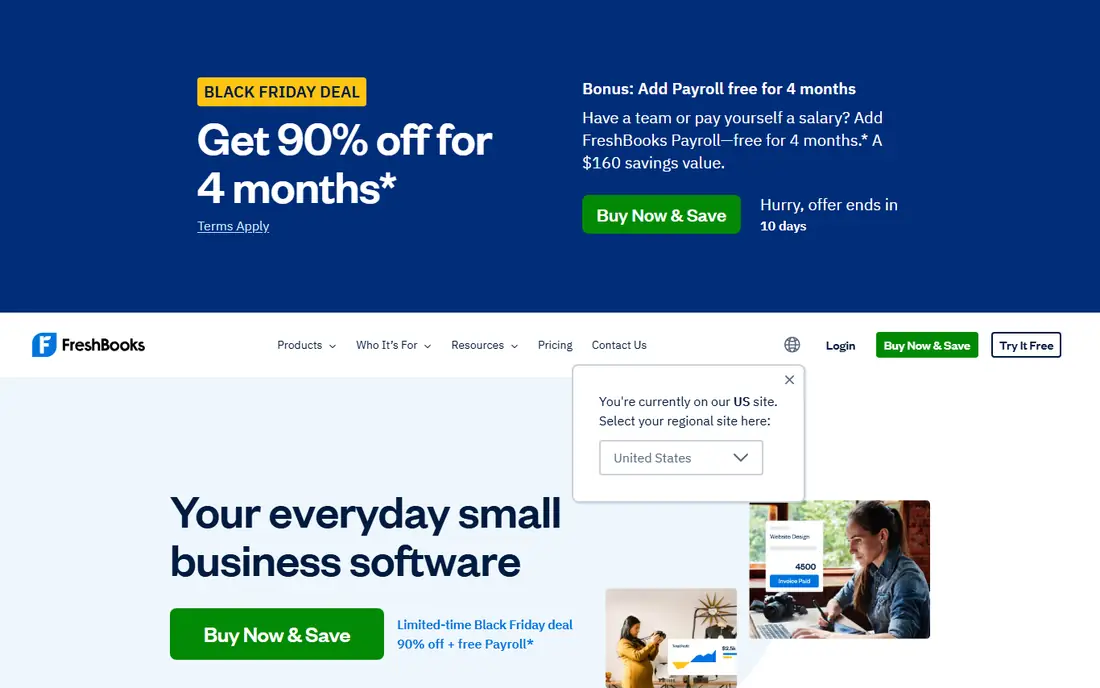
FreshBooks is built around the invoice first and the ledger second, which makes it a natural fit for freelancers, consultants and service firms. Lite costs $23 a month for up to 5 billable clients, Plus costs $43 a month for up to 50 clients and adds proposals, retainers and double-entry reports, and Premium costs $70 a month for unlimited clients and adds project profitability and accounts payable. Annual billing takes 10% off the monthly rate. A 30-day money-back guarantee applies.
The client cap is the number to watch. A freelancer with 6 active clients outgrows Lite at once, and each extra team member costs $11 a month on every plan. Card payments cost 2.9% plus $0.30 per transaction and ACH bank transfers cost 1%. If your client list is small and stable, Lite is one of the cheapest ways to send polished, recurring invoices with automatic late payment reminders and a client portal.
- Every plan includes unlimited invoices and estimates
- Pricing by client count is easy to predict
- Lite caps you at 5 billable clients
- Every extra team member costs $11 per user per month
Zoho Invoice
Ideal for: Solo operators who want a free invoicing tool
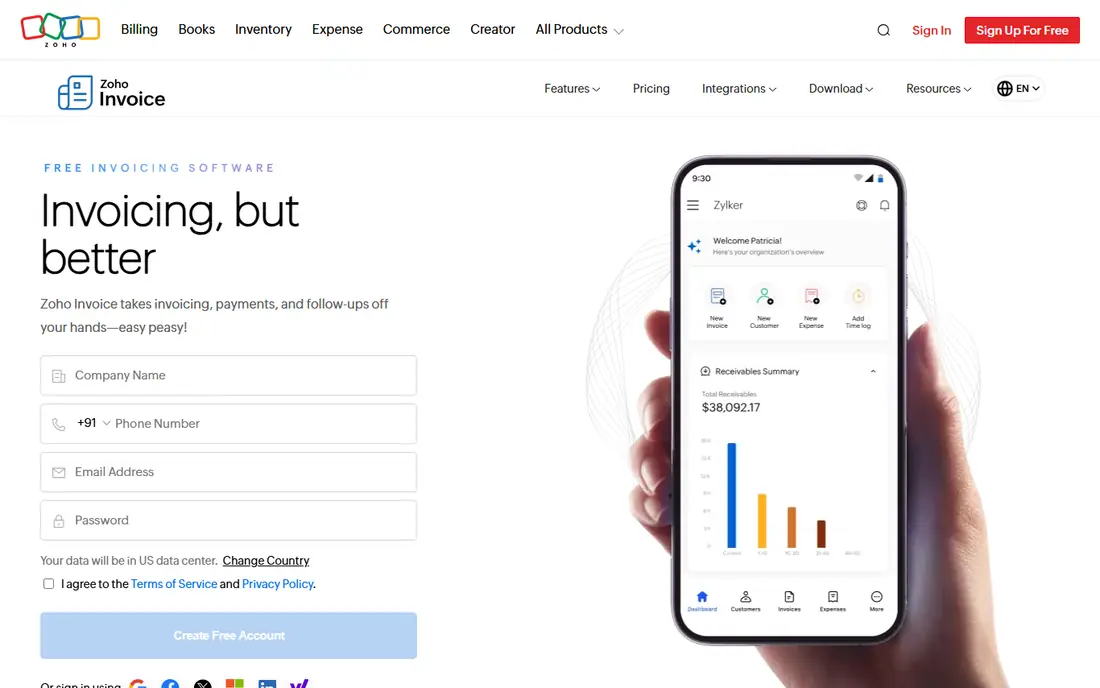
Zoho Invoice is the only tool in this list with a single plan that costs $0 and never expires. It covers quotes, recurring invoices, automated payment reminders, expense tracking, time tracking, projects and a self-service customer portal. Zoho states that it shows no ads and does not sell your information. Setup takes minutes, and the tool works for freelancers, consultants and small shops that bill a modest number of clients.
The limits are firm: 2 users, 500 invoices a year, 3 projects and 2 organizations per account, with Zoho Invoice branding on your invoices. Zoho does not process payments itself, so card fees are set by the payment gateway you connect. When you outgrow the caps, the upgrade path is a different product, Zoho Billing, which starts at $25 per organization a month billed annually. For a one or two person business under 500 invoices a year, the price is hard to beat.
- Completely free with no time limit
- Includes recurring invoices, payment reminders and a client portal
- Capped at 500 invoices a year and 2 users
- There is no subscription tier to grow into
Xero
Ideal for: Small businesses that want unlimited users
Xero prices by plan, not by seat, so a team of any size pays the same subscription. Early costs $27 a month, Growing costs $59 a month and Established costs $97 a month in the United States, with new customers getting 80% off for the first 3 months. Early covers bank feeds, reconciliation, quotes and 20 invoices a month. Growing removes the invoice cap and adds bulk reconciliation and budgets. Established adds multi-currency, project tracking, expense claims and a 180-day cash flow forecast.
The Early cap is the main trap for a growing business: 20 invoices and 5 bills a month is easy to exceed, and the jump to Growing more than doubles the monthly cost. Xero bills monthly only, with no annual prepay discount, and payroll is a separate add-on at $36 a month plus $6 per person. If several people need access and you send more than 20 invoices a month, Growing is the plan to price, not Early.
- Every plan includes unlimited users at no extra seat cost
- Bank reconciliation and reporting are strong
- Early caps you at 20 invoices and 5 bills a month
- There is no annual billing discount
Wave
Ideal for: Freelancers who want free invoicing and bookkeeping
Wave Starter costs $0 and includes unlimited estimates, invoices, bills and bookkeeping records, plus a mobile app and a cash flow dashboard. It is a genuine free plan, not a trial, and it suits a sole proprietor whose books are a bank account, invoices and expenses. Pro costs $19 a month or $190 a year and adds automatic bank imports, auto-categorization, receipt capture, automated late payment reminders, branding removal and admin, editor and viewer roles.
The trade-off is clear: Starter means manual transaction entry, because automatic bank feeds moved to Pro. Card payments cost 2.9% plus $0.60 per transaction, or 3.4% plus $0.60 for American Express, and Pro waives the $0.60 fixed fee on the first 10 card transactions each month. Payroll is a separate add-on at $40 a month plus $6 per person. If you send many invoices and can enter transactions by hand, Starter costs nothing but processing fees.
- Starter is free with unlimited invoices and real double-entry bookkeeping
- No invoice cap
- Starter has no automatic bank import and no multi-user roles
- Card fees are 2.9% plus $0.60 per transaction
Invoice Ninja
Ideal for: Budget users who want unlimited invoices without a subscription
Invoice Ninja combines invoicing, quotes, time tracking, expenses and projects in a single low cost package. The free plan covers up to 5 clients with unlimited invoices, recurring billing, a client portal, deposits and partial payments. Ninja Pro costs $14 a month or $140 a year and removes the client cap and the branding, and adds automatic payment reminders, API access, a branded portal URL and priority support. Enterprise starts at $18 a month for 1 to 2 users and adds user permissions, bank sync and e-invoicing.
The 5-client cap on the free plan is the number that forces most upgrades, and the free plan offers community forum support only. Invoice Ninja does not process payments itself: you connect your own gateway, such as Stripe, PayPal or Square, and that gateway sets the processing fee. A self-hosted version is also available with every Pro and Enterprise feature included, and a white-label license for the self-hosted version costs $40 a year. For a freelancer with few clients, the free plan covers the core workflow.
- Free plan includes unlimited invoices, quotes and recurring billing
- Connects to dozens of payment gateways
- Free plan caps you at 5 clients and keeps Invoice Ninja branding
- Automatic reminders need Pro
BILL
Ideal for: Finance teams that automate approvals and vendor payments
BILL, formerly Bill.com, is built for the finance work around invoicing rather than for sending a simple invoice. Essentials costs $49 per user a month, Team costs $65 per user a month and Corporate costs $89 per user a month, with Enterprise on custom pricing. Every plan includes accounts payable and receivable, approval workflows, a central bill inbox and automated payment reminders. Team adds automatic two-way sync with QuickBooks Online and Xero, and Corporate adds procurement, custom approval policies and single sign-on.
The seat price is only the floor. Each payment carries its own fee: $0.59 per ACH payment, $1.99 per mailed check, $19.99 per international USD wire and 2.9% to pay by card. A business with 3 users on Essentials pays $147 a month before a single payment fee. The separate Spend and Expense product costs $0 per user a month and covers corporate cards, budgets and expense tracking. BILL fits a team that routes many invoices through approvals and pays many vendors, not a freelancer sending a few invoices a month.
- Automates invoice capture, approvals and payments in one flow
- Two-way sync with QuickBooks and Xero on Team and above
- Per-user pricing plus per-transaction fees add up fast
- Essentials syncs to accounting software by manual CSV only
Stripe Invoicing
Ideal for: Online businesses that already take card payments
Stripe Invoicing charges by use, not by month. Invoicing Starter costs 0.4% per settled invoice and Invoicing Plus costs 0.5% per settled invoice and adds quotes. There are no fixed fees or setup costs, and you are charged only when an invoice is settled through Stripe. Invoices settled outside Stripe, and invoices that are never settled, carry no invoicing fee. The tool creates and sends invoices from the Dashboard or API, sends automatic reminders, offers a customer portal and reconciles ACH and wire payments automatically.
The catch is the second fee. Card payments cost 2.9% plus $0.30 on top of the invoicing percentage, so a $1,000 invoice settled by card costs about $33 in combined fees on Starter. ACH Direct Debit costs 0.8%, capped at $5.00, which is far cheaper for large invoices. Invoices generated by a subscription fall under Stripe Billing, not Invoicing, and Stripe offers no ledger, so you still need accounting software. For a business that already runs on Stripe and sends few invoices, the zero monthly cost is the main draw.
- No monthly fee and no setup cost
- Invoices, reminders and a hosted payment page are included
- The invoicing fee stacks on top of card processing fees
- There is no built-in accounting ledger
Pick by team size and budget
| Your situation | Best pick | Monthly cost | Watch out for | | Solo freelancer, under 500 invoices a year | Zoho Invoice | $0 | 500 invoice annual cap, 2 users | | Solo freelancer, unlimited invoices, manual entry is fine | Wave Starter | $0 | No automatic bank import, card fee 2.9% plus $0.60 | | Freelancer with 5 or fewer clients | Invoice Ninja Free | $0 | 5 client cap, branding on invoices | | Service firm with 6 to 50 clients | FreshBooks Plus | $43 | $11 per extra team member a month | | Small business that needs a ledger and 1 user | QuickBooks Simple Start | $38 | 1 user, 2 invoice cap on the free plan | | Team of any size, over 20 invoices a month | Xero Growing | $59 | No annual discount, payroll is extra | | Online business, low invoice volume | Stripe Invoicing Starter | 0.4% per settled invoice | Card fee stacks on top, no ledger | | Finance team with approvals and vendor payments | BILL Essentials | $49 per user | Per-transaction fees on every payment |
How we chose
We opened each vendor pricing page on 12 November 2026 and recorded the list price, the free plan terms and the invoice or client caps exactly as published. We compared plan tiers, user limits, processing fees and the features that matter for automated invoicing: recurring invoices, payment reminders, online payments, quotes and reporting. We did not test the products hands-on and we did not use review scores, customer counts or awards. Prices change, so check the vendor page on the day you buy.
What to check before you buy
Check the invoice cap first. QuickBooks Free allows 2 invoices a month, Xero Early allows 20, Zoho Invoice allows 500 a year and Wave, FreshBooks and Invoice Ninja Pro have no invoice cap. Then check the processing fee, because it often costs more than the plan: card rates run from 2.9% plus $0.30 to 2.9% plus $0.60 per transaction, and BILL adds $0.59 per ACH payment. Check how many users are included, since QuickBooks Simple Start allows 1, FreshBooks charges $11 per extra team member and Xero includes unlimited users. Confirm the trial terms, the renewal price after any promotion ends, and check that your tax rules and currency are supported.
Frequently asked questions
What is automated invoice generation software?
Automated invoice generation software creates, sends and tracks invoices without manual work for each bill. It builds the invoice from your client and price details, emails it or shares a payment link, sends reminders when the due date passes and records the payment when it arrives. Most tools also handle recurring invoices, quotes, partial payments and a client portal where customers can view and settle their bills.
Which invoicing tool is free for sending invoices?
Zoho Invoice, Wave Starter and Invoice Ninja Free all send invoices at $0. Zoho Invoice is free with a cap of 500 invoices a year and 2 users. Wave Starter is free with unlimited invoices but no automatic bank import. Invoice Ninja Free is free with unlimited invoices but caps you at 5 clients. QuickBooks Online also has a $0 plan, but it allows only 2 invoices a month.
How much does automated invoicing cost per month?
Entry prices in this list run from $0 to $49 per user a month. Zoho Invoice, Wave Starter and Invoice Ninja Free cost $0. Invoice Ninja Pro costs $14 a month, FreshBooks Lite costs $23, Xero Early costs $27, QuickBooks Simple Start costs $38 and BILL Essentials costs $49 per user a month. Stripe Invoicing has no monthly fee and charges 0.4% per settled invoice instead.
Do I still need accounting software if I use an invoicing tool?
It depends on the tool. QuickBooks Online, Xero and Wave include a full ledger, so they can serve as your accounting software. Zoho Invoice, Invoice Ninja and Stripe Invoicing handle billing only, so you need separate accounting software or a bookkeeper. FreshBooks covers invoicing plus basic reports, and BILL focuses on payables, receivables and approvals rather than general accounting.
Can I send recurring invoices automatically?
Yes, all 8 tools in this list support recurring invoices. You set the schedule, the client and the amount once, and the tool creates and sends each invoice on time. Most also send automatic payment reminders and let clients set up auto-charge. Check the plan first: automatic reminders sit on Pro plans in Wave and Invoice Ninja, while Zoho Invoice includes them free.