Top 7 Automated Scheduling Software Options for 2026, Compared

- 1
 Cal.comTeams and individuals who want open-source scheduling with an ample free planVisit
- 2
 AppointySalons, spas and clinics that want an all-in-one booking and business managerVisit
- 3
 SimplyBook.meService firms that want deep customization and class schedulingVisit
- 4
 YouCanBookMeTeams that want straightforward booking pages with a free starting levelVisit
- 5
 OnceHubTeams that want versatile scheduling with a solid free planVisit
- Number one here is Cal.com, a fit for teams and individuals who want open-source scheduling with an ample free plan.
- 5 of 7 tools offer a free plan: Cal.com, Appointy, YouCanBookMe, OnceHub, Setmore.
- For the cheapest start, look at Cal.com: $16/user/month.
- What to know about Appointy first: premium plan pricing not on the homepage.
Direct answer
This list puts Cal.com first for teams and individuals who want open-source scheduling with an ample free plan. If your case is different, Appointy suits salons, spas and clinics that want an all-in-one booking and business manager and SimplyBook.me suits service firms that want deep customization and class scheduling. Prices, free plans and limits for all 7 tools follow.
Quick comparison
| Product | Ideal for | Price from | Free version | |
|---|---|---|---|---|
| Cal.com | Teams and individuals who want open-source scheduling with an ample free plan | $16/user/month (Teams); Organizations $37/user/month; Enterprise custom | Yes | Visit |
| Appointy | Salons, spas and clinics that want an all-in-one booking and business manager | See website | Yes | Visit |
| SimplyBook.me | Service firms that want deep customization and class scheduling | See website | Not stated | Visit |
| YouCanBookMe | Teams that want straightforward booking pages with a free starting level | See website | Yes | Visit |
| OnceHub | Teams that want versatile scheduling with a solid free plan | See website | Yes | Visit |
 Calendly | Individuals and teams that want the standard booking-link experience | See website | Not stated | Visit |
 Setmore | Small service firms that want a free appointment scheduler with payments | See website (Free plan up to 4 users; Pro is per-user) | Yes | Visit |
Our 7 picks for automated scheduling software
Short on time? The summary and table above give the quick view of 7 tools for automated scheduling software, and the profiles that follow give the detail behind each entry.
Cal.com
Ideal for: Teams and individuals who want open-source scheduling with an ample free plan
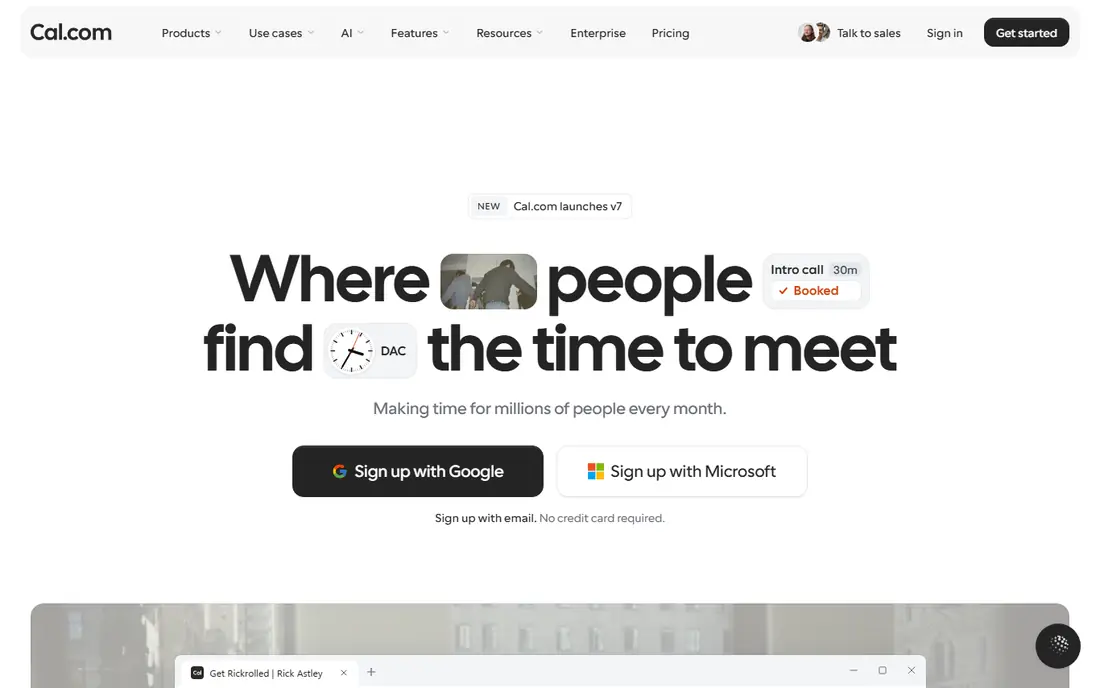
Cal.com serves teams and individuals who want open-source scheduling with an ample free plan. Cal.com is the open-source challenger, and its free plan is the most ample in this category: unlimited event types, unlimited calendar connections, workflows, Stripe payments and Cal Video, all free. Beyond that, premium levels are straightforward too: Teams at $16 per user a month, Organizations at $37 per user per month, and Enterprise custom.
What to check first: Self-hosting is a choice, not a default.
From a buyer's view, the honest catch is ecosystem maturity. But for teams that want modern scheduling without per-booking fees or feature gates, Cal.com is the value pick, and the free plan alone includes most individual needs. Cal.com cost at the entry level: $16/user/month. Cal.com has a free plan.
- Teams at $16/user/month is straightforward
- Calendar connections, workflows
- Newer ecosystem with fewer native integrations than the incumbents
Appointy
Ideal for: Salons, spas and clinics that want an all-in-one booking and business manager
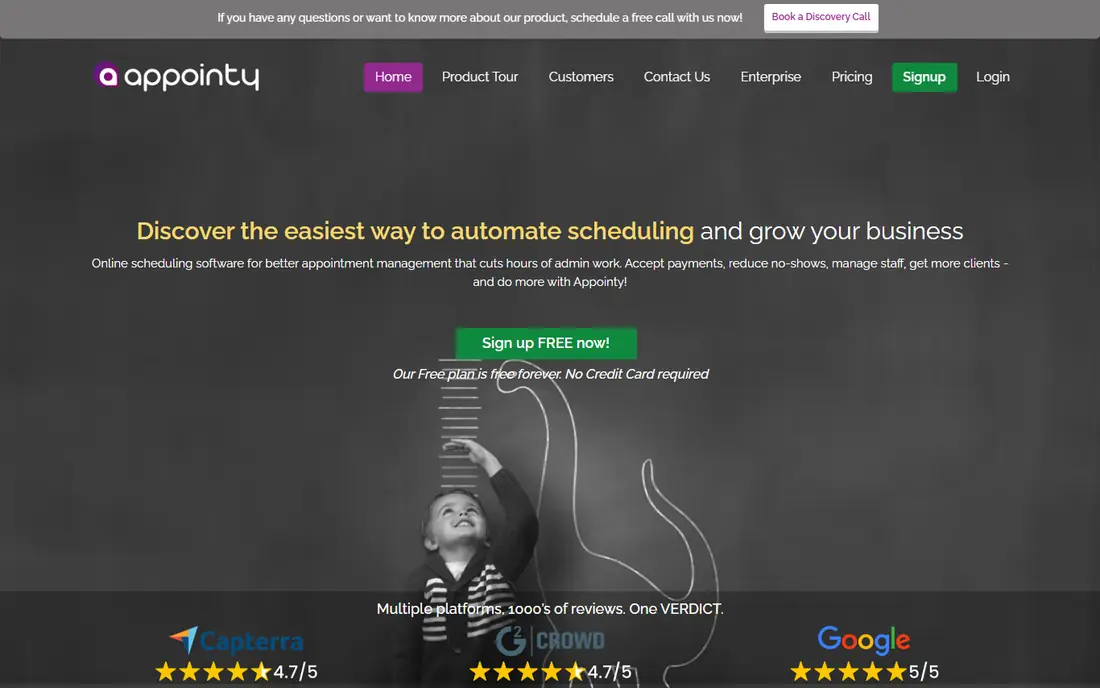
Appointy is aimed squarely at salons, spas and clinics that want an all-in-one booking and business manager. That makes it genuinely risk-free to evaluate.
More specifically, for a service business that wants booking plus staff and customer management without stitching tools together, Appointy handles plenty of ground. Appointy does not show a starting price in this comparison, so check the vendor site for current pricing. Appointy includes a free tier.
What to check first: premium plan pricing not on the homepage.
- 14-day full-featured trial with no credit card
- Then a free plan
- Interface geared to service verticals instead of general meetings
SimplyBook.me
Ideal for: Service firms that want deep customization and class scheduling
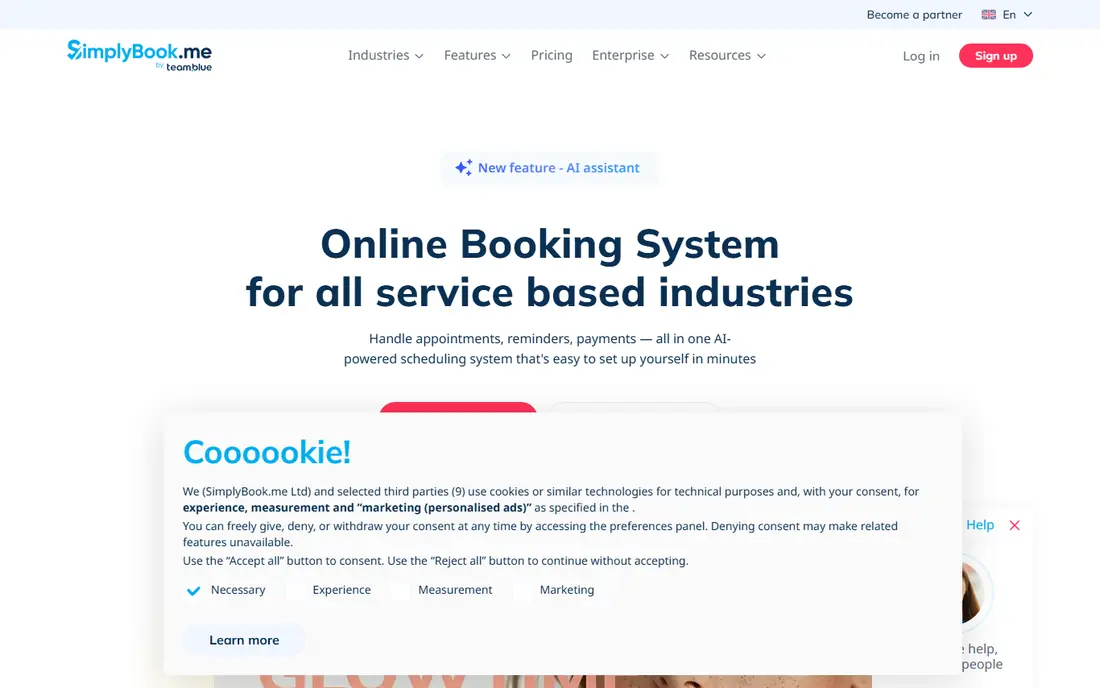
SimplyBook.me is a good fit for service firms that want deep customization and class scheduling. SimplyBook.me is the configurability pick for service businesses.
Downsides: Feature depth means more setup time.
Pricing is tiered by bookings and features, so check the vendor's pricing page against your expected volume. Pricing for SimplyBook.me is not stated here, so ask the vendor for current figures. On free options: Not stated.
- POS and tip support
- Highly configurable booking pages and widgets
- Pricing page needed for exact plan details
YouCanBookMe
Ideal for: Teams that want straightforward booking pages with a free starting level
YouCanBookMe is a good fit for teams that want straightforward booking pages with a free starting level. It includes the core needs: availability rules, buffers, reminders and calendar sync.
On top of that, power users will notice the ceiling. Check the vendor site for YouCanBookMe pricing; none is listed in this comparison. You can start on YouCanBookMe without paying.
Drawbacks to consider: Fewer advanced automation features than the sales-focused tools.
- Free plan at $0/month to begin
- Works for individuals and teams
- Premium-tier pricing not plainly published on the homepage
OnceHub
Ideal for: Teams that want versatile scheduling with a solid free plan
In short, OnceHub is for teams that want versatile scheduling with a solid free plan. The free plan includes the core scheduling needs, and premium levels add the team features, integrations and automation that bigger operations need.
More specifically, pricing details sit on the vendor's pricing page. This comparison lists no price for OnceHub; ask the vendor. OnceHub includes a free tier.
Limits to weigh: Exact premium pricing needs the vendor's pricing page.
- Video tools
- Multi-host and panel meetings
- Brand is less known than the category leaders
Calendly
Ideal for: Individuals and teams that want the standard booking-link experience
In short, Calendly is for individuals and teams that want the standard booking-link experience. The system handles one-on-one meetings, group events, round-robin distribution across a team and collective scheduling where everyone must be free.
From a buyer's view, integrations span Google and Microsoft calendars, Zoom, Teams, Salesforce and HubSpot. Pricing for Calendly is not stated here, so ask the vendor for current figures. Free plan details: Not stated.
Drawbacks to consider: Advanced routing and workflow features sit on higher levels.
- Team features like round robin and collective events
- The booking link everyone recognizes, with broad calendar and video integrations
- Pricing not published on the homepage
Setmore
Ideal for: Small service firms that want a free appointment scheduler with payments
Setmore is built with small service companies that want a free appointment scheduler with payments in mind. For a small salon, clinic or consultancy, that spans the essentials without a subscription.
Upsides: Integrations with Zoom, Stripe, Square.
Integrations bundle Zoom and Google Meet for video, Stripe, Square and PayPal for payments, and Facebook and Instagram for booking from social. Pricing for Setmore is not stated here, so ask the vendor for current figures. Setmore offers a free plan.
Limits to weigh: SMS reminders and advanced features need the premium level.
- Payments and a branded booking page
- Desktop and mobile apps
- Pro plan pricing shown per user with add-on structure
How the list was put together
The comparison looks at four things: starting price, free access, how well the feature set matches automated scheduling software, and the main limit of each tool. Where a price is missing, the vendor does not list one publicly or ties it to a quote. Always confirm before budgeting. The order reflects how well each tool fits the most common buying scenario for automated scheduling software, then price clarity, then free plan access. It is a starting point, not a verdict.
What to confirm before you sign up
- Confirm the entry price on the vendor page. For Appointy, SimplyBook.me, YouCanBookMe and others that means a quote rather than a fixed price.
- Check what the free option really includes: Cal.com, Appointy, YouCanBookMe and others offer a free plan, and usage caps differ.
- Read the limits listed for Cal.com first: newer ecosystem with fewer native integrations than the incumbents.
- Look at which plan of OnceHub unlocks the features you need; entry tiers are often cut down.
- A short pilot of Appointy with your real workflow tells you more than a feature table.
Frequently asked questions
Is Cal.com the right pick for everyone comparing automated scheduling software?
No single tool suits every team. Cal.com comes first because it fits teams and individuals who want open-source scheduling with a generous free plan, while Appointy suits salons, spas and clinics that want an all-in-one booking and business manager and SimplyBook.me suits service businesses that want deep customization and class scheduling. Match the tool to your own size, budget and workflow before deciding.
How much does scheduling software cost for a team?
Cal.com publishes Teams at $16/user/month and Organizations at $37/user/month. Setmore's free plan includes up to 4 users, which keeps small teams at zero.
Do these tools publish their prices?
Not all of them. Appointy, SimplyBook.me, YouCanBookMe and others publish no starting price, so expect a quote request for those. The rest, Cal.com included, show a starting price, though seats and billing terms still change the final cost.
Can I try these options before paying?
Often, yes. Cal.com, Appointy, YouCanBookMe and others have a free plan. Use your own data and a real task during the test, and check what the free tier or trial limits before you rely on it.
How are the tools for automated scheduling software ordered?
Cal.com sits first and Setmore last because the order follows typical fit for automated scheduling software, then price clarity and free access. It is a judgement call, so read each profile for fit and limits.