Flexera One leads the list, best for license compliance and hybrid IT spend. Listed starting prices: PDQ Inventory from $12 per device/year. PDQ Inventory is the stronger choice for Windows device scanning and reporting, while ManageEngine Endpoint Central suits Inventory plus unified endpoint management. The other 2 tools in the list cover narrower or pricier cases.
Short on time? The summary and table above give the quick view of 5 automated software inventory tools, and the profiles that follow give the detail behind each entry.
Key takeaways
The list opens with Flexera One, aimed at license compliance and hybrid IT spend.
Lansweeper is the only tool of the 5 with a free plan.
Check the limits for PDQ Inventory before you commit: concentrated on Windows environments.
Pricing for Flexera One, ManageEngine Endpoint Central, Lansweeper and SolarWinds Network Performance Monitor is quote-based, which adds a sales step before you can compare cost.
Flexera One is designed for license compliance and hybrid IT spend. The product is made for substantial, mixed estates, so smaller teams may find a focused inventory tool simpler to operate.
What to check first: Wide system needs implementation effort.
Flexera One shows no starting price here, so confirm the cost on the vendor site. On free options: Not stated.
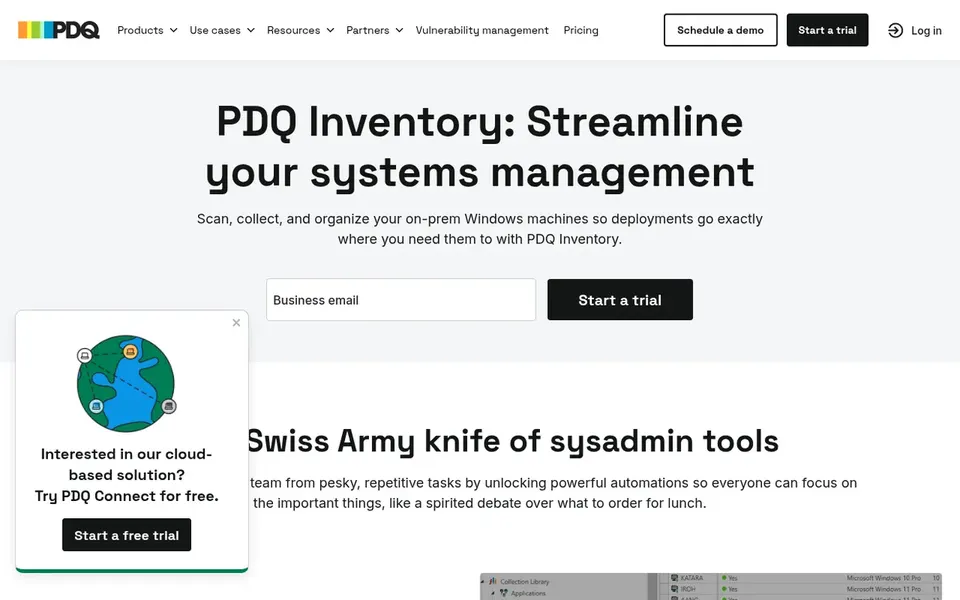
PDQ Inventory is designed for Windows device scanning and reporting. Organizations with substantial macOS, Linux or mobile fleets should look at broader endpoint or asset systems, since PDQ Inventory is oriented toward Windows devices.
Where it falls short: Centred on Windows environments.
From a buyer's view, PDQ Inventory eases IT asset management by scanning Windows devices, tracking hardware and software, identifying outdated apps and automating inventory reporting. PDQ Inventory cost at the entry level: $12 per device/year. Free plan details: Free trial.
Best for: Inventory plus unified endpoint management
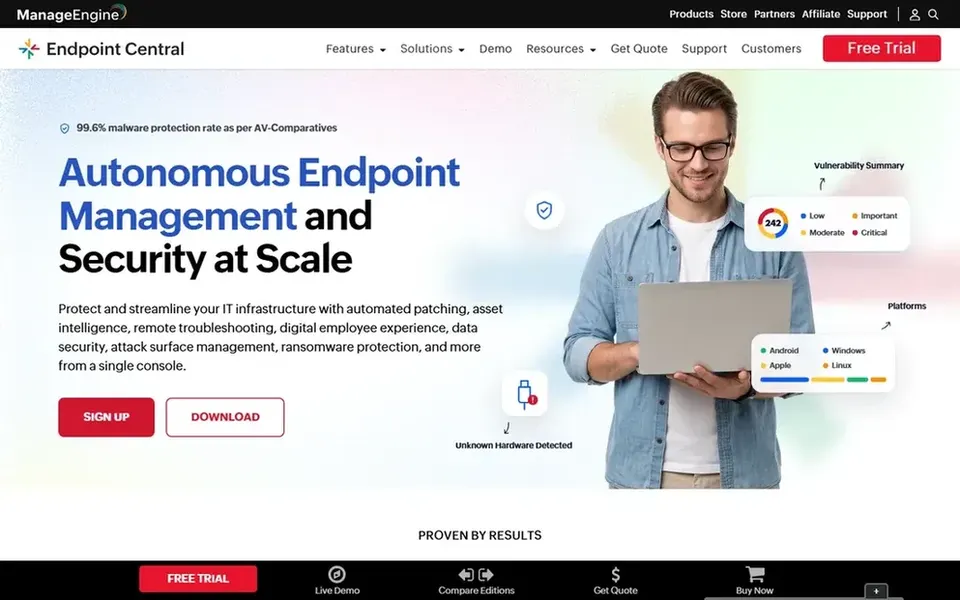
Where ManageEngine Endpoint Central fits: Inventory plus unified endpoint management. ManageEngine Endpoint Central is a unified endpoint management and security option that centrally runs and secures servers, desktops, laptops and mobile devices. Pick Endpoint Central when inventory should feed straight into continuing endpoint management and security workflows, and verify module coverage against your device mix.
If you only need Windows software scanning and reporting, a lighter dedicated inventory tool may be more straightforward to run. More specifically, for software inventory, it fits teams that want asset data living alongside configuration, patching and security controls for the same endpoint fleet rather than a standalone scanning tool. This comparison lists no price for ManageEngine Endpoint Central; ask the vendor. Trial and free access: Not stated.
What to check first: Inventory is one part of a bigger suite.
Where Lansweeper fits: wide discovery across IT, OT and cloud. It aims to provide total visibility and dependable asset intelligence.
Highlights: Includes IT.
What to check first: Wide scope may need setup planning. Worth adding: since its strength is breadth, teams wanting tightly bundled endpoint patching and configuration may prefer a unified endpoint management tool. Lansweeper does not show a starting price in this comparison, so check the vendor site for current pricing. Free access exists with Lansweeper.
Best for: Network visibility alongside asset context
SolarWinds Network Performance Monitor works best for Network visibility alongside asset context. For in-depth application license tracking or software metering, a dedicated inventory or ITAM product is a better fit.
SolarWinds Network Performance Monitor shows no starting price here, so confirm the cost on the vendor site. Free access: Not stated.
Honest limits: Not a dedicated software inventory product.
Confirm the entry price on the vendor page. For Flexera One, ManageEngine Endpoint Central, Lansweeper and SolarWinds Network Performance Monitor that means a quote rather than a fixed price.
Test the free plan from Lansweeper against your real workload before relying on it.
Use real work to test the free trial from PDQ Inventory, rather than a demo project.
Read the limits listed for Flexera One first: pitched at bigger, complicated estates.
List the apps you already depend on and check that PDQ Inventory supports each one on the plan you would buy.
Look at the renewal terms for Lansweeper: auto-renewal, notice periods and price changes can matter more than the first-year price.
How we picked
For each of the 5 tools we noted price, free plan or trial, fit for automated software inventory tools and the main limit, using vendor pages and documentation. Figures are shown as the vendors publish them. Billing terms, seat minimums and add-ons can change the real cost. We ordered the tools by general fit, then by how clearly pricing is shown, then by free access. A buyer with unusual needs may reorder them.
Every price and plan detail on this page comes from the vendors’ own websites. We did not run hands-on tests unless the text says so, and we do not publish star ratings or review scores. See how we score and our disclosure.
Keep your shortlist in one place
Paste prices, trial dates and notes from this guide into Ainotely, our AI note app. It files them into a topic and pulls out tasks like “cancel trial by Friday”. Free 7-day trial, no card needed.
How are the tools for automated software inventory tools ordered?
Flexera One sits first and SolarWinds Network Performance Monitor last because the order follows typical fit for automated software inventory tools, then price clarity and free access. It is a judgement call, so read each profile for fit and limits.
Can I try these options before paying?
Often, yes. Lansweeper has a free plan and PDQ Inventory offers a free trial. Use your own data and a real task during the test, and check what the free tier or trial limits before you rely on it.
Which options for automated software inventory tools have a free plan?
Lansweeper is the only tool in this list with a free plan. Free plans usually cap users, projects or features, so check the limits on the vendor page. One other tool offers a trial instead. For the full picture, the cards above cover all 5 entries of this automated software inventory tools list, including price, free plan and limits.
Do these tools publish their prices?
Not all of them. Flexera One, ManageEngine Endpoint Central, Lansweeper and SolarWinds Network Performance Monitor publish no starting price, so expect a quote request for those. The rest, PDQ Inventory included, show a starting price, though seats and billing terms still change the final cost.
What should an automatic software inventory tool do first?
It should discover devices and installed applications continuously without manual spreadsheets. From there, look for reporting that supports license reconciliation and outdated software detection.