7 Top Automated Webinar Platforms Compared (2026)

- 1
 Zoom WebinarsFirms already on Zoom that require large-scale broadcast webinarsVisit
- 2
 eWebinarSales, onboarding and training teams replacing repeat live sessionsVisit
- 3
 EverWebinarCourse creators, coaches and consultants running evergreen sales webinarsVisit
- 4
 DemioMarketing teams that want webinars to look decent without production skillsVisit
- 5
 WebinarJamMarketers running large live webinars built to sellVisit
- Zoom Webinars takes the first slot, best suited to firms already on Zoom that require large-scale broadcast webinars.
- For training teams and enterprises running dependable scheduled webinars, GoTo Webinar is worth a look.
- Neither Zoom Webinars nor GoTo Webinar, nor any of the other 5 tools, has a permanent free plan; trials and quotes are the norm.
- For the cheapest start, look at eWebinar: $99/month.
- A fair warning about Demio: pricing is not published on the primary pricing flow.
Direct answer
Zoom Webinars is the first pick on this list for businesses already on Zoom that require large-scale broadcast webinars. Alternatives: eWebinar for sales, onboarding and training teams replacing repeat live sessions, and EverWebinar for course creators, coaches and consultants running evergreen sales webinars. The remaining 4 options are covered below with prices and limits.
Quick comparison
| Product | Ideal for | Price from | Free version | |
|---|---|---|---|---|
| Zoom Webinars | Firms already on Zoom that require large-scale broadcast webinars | See website | No | Visit |
| eWebinar | Sales, onboarding and training teams replacing repeat live sessions | $99/month | Free trial (14 days) | Visit |
| EverWebinar | Course creators, coaches and consultants running evergreen sales webinars | See website | No | Visit |
| Demio | Marketing teams that want webinars to look decent without production skills | See website | Free trial (14 days) | Visit |
| WebinarJam | Marketers running large live webinars built to sell | See website | Free trial | Visit |
 BigMarker | Organizations running webinars alongside virtual and hybrid events | See website | Free trial | Visit |
 GoTo Webinar | Training teams and enterprises running dependable scheduled webinars | See website | Free trial | Visit |
Every option for automated webinar platform explained
Choosing automated webinar platform usually comes down to price, fit and limits. This Ainotely guide sets 7 tools side by side on those three points, with the facts kept short and checkable.
Zoom Webinars
Ideal for: Firms already on Zoom that require large-scale broadcast webinars
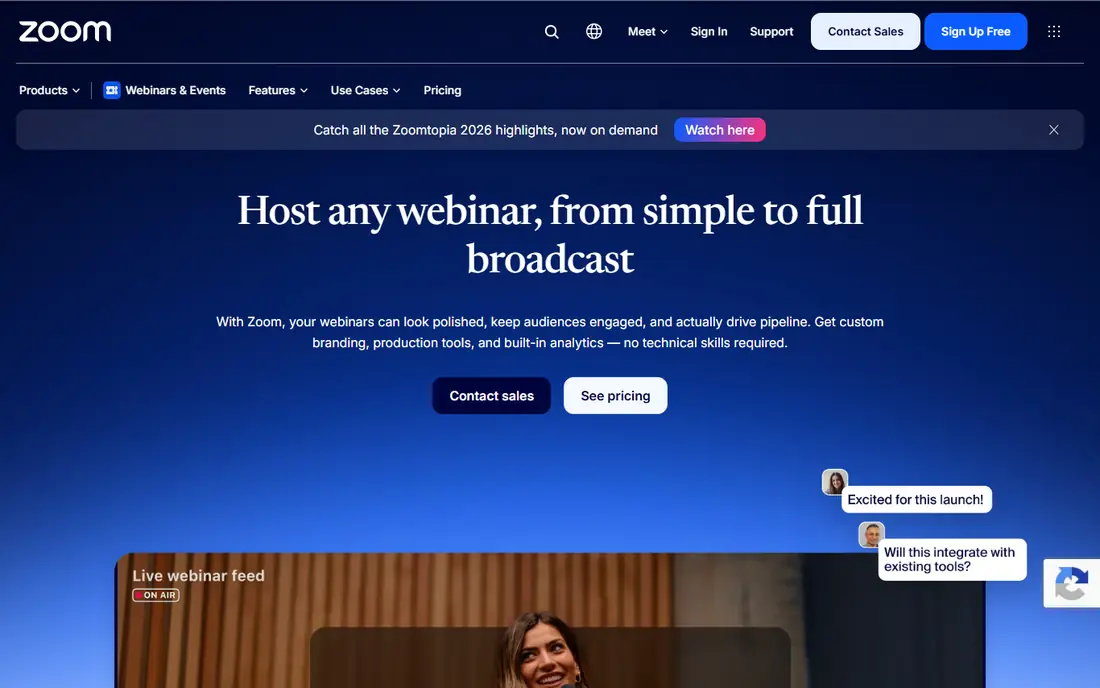
Zoom Webinars is aimed squarely at firms already on Zoom that need large-scale broadcast webinars. Capacity runs from 500 attendees up to 100,000 on enterprise levels, with production tools improving steadily. Choose an automation specialist when the webinar is a revenue machine you want running daily.
In daily use, Simulive includes the basic automation case: pre-record, schedule it, engage in chat whereas it plays. Beyond that, nobody needs to learn Zoom Webinars, and that is the entire pitch. More specifically, there is no evergreen scheduling engine, no timed-offer choreography, no just-in-time urgency mechanics. The main limit is that it is an add-on, not a funnel tool. Zoom Webinars does not show a starting price in this comparison, so check the vendor site for current pricing. Zoom Webinars does not include a free plan.
What works well: Scales to 100,000 attendees on familiar Zoom infrastructure. Limits to weigh: Automation depth lags the evergreen specialists.
- Webinars Plus layers on backstage
- Simulive replays pre-recorded content as live
- No free plan and webinar licenses sit on top of Zoom costs
eWebinar
Ideal for: Sales, onboarding and training teams replacing repeat live sessions
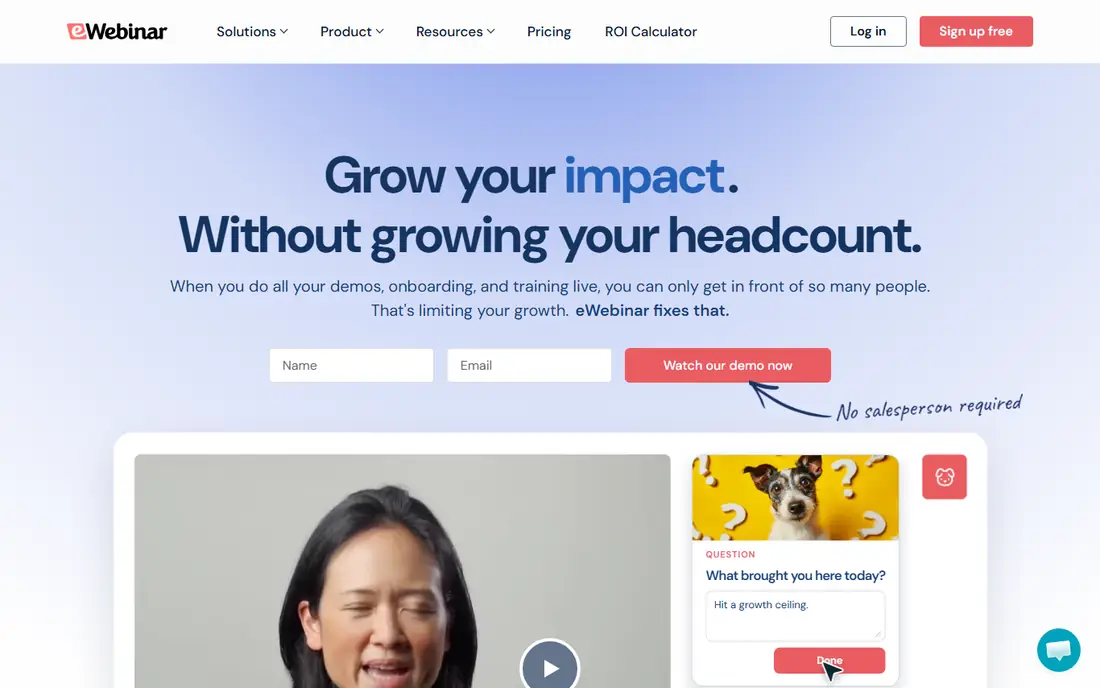
eWebinar is designed for sales, onboarding and training teams replacing repeat live sessions. eWebinar refuses to pretend a recording is live, and that honesty is its edge. If your calendar is full of the same session delivered live, eWebinar is the cleanest way off the treadmill.
What to check first: No live webinar mode at all, so it cannot host one-off live events.
In daily use, where it suits best is repeatable content: product demos, customer onboarding, partner training, course lessons. Also, attendees watch on their own schedule, and when they type in chat, a real person answers, now or later by email. For everyday use, the system reports an 83 percent on-demand attendance rate against a 40 percent live average, which matches what most teams see when they stop asking prospects to fit a calendar. Price to start with eWebinar: $99/month. As for free access: Free trial (14 days).
- Answered live or by email later
- Per-attendee analytics with watch time and drop-off points
- $99 entry price is steep for occasional use
EverWebinar
Ideal for: Course creators, coaches and consultants running evergreen sales webinars
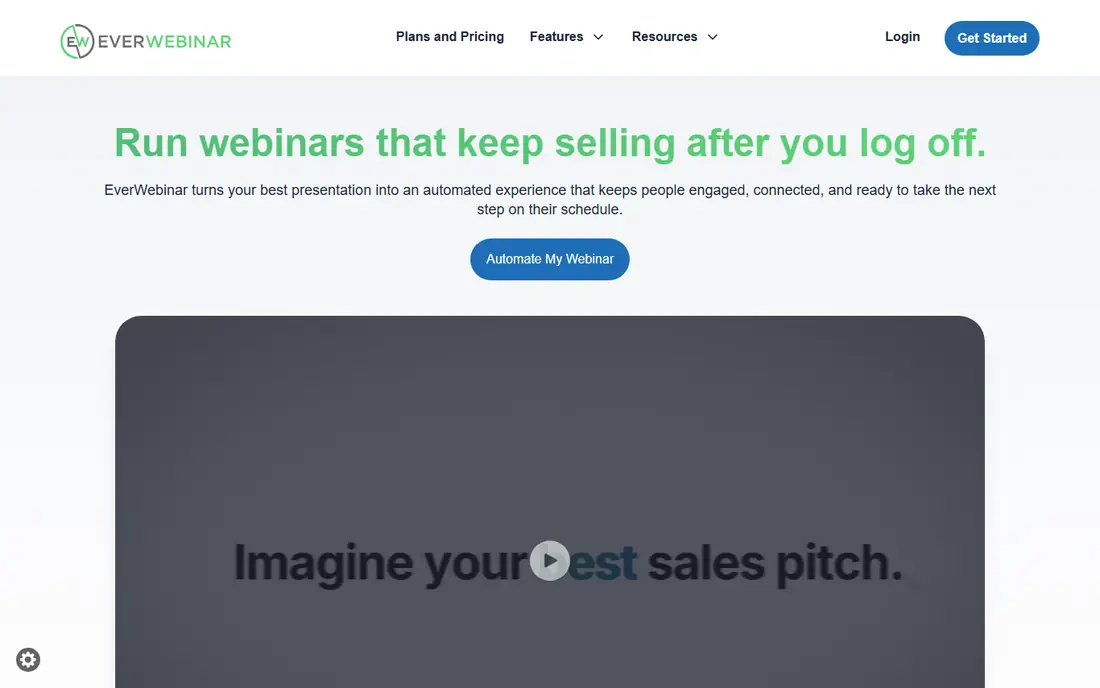
Think of EverWebinar for course creators, coaches and consultants running evergreen sales webinars. You can run sessions on a recurring schedule, just-in-time a handful of minutes after registration, or on demand.
The company says over 67,000 experts, coaches and service providers use it. Pricing for EverWebinar is not stated here, so ask the vendor for current figures. EverWebinar has no free plan.
Limits to weigh: Performs best inside the WebinarJam ecosystem, which layers on cost if you do not already use it.
- Just-in-time scheduling builds urgency without a fixed calendar
- Polls and supplies intact
- No free trial or free plan to test
Demio
Ideal for: Marketing teams that want webinars to look decent without production skills
Demio is built with marketing teams that want webinars to look decent without production skills in mind. Demio wins buyers on feel.
Limits to weigh: Pricing is not published on the primary pricing flow.
More specifically, marketing teams like the HubSpot integration and the analytics that link attendance to pipeline. Also, pricing is the murky part. Demio shows no starting price here, so confirm the cost on the vendor site. As for free access: Free trial (14 days).
Reasons to shortlist it: automatic and on-demand formats in one account.
- Clean
- Engagement analytics tied to marketing use cases
- Attendee limits scale with plan levels, so large events cost more
WebinarJam
Ideal for: Marketers running large live webinars built to sell
Pick WebinarJam if this describes you: Marketers running large live webinars built to sell. Up to six presenters can be on camera, and the panic button hands hosts a quick escape when tech breaks mid-session.
From a buyer's view, the company claims over 75,000 companies use it across 40 industries. WebinarJam is the live half of the Genesis Digital pair, and it is aimed at selling. This comparison lists no price for WebinarJam; ask the vendor. Free options: Free trial.
Trade-offs to know: Live-first, so automation means pairing with EverWebinar.
Strengths: Panic button for quick tech-issue recovery.
- Countdown timers and live purchase notifications
- Built-in sales tools like one-click provides
- Pricing is not published and plans scale with attendee counts
BigMarker
Ideal for: Organizations running webinars alongside virtual and hybrid events
Choose BigMarker for organizations running webinars alongside virtual and hybrid events. BigMarker started as a webinar product and grew into a full event suite, which makes it the odd one out here in a handy way. Worth adding: Wikipedia notes it supports large live audiences, and the browser-based WebRTC approach keeps the join friction low.
And with no public pricing, you are in a sales process from the first serious question. In daily use, for a single evergreen funnel, the focused tools above will get you live quicker and less expensive. BigMarker shows no starting price here, so confirm the cost on the vendor site. Free options: Free trial.
Watch-outs: No public pricing.
What users get: Automation features for pre-recorded scheduled sessions.
- Hybrid and in-person events
- Virtual summits
- Everything goes through sales
GoTo Webinar
Ideal for: Training teams and enterprises running dependable scheduled webinars
GoTo Webinar was built for training teams and enterprises running steady scheduled webinars. The simulive feature lets you pre-record and broadcast as if live, which handles the entry-level automation need for training teams that deliver the same compliance or onboarding session monthly. For marketing-led evergreen funnels, the newer tools convert better.
From a buyer's view, for corporate training programs, that reliability outweighs prettiness. In practice, plans are named Reach, raise and Unlimited, scaling with attendees and features. This comparison lists no price for GoTo Webinar; ask the vendor. Free options: Free trial.
Drawbacks to consider: Pricing varies by attendee level and needs a quote for bigger events.
- Long track record with dependable large-audience delivery
- Polling and Q and A for training use cases
- Interface feels dated next to Demio and Livestorm
How we compared the tools
We compared the tools on published pricing, free plan or trial availability, feature coverage for automated webinar platform, and the limits each vendor documents. Where a vendor does not publish a price, the entry says quote. Where a price depends on seats or billing term, the entry says so. The ranking is editorial: typical fit first, then clear pricing, then free access. If your needs are unusual, read the profiles rather than relying on position.
What to confirm before you sign up
- Confirm the entry price on the vendor page. For Zoom Webinars, EverWebinar, Demio and others that means a quote rather than a fixed price.
- Take the trial from eWebinar, Demio, WebinarJam and others and push a live task through it before you pay.
- Read the limits listed for Zoom Webinars first: no free plan and webinar licenses sit on top of Zoom costs.
- Check the support hours and onboarding help BigMarker offers; smaller vendors vary a lot here.
- The entry price of GoTo Webinar is only the starting point; model the full cost with seats and extras.
Frequently asked questions
What integrations matter most for webinar software?
CRM and email automation first: HubSpot, Salesforce, Marketo, ActiveCampaign and Zapier include most stacks. Check whether attendance and engagement data syncs to contact records automatically, since manual CSV exports kill the follow-up speed that makes webinars pay.
Do these tools publish their prices?
Not all of them. Zoom Webinars, EverWebinar, Demio and others publish no starting price, so expect a quote request for those. The rest, eWebinar included, show a starting price, though seats and billing terms still change the final cost.
Can I try these tools before paying?
Often, yes. eWebinar, Demio, WebinarJam and others offer a free trial. Use your own data and a real task during the test, and check what the free tier or trial limits before you rely on it.
How are the tools for automated webinar platform ordered?
Zoom Webinars sits first and GoTo Webinar last because the order follows typical fit for automated webinar platform, then price clarity and free access. It is a judgement call, so read each profile for fit and limits.
What is an automated webinar?
A pre-recorded presentation that runs on a schedule or on demand without a live presenter. Simulated-live tools replay it inside a live-style experience with timed chat and polls. On-demand tools let viewers watch anytime with real chat.
What is the cheapest option for automated webinar platform in this list?
On published monthly entry prices, eWebinar is the lowest here at $99/month. Entry price is only part of the cost, because seats, add-ons and billing terms can change the total.