Comparing 7 Automation Tools for Solo Entrepreneurs in 2026

- 1
 StripeTaking payments online with no monthly feeVisit
- 2
 AirtableTracking clients, content, and inventory in a smarter spreadsheetVisit
- 3
 NotionNotes, tasks, and a light client database in one placeVisit
- 4
 WaveFree accounting and invoicing for new firmsVisit
- 5
 ZapierConnecting the apps you already use without codeVisit
- The list opens with Stripe, aimed at taking payments online with no monthly fee.
- A fair warning about Wave: automatic bank imports need Pro.
- For quick, good-looking graphics without hiring a designer, Canva is worth a look.
- For the cheapest start, look at Stripe: 2.9% + $0.30 per successful card transaction.
- Free plans exist at 5 of 7 tools (Airtable, Notion, Wave, Zapier, Canva).
Direct answer
Stripe comes first here, mainly for taking payments online with no monthly fee. Airtable is better for tracking clients, content, and inventory in a smarter spreadsheet, and Notion is better for notes, tasks, and a light client database in one place. Prices, free plans and limits for all 7 tools follow.
Quick comparison
| Product | Ideal for | Price from | Free version | |
|---|---|---|---|---|
| Stripe | Taking payments online with no monthly fee | 2.9% + $0.30 per successful card transaction (no monthly fee) | No | Visit |
| Airtable | Tracking clients, content, and inventory in a smarter spreadsheet | $20 per seat per month (Team, billed yearly; $24 month-to-month) | Yes | Visit |
| Notion | Notes, tasks, and a light client database in one place | $10 a month (Plus, billed annually; $12 month-to-month) | Yes | Visit |
| Wave | Free accounting and invoicing for new firms | Free (Starter plan; Pro is $19 a month) | Yes | Visit |
| Zapier | Connecting the apps you already use without code | $19.99 per month (billed annually) | Yes | Visit |
 FreshBooks | Invoicing and bookkeeping for service firms | $23 a month (Lite) | Free trial (30 days) | Visit |
 Canva | Quick, good-looking graphics without hiring a designer | $18 a month (Pro; $144 a year, which works out to $12 per month) | Yes | Visit |
The best automation tools for solo entrepreneurs
This Ainotely guide covers 7 automation tools for solo entrepreneurs. Each profile lists a starting price, free plan details, strengths and drawbacks, so you can drop poor fits quickly.
Stripe
Ideal for: Taking payments online with no monthly fee
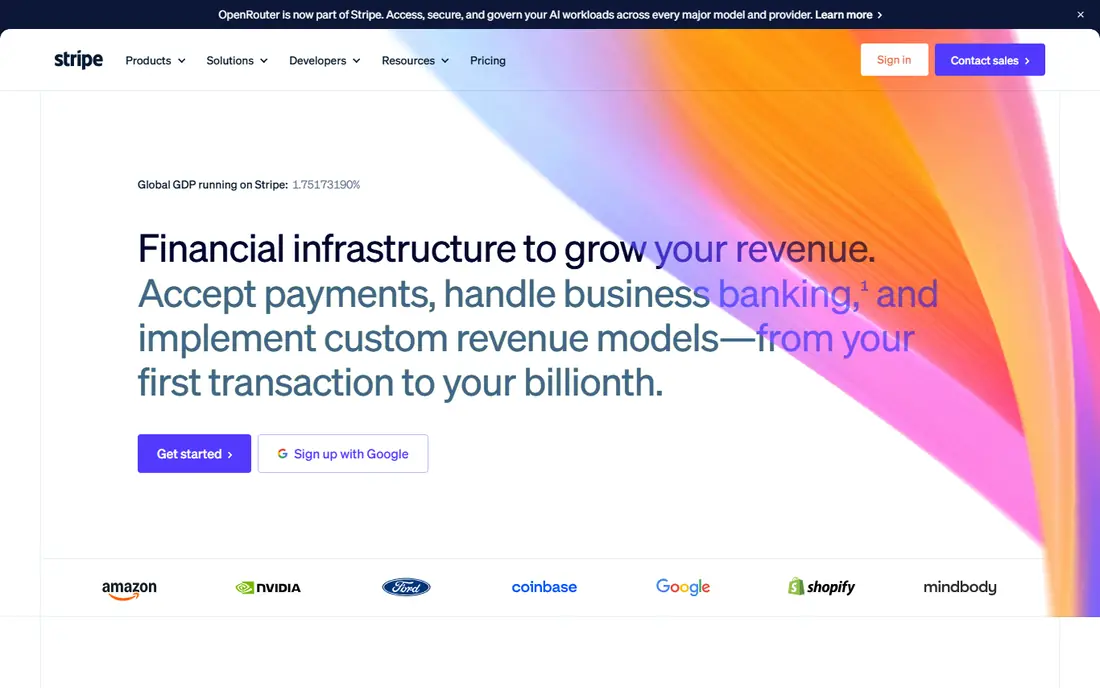
Where Stripe fits: taking payments online with no monthly fee. The standard US rate is 2.9% plus 30 cents per successful card charge.
In daily use, there is no monthly fee and no setup cost. So it costs nothing until you earn something, which is exactly the pricing a new founder needs. What you pay to start with Stripe: 2.9% + $0.30 per successful card transaction. No free plan comes with Stripe.
Honest limits: Disputes and holds can hurt.
- Works in 135+ currencies
- No monthly cost
- Payouts take a handful of days
Airtable
Ideal for: Tracking clients, content, and inventory in a smarter spreadsheet
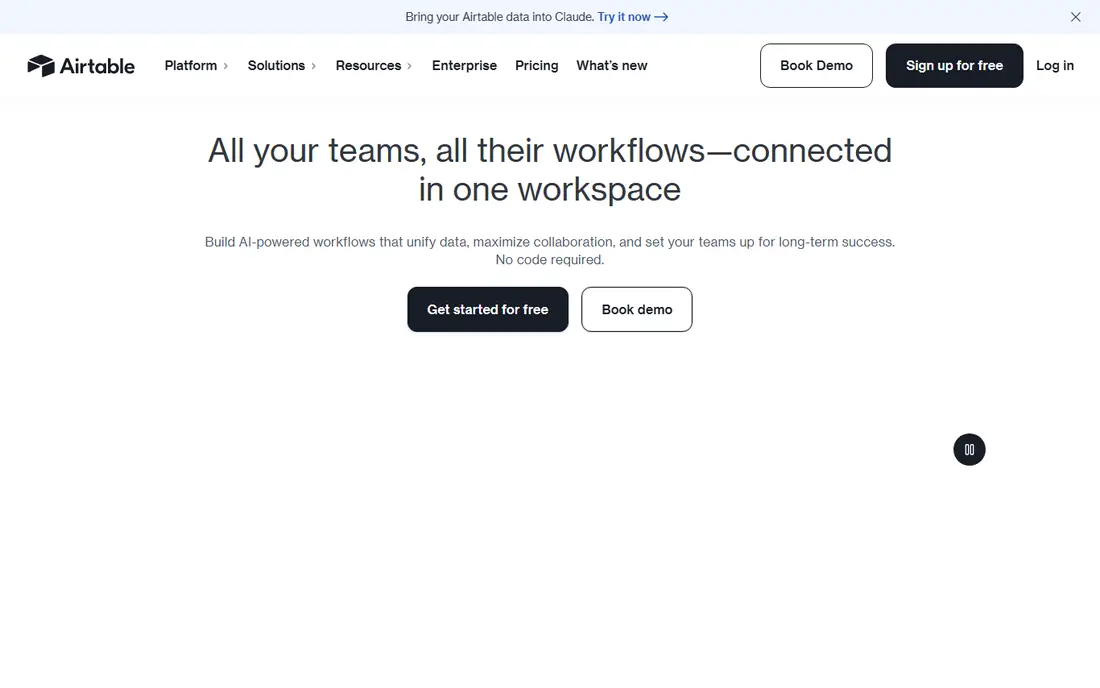
Airtable was built for tracking clients, content, and inventory in a smarter spreadsheet. Airtable looks like a spreadsheet and behaves like a lightweight database. For everyday use, one note for 2026: Airtable was acquired by Bending Spoons, though it continues to operate under its own name.
Beyond that, the free plan is workable for small bases. Solo founders use it as a CRM, a content pipeline, an inventory tracker, or all three, with views that turn the same data into a kanban board, a calendar, or a gallery. On cost, Airtable starts like this: $20 per seat per month. Airtable includes a free tier.
Best features of Airtable: Built-in automations.
Drawbacks to consider: Takes time to learn properly.
- Kanban, calendar
- Shareable interfaces
- Per-seat pricing layers on up
Notion
Ideal for: Notes, tasks, and a light client database in one place
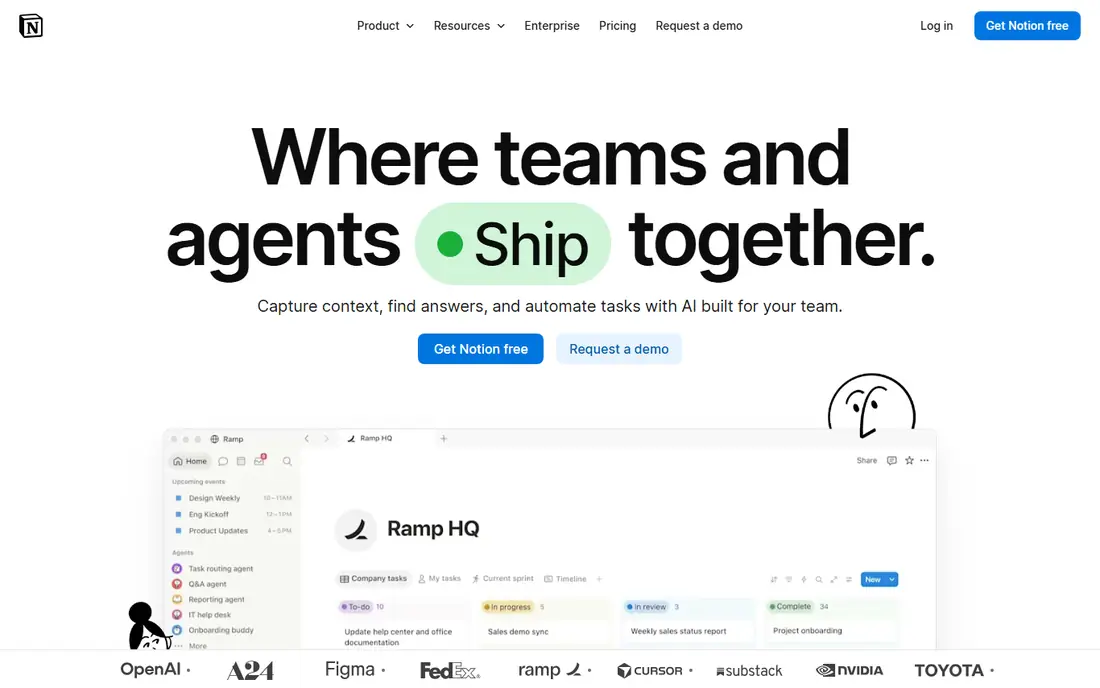
Notion is built with notes, tasks, and a light client database in one place in mind. Notion replaces the pile of apps most solo founders accumulate: the notes app, the to-do list, the content calendar, and the spreadsheet of clients. The Plus plan at $10 per month brings unlimited file uploads, longer version history, and more automation runs.
For everyday use, databases link together, so a client record can present its projects, invoices, and meeting notes in one view. Start with one database for clients and one for tasks, and resist the urge to build a second brain before you have a first income. Notion starts at: $10 per month. Notion has a free plan.
The main drawbacks: Gets messy without discipline.
- Huge template gallery
- Automations built in
- Simple to over-build
Wave
Ideal for: Free accounting and invoicing for new firms
Wave targets free accounting and invoicing for new firms. Wave is the rare tool whose free plan is the real product.
What works well: Core accounting genuinely free.
Downsides: Automatic bank imports need Pro.
More specifically, you can send unlimited invoices and track expenses without entering a credit card. Wave starts at: Free. Wave offers a free plan.
- Simple for non-accountants
- Unlimited invoices
- Customer support is restricted
Zapier
Ideal for: Connecting the apps you already use without code
Zapier serves connecting the apps you already use without code. When your booking tool, email system, spreadsheet, and payment processor have to share data, Zapier moves it between them with no code.
As for the details, watch the billing unit: every action step counts as a task. So a five-step workflow that runs daily consumes 150 tasks a month on its own. Zapier pricing: $19.99 per month. Free access exists with Zapier.
Limits to weigh: Complicated branching is clunky.
- AI agents added in 2026
- 9,000+ app integrations
- Per-task pricing layers on up quick
FreshBooks
Ideal for: Invoicing and bookkeeping for service firms
FreshBooks was built for invoicing and bookkeeping for service firms. Invoices look professional, clients can pay online, and late-payment reminders go out automatically. Time tracking ties hours straight to invoices, which removes the end-of-month scramble to remember what you worked on.
Where it is weaker: No free plan.
If you are pre-revenue, start with Wave below and switch when invoicing becomes a weekly task. Also, Lite at $23 per month includes up to five billable clients; Plus and Premium raise the cap. As for the details, FreshBooks is designed for people who bill by the project or the hour. FreshBooks starts at: $23 per month. Free options: Free trial (30 days).
- Professional client-facing look
- Time tracking built in
- Each level caps the number of billable clients
Canva
Ideal for: Quick, good-looking graphics without hiring a designer
Canva serves quick, good-looking graphics without hiring a designer. Thumbnails, social graphics, pitch decks, lead magnets, invoices that look professional: Canva deals with the visual work that used to need a designer or a week of learning Photoshop. The annual plan at $144 brings the effective price to $12 a month.
In practice, the free plan handles an enormous template library. Most solo founders can produce client-ready work within an hour of signing up. Canva cost at the entry level: $18 per month. You can start on Canva without paying.
Where it is weaker: Most AI features need Pro. Upsides: Very quick to learn.
- Templates for everything
- Brand Kit on Pro
- Not a substitute for a real designer
How we chose
Ainotely used vendor pricing pages and product documentation as the base, then compared plans, free access and documented limits for 7 tools. Figures are shown as the vendors publish them. Billing terms, seat minimums and add-ons can change the real cost. Position on the page reflects fit for a typical buyer first, with price clarity and free access breaking ties. Treat it as a guide, not a ruling.
A buyer's checklist
- Confirm the entry price on the vendor page: Stripe starts at 2.9% + $0.30 per successful card transaction, but seat counts and billing terms change the total.
- Look at free plan limits closely: Airtable, Notion, Wave and others have one, and the caps decide whether it is usable for real work.
- Run a trial of FreshBooks with real work before paying for a year; your own workflow is the best test.
- Before choosing Stripe, weigh its main limit: disputes and holds can hurt.
- Check the integration list for FreshBooks against the tools you run today, and note which ones need a higher plan.
- Total up the real monthly cost of Zapier, including add-ons, extra users and usage-based fees.
Frequently asked questions
How are the tools for automation tools for solo entrepreneurs ordered?
Stripe sits first and Canva last because the order follows typical fit for automation tools for solo entrepreneurs, then price clarity and free access. It is a judgement call, so read each profile for fit and limits.
Do these tools publish their prices?
Yes. Every tool from Stripe to Canva shows a starting price, though seats, add-ons and billing terms still change the final cost.
Is it safe to run my books on a free plan?
For straightforward freelance income and expenses, yes. When you hire, add inventory, or face complicated taxes, that is the signal to move to a premium plan and involve an accountant.
What is the cheapest option for automation tools for solo entrepreneurs in this list?
On published monthly entry prices, Stripe is the lowest here at 2.9% + $0.30 per successful card transaction. Entry price is only part of the cost, because seats, add-ons and billing terms can change the total.
Which options for automation tools for solo entrepreneurs have a free plan?
On this list, Airtable, Notion, Wave, Zapier and Canva include a free plan. Caps on seats, usage or features are common, so test the free plan against your real workload. One other tool offers a trial instead.