Best Automation Tools in 2026: 8 Tools Compared

- Zapier is the easiest automation tool for non-technical users, with the largest app catalog on this list.
- Make and n8n give more power per dollar, with visual builders that handle multi-step logic well.
- Power Automate is the natural pick inside Microsoft 365, and Workato and Tray suit larger companies with strict controls.
- IFTTT remains the simplest option for personal and smart-home automations.
Quick comparison
| Product | Ideal for | Price from | Free version | |
|---|---|---|---|---|
 Zapier | Easy no-code automation | Free | Yes | Visit |
 Make | Visual multi-step workflows | Free | Yes | Visit |
 n8n | Self-hosted flexible automation | Free | Yes | Visit |
 Microsoft Power Automate | Microsoft 365 teams | See website | Free trial | Visit |
 IFTTT | Simple personal automations | Free | Yes | Visit |
 Workato | Enterprise integration | See website | No | Visit |
 Tray.io | Technical teams at scale | See website | Free trial | Visit |
 Activepieces | Open-source Zapier alternative | Free | Yes | Visit |
The best automation tools
Automation tools connect apps so work moves without manual copying: a new form response creates a task, a sale updates a spreadsheet, a message posts to a channel. The eight tools below cover personal use through enterprise integration, and they differ in ease of use, price and how much logic they can handle. We compared official feature pages, pricing pages and documentation.
Zapier
Ideal for: Easy no-code automation
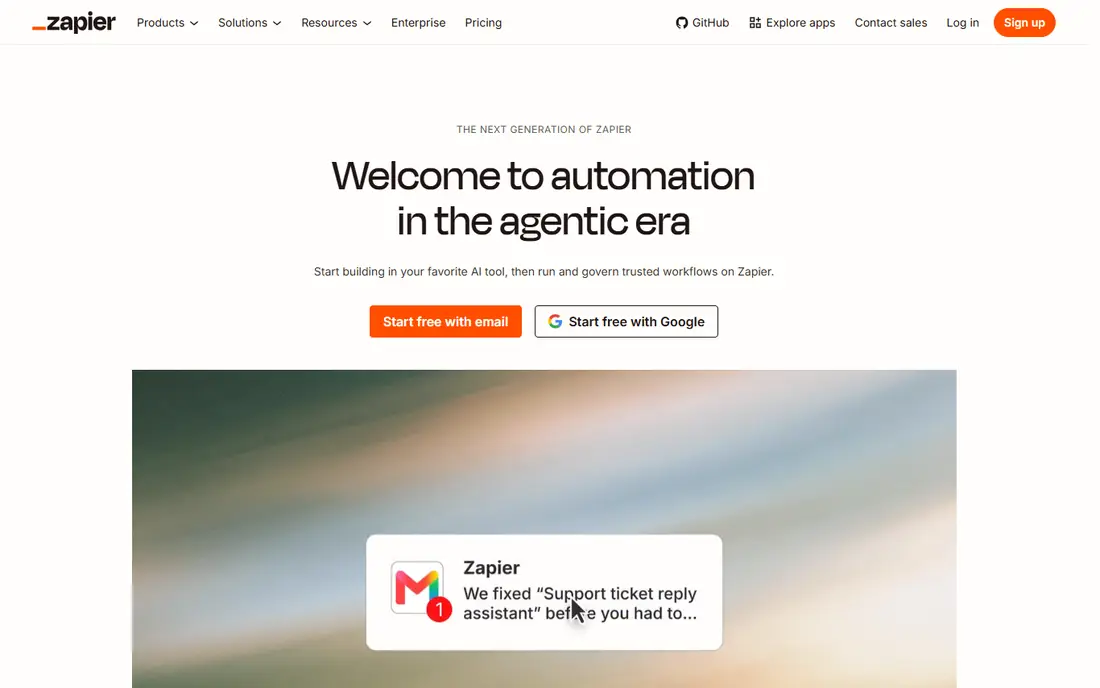
Zapier is the default automation tool for most small businesses because it is fast to learn and connects thousands of apps. A Zap links a trigger in one app to actions in others, and templates cover common flows like lead capture, notifications and file handling without any code.
The free plan covers small volumes, but task-based pricing means heavy automations get expensive, and multi-step logic with branching is clumsier than in visual builders. For teams that want results this week without hiring a developer, Zapier is still the easiest start.
- Largest catalog of app integrations
- Very easy to build first automations
- Good AI-assisted building
- Costs rise quickly with task volume
- Complex logic is harder than in Make or n8n
Make
Ideal for: Visual multi-step workflows

Make, formerly Integromat, shows each automation as a visual flow of modules, so you can see exactly how data moves, branches and transforms between apps. That clarity makes complex workflows, with routers, filters and error handling, far easier to build and debug than in simpler tools.
The free plan is generous for testing, and paid plans price by operations rather than tasks, which often works out cheaper for data-heavy flows. New users need a few hours to learn the builder, but teams that automate often will repay that time quickly.
- Visual builder shows data flow clearly
- Handles routers, filters and branching well
- Generous free plan
- Learning curve is steeper than Zapier
- Fewer templates for some niche apps
n8n
Ideal for: Self-hosted flexible automation
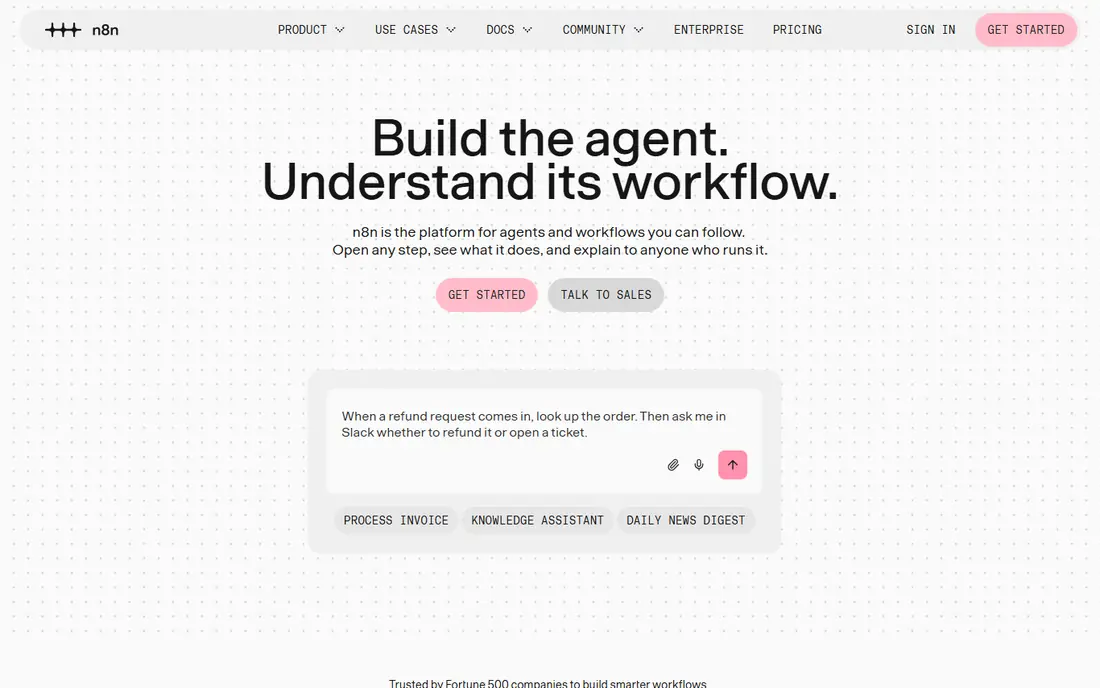
n8n is an open-source automation platform that technical teams love for its flexibility: visual workflows plus code steps, AI agent nodes and the option to self-host for full data control. It connects hundreds of apps and handles complex logic that simpler tools struggle with.
The hosted cloud version is easier, while self-hosting is free in license terms but costs your server and maintenance time. For teams with a developer or a strong ops person, n8n offers the most power per dollar on this list.
- Open source and self-hostable
- Very flexible with code steps and AI nodes
- Fair pricing for execution volume
- Self-hosting needs technical skill
- Interface is more technical than Zapier
Microsoft Power Automate
Ideal for: Microsoft 365 teams
Power Automate is the automation layer of the Microsoft Power Platform, and it shines inside Microsoft 365: Outlook, Teams, SharePoint, Excel and Dynamics connect deeply, and desktop flows can even automate older Windows apps that have no API.
Outside Microsoft, it is less compelling than Zapier or Make, and licensing depends on your Microsoft plan, so check what you already own before buying separately. For a Microsoft shop, though, Power Automate is the natural and often cheapest path to automation.
- Deep links to Outlook, Teams, SharePoint and Dynamics
- Desktop flows automate legacy apps
- Included in some Microsoft plans
- Interface can feel complex
- Best value only inside Microsoft licensing
IFTTT
Ideal for: Simple personal automations
IFTTT, short for If This Then That, links personal apps and smart-home devices with simple one-trigger, one-action applets: a voice assistant note creates a task, a photo saves to cloud storage, a sensor triggers a light. Setup takes minutes and needs no technical skill.
It is not a business automation platform: multi-step logic, branching and error handling are limited, and the free plan caps applet numbers. For personal and home use, though, IFTTT remains the simplest tool here.
- Simplest setup on this list
- Great for smart home and personal apps
- Free plan for basic applets
- Limited multi-step logic
- Not built for business workflows
Workato
Ideal for: Enterprise integration
Workato is an enterprise integration platform built for IT and operations teams that need automation with governance: role controls, audit logs, environment management and support for complex, high-volume integrations across business systems.
Pricing is enterprise and quote based, and the platform assumes dedicated owners. Small businesses should look at Zapier or Make instead. For a large company automating core systems under compliance rules, Workato is a leading choice.
- Strong governance, security and audit features
- Handles complex enterprise integrations
- Large connector library
- Enterprise pricing
- Too heavy and costly for small teams
Tray.io
Ideal for: Technical teams at scale
Tray.io, now Tray.ai, gives technical teams a powerful builder for integrations and AI-assisted workflows, with strong data transformation and API handling. Product and data teams use it to sync systems, build internal tools and embed integrations in their own products.
Pricing is quote based and aimed at mid-market and enterprise buyers, and casual users will find it more complex than Zapier. For teams with engineering support and serious integration needs, Tray is a strong enterprise-grade option.
- Powerful builder for complex data flows
- Good for product and data teams
- Strong API and AI capabilities
- Quote-based pricing
- Needs technical users to get full value
Activepieces
Ideal for: Open-source Zapier alternative
Activepieces is an open-source automation tool with a friendly, Zapier-like builder and the option to self-host. It covers common business apps, supports AI steps, and gives teams control over their data without enterprise pricing.
Its integration catalog is smaller than Zapier or Make, and the community is newer, so niche apps may be missing. For teams that want open-source control with an approachable interface, Activepieces is a promising and affordable pick.
- Open source with a friendly builder
- Self-hosting option
- Growing app catalog
- Smaller integration catalog than Zapier
- Newer platform with a smaller community
How we picked these
We compared official feature pages, pricing pages and documentation, focusing on app catalogs, builder style, logic depth, pricing units and self-hosting options. We favored tools that are actively developed today and let you test real workflows on a free plan or trial.
We also weighed total cost at realistic volumes, since task and operation pricing differ sharply between vendors. A tool that looks cheap at ten automations can cost several times more at ten thousand runs, so check pricing at your expected volume.
How to pick an automation tool that lasts
Start with the apps you actually use. An automation tool is only as good as its connectors for your stack, so check that your CRM, email, spreadsheet and chat tools are covered, and test one real workflow before buying. A large catalog means little if your key app is missing or limited.
Count tasks at real volume
Zapier prices by task, Make by operation, n8n by execution, and others by platform tier. Estimate monthly runs from current manual work, then compare the plan that covers that volume, not the entry price. A tool that is cheap at trial size can be the most expensive at production size.
Build for failure, not just success
Good automations handle errors: a failed step should notify someone, retry sensibly, or log clearly instead of silently dropping data. Test failure paths during setup, especially for money, orders and customer messages, where a silent miss costs trust.
Document what you automate
Keep a simple list of each automation, its owner, its trigger and what it does. When staff change or an app updates its API, that list is what stops a broken workflow from lingering unnoticed for months. Review the list quarterly and retire flows nobody needs.
If you are still unsure, start with a free plan and move to a paid plan only when you hit its limits.
Frequently asked questions
What is the best automation tool for small business?
Zapier is the easiest start for most small businesses, thanks to its app catalog and templates. Make is better value for complex or high-volume flows, and Power Automate wins inside Microsoft 365.
What is the best free automation tool?
Zapier, Make, n8n and Activepieces all offer free plans or self-hosting. Make and n8n give more power free, while Zapier gives the easiest experience. IFTTT is free for simple personal automations.
Are there alternatives to Power Automate?
Yes. Zapier, Make, n8n, Workato, Tray and Activepieces all automate across apps, and several work better outside Microsoft. Choose based on your stack: Microsoft shops suit Power Automate, while mixed stacks suit Zapier or Make.
Do I need to code to use automation tools?
No for Zapier, Make and IFTTT, which are visual and template driven. n8n, Workato and Tray allow code for advanced cases but do not require it for common workflows. A little spreadsheet logic helps everywhere.
How much does automation software cost?
Free plans cover light use, small business plans typically run monthly per task or operation volume, and enterprise platforms are quote based. Price at your expected monthly runs, not the entry tier, to avoid surprise bills.