Best b2b saas companies in 2026: 8 Options Compared

- Our pick for most people starts with the providers that match best b2b saas companies most directly, not the biggest name on the list.
- Pricing varies widely across this category, so check the official site for the current tier that covers the features you need.
- Free plans and trials are available from some providers here, but the best value usually sits in a mid-tier plan, not the cheapest one.
- Read the terms on contract length, support, and limits before you commit, and test with a trial or pilot where one is offered.
Quick comparison
| Product | Ideal for | Price from | Free version | |
|---|---|---|---|---|
 Salesforce | CRM-led B2B teams | See website | Free trial | Visit |
 HubSpot | marketing and sales teams | Free | Yes | Visit |
 Slack | team messaging buyers | Free | Yes | Visit |
 Zoom | video meetings and phone | Free | Yes | Visit |
 Atlassian | software and service teams | Free | Yes | Visit |
 Shopify | B2B commerce sellers | See website | Free trial | Visit |
 ServiceNow | IT and workflow buyers | See website | No | Visit |
 Workday | HR and finance buyers | See website | No | Visit |
The best b2b saas companies
We compared official feature pages, pricing pages, app-store listings where relevant, privacy policies, and public reviews to build this list of best b2b saas companies. The eight options below cover well-known leaders and strong smaller choices, so you can compare fit, price, and limits without chasing every provider in the market. Our notes focus on who each option suits best, one concrete strength, and one honest weakness.
Salesforce
Ideal for: CRM-led B2B teams
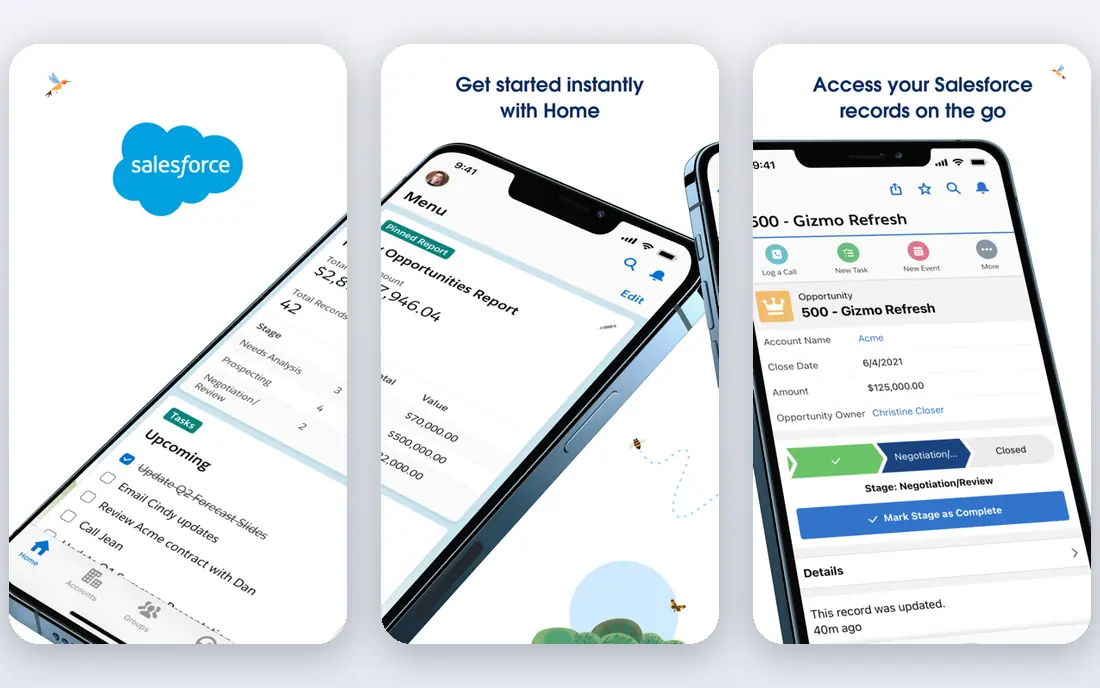
For buyers focused on CRM-led B2B teams, Salesforce is a natural first look. Our review of its official feature pages and pricing notes shows a product built around that use case rather than a general tool stretched to fit it.
The honest catch is fit and cost. Pricing is listed as See website on our comparison, and the free plan status is Free trial. Check the current plan details on the official site before you buy, since tiers and limits change, and confirm that the features you need are in the tier you plan to pay for. For many buyers, a trial or a short pilot answers the fit question faster than a long feature list.
- Focused fit for its target buyer
- Clear published feature set
- Widely available support resources
- Pricing can rise with higher tiers
- Some features sit in premium plans
HubSpot
Ideal for: marketing and sales teams
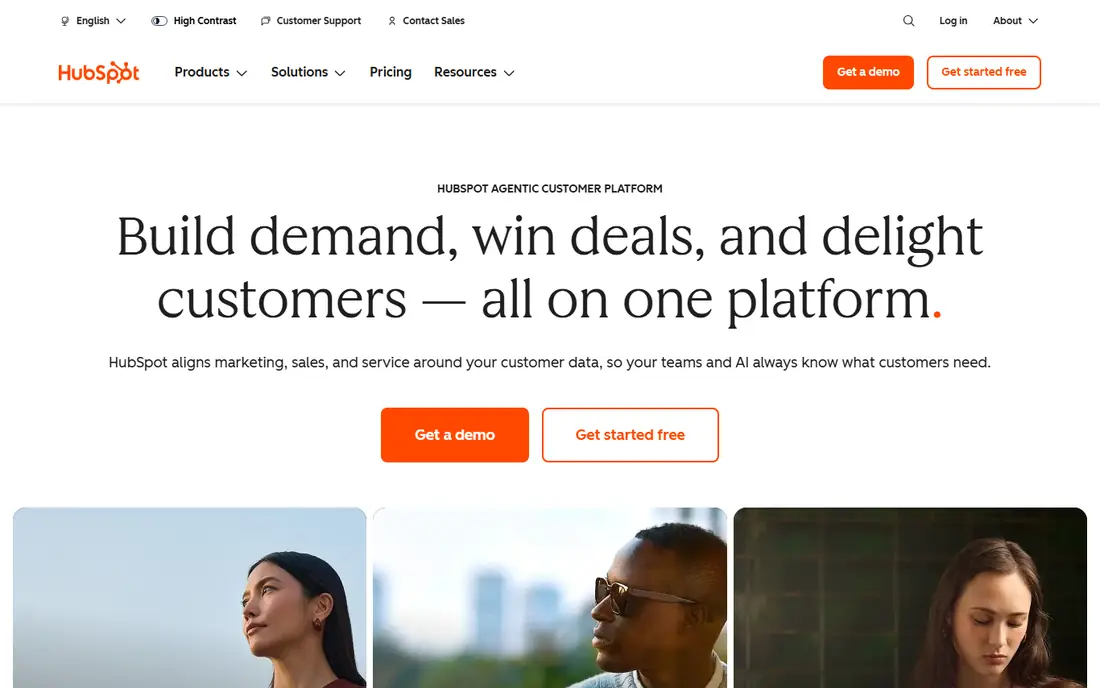
HubSpot stands out for marketing and sales teams. We compared its published features, plan structure, and public reviews, and the pattern is consistent: it does this job well, with limits that matter for some buyers.
The catch to weigh is scope. It is not the best fit for every buyer in this category, and the starting price of Free with a free plan status of Yes only tells part of the story. Read the terms, check support hours, and ask about onboarding before you sign. A short trial, where one is offered, is the fastest way to confirm day-to-day fit.
- Strong reputation in its category
- Broad feature coverage
- Good documentation on its own site
- Not ideal for buyers outside its core audience
- Terms need a careful read
Slack
Ideal for: team messaging buyers
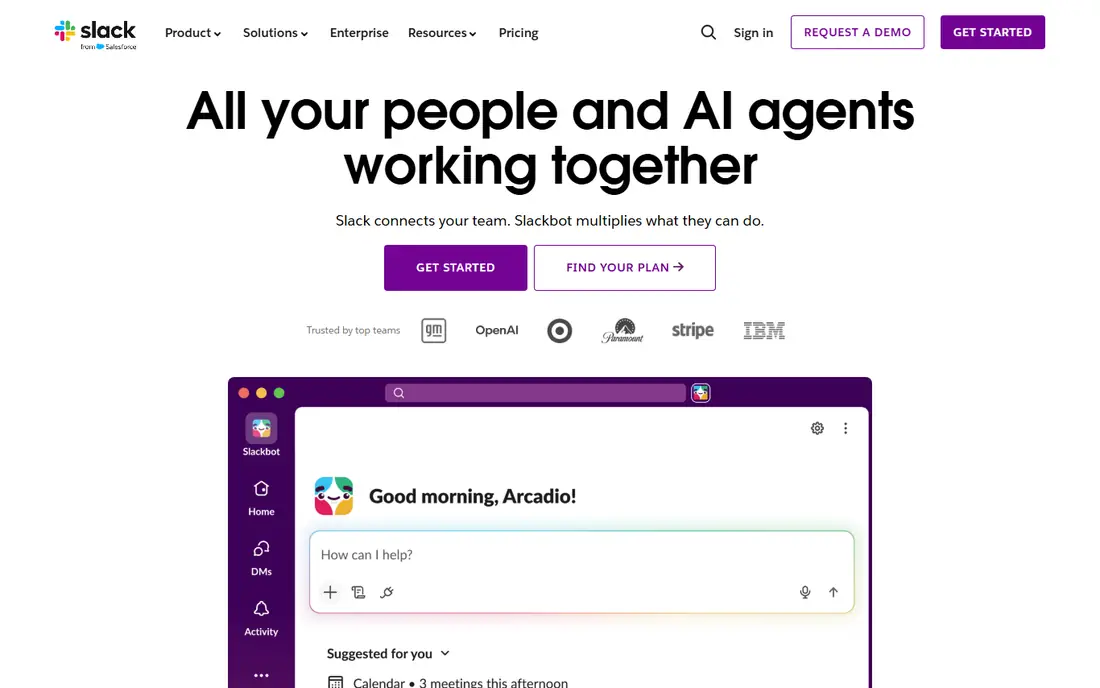
If team messaging buyers is your main need, Slack deserves a close look. Its official pages describe a focused offer, and public reviews tend to praise the same strengths we noted.
Before you commit, check the details that matter to you: contract length, support, integrations, and any limits on users or volume. Our listing shows Free as the starting price and Yes for the free plan. Those figures are a starting point, not a quote, so confirm them on the official site and compare them with two other options on this list.
- Practical for everyday use
- Clear plan structure
- Useful integrations described on its site
- Setup may take time for larger teams
- Some limits apply at lower tiers
Zoom
Ideal for: video meetings and phone
Buyers who need video meetings and phone often shortlist Zoom early. We read its feature and pricing pages and checked public feedback to see where it helps most and where it falls short.
Pricing and fit deserve a second look. We list Free as the starting price and Yes for the free plan, but the right tier depends on your size and needs. Ask about setup, migration, and support, and use any trial period to test the workflows you will use most. That check often matters more than a headline feature.
- Good choice for its stated audience
- Established provider
- Straightforward onboarding path
- Support and pricing vary by plan
- Confirm details before you commit
Atlassian
Ideal for: software and service teams
Atlassian is a strong match for software and service teams. The offer is clear on its own site, and the trade-offs are easy to spot once you compare plans side by side.
The honest catch is fit and cost. Pricing is listed as Free on our comparison, and the free plan status is Yes. Check the current plan details on the official site before you buy, since tiers and limits change, and confirm that the features you need are in the tier you plan to pay for. For many buyers, a trial or a short pilot answers the fit question faster than a long feature list.
- Focused fit for its target buyer
- Clear published feature set
- Widely available support resources
- Pricing can rise with higher tiers
- Some features sit in premium plans
Shopify
Ideal for: B2B commerce sellers
For B2B commerce sellers, Shopify is worth comparing against the rest of this list. Its published features point to a specific buyer, not everyone, and that focus is part of its appeal.
The catch to weigh is scope. It is not the best fit for every buyer in this category, and the starting price of See website with a free plan status of Free trial only tells part of the story. Read the terms, check support hours, and ask about onboarding before you sign. A short trial, where one is offered, is the fastest way to confirm day-to-day fit.
- Strong reputation in its category
- Broad feature coverage
- Good documentation on its own site
- Not ideal for buyers outside its core audience
- Terms need a careful read
ServiceNow
Ideal for: IT and workflow buyers
We placed ServiceNow here for IT and workflow buyers. Its official pages and public reviews give a consistent picture of what it does well and what to check before you commit.
Before you commit, check the details that matter to you: contract length, support, integrations, and any limits on users or volume. Our listing shows See website as the starting price and No for the free plan. Those figures are a starting point, not a quote, so confirm them on the official site and compare them with two other options on this list.
- Practical for everyday use
- Clear plan structure
- Useful integrations described on its site
- Setup may take time for larger teams
- Some limits apply at lower tiers
Workday
Ideal for: HR and finance buyers
When HR and finance buyers matters most, Workday is a practical option to test. We compared its features and terms with the other names here, and it holds up well for that buyer.
Pricing and fit deserve a second look. We list See website as the starting price and No for the free plan, but the right tier depends on your size and needs. Ask about setup, migration, and support, and use any trial period to test the workflows you will use most. That check often matters more than a headline feature.
- Good choice for its stated audience
- Established provider
- Straightforward onboarding path
- Support and pricing vary by plan
- Confirm details before you commit
How we picked these
We started with providers that clearly fit best b2b saas companies and that operate in October 2026, then we checked each official homepage and its pricing and feature pages. We kept providers with a clear offer for the buyer described here and we left out providers whose fit was weak, whose site did not load, or whose offer did not match the topic. We compared published features, plan structure, free plans and trials, privacy and support notes, and public reviews, and we did not claim hands-on testing that did not happen.
We also weighed practical trade-offs. A lower starting price can mean fewer features, and a premium provider can be worth it when support, coverage, or scale matters. That is why the list mixes large providers with smaller specialists. Check the official site for current pricing before you decide, since plans and terms change.
What to check before you choose
Start with your must-have list
Write down the three things you need most from best b2b saas companies before you compare prices. If a provider misses one of them, it is out, no matter how good the rest of the offer looks. This short list keeps the comparison honest and stops a long feature page from pulling you toward a poor fit. Share the list with anyone else who will use the service, since their needs often differ from yours.
Compare total cost, not just the headline price
Look past the starting price and check what sits in each tier, what costs extra, and whether a contract is required. Ask about setup fees, per-user charges, volume limits, and renewal terms. A provider that looks cheap at first can cost more once you add the features you actually use, while a higher tier can save money when it bundles what you need.
Test fit with a trial or pilot
Where a trial or pilot is offered, use it for the real tasks you will do every week, not just a quick tour. Invite the people who will use the service daily and ask them what slowed them down. Note support response times and how easy it is to get help. A short, honest test often reveals more than weeks of reading feature pages.
Read the terms and the fine print
Check contract length, cancellation terms, data handling, privacy practices, and any limits that could affect you later. For services that touch money, health, or safety, this step matters even more. If a term is unclear, ask the provider in writing before you sign, and keep a copy of the answer with your records.
Frequently asked questions
How do I choose among the best b2b saas companies?
Start with your must-have features, your budget, and your timeline. Shortlist two or three providers from this list, compare their current tiers on their official sites, and test with a trial or pilot where one is offered. The best choice is usually the one that covers your core needs at a price you can sustain.
Are there free options for best b2b saas companies?
Some providers on this list offer a free plan or a free trial, and we note that status in the comparison table and in each product block. Free plans often have limits on features, users, or volume, so check whether those limits affect your daily use before you rely on a free tier.
How much should I expect to pay?
Costs vary by provider, tier, and your size or usage, and several providers here use quote-based pricing. Use the starting price in this article as a guide only, and confirm the current price for the tier you need on the official site. Ask about extra fees and renewal terms before you commit.
Can I switch providers later?
In most cases, yes, but switching takes planning. Check contract terms, data export options, and migration support before you sign. Ask the new provider what the move involves and how long it takes, and keep your current service running until the new one is tested.
What should I check in the terms before I sign?
Read the contract length, cancellation terms, privacy practices, support hours, and any limits on use. For regulated or safety-sensitive services, confirm coverage, licensing, and eligibility in your area. If anything is unclear, ask for a written answer before you commit.