If you need low-cost S3-compatible cloud storage, Backblaze is the first tool to look at here. Listed starting prices: Backblaze from $99 per year. For a different need, Rubrik covers enterprise-grade cyber resilience and Veeam Backup & Replication covers Cyber-resilient workload protection. The remaining 3 options are covered below with prices and limits.
Choosing backup software for startups usually comes down to price, fit and limits. This Ainotely guide sets 6 tools side by side on those three points, with the facts kept short and checkable.
Key takeaways
Top of the list is Backblaze, which targets budget-friendly S3-compatible cloud storage.
For Rubrik, Veeam Backup & Replication, Acronis Cyber Protect and others, you have to request a quote because no starting price is shown.
A permanent free plan is missing from all 6 tools, Backblaze and Carbonite included; plan for a trial or a premium start.
Carbonite fits straightforward automatic backups.
The main caution on Rubrik: pitched at bigger, complicated environments.
Best for: Budget-friendly S3-compatible cloud storage
Backblaze targets low-cost S3-compatible cloud storage. Developers and AI-forward startups can use it as a storage layer behind backup or application workflows.
Where it falls short: Storage focus instead of full backup suite.
Non-technical founders may find integration work less plug-and-play. As for the details, choose Backblaze when storage performance and compatibility matter more than an all-in-one backup console. Backblaze cost at the entry level: $99 per year. Free access: Free trial.
Rubrik targets enterprise-grade cyber resilience. Budget and administrative simplicity can be concerns for early-stage teams.
Where it is weaker: May be heavy for very small teams.
In practice, Rubrik presents an agentic product for enterprise cyber resilience, data security and recovery, protecting data, securing identities and governing AI agents. Rubrik does not show a starting price in this comparison, so check the vendor site for current pricing. Free access: Not stated.
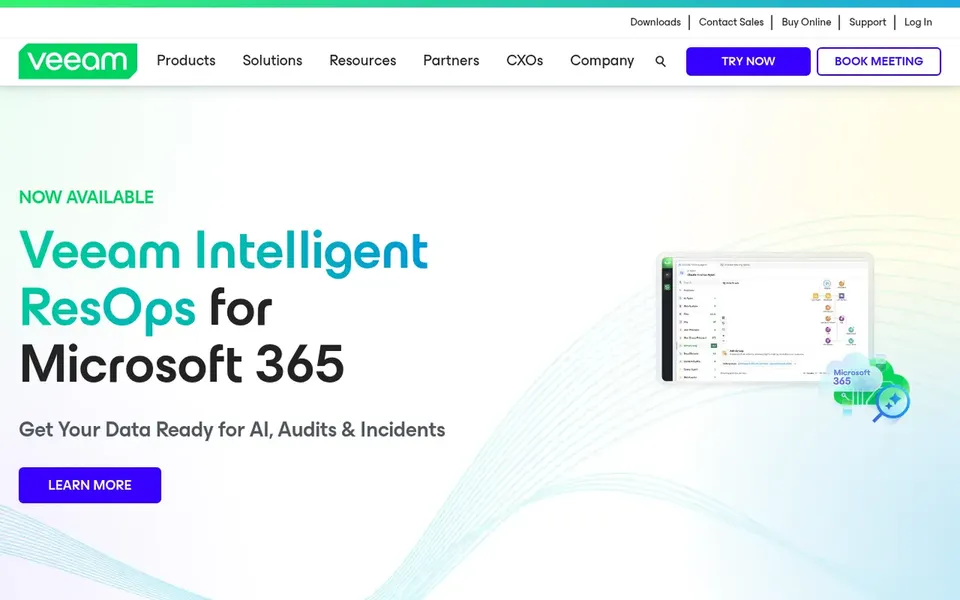
Veeam Backup & Replication is a good fit for Cyber-resilient workload protection. Consider it when workload breadth and resilience planning are priorities instead of entry-level endpoint backup. The system is deep, and smaller startups may find its administration demands more time than they can spare.
Where it is weaker: Feature depth may exceed small team needs.
It also may be more than a simple file backup need needs. Startups running virtualized or mixed environments and planning for growth commonly consider it since it spans plenty of workload types and supports recovery planning. Veeam Backup & Replication shows no starting price here, so confirm the cost on the vendor site. Free plan details: Not stated.
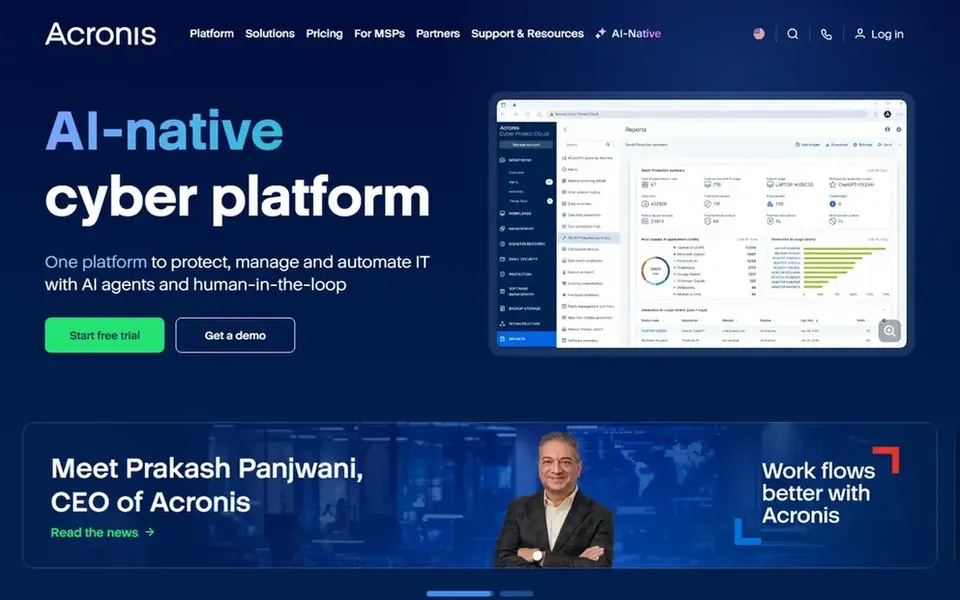
Choose Acronis Cyber Protect for all-in-one backup and cybersecurity. Acronis Cyber Protect integrates backup, cybersecurity, endpoint management and automation into a single system targeted at managed service providers and companies.
Drawbacks to consider: Wide feature set can feel complicated.
In daily use, the breadth of features means a ramp-up time and setup effort that a very small team may find heavy. Check the vendor site for Acronis Cyber Protect pricing; none is listed in this comparison. On free options: Not stated.
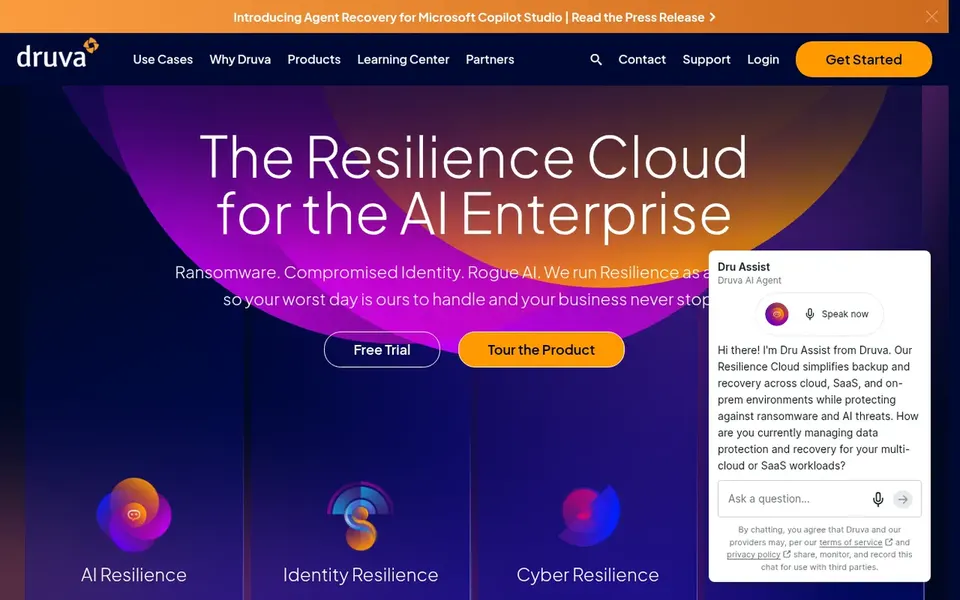
Druva was built for completely managed cloud backup. Since it is delivered as a managed service, startups can avoid running backup infrastructure themselves and keep administration light.
Teams with strict data locality or on-premises requirements may have to evaluate fit carefully. Pick Druva when managed cloud delivery outweighs infrastructure control. Druva shows no starting price here, so confirm the cost on the vendor site. As for free access: Free trial.
Where it is weaker: Needs comfort with cloud dependency.
In short, Carbonite is for straightforward automatic backups. The offering is less centered on advanced cyber resilience and wide workload coverage than some alternatives here.
What works well: Automatic backup for personal and business data.
Where it falls short: Less emphasis on advanced cyber features.
Pick Carbonite when simplicity and automatic backup are the central requirements. Startups with complicated environments or strict recovery objectives should compare carefully. Pricing for Carbonite is not stated here, so ask the vendor for current figures. Trial and free access: Not stated.
Confirm the entry price on the vendor page. For Rubrik, Veeam Backup & Replication, Acronis Cyber Protect and others that means a quote rather than a fixed price.
Use real work to test the free trial from Backblaze and Druva, rather than a demo project.
Read the limits listed for Backblaze first: storage focus instead of full backup suite.
Make sure Rubrik lets you export your data in a format another tool can read.
Find out whether the entry plan of Veeam Backup & Replication covers your must-haves or only a trimmed-down version.
How we picked
Selection started from tools commonly considered for backup software for startups, then narrowed to 6 that have clear pricing information or a clear quote process. Prices and plan limits come from vendor pages and can change, so confirm them on the vendor site before you buy. The sequence is a judgement call: typical use case first, then pricing transparency, then free access. Use the profiles to check fit.
Every price and plan detail on this page comes from the vendors’ own websites. We did not run hands-on tests unless the text says so, and we do not publish star ratings or review scores. See how we score and our disclosure.
Keep your shortlist in one place
Paste prices, trial dates and notes from this guide into Ainotely, our AI note app. It files them into a topic and pulls out tasks like “cancel trial by Friday”. Free 7-day trial, no card needed.
Can a small team handle enterprise-oriented backup tools?
It is possible but depends on available IT time and the tool's complexity. Managed SaaS choices cut overhead, whereas broader products may need dedicated administration as data grows.
Can I try these tools before paying?
Often, yes. Backblaze and Druva offer a free trial. Use your own data and a real task during the test, and check what the free tier or trial limits before you rely on it. The 6 tool cards above repeat this per product for backup software for startups, with the listed price or "pricing on request".
Does any tool for backup software for startups here have a free plan?
No tool in this list, Backblaze and Carbonite included, has a permanent free plan. Backblaze, Druva offer a trial. Trials and quotes are the usual route, so plan a short evaluation period.
What should a startup look for in backup software?
Prioritize ease of administration, ransomware resistance through immutable backups, and recovery speed for the data you cannot lose. Also confirm compatibility with your cloud and endpoint environment so the tool does not add operational burden.
Is Backblaze the right pick for everyone comparing backup software for startups?
No single tool suits every team. Backblaze comes first because it fits affordable S3-compatible cloud storage, while Rubrik suits enterprise-grade cyber resilience and Veeam Backup & Replication suits Cyber-resilient workload protection. Match the tool to your own size, budget and workflow before deciding.
How are the tools for backup software for startups ordered?
The order follows typical fit for backup software for startups, with Backblaze first and Carbonite last, then price clarity and free access. It is editorial judgement, not a score, so another team could rank the tools differently.