Best Beekast Alternatives in 2026: 8 Options Compared

- Our pick for most people is Mentimeter, because it balances price, features and ease of use for the widest group of readers.
- Free plans are real here, but the limits matter: check what Slido and Miro actually include before you commit.
- Prices in this guide come from vendor pricing pages and current comparisons checked in October 2026, and they can change, so confirm the plan on the vendor site before you buy.
- The best choice depends on your budget, your experience level and how much support you want, not on which brand is most famous.
Quick comparison
| Product | Ideal for | Price from | Free version | |
|---|---|---|---|---|
 Mentimeter | Live polls and presentations for audiences | See website | Yes | Visit |
 Slido | Q&A and polls for meetings and events | See website | Yes | Visit |
 Miro | Visual collaboration for workshops | See website | Yes | Visit |
 Mural | Facilitated workshops and visual thinking | See website | Free trial | Visit |
 Klaxoon | Interactive workshops and team activities | See website | Free trial | Visit |
 AhaSlides | Affordable live presentations and polls | See website | Yes | Visit |
 Wooclap | Polls and quizzes for teaching and training | See website | Yes | Visit |
 Poll Everywhere | Simple audience polling for presentations | See website | Yes | Visit |
The best Beekast Alternatives in 2026
We compared official feature pages, pricing pages, app store listings, privacy policies and public reviews to build this list for best beekast alternatives. Every option below exists and works today, and each one earns its place for a different kind of reader.
Mentimeter
Ideal for: Live polls and presentations for audiences
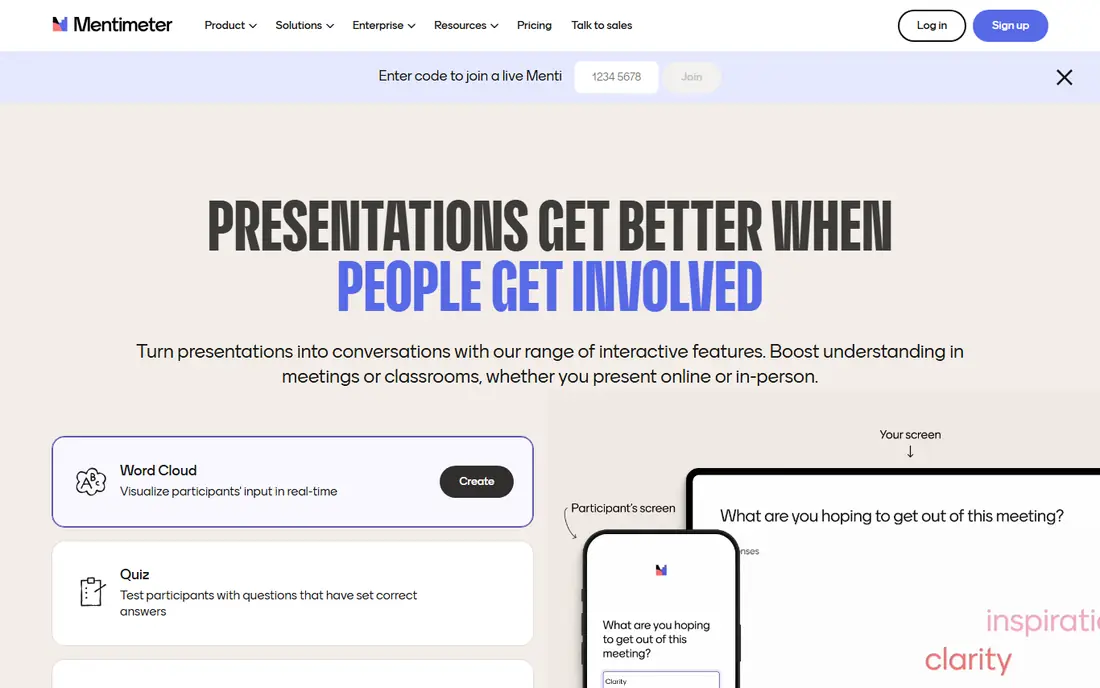
Here is the short version. Mentimeter turns a presentation into a live conversation, with polls and word clouds that audiences join from their phones in seconds. It fits readers who want live polls and presentations for audiences, and its published feature set matches that promise rather than trying to cover every possible use case at once. The price picture is see website, with a free plan status of yes. The free tier caps questions and participants, so large events should budget for a paid plan. Before you sign up, check the current plan limits on the official site, because caps on users, usage or features are where most buyers get surprised after the first month.
- Live polls, quizzes and word clouds
- Presentation integration
- Easy audience joining
- Free tier limits questions and participants
- Advanced features need paid plans
Slido
Ideal for: Q&A and polls for meetings and events
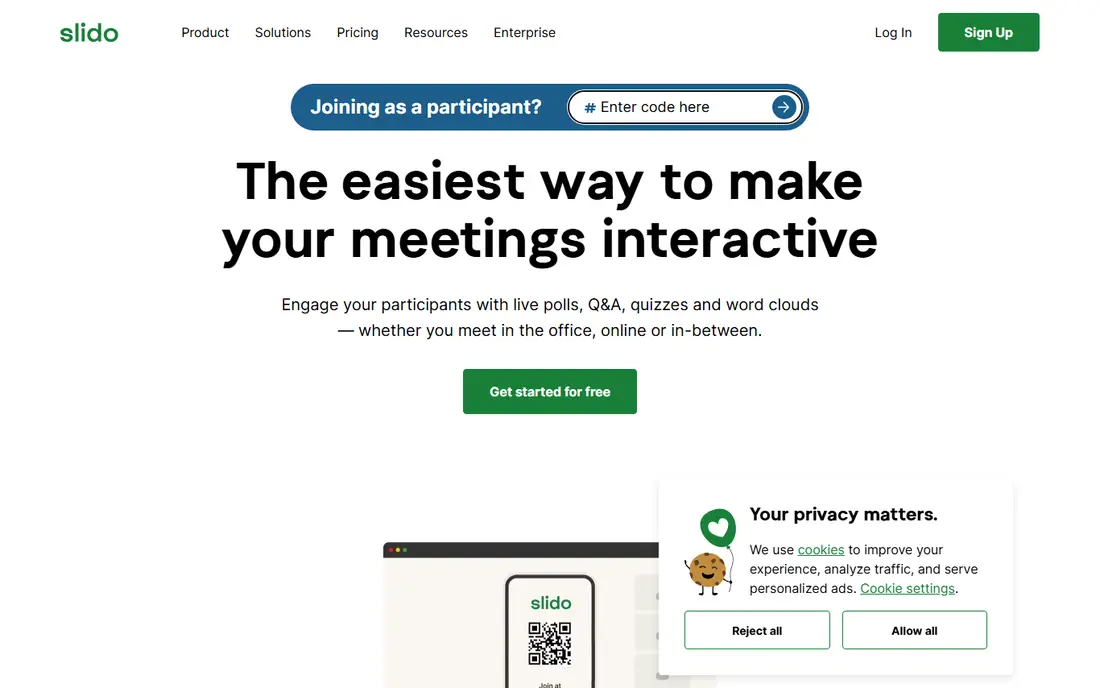
Start here if you want the safe default. Slido, now part of Webex, is a strong pick for meetings where questions matter more than slides, because its moderated Q&A keeps large sessions orderly. It fits readers who want q&a and polls for meetings and events, and its published feature set matches that promise rather than trying to cover every possible use case at once. The price picture is see website, with a free plan status of yes. The free tier limits events, so regular users should check the cost at their meeting frequency. Before you sign up, check the current plan limits on the official site, because caps on users, usage or features are where most buyers get surprised after the first month.
- Live Q&A, polls and quizzes
- Integrates with Zoom, Teams and PowerPoint
- Free tier limits events
- Advanced analytics need paid plans
Miro
Ideal for: Visual collaboration for workshops
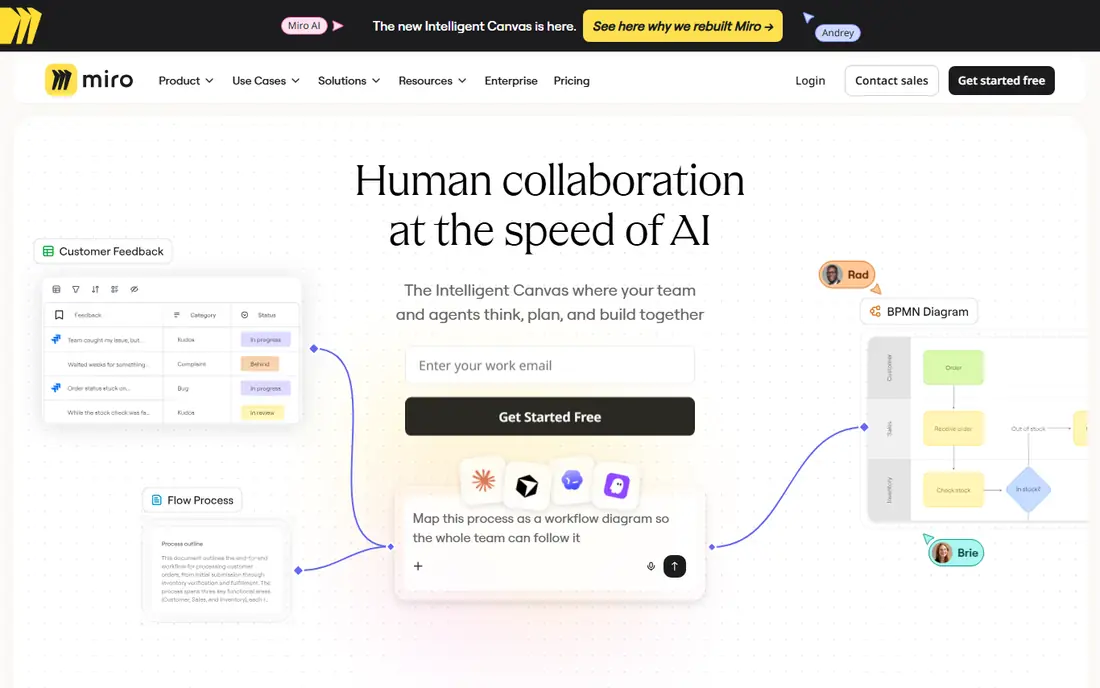
This one suits a specific kind of reader. Miro suits workshops where polls sit beside boards, sticky notes and frames, rather than a single live vote. It fits readers who want visual collaboration for workshops, and its published feature set matches that promise rather than trying to cover every possible use case at once. The price picture is see website, with a free plan status of yes. For a quick meeting poll, Miro can feel like too much canvas, so use it when the workshop itself is the point. Before you sign up, check the current plan limits on the official site, because caps on users, usage or features are where most buyers get surprised after the first month.
- Infinite canvas
- Templates for workshops
- Real-time collaboration
- Can feel sprawling for simple polls
- Pricing grows with team size
Mural
Ideal for: Facilitated workshops and visual thinking
Consider this if the top picks do not fit. Mural is built for facilitated sessions, with templates and controls that help a facilitator guide a group through a structured workshop. It fits readers who want facilitated workshops and visual thinking, and its published feature set matches that promise rather than trying to cover every possible use case at once. The price picture is see website, with a free plan status of free trial. Simple poll needs do not justify its price, so choose it when facilitation quality matters most. Before you sign up, check the current plan limits on the official site, because caps on users, usage or features are where most buyers get surprised after the first month.
- Guided facilitation tools
- Templates
- Strong enterprise controls
- Pricing is higher than simple poll tools
- Learning curve for facilitators
Klaxoon
Ideal for: Interactive workshops and team activities
A strong option for a narrower need. Klaxoon bundles boards, quizzes, polls and team missions into one workshop platform, which suits teams that run interactive sessions often. It fits readers who want interactive workshops and team activities, and its published feature set matches that promise rather than trying to cover every possible use case at once. The price picture is see website, with a free plan status of free trial. Quoted pricing in some regions makes comparison harder, so get a quote for your team size. Before you sign up, check the current plan limits on the official site, because caps on users, usage or features are where most buyers get surprised after the first month.
- Board, quiz, poll and mission tools
- Strong workshop templates
- Pricing is quoted in places
- Smaller ecosystem than Miro
AhaSlides
Ideal for: Affordable live presentations and polls
Worth a close look before you decide. AhaSlides gives small teams and teachers a low-cost way to add live polls and quizzes to slides. It fits readers who want affordable live presentations and polls, and its published feature set matches that promise rather than trying to cover every possible use case at once. The price picture is see website, with a free plan status of yes. Larger organisations may want deeper analytics and integrations, but for straightforward live sessions it covers the essentials. Before you sign up, check the current plan limits on the official site, because caps on users, usage or features are where most buyers get surprised after the first month.
- Live polls, quizzes and slides
- Low price
- Easy audience access
- Smaller feature set than Mentimeter
- Reporting is simpler
Wooclap
Ideal for: Polls and quizzes for teaching and training
This belongs on the shortlist for a reason. Wooclap suits teachers and trainers, with LMS integrations and a question bank that make repeated sessions easier to run. It fits readers who want polls and quizzes for teaching and training, and its published feature set matches that promise rather than trying to cover every possible use case at once. The price picture is see website, with a free plan status of yes. The free tier limits participants, so check the cost for your class or cohort size. Before you sign up, check the current plan limits on the official site, because caps on users, usage or features are where most buyers get surprised after the first month.
- Live polls, quizzes and word clouds
- LMS integrations
- Question bank
- Free tier limits participants
- Advanced features need paid plans
Poll Everywhere
Ideal for: Simple audience polling for presentations
Do not overlook this one. Poll Everywhere is the simplest way to add a live poll to a presentation, with integrations that keep the vote inside your slides. It fits readers who want simple audience polling for presentations, and its published feature set matches that promise rather than trying to cover every possible use case at once. The price picture is see website, with a free plan status of yes. Design and workshop features are simpler than rivals, so it suits presenters who want polling without a full workshop platform. Before you sign up, check the current plan limits on the official site, because caps on users, usage or features are where most buyers get surprised after the first month.
- Simple polls and Q&A
- PowerPoint and Google Slides integrations
- Easy setup
- Design options are simpler than Mentimeter
- Pricing grows with participants
How we picked these
We started from official feature pages and pricing pages, then checked app store listings, privacy policies and public reviews to confirm each product still works and still fits the topic. Products that could not be verified, or that only partly matched the topic, were left out, even when they were well known. We favoured a mix of established leaders and strong smaller options, and we weighted price transparency, a usable free tier or trial, and honest limits more heavily than marketing claims. No product on this list paid for its place, and our pick for most people is the one we would suggest to a friend with ordinary needs and an ordinary budget.
How to pick an interactive meeting tool that keeps people engaged
Start with the kind of session you run most. A lecture needs polls and Q&A, a workshop needs boards and breakout-style activities, and a training session needs quizzes and tracking. Next, check how audiences join: a tool that needs an app download will lose participants, while a browser link or code keeps joining fast. Then check integrations with your presentation and video tools, since a poll that lives inside Zoom, Teams or PowerPoint feels smoother than one that forces a switch. Also check participant limits and reporting. A free tier that caps at 25 people will not serve a 200-person event, and a tool without exportable results makes follow-up harder. Trial the top two in a real session, not a demo, and watch whether people actually vote and ask questions, because engagement is the result that matters.
Frequently asked questions
What is the best Beekast alternative?
Mentimeter suits live presentations, Slido suits Q&A-heavy meetings, and Miro suits workshops. The right pick depends on whether you need polls, questions or full workshop boards.
Is there a free Beekast alternative?
Yes, Mentimeter, Slido, AhaSlides, Wooclap and Poll Everywhere offer free tiers, though most limit participants or questions. Check the limits at your audience size.
Can audiences join without an app?
Most tools let audiences join from a browser by entering a code or following a link, which keeps joining fast. Check this before an event, since app downloads reduce participation.
Do these tools work with Zoom and Teams?
Slido, Poll Everywhere and Mentimeter integrate with common video and presentation tools, while Miro and Mural work as shared boards beside a call. Check the exact integration for your platform.
What is the difference between polling and workshop tools?
Polling tools focus on live votes, quizzes and Q&A inside a presentation, while workshop tools add boards, templates and facilitation for group work. Choose polling for lectures and workshops for collaborative sessions.