Best Beginner Stock Investing Apps in 2026: 7 Apps Compared

- Fidelity is our pick for most beginners, thanks to commission-free stock trades, fractional shares, strong research, and good education.
- Schwab suits beginners who want a full-service brokerage with branches, research, and a wide account choice.
- Robinhood suits mobile-first beginners who want a simple app, while Webull suits beginners who want deeper charts and data.
- SoFi Invest, Acorns, and Stash suit hands-off beginners who want automation, round-ups, or guided portfolios.
- Always compare fees, account minimums, and what you actually get for free before funding an account.
Quick comparison
| Product | Ideal for | Price from | Free version | |
|---|---|---|---|---|
 Fidelity | Best all-around beginner broker | See website | See website | Visit |
 Schwab | Full-service beginner broker | See website | See website | Visit |
 Robinhood | Simple mobile investing | See website | See website | Visit |
 Webull | Charts and data for learners | See website | See website | Visit |
 SoFi Invest | Guided beginner investing | See website | See website | Visit |
 Acorns | Automatic round-up investing | See website | See website | Visit |
 Stash | Guided investing with education | See website | See website | Visit |
The best beginner stock investing apps
Starting to invest can feel confusing, with fees, account types, and market jargon all competing for attention. We compared official fee pages, app store listings, and public reviews, focusing on what beginners actually need: low costs, fractional shares, clear education, and an app that explains rather than overwhelms.
Fidelity
Ideal for: Best all-around beginner broker
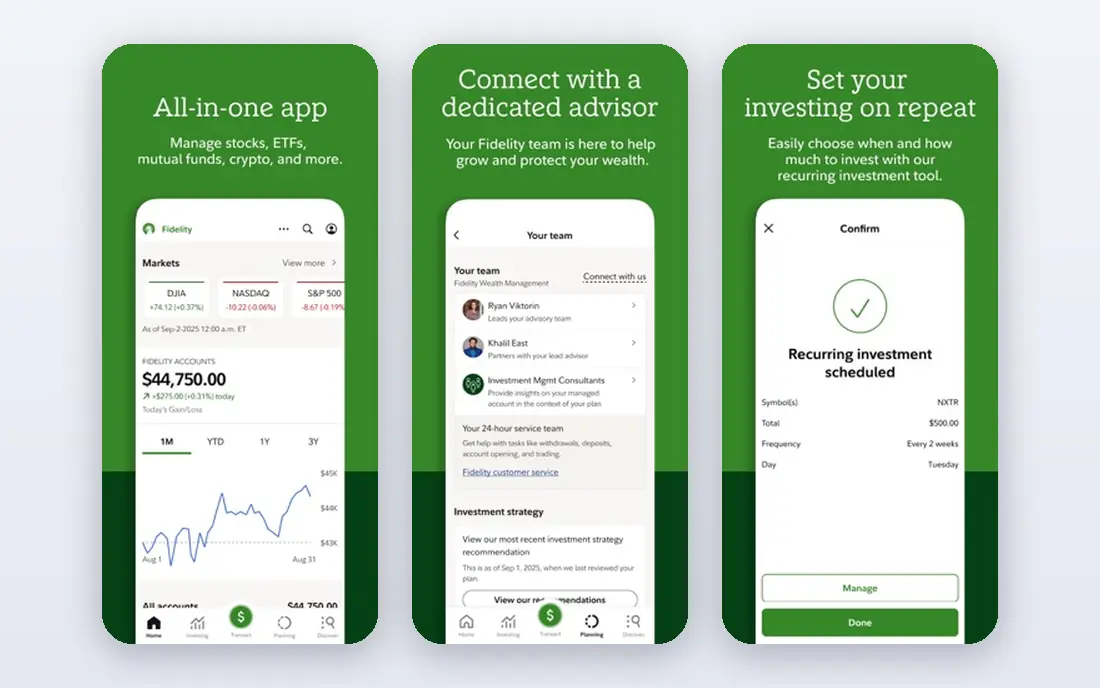
Fidelity is our top pick for beginners who want a broker they will not outgrow. It offers commission-free stock and ETF trades, fractional shares that let you start with small amounts, and research and education that explain investing in plain language. Account choices cover brokerage, retirement, and custodial accounts for families.
The app and website hold many features, so new investors should start with the basic trade and learning screens before exploring advanced tools. For beginners who want low costs plus room to grow into serious investing, Fidelity is hard to beat.
- Commission-free stock and ETF trades
- Fractional shares
- Strong research and education
- App holds many features, so beginners need time to learn it
- Advanced tools can overwhelm
Schwab
Ideal for: Full-service beginner broker
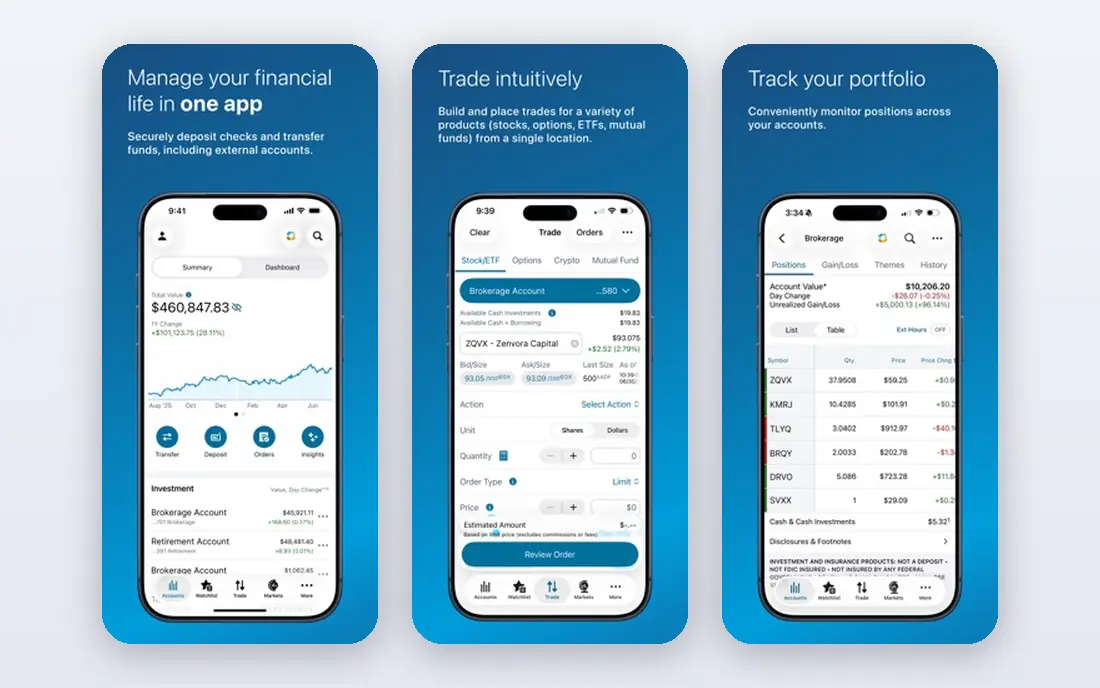
Schwab suits beginners who want a full-service brokerage with human help available. It offers commission-free stock and ETF trades, fractional shares through stock slices, research, education, and branches for in-person questions. That support network reassures first-time investors who want to ask a person, not just read a help page.
The interface feels more traditional than Robinhood or Webull, and some premium features need higher balances. For beginners who value support, trust, and a wide account choice, Schwab is an excellent pick.
- Commission-free stock and ETF trades
- Fractional shares
- Branches and strong support
- Interface feels more traditional than mobile-first rivals
- Some features need higher balances
Robinhood
Ideal for: Simple mobile investing
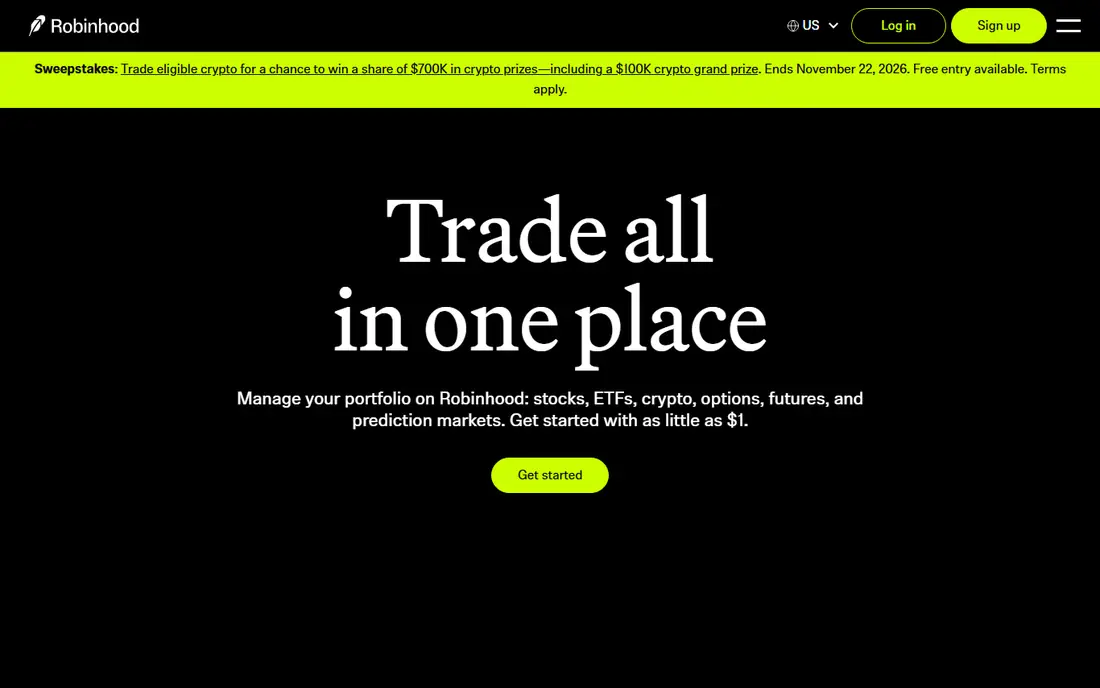
Robinhood is the simplest mobile investing app on this list. Its clean design, commission-free stock and ETF trades, fractional shares, and recurring investments make starting feel easy, even with small amounts. For beginners who mainly use a phone and want to place a first trade in minutes, Robinhood removes friction.
Research and education are thinner than Fidelity or Schwab, and features such as options trading and margin carry real risk for beginners. Use Robinhood for simple, long-term stock and ETF investing, and avoid borrowed money and complex products until you understand them well.
- Very simple mobile app
- Commission-free trades
- Fractional shares and recurring investments
- Research and education are thinner than Fidelity
- Options and margin carry extra risk
Webull
Ideal for: Charts and data for learners
Webull suits beginners who want to learn by watching markets closely. It offers commission-free stock and ETF trades, fractional shares, deep charts, screeners, and market data that go beyond basic apps. Paper trading lets new investors practice with virtual money before risking real funds, which is a valuable learning step.
The interface can overwhelm a true beginner, with many charts and data panels on screen at once. Start with paper trading and basic watchlists, and add advanced tools slowly. For learners who enjoy data, Webull is a strong pick.
- Commission-free trades
- Deep charts and market data
- Paper trading for practice
- Interface can overwhelm true beginners
- Research depth varies by topic
SoFi Invest
Ideal for: Guided beginner investing
SoFi Invest suits beginners who want guidance rather than full control. Its automated portfolios build a diversified mix based on your goals and risk tolerance, while active investing lets you trade stocks and ETFs as you learn. Ties to SoFi banking, lending, and credit products suit members who want money tools in one place.
Stock research is lighter than Fidelity or Schwab, so self-directed investors may want a second source for company research. For hands-off beginners who want a guided start, SoFi Invest is a friendly pick.
- Simple guided investing
- Automated portfolios
- Ties to SoFi banking and lending
- Stock research is lighter than Fidelity
- Automated portfolios suit hands-off investors mainly
Acorns
Ideal for: Automatic round-up investing
Acorns turns spare change into investing through round-ups: everyday card purchases round up to the next dollar, and the difference goes into a diversified ETF portfolio. That automation helps beginners who struggle to save a lump sum, and the app keeps the experience simple with goals and basic education.
Acorns charges a monthly subscription, which can outweigh returns on very small balances, and individual stock choice is limited compared with a full brokerage. For beginners who want investing on autopilot, Acorns is a gentle start, but check the fee against your balance.
- Automatic round-ups from everyday spending
- Diversified ETF portfolios
- Simple app
- Monthly subscription fee
- Limited individual stock choice
Stash
Ideal for: Guided investing with education
Stash combines guided investing with education, offering themed portfolios, fractional shares, and lessons that explain investing as you go. Beginners who want help choosing what to buy, plus a banking tie-in for everyday money, will find Stash approachable.
Like Acorns, Stash charges a monthly subscription, so small balances need to grow before fees feel trivial. Research depth is also lighter than Fidelity or Schwab. For beginners who value guidance and learning in one app, Stash is a solid pick.
- Guided portfolios and stock picks
- Fractional shares
- Education built into the app
- Monthly subscription fee
- Stock research is lighter than full brokerages
How we picked these
We compared official fee pages, app store listings, and public reviews, and we checked that the homepages listed here belong to the products named. We favored brokers and apps that offer low-cost stock and ETF investing, fractional shares or low minimums, and education for beginners. We left out trading platforms built only for professionals, and we focused on US investors, since account rules and fees vary by country.
We also excluded products that failed our fit checks, including tools whose homepages no longer matched the product, tools that covered only a slice of the topic, and tools aimed at a different audience entirely. That filtering matters, because a long list padded with near-misses helps nobody choose. Every product that made the final list covers the core job in the title, works in October 2026, and offers a real path to try or buy it from the vendor directly.
What to check before you open an account
Start with costs and minimums. Confirm commission, account fees, and any subscription charges, and check whether fractional shares let you start with the amount you actually have. A free trade is less valuable if a monthly fee eats a small balance.
Next, pick your account type. Taxable brokerage accounts suit general investing, while IRAs suit retirement saving with tax benefits and rules. If you are unsure, read the broker education pages and consider speaking with a qualified financial professional before choosing.
Finally, start small and steady. Fund an amount you can leave invested, set up recurring investments if offered, and avoid reacting to daily market moves. Diversified ETFs suit most beginners better than single stocks, and long-term habits matter more than picking a perfect first trade.
Plan your exit before you enter. Check how your data exports, which formats are supported, and whether you can leave without losing history, templates, or customer records. A tool with clean exports gives you freedom to change later if pricing, features, or support disappoint you, while a tool with weak exports locks you in quietly. Ask the vendor directly about export limits and migration help, and test an export with a sample of your own data during the trial. That single test often reveals more about a vendor than any sales call, and it protects you if your needs change next year.
Frequently asked questions
What is the best beginner stock investing app?
Fidelity is our pick for most beginners, thanks to commission-free trades, fractional shares, research, and education in one broker. Schwab is a close second for full-service support, while Robinhood suits mobile-first simplicity.
How much money do I need to start investing?
Many apps here let you start with very small amounts through fractional shares or round-ups, sometimes just a few dollars. Check each app for minimums and subscription fees, since a monthly fee can matter more than a minimum on a tiny balance.
Are these apps free to use?
Stock and ETF trades are commission-free at most brokers here, but other costs can apply, including subscription fees at Acorns and Stash, and spreads or fees on other products. Read the fee schedule before funding an account.
Should beginners buy individual stocks or ETFs?
Diversified ETFs suit most beginners better than single stocks, since they spread risk across many companies. Individual stocks can teach research skills, but they carry higher risk if one company struggles. Many beginners start with ETFs and add individual stocks slowly.
Is investing risky for beginners?
Yes, investing carries risk, including the chance of losing money in the short term, even in diversified funds. Invest only money you can leave invested for years, keep an emergency fund separate, and avoid borrowed money or complex products until you understand them.
How often should I review my choice?
Review your main tools at least once a year, and sooner if pricing, team size, or needs change sharply. A quick review covers cost per user, feature use, support quality, and whether the team still likes the tool day to day. If a cheaper or better-fitting option has appeared, run a small pilot before switching, since migration costs can outweigh modest savings. Regular reviews keep you from paying for seats nobody uses or sticking with a tool that no longer fits how your team actually works.