Best Bible Study App in 2026: 8 Apps Compared

- 1
 YouVersion Bible AppDaily reading and plansVisit
- 2
 LogosDeep, library-based studyVisit
- 3
 Olive TreeOffline study on any deviceVisit
- 4
 Bible GatewayReading many translationsVisit
- 5
 AccordanceOriginal-language studyVisit
- YouVersion is the best starting point for most readers, because the core app is free and it offers thousands of Bible versions and reading plans.
- Logos and Accordance suit deeper study, with large libraries of commentaries, original-language tools and linked cross-references.
- Olive Tree sits in the middle, with a free app, offline reading and a large store of books you can add over time.
- Audio-first readers should look at Dwell, which pairs professional narration with background music and listening plans.
- BibleProject and Enduring Word are excellent free companions for understanding context, even if you do most of your reading elsewhere.
Quick comparison
| Product | Ideal for | Price from | Free version | |
|---|---|---|---|---|
| YouVersion Bible App | Daily reading and plans | Free | Yes | Visit |
| Logos | Deep, library-based study | Free | Yes | Visit |
| Olive Tree | Offline study on any device | Free | Yes | Visit |
| Bible Gateway | Reading many translations | Free | Yes | Visit |
| Accordance | Original-language study | Free trial | Free trial (90 days) | Visit |
 Dwell | Listening to Scripture | See website | Free trial (7 days) | Visit |
 BibleProject | Understanding the big story | Free | Yes | Visit |
 Enduring Word | Free verse-by-verse commentary | Free | Yes | Visit |
The best bible study apps
A good Bible study app should do three things well: give you a translation you trust, help you keep a regular reading habit, and help you understand what you read. We compared official feature pages, pricing pages and app store listings for the apps below, looking at translations, study tools, plans, audio and cost. Some of these apps are full study platforms, while others are focused companions, so we note who each one fits best.
YouVersion Bible App
Ideal for: Daily reading and plans
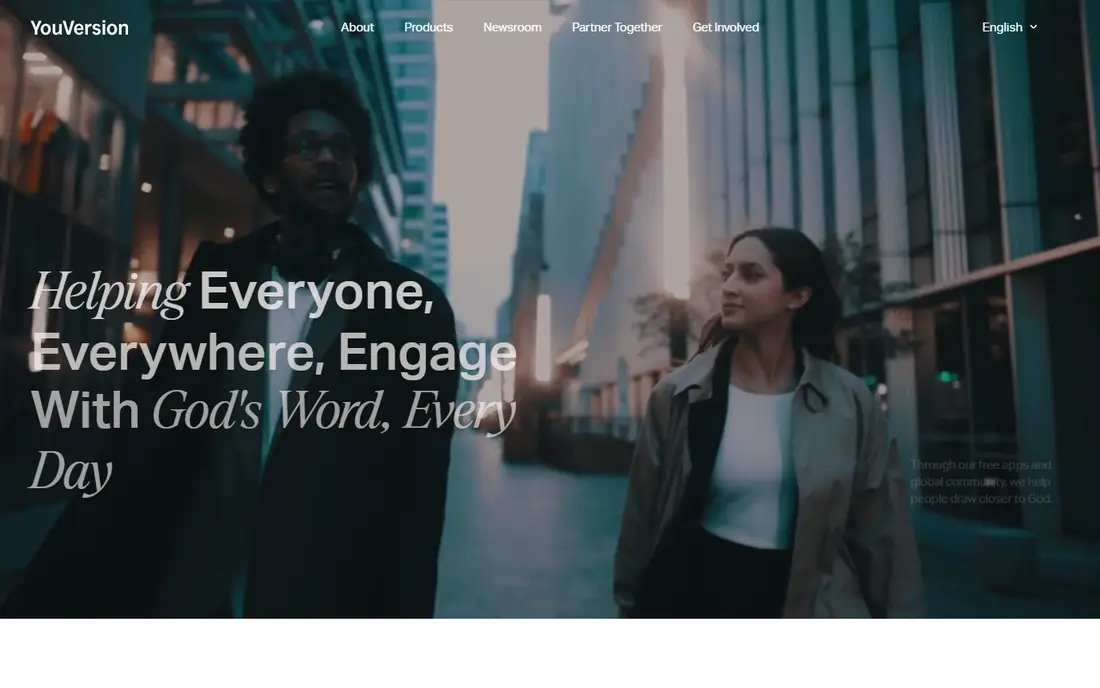
YouVersion is the app most people mean when they talk about a Bible app, and for good reason. Its homepage describes free apps used around the world, with thousands of Bible versions in many languages, plus Bible Plans, audio Bibles and a Verse of the Day. For a reader who wants to open the app each morning and follow a plan, it is hard to beat.
The honest limit is depth. YouVersion is excellent for reading and habit-building, but it is not a research library. If you later want commentaries, word studies and linked reference books, you can pair it with Logos, Olive Tree or Enduring Word. Start here if you are new to Bible reading, and add a study tool only when you feel the need for one.
- Huge range of translations and languages
- Thousands of free reading plans
- Prayer, friends and verse image features built in
- Study tools are lighter than dedicated study platforms
- Some content varies in depth by plan author
Logos
Ideal for: Deep, library-based study
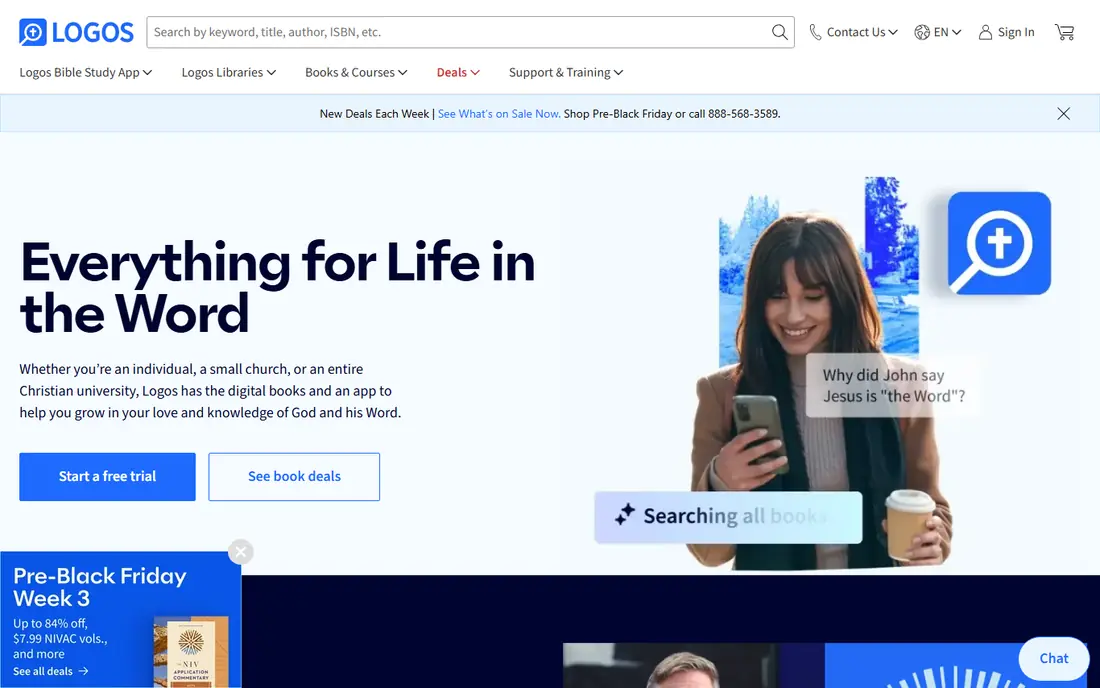
Logos describes itself as both a Christian bookstore and a Bible study app, and that combination is its strength. You buy digital books, and they link together, so a search can pull results from your whole library, and a passage can open related commentary, maps and word studies in a few taps. Its homepage also notes that no subscription is required to keep books you have bought.
The catch is cost and complexity. The app itself is free, but building a serious library adds up, and the many tools can feel overwhelming at first. Logos suits pastors, students and committed readers who study several times a week. Casual readers will be happier starting with YouVersion or Olive Tree and moving to Logos when their study grows.
- Very large digital library
- Books you buy are yours to keep
- Strong search, Factbook and reading plan tools
- Serious libraries can get expensive
- The full feature set takes time to learn
Olive Tree
Ideal for: Offline study on any device
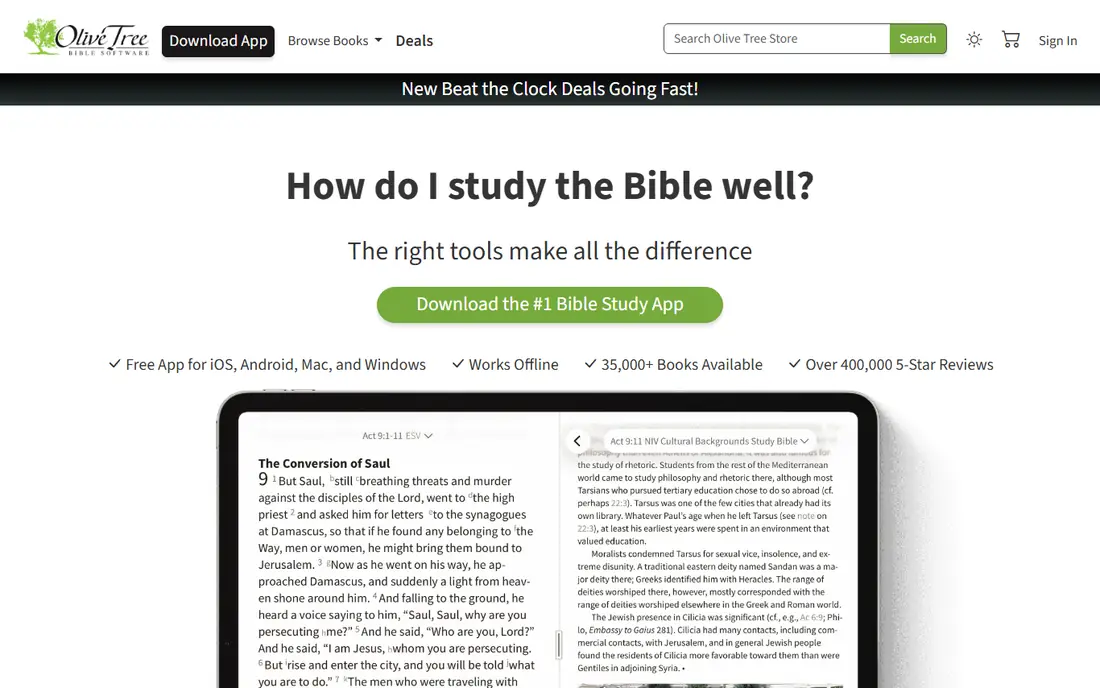
Olive Tree offers a free app for iOS, Android, Mac and Windows, with offline reading and a store of tens of thousands of books. Its Resource Guide pulls relevant sections from your library as you read, and its Strong's Bibles and interlinear tools help with word study. Reading plans, notes, highlights and sync across devices are all included.
What we like most is the balance. Olive Tree is simpler to pick up than Logos, yet it grows with you as you add commentaries and study Bibles. The cost is the same trade-off as Logos: the app is free, but the best books cost money. Buy one study Bible or commentary first, learn the app around it, and add more only when you use what you already own.
- Free app for phones, tablets and computers
- Works offline
- Large store of Bibles, commentaries and study tools
- Best resources are paid purchases
- Interface has many options for new users
Bible Gateway
Ideal for: Reading many translations
Bible Gateway is a searchable online Bible that has served readers for years, and its app brings that same breadth to your phone. Comparing translations side by side is fast, which helps when a verse is unclear in one version. The site also offers a daily verse by email and audio reading for many versions.
The app is best thought of as a reading and reference tool rather than a study library. Bible Gateway Plus adds study notes, commentaries and ad-free reading for a subscription, which is worth considering if you use the site daily. For most readers, the free version covers reading, comparison and listening well.
- More than 150 versions in dozens of languages
- Quick passage lookup
- Daily verse by email
- Audio Bibles
- The app experience is simpler than study platforms
- Deeper study tools sit behind a paid Plus membership
Accordance
Ideal for: Original-language study
Accordance has equipped pastors, students and professors for over thirty years, and it is especially respected for original-language work. Its homepage offers a starter package free for 90 days, after which it costs a set price to keep permanently. Search speed, parsing tools and tight integration between text and tools are its calling cards.
The honest catch is the trial structure: it is a full starter library, not a free-forever app, so set a reminder before the trial ends and decide whether the library is worth keeping. Accordance suits readers who work with Greek or Hebrew, prepare sermons, or want a fast, focused study environment. If you only read in English, Olive Tree or Logos may give you more for less.
- Known for speed and original-language tools
- Large library
- Strong sermon preparation workflow
- The starter offer converts to a paid package after the trial
- Learning curve for advanced tools
Dwell
Ideal for: Listening to Scripture
Dwell calls itself an audio Bible app, and listening is where it shines. You can choose a narrator and a translation, add background music, and follow a listening plan, which makes it a good fit for commutes, workouts and bedtime. Its store page notes a free trial period, after which a subscription applies.
The limit is scope. Dwell is not where you will do word studies or build a commentary library, so pair it with a reading app if you also study on screen. If your main problem is finding time to read, Dwell solves it well: listening counts, and a plan keeps you moving through Scripture even on busy days.
- Many professional narrators across translations
- Original background music
- Listening plans and offline listening
- Audio-focused, so it is not a full study platform
- Subscription needed after the trial
BibleProject
Ideal for: Understanding the big story
BibleProject creates free resources to help people experience the Bible, including animated overview videos for each book, theme videos and a podcast. Its "How to Read the Bible" series is a strong starting point for anyone who finds Scripture confusing. Everything on the site is free, supported by donors rather than subscriptions.
The catch is that BibleProject is a companion, not a replacement for a Bible app. You will still need YouVersion, Olive Tree or another reader for daily reading and plans. Used together, though, this is a powerful pair: read a passage in your Bible app, then watch the overview video for that book to understand where it fits in the larger story.
- Free videos, podcasts and study notes
- Clear overviews of every book of the Bible
- Helpful for new readers
- Not a full Bible reader with many translations
- Best used alongside a reading app
Enduring Word
Ideal for: Free verse-by-verse commentary
Enduring Word offers a free Bible commentary from pastor David Guzik, with notes that walk through the Bible verse by verse. The site also provides a Bible reader tool, audio and video teaching, and thousands of pages of content at no cost. For a reader who wants help understanding a passage without paying for a commentary set, it is an excellent resource.
The honest limit is perspective. A single-author commentary reflects one teacher's views, so it is wise to compare notes with other sources on difficult passages. The site is also web-first rather than a dedicated app, so it works best in a browser or alongside your main Bible app. As a free study companion, though, it is hard to fault.
- Entirely free commentary covering the whole Bible
- Verse-by-verse notes
- Audio and video teaching available
- Single-author commentary, so views reflect one perspective
- Website-first rather than a polished app
How we picked these
We compared official feature pages, pricing pages and app store listings, and we favored apps that are actively maintained, available on major phones, and honest about what is free versus paid. We included both reading apps and study platforms, because different readers need different depths, and we kept free options prominent since cost should not be a barrier to reading. We did not test every feature hands-on; our judgments rest on published features, pricing and public reviews, and we say so where a limit matters.
How to choose the right Bible study app
Start with your habit, not the feature list. If you struggle to read daily, pick an app with plans and reminders, such as YouVersion, and commit to a short plan first. A ten-minute daily plan you finish beats a one-year plan you abandon in February. Set a fixed time, such as breakfast or bedtime, and let the app's reminder do the nudging.
Next, match the tool to your questions. If your questions are about what a passage means, you need commentary and context, so add Olive Tree, Logos or Enduring Word. If your questions are about the big picture, BibleProject's overviews help more than another translation. If you learn by listening, Dwell will get more use than any reading app on your phone.
Finally, watch the cost curve. Most apps here are free to start, and paid costs come from books, subscriptions or Plus memberships. Buy one resource at a time, use it for a month, and only then decide whether another purchase will actually change how you study. A small library you know well beats a large library you never open.
Frequently asked questions
What is the best app for reading the Bible daily?
YouVersion is our pick for most daily readers, because it is free, offers many translations and has thousands of guided plans with reminders. Pair it with BibleProject videos when you start a new book, so you understand the context before you read.
What is the best Bible app for study?
Logos and Accordance lead for deep study, thanks to large linked libraries, original-language tools and strong search. Olive Tree is a good middle ground, with a free app, offline reading and a large store of books you can add gradually.
Are there free Bible study apps?
Yes. YouVersion, BibleProject and Enduring Word are free, and Olive Tree, Logos and Bible Gateway all offer free apps with optional paid content. Paid costs usually come from commentary sets, study Bibles or subscription extras, not from basic reading.
Which Bible app has the best reading plans?
YouVersion has the widest range of plans, from short topical studies to whole-Bible plans, with reminders and progress tracking. Olive Tree and Logos also offer plans, and Dwell offers listening plans for people who prefer audio.
Can I listen to the Bible instead of reading it?
Yes. Dwell is built for listening, with many narrators and translations, and YouVersion and Bible Gateway also offer audio Bibles. Listening plans work well for commutes and workouts, and you can follow along with the text when you want to study a passage more closely.
Do I need more than one Bible app?
Many readers use two: one for daily reading and plans, and one for study or listening. A common pair is YouVersion for reading plus Enduring Word or Olive Tree for study, or Dwell for listening plus a reading app for notes. Start with one app, and add a second only when you hit a clear limit.