Best Free Bill Organizer Apps in 2026: 8 Apps Compared

- 1
 Rocket MoneyAutomatic bill and subscription trackingVisit
- 2
 YNABFull budgeting methodVisit
- 3
 PocketGuardSeeing what is safe to spendVisit
- 4
 GoodbudgetEnvelope budgeting with a partnerVisit
- 5
 EveryDollarSimple zero-based budgetingVisit
- Rocket Money is the best free starting point for most households, since its free tier detects subscriptions and tracks upcoming bills from linked accounts.
- YNAB is the best paid upgrade for households that want a full budgeting method behind their bill tracking, with a free trial to test it.
- PocketGuard and Goodbudget suit different styles: PocketGuard for automatic tracking, Goodbudget for manual envelope budgeting shared with a partner.
- Note that Prism, a once-popular bill app, closed in 2024, so older recommendations naming it are out of date.
- Turn on autopay for fixed bills, use reminders for variable bills, and check your linked accounts regularly, since a missed connection can hide a due date.
Quick comparison
| Product | Ideal for | Price from | Free version | |
|---|---|---|---|---|
| Rocket Money | Automatic bill and subscription tracking | Free | Yes | Visit |
| YNAB | Full budgeting method | See website | Free trial | Visit |
| PocketGuard | Seeing what is safe to spend | Free | Yes | Visit |
| Goodbudget | Envelope budgeting with a partner | Free | Yes | Visit |
| EveryDollar | Simple zero-based budgeting | Free | Yes | Visit |
 Spendee | Shared wallets and tracking | Free | Yes | Visit |
 Wallet by BudgetBakers | Bank sync and bill reminders | Free | Yes | Visit |
 Copilot Money | Apple-focused money tracking | See website | Free trial | Visit |
The best bill organizer apps free
These eight apps help you track due dates, spot subscriptions and avoid late fees. We compared official pricing pages, feature pages and public reviews, focusing on what each free tier actually covers in October 2026.
Rocket Money
Ideal for: Automatic bill and subscription tracking
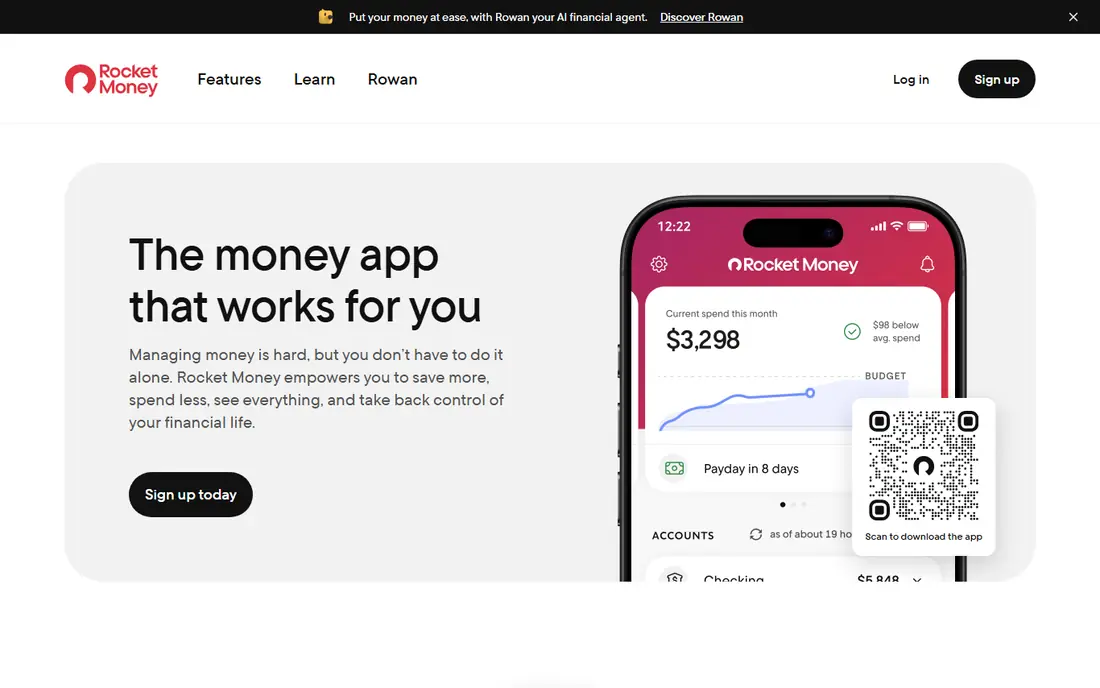
Rocket Money is the closest thing this list has to a mainstream default. Link your accounts once and it scans for recurring charges, lists upcoming bills, flags amount changes and sends balance alerts. The free plan covers the core job: subscription detection, bill tracking, transaction history and basic budgeting.
Premium runs $7 to $14 per month on a pay-what-you-think-is-fair model, and adds cancellation help, unlimited budgets and automated savings. Bill negotiation is available too, but Rocket Money takes 35 to 60 percent of first-year savings when it succeeds. If all you want is to never miss a due date, the free tier is enough, and you can ignore the upsells.
- Free tier detects subscriptions and tracks upcoming bills
- Balance alerts
- Bill negotiation option
- Premium costs $7 to $14 per month
- Cancellation help and unlimited budgets sit behind Premium
YNAB
Ideal for: Full budgeting method
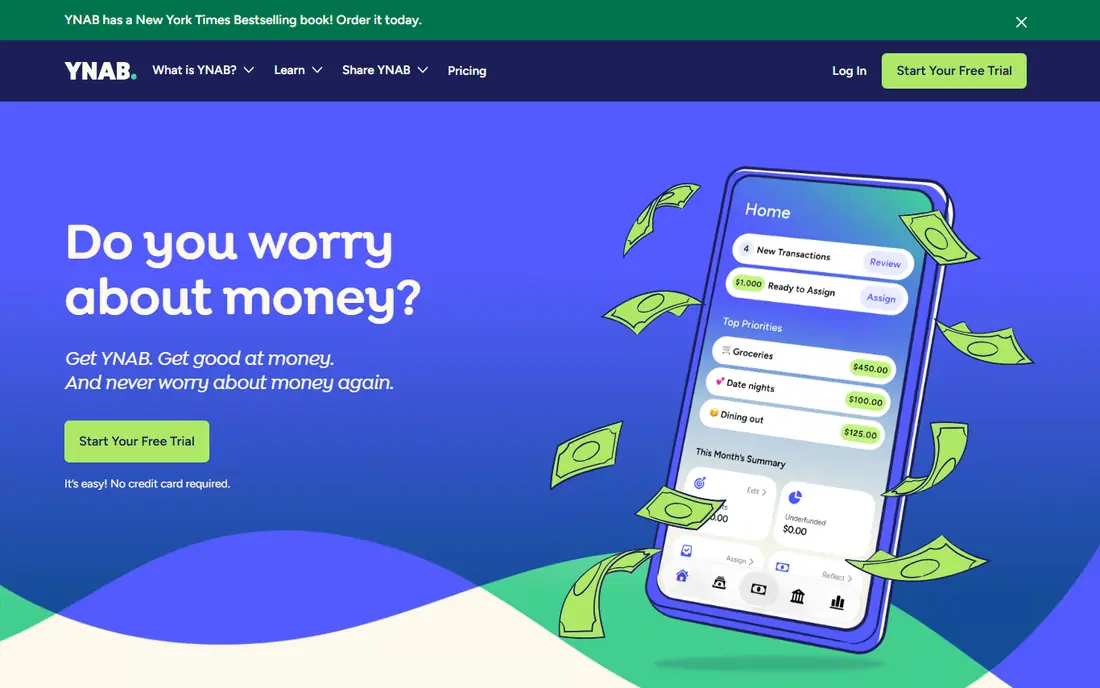
YNAB, short for You Need a Budget, is the best pick when bill tracking is part of a bigger budgeting habit. Its method asks you to give every dollar a job, schedule recurring bills as planned transactions, and age your money so bills are funded before they arrive. That discipline prevents the end-of-month scramble that causes late fees.
There is no permanent free tier, only a free trial, and the subscription price should be checked on the vendor site before budgeting. For households that want structure rather than just reminders, YNAB's method is worth learning, and its community and workshops help new users get started.
- Teaches a clear budgeting method
- Scheduled transactions for bills
- Strong goal tools
- Subscription-based with no permanent free tier
- Learning curve for new users
PocketGuard
Ideal for: Seeing what is safe to spend
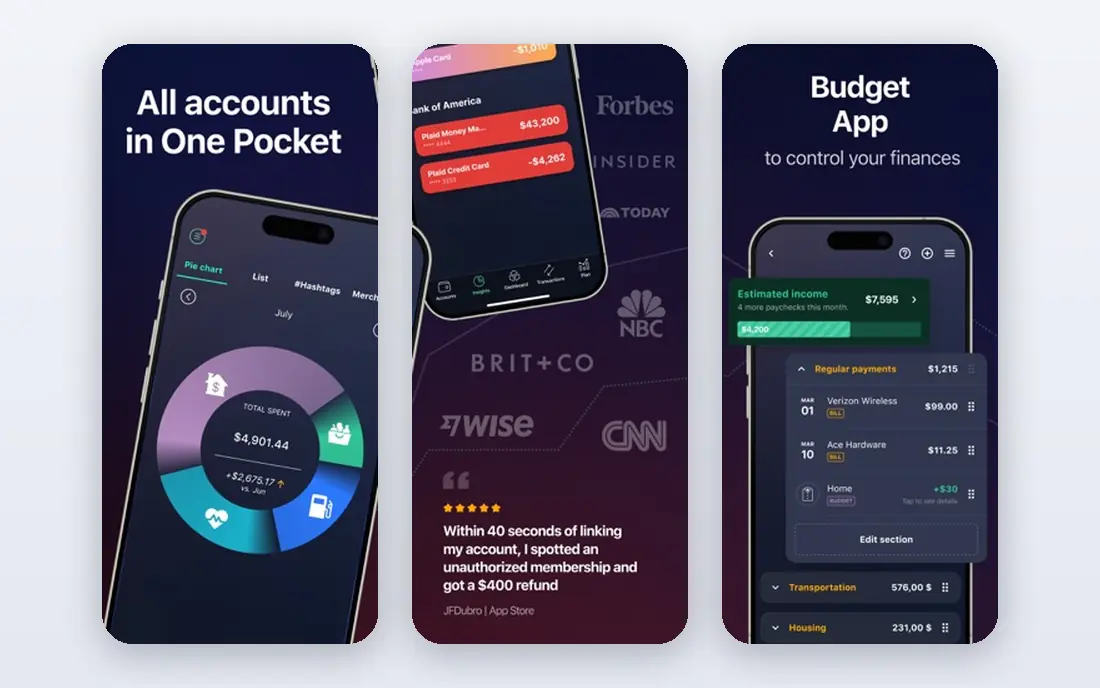
PocketGuard answers a simple question after bills are accounted for: what can I safely spend. It links accounts, tracks recurring bills and subscriptions, and subtracts upcoming obligations from your balance to show what remains. That single number makes it easy to avoid spending bill money by accident.
The free plan covers core tracking, while paid plans add more categories, unlimited goals and custom categories. Bank sync quality varies by institution, so test your own banks during the free period. For a quick, glanceable view of bills versus spending room, PocketGuard is a good fit.
- Shows "In My Pocket" safe-to-spend figure
- Tracks recurring bills
- Simple interface
- Free plan is thinner than paid
- Bank sync can be limited by institution
Goodbudget
Ideal for: Envelope budgeting with a partner
Goodbudget digitizes the envelope method: you divide money into envelopes for rent, utilities, groceries and other bills, then spend from each envelope. The free tier covers core budgeting with a limited number of envelopes and accounts, and it syncs between partners, so two people can manage household bills together.
Manual entry is the trade-off. Without automatic bank sync on the free tier, you enter transactions yourself, which takes time but keeps you aware of spending. Households that like hands-on budgeting, or that share bills with a partner, will find Goodbudget's simplicity appealing.
- Envelope method that partners can share
- Free tier covers core budgeting
- Manual entry keeps awareness high
- Manual entry takes effort
- No automatic bank sync on the free tier
EveryDollar
Ideal for: Simple zero-based budgeting
EveryDollar, from Ramsey Solutions, keeps bill organizing simple: build a monthly budget, assign every dollar to a category including each bill, and track spending against it. The free tier covers manual budgeting, which is enough for households that do not mind entering transactions themselves.
Automatic bank connections sit on the paid tier, so free users trade convenience for cost. If you like a clean, simple budget and you are comfortable with manual entry, EveryDollar is an easy, low-friction way to keep bills visible.
- Clean zero-based budgeting
- Free tier for manual budgets
- Bill tracking inside the budget
- Bank connection and automatic transaction import need the paid tier
Spendee
Ideal for: Shared wallets and tracking
Spendee combines expense tracking with bill reminders and shared wallets, which suits households and roommates who split bills. Create a shared wallet, add recurring bills, set reminders, and everyone sees what is due and who paid. Visual reports make it easy to spot where money goes each month.
Bank sync depends on your country and bank, so some users will enter transactions manually. Premium adds unlimited wallets, bank sync where available and deeper reports. For shared household bills, Spendee's wallet model is a practical choice.
- Shared wallets for households
- Bill reminders
- Clean visual reports
- Bank sync availability varies by country and bank
- Advanced features need Premium
Wallet by BudgetBakers
Ideal for: Bank sync and bill reminders
Wallet by BudgetBakers links bank accounts where supported, tracks bills and planned payments, and sends reminders before due dates. Spending reports break down categories, and the app works well for users who want bank-driven tracking without a complex budgeting method. The free tier covers core use, with Premium adding more accounts and features.
Bank coverage varies, and some institutions require manual import, so check your banks during the free period. For a straightforward tracker with reminders and reports, Wallet is a dependable option.
- Bank sync in many countries
- Bill reminders and planned payments
- Spending reports
- Free tier has limits
- Some banks need manual import
Copilot Money
Ideal for: Apple-focused money tracking
Copilot Money is the polished pick for Apple users. It tracks accounts, recurring transactions and subscriptions, categorizes spending intelligently, and presents bills and budgets in a clean interface on iPhone, iPad and Mac. Recurring detection helps you spot subscriptions you forgot about.
The limits are platform and price: it runs only on Apple devices, and it is subscription-based with a free trial rather than a permanent free tier. For an Apple household that wants a beautiful, accurate tracker and is willing to pay, Copilot is worth a trial.
- Polished Apple app
- Recurring transaction tracking
- Smart categorization
- Apple platforms only
- Subscription-based with a free trial, no permanent free tier
How we picked these
We compared official pricing pages, feature pages and public reviews for bill organizer and budgeting apps available in October 2026. We favored apps with a working free tier or trial, real bill tracking or reminder features, and current availability, and we excluded apps that have shut down, including Prism, which closed in 2024.
What to check before you organize your bills in an app
Start by listing every bill you actually have, with its due date, amount pattern and payment method. Fixed bills such as rent and internet suit autopay, while variable bills such as credit cards need reminders, since you may want to pay more than the minimum. An app only helps if your full list is inside it.
Then test the connection. Link your banks and check that transactions and upcoming bills appear correctly for two weeks before relying on reminders. A broken link can hide a due date, so keep an eye on the app's connection status and re-link promptly when a bank asks.
Finally, protect your accounts. Use a strong, unique password and two-factor authentication, review which accounts you linked, and remove old connections when you change banks. Check the app's privacy policy for how transaction data is used, and prefer apps that connect through secure APIs rather than storing your bank password directly.
Frequently asked questions
What is the best free bill organizer app?
Rocket Money is the best free starting point for most households, since its free tier detects subscriptions and tracks upcoming bills automatically. PocketGuard and Goodbudget are strong free alternatives for different budgeting styles.
Is Prism still available?
No, Prism closed in 2024, so older articles recommending it are out of date. Rocket Money, PocketGuard and the other apps in this list are current alternatives for bill tracking.
Can a bill app pay my bills for me?
Some apps support in-app payment for certain billers, but most focus on tracking and reminders, with payment handled through your bank or the biller. Check each app's payment features for your specific billers before relying on it.
Should I use autopay or a bill tracker app?
Use both. Autopay handles fixed bills with no effort, while a tracker app handles variable bills, one-time bills and irregular invoices, which are where most late fees happen. A weekly check of non-autopay bills catches anything that slips through.
Is it safe to link my bank account to a bill app?
Most modern apps connect through secure APIs that let you authorize access without sharing your full bank login. Use two-factor authentication, review linked accounts regularly, and prefer your bank's own bill pay when you want the highest level of control.