8 Best BIM Objects Software and Libraries for 2026

- 1
 BIMobjectThe broadest library of manufacturer BIM objectsVisit
- 2
 bimstoreUK designers looking for manufacturer BIM contentVisit
- 3
 NBS National BIM LibraryStandards-based objects tied to NBS specificationsVisit
- 4
 BIMsmithConfiguring assemblies and researching products for RevitVisit
- 5
 CADdetailsNorth American CAD drawings, BIM models, and specificationsVisit
- BIM object libraries save design time by providing manufacturer-accurate Revit families, CAD details, and specifications in one place.
- BIMobject is the largest general library, while BIMsmith Forge stands out for configuring wall, floor, and roof assemblies.
- Always check an object's level of detail, parameters, and source before placing it: a pretty model with wrong data creates problems later.
- Most libraries are free for designers, with manufacturers paying to publish, so cost rarely decides the choice.
- Use more than one library: no single source covers every product category well.
Quick comparison
| Product | Ideal for | Price from | Free version | |
|---|---|---|---|---|
| BIMobject | The broadest library of manufacturer BIM objects | Free | Yes | Visit |
| bimstore | UK designers looking for manufacturer BIM content | Free | Yes | Visit |
| NBS National BIM Library | Standards-based objects tied to NBS specifications | Free | Yes | Visit |
| BIMsmith | Configuring assemblies and researching products for Revit | Free | Yes | Visit |
| CADdetails | North American CAD drawings, BIM models, and specifications | Free | Yes | Visit |
 Arcat | Building product research with specs and CAD details | Free | Yes | Visit |
 MagiCloud | MEP designers who need manufacturer content in MagiCAD | Free | Yes | Visit |
 Sweets | Product catalogs, specs, and CAD details in one directory | Free | Yes | Visit |
The best BIM objects software
BIMobject
Ideal for: The broadest library of manufacturer BIM objects
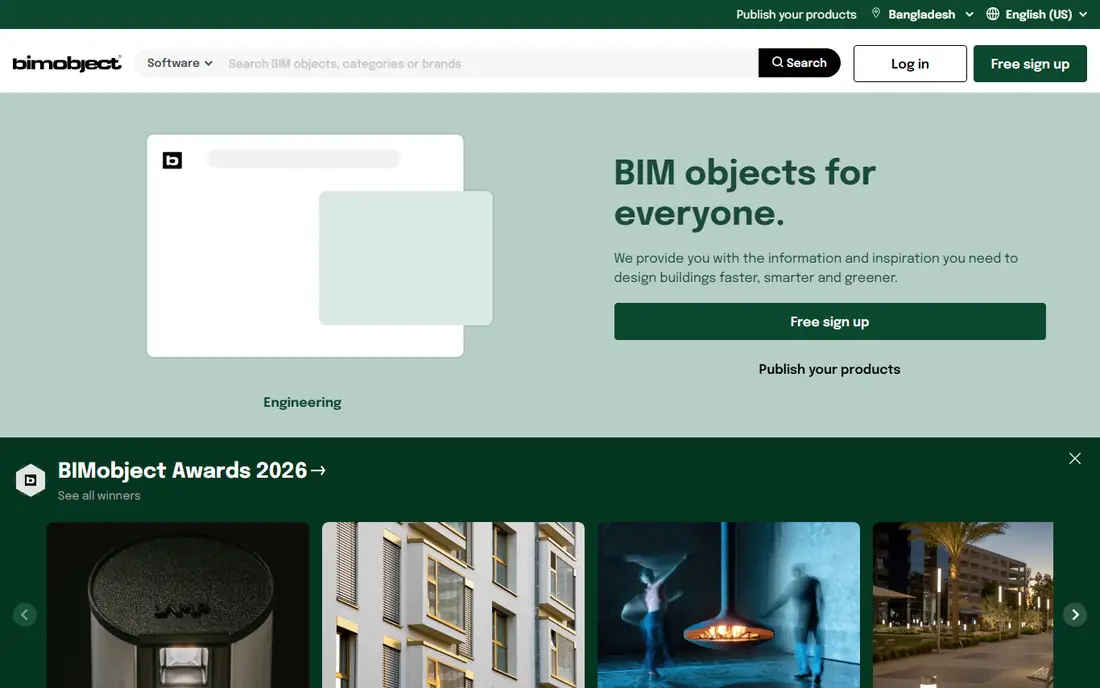
BIMobject is one of the largest platforms for BIM objects, offering free downloads of Revit families and BIM content from building product brands around the world. Designers can browse brands and categories, download high-quality objects for common design software, and ask manufacturers questions directly through the platform. The catalog covers furniture, lighting, sanitaryware, doors, windows, and many other categories, and the platform reports use by many of the world's largest architectural firms. As with any large library, quality varies by manufacturer: check parameters, level of detail, and file size before placing an object in a production model. For breadth alone, BIMobject is the first library most designers check.
- Very large brand catalog, free downloads, direct manufacturer communication
- Quality varies by manufacturer, some objects need cleanup before use
bimstore
Ideal for: UK designers looking for manufacturer BIM content
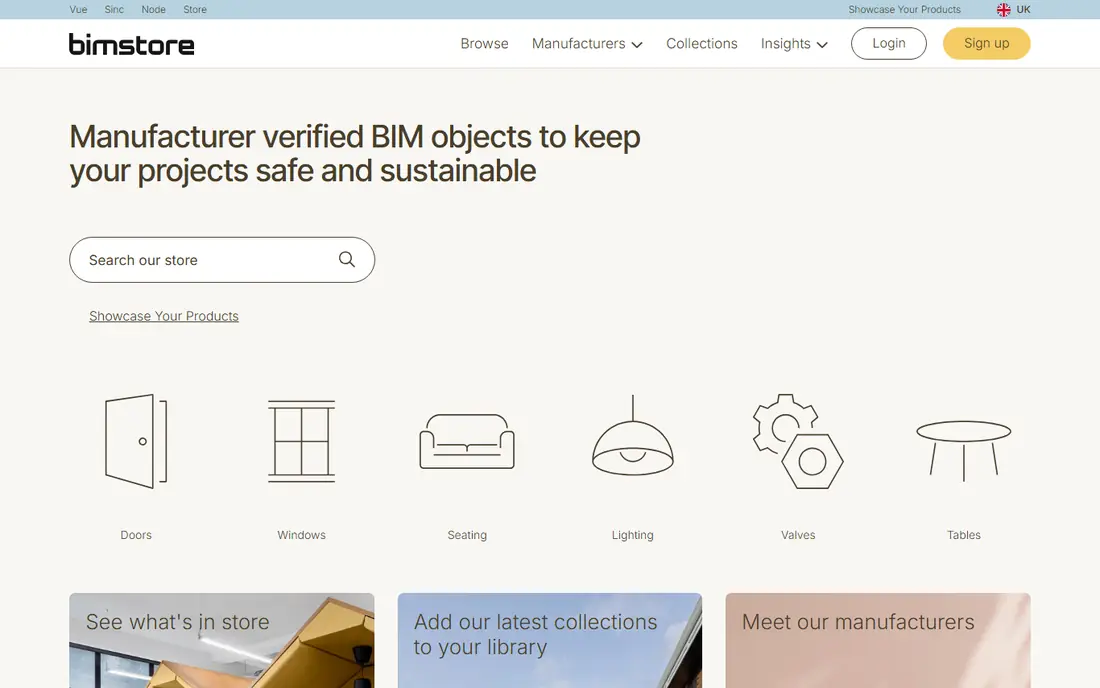
bimstore is a UK-based BIM content library offering free downloads of manufacturer objects for Revit and other formats. Its strength is UK manufacturer coverage and content shaped around UK practice, including objects with data structured for specification and scheduling. Designers can search by product type or manufacturer, download objects, and keep them organized in project collections. Manufacturers use bimstore to publish and update their content, which helps keep objects current. The catalog is smaller than BIMobject's global library, and international brands outside the UK may be thinner. For UK projects, bimstore's local focus makes it a valuable second source alongside BIMobject.
- Strong UK manufacturer coverage, free downloads, Revit and IFC formats
- UK focus limits some international brands, smaller catalog than BIMobject
NBS National BIM Library
Ideal for: Standards-based objects tied to NBS specifications
The NBS National BIM Library provides BIM objects built to consistent data standards, with links to NBS specifications that many UK practices already use. That standards link is its main advantage: an object from the library carries structured data that aligns with specification clauses, reducing the rework that comes from inconsistent manufacturer data. Objects cover common building products in formats for major design tools, and the library is free for designers to use. Its catalog is more curated than the largest libraries, so a designer may still need BIMobject or bimstore for a specific brand. For practices that value consistent data and specification alignment over sheer catalog size, the National BIM Library is a strong choice.
- Consistent data standards, specification links, trusted UK source
- UK-centric, catalog smaller than general libraries
BIMsmith
Ideal for: Configuring assemblies and researching products for Revit
BIMsmith combines two free tools: Forge, which lets architects configure complete wall, floor, ceiling, and roof assemblies from generic and manufacturer product data and download them for Revit, and Market, a research tool for discovering, comparing, and downloading thousands of building products for Revit, AutoCAD, SketchUp, and more. Forge is the standout feature: instead of assembling layers by hand, a designer configures an assembly, sees how products interact, and downloads a ready system family. Market covers furniture through floor drains from hundreds of brands. BIMsmith is Revit-centered, so teams on other platforms get less value, and its assembly focus suits building envelope and interior work best. For Revit teams, BIMsmith earns a permanent place in the workflow.
- Free Forge assembly configurator, Market product research, manufacturer data
- Revit-centered, assembly focus may not suit every workflow
CADdetails
Ideal for: North American CAD drawings, BIM models, and specifications
CADdetails is a North American source for free CAD drawings, BIM models, Revit families, SketchUp models, and construction specifications from manufacturers. Its catalog spans building products from major brands, with featured manufacturers, projects, and 3D models to browse, and specifying firms including many large design practices use the platform. The inclusion of specifications alongside models is practical: a designer can pull the drawing, the model, and the spec language from one manufacturer page. The site packs a lot onto each page, which can feel busy, and object quality varies by manufacturer as with other libraries. For North American projects, CADdetails is a reliable and free source that complements BIMobject well.
- Free CAD and BIM downloads, specs included, strong North American coverage
- Interface feels busy, content depth varies by manufacturer
Arcat
Ideal for: Building product research with specs and CAD details
Arcat describes itself as the largest building product research and specification platform in North America, offering a comprehensive library of building product content organized by CSI divisions. Downloads do not require registration, which removes friction for a designer in a hurry, and an account opens up additional features. Arcat's strength is research depth: product information, specifications, CAD details, and BIM content sit together, so a specifier can move from discovery to documentation without changing platforms. Its Revit family catalog is less central than BIMobject's, so teams that need ready families for every product should pair Arcat with a family-focused library. For specification-driven work, Arcat is an excellent research starting point.
- Largest North American research library claim, no registration to download, CSI divisions
- Research focus means fewer ready Revit families than BIMobject
MagiCloud
Ideal for: MEP designers who need manufacturer content in MagiCAD
MagiCloud is the cloud library behind MagiCAD, the MEP design software for Revit and AutoCAD, offering manufacturer product data for heating, ventilation, air conditioning, plumbing, and electrical design. Its strength is MEP specificity: products carry the technical data MEP engineers need for calculations and sizing, not just geometry, and they integrate directly into MagiCAD workflows. That makes MagiCloud essential for MagiCAD users and less relevant for architects seeking furniture or finishes. Access is free for designers using the platform, with manufacturers publishing their products into the library. For MEP teams on MagiCAD, MagiCloud is the definitive content source; for others, it is a reminder to choose the library that matches your discipline.
- MEP-focused product data, MagiCAD integration, large manufacturer catalog
- Value tied to MagiCAD use, less useful for architectural objects
Sweets
Ideal for: Product catalogs, specs, and CAD details in one directory
Sweets, from ConstructConnect, is a long-running directory of building products offering catalogs, specifications, CAD details, and BIM content from manufacturers. Its catalog-style experience suits specifiers who want to compare products across manufacturers and pull documentation in one place, and its history in the construction industry gives it broad manufacturer coverage. BIM family depth varies by manufacturer, so designers may need to supplement Sweets with BIMobject or BIMsmith for ready families. Access is free for design professionals. For research and specification work, especially when comparing several manufacturers for one product type, Sweets remains a useful and free resource.
- Long-running product directory, catalogs and specs together, free access
- Catalog-style experience, BIM family depth varies
How we picked these
We looked for libraries and tools whose core job is providing BIM objects and building product content for design teams, covering general libraries, standards-based libraries, assembly configurators, and discipline-specific sources. We favored services with a live vendor site and free designer access, and we balanced global, UK, and North American coverage. We compared official feature pages and public reviews, and we left out manufacturer-only catalogs with a single brand, since this list is about libraries designers use across projects. Note that Polantis, once a standalone BIM library, now redirects to BIMobject, so we list BIMobject rather than Polantis as a separate entry.
How to judge a BIM object before you use it
Download the object into a test project, not a live model. Check that its parameters match the manufacturer's data sheet, that its level of detail suits your project stage, and that its file size will not slow the model. Look for correct materials, sensible origin points, and clean geometry without hidden elements that inflate schedules. Confirm the object version matches the product you intend to specify, because manufacturers update products and old families linger online. Finally, record the source in your project standards: when a question arises on site, knowing exactly which library and version an object came from saves hours of argument.
Frequently asked questions
What is a BIM object?
A BIM object is a digital representation of a real building product, with geometry plus data such as dimensions, materials, and performance values, that can be placed in a building model and scheduled.
Are BIM object libraries free?
Mostly yes for designers. Libraries such as BIMobject, bimstore, and CADdetails offer free downloads, with manufacturers paying to publish their products. Some premium or publishing features may be paid.
What formats do BIM objects come in?
Commonly Revit families, IFC, SketchUp, ArchiCAD, and CAD formats such as DWG. Check that the library supports your design software before relying on it.
How do I know if a BIM object is accurate?
Compare its parameters and dimensions against the manufacturer's data sheet, check its level of detail, and test it in a sample project. Treat any object as unverified until you have checked it.
What is the difference between a generic and a manufacturer object?
A generic object represents a product type without brand data. A manufacturer object represents a specific product with real dimensions and data, which is what you need for specification and procurement.
Can I use BIM objects from several libraries in one project?
Yes, and most practices do. Use the library that is strongest for each product category, and keep project standards for naming, parameters, and level of detail consistent across sources.