Blog Platform: 7 Options Side by Side (2026)

- The list opens with Blogger, aimed at a free, no-fuss personal blog.
- The lowest published monthly entry price here is Basic $15/mo, from Webflow.
- 7 out of 7 tools include a free plan, among them Blogger, Wix, Medium and Substack.
- For custom-designed sites without writing code, Webflow is worth a look.
- Medium comes with a trade-off: almost no SEO benefit to your own site.
Direct answer
This list puts Blogger first for a free, no-fuss personal blog. If your case is different, Wix suits beginners who want the easiest start and Medium suits writing for an existing readership. Details, prices and limits for the rest of the 7 tools are below.
Quick comparison
| Product | Ideal for | Price from | Free version | |
|---|---|---|---|---|
 Blogger | A free, no-fuss personal blog | Free | Yes | Visit |
 Wix | Beginners who want the easiest start | Light $17/mo (billed yearly) | Yes | Visit |
 Medium | Writing for an existing readership | Free (reader membership $5/mo or $50/yr) | Yes | Visit |
 Substack | Building a premium newsletter audience | Free (10% of premium subscriptions plus Stripe fees) | Yes | Visit |
 Ghost | Publishing plus premium newsletters without plugins | $9/mo billed yearly for Ghost(Pro) Starter (self-hosting is free) | Yes | Visit |
 WordPress.org | Full control and the best blog product for SEO | Free (hosting and domain cost extra) | Yes | Visit |
 Webflow | Custom-designed sites without writing code | Basic $15/mo (billed yearly) | Yes | Visit |
Blog Platform, one by one
Ainotely compared 7 tools for blog platform. The goal is a practical shortlist: published prices, free plan facts, best-fit use cases and honest limits for every entry.
Blogger
Ideal for: A free, no-fuss personal blog
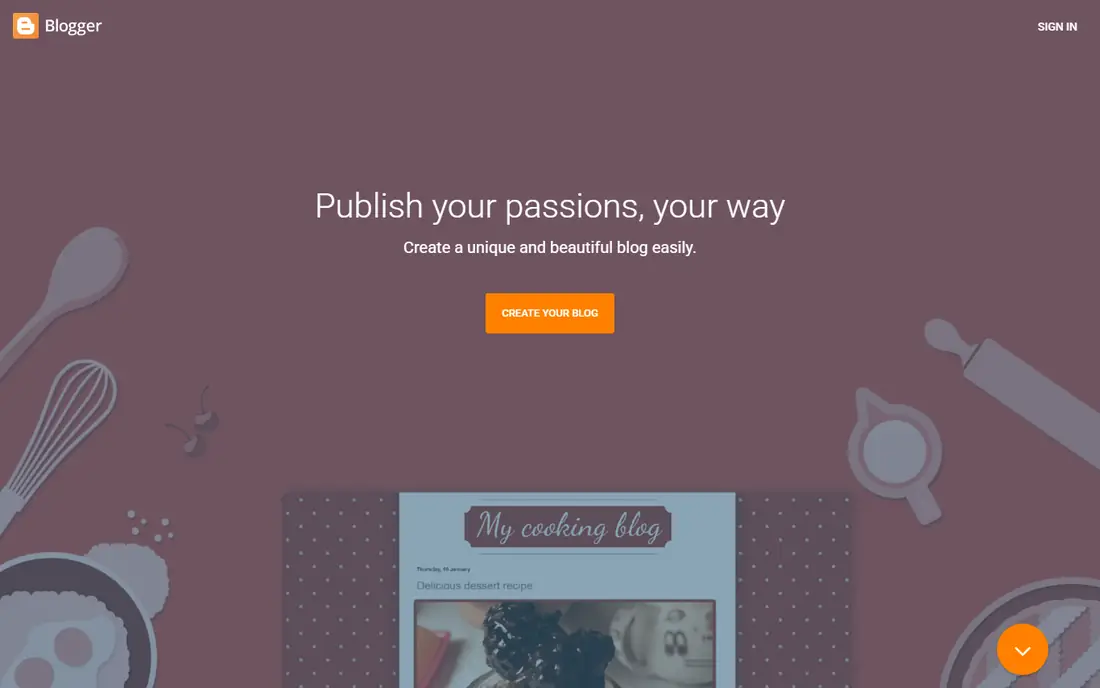
Blogger works best for a free, no-fuss personal blog. There is a persistent background worry that Google could wind it down.
As for the details, Blogger is the veteran that never quite retired. That is also the problem. What you pay to start with Blogger: Free. Blogger offers a free plan.
Honest limits: Weak SEO tooling next to modern choices.
- Fully free with Google's reliability
- Straightforward to start
- Dated product with little active development
Wix
Ideal for: Beginners who want the easiest start
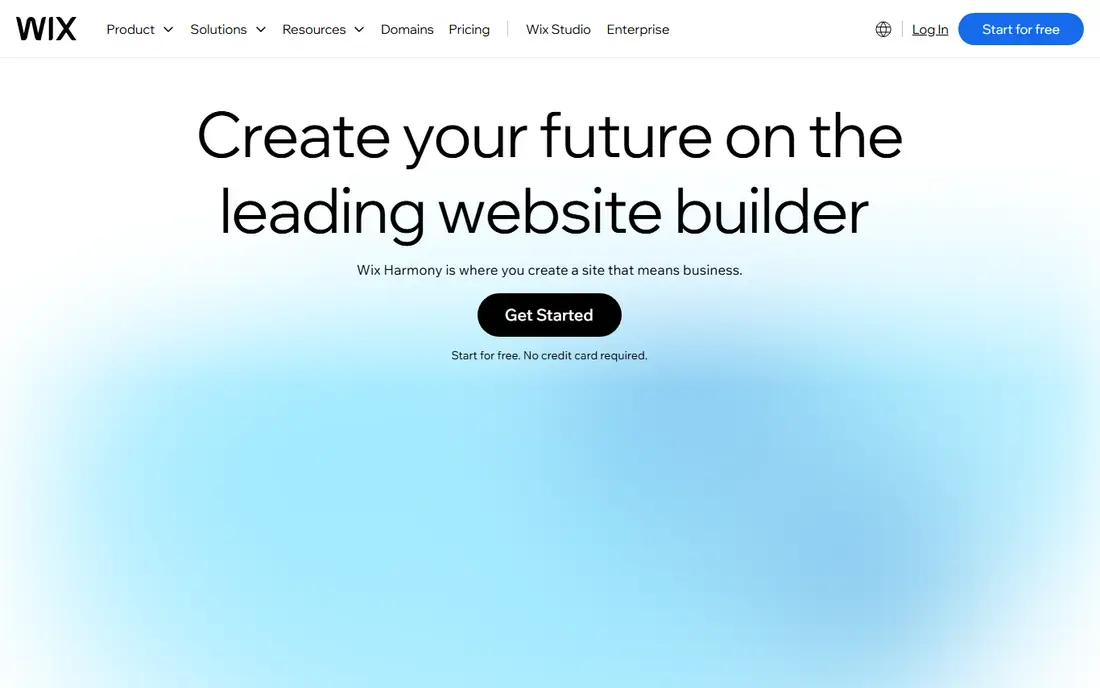
Wix is built with beginners who want the easiest start in mind. The drag-and-drop editor needs no technical skill, the free plan lets you build a real site before paying, and the template library covers just about every industry. The Light plan at $17 per month (billed yearly) spans a straightforward blog with a custom domain, whereas selling products or booking appointments pushes you to the $29 Core plan or higher.
Read the fine print before you commit years of content to it. As for the details, for a small business that needs a decent blog attached to a brochure site, and needs it this week, Wix provides. Starting cost for Wix: Light $17/mo. Wix offers a free plan.
Honest limits: Costs climb as you add apps.
- Enormous template library
- True drag-and-drop building
- Blog posts cannot be exported to another product
Medium
Ideal for: Writing for an existing readership

Medium was built for writing for an existing readership. Publishing is free and instant, the built-in audience means your first post can find readers without any promotion, and the reading experience is very good. In practice, what it does not do is build your asset.
Downsides: Limited monetization for writers.
In daily use, your articles live on Medium's domain, the SEO value accrues to Medium, and branding choices are thin. Beyond that, the Partner Program pays writers based on member reading time, but it is pocket money for most. What you pay to start with Medium: Free. Free access exists with Medium.
- Clean reading experience
- Zero setup
- Almost no SEO benefit to your own site
Substack
Ideal for: Building a premium newsletter audience
Choose Substack for building a premium newsletter audience. Substack turned the newsletter into a business model. As for the details, for an individual writer or a small team testing whether anyone will pay for their content, there is no quicker validation.
Where it is weaker: 10% revenue cut on premium subscriptions.
In daily use, design control is minimal, SEO benefits flow largely to Substack's domain instead of yours, and moving your publication elsewhere later is possible but awkward. As for the details, the price of that simplicity is a 10% cut of subscription revenue plus payment processing fees, which stings once the audience grows. Worth adding: publishing is free, setting up premium subscriptions takes minutes, and the network effect means readers can discover you inside the Substack ecosystem. What you pay to start with Substack: Free. Substack offers a free plan.
- Simple premium subscriptions
- Free to start with a built-in discovery network
- Product lock-in
Ghost
Ideal for: Publishing plus premium newsletters without plugins
Ghost was built for publishing plus premium newsletters without plugins. Everyone else uses Ghost(Pro), the managed hosting, which begins at $9 per month billed yearly for the Starter plan with a 14-day trial. Worth adding: Ghost is what you get when a team builds a blogging product and refuses to bolt on anything else.
Strengths: You keep all revenue.
Trade-offs to know: Self-hosting needs technical comfort.
In practice, the editor is clean and quick, publishing feels modern, and memberships, premium subscriptions, and email newsletters work from day one with no plugin stack to maintain. Unlike Substack, Ghost takes no cut of your subscription revenue. What you pay to start with Ghost: $9/mo billed annually for Ghost(Pro) Starter. Ghost includes a free tier.
- Focused writing experience
- Quick
- Smaller theme and integration ecosystem
WordPress.org
Ideal for: Full control and the best blog product for SEO
WordPress.org works best for full control and the best blog product for SEO. For a business blog whose job is search traffic, it is still the default answer. Budget roughly $50 to $300 per year for a small business blog once hosting, a domain.
One or two premium plugins are counted. For everyday use, the trade is responsibility. You rent hosting (shared plans start around a handful of dollars per month, managed WordPress hosting runs higher), you install updates. You are the one who fixes things when a plugin misbehaves. More specifically, firms serious about organic search accept that cost gladly, since no hosted builder matches this level of control. WordPress.org starts at: Free. WordPress.org has a free plan.
Where it falls short: Real costs add up with hosting and premium plugins.
- You own the site outright
- Thousands of plugins and themes
- You manage updates, security, backups
Webflow
Ideal for: Custom-designed sites without writing code
Where Webflow fits: custom-designed sites without writing code. Agencies love it for client sites where the design cannot look templated.
Blogging specifically needs the Premium site plan at $25 per month billed yearly, since the $15 Basic plan has no CMS. Entry price for Webflow: Basic $15/mo. You can start on Webflow without paying.
Downsides: Steeper ramp-up time.
- Clean code output
- Precise visual design control
- Blog CMS features need the $25/mo Premium plan
What went into this list
We compared the tools on published pricing, free plan or trial availability, feature coverage for blog platform, and the limits each vendor documents. Seat minimums, billing terms and add-ons can move the real cost, so the starting prices here are a guide and not a quote. We ordered the tools by general fit, then by how clearly pricing is shown, then by free access. A buyer with unusual needs may reorder them.
Before you commit
- Check the vendor page for the current price: Webflow starts at Basic $15/mo here, and seats or billing terms can move it.
- Read the fine print on the free plans from Blogger, Wix, Medium and others; seat, project and feature caps differ.
- Before choosing Blogger, weigh its main limit: dated system with little active development.
- Before rolling out Blogger, verify the integrations your workflow depends on.
- Ask Wix which support channels and response times come with the plan you would buy.
Frequently asked questions
How are the tools for blog platform ordered?
Blogger sits first and Webflow last because the order follows typical fit for blog platform, then price clarity and free access. It is a judgement call, so read each profile for fit and limits.
What is the best blogging product for SEO?
The first pick on this list is Blogger, because it suits a free, no-fuss personal blog. Wix is better for beginners who want the easiest start, and Medium for writing for an existing readership. Check price and limits against your own needs before choosing.
What is the cheapest option for blog platform in this list?
On published monthly entry prices, Webflow is the lowest here at Basic $15/mo. Entry price is only part of the cost, because seats, add-ons and billing terms can change the total.
Do these tools publish their prices?
Yes. Every tool from Blogger to Webflow shows a starting price, though seats, add-ons and billing terms still change the final cost.
Is Blogger the right pick for everyone comparing blog platform?
No single tool suits every team. Blogger comes first because it fits a free, no-fuss personal blog, while Wix suits beginners who want the easiest start and Medium suits writing for an existing readership. Match the tool to your own size, budget and workflow before deciding.