Choosing Board Meeting Software in 2026: 8 Platforms Compared

- 1
 BoardEffectNonprofits and healthcare boards that want guided onboardingVisit
- 2
 BoardProSmall boards and nonprofits that require real software on a small budgetVisit
- 3
 GovendaCorporate boards that want a focused, director-friendly portalVisit
- 4
 AprioSmall to mid-sized boards that want all-inclusive pricingVisit
- 5
 ConveneBoards that meet across countries and languagesVisit
- Number one here is BoardEffect, a fit for nonprofits and healthcare boards that want guided onboarding.
- Boardable is the lowest-priced starter here at $20.99/user/month.
- One limit worth knowing about Aprio: no published price, despite the all-inclusive pitch.
- A permanent free plan is missing from all 8 tools, BoardEffect and Diligent Boards included; plan for a trial or a premium start.
- Diligent Boards fits corporate boards that require governance depth and compliance tooling.
Direct answer
BoardEffect comes first here, mainly for nonprofits and healthcare boards that want guided onboarding. Look at BoardPro for small boards and nonprofits that require real software on a small budget, and at Govenda for corporate boards that want a focused, director-friendly portal. Prices, free plans and limits for all 8 tools follow.
Quick comparison
| Product | Ideal for | Price from | Free version | |
|---|---|---|---|---|
| BoardEffect | Nonprofits and healthcare boards that want guided onboarding | Pricing on request (Pro and Plus plans) | No | Visit |
| BoardPro | Small boards and nonprofits that require real software on a small budget | $1,650/year per board (Essentials, billed yearly; $165/month billed per month) | Free trial (30 days) | Visit |
| Govenda | Corporate boards that want a focused, director-friendly portal | Pricing on request (unlimited users) | No | Visit |
| Aprio | Small to mid-sized boards that want all-inclusive pricing | Pricing on request (per-user license) | Free trial | Visit |
| Convene | Boards that meet across countries and languages | Pricing on request (Lite, Standard and Enterprise plans) | Free trial | Visit |
 OnBoard | Boards that want a modern portal directors will actually open | Pricing on request (Essentials, Premium and Ultimate plans) | Free trial | Visit |
 Boardable | Nonprofit boards that want meetings plus board management extras | $20.99/user/month (Essentials, billed yearly) | Free trial (14 days) | Visit |
 Diligent Boards | Corporate boards that require governance depth and compliance tooling | Pricing on request | No | Visit |
Every option for board meeting software explained
Choosing board meeting software usually comes down to price, fit and limits. This Ainotely guide sets 8 tools side by side on those three points, with the facts kept short and checkable.
BoardEffect
Ideal for: Nonprofits and healthcare boards that want guided onboarding
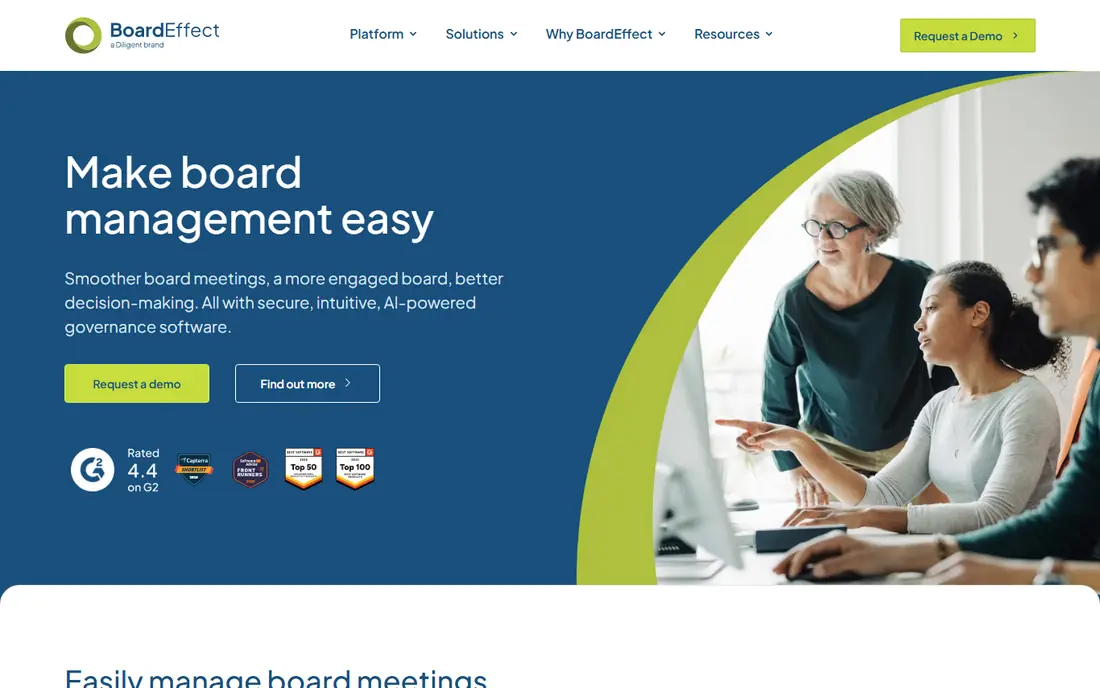
BoardEffect is built with nonprofits and healthcare boards that want guided onboarding in mind. The product handles agendas, board books, minutes, voting, surveys and document management, with workflows tuned for nonprofit governance: committee structures, board assessments and policy libraries. BoardEffect sells two plans.
Pro is geared toward smaller mission-driven organizations, and Plus at large or complicated volunteer boards. Worth adding: the interface will not win design awards, and public-company boards will miss the compliance depth of the enterprise level. BoardEffect cost at the entry level: Pricing on request. BoardEffect has no free tier.
What to check first: Corporate boards may find the governance depth thinner than Diligent.
- Backed by Diligent
- Pro and Plus plans sized for small and for large volunteer boards
- Interface is functional instead of modern
BoardPro
Ideal for: Small boards and nonprofits that require real software on a small budget
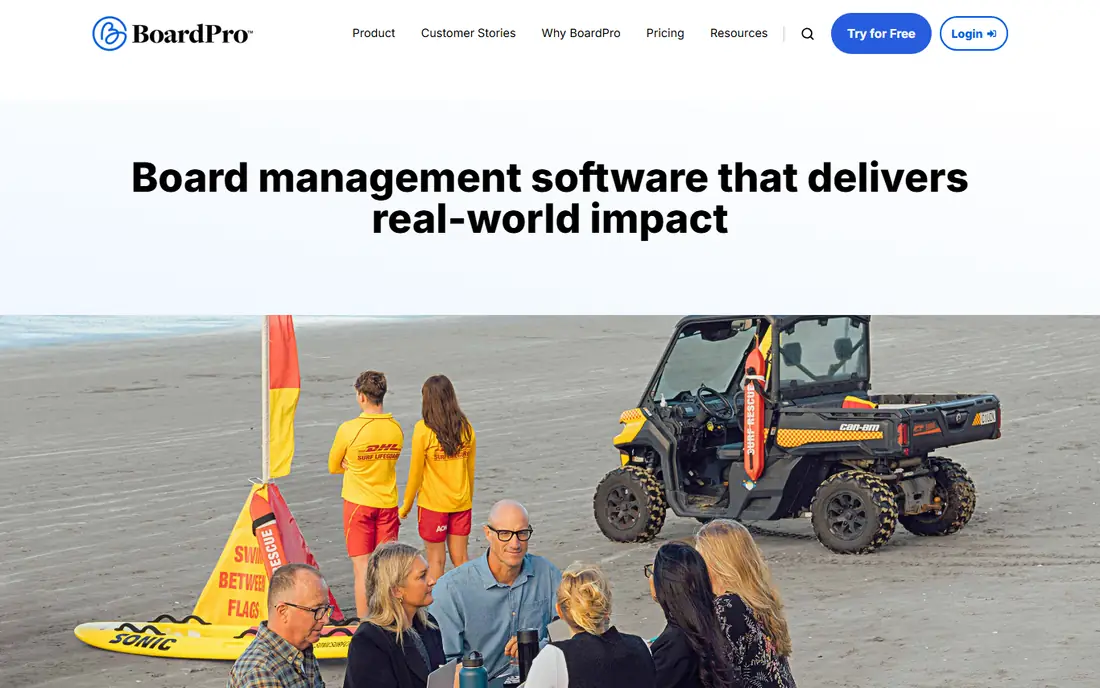
BoardPro is aimed squarely at small boards and nonprofits that require real software on a small budget. Premium ($2,750 per year) layers on board pack annotations, voting, minutes signing, electronic signatures and BoardPro AI. From a buyer's view, nonprofits and schools may qualify for up to 40% off.
Where it falls short: Subcommittees are billed separately (US$825/year on annual plans); Voting.
The 30-day free trial lets the board test with real materials. From a buyer's view, the limits are scale-related: subcommittees cost additional, integrations are fewer, and there is no public-company compliance machinery. In daily use, essentials costs $1,650 per board a year, or $165 per month on monthly billing, with unlimited users and unlimited document storage. It includes agendas, board packs, minutes, actions, a decision register, an interest register and an annual work plan. The starting price for BoardPro: $1,650/year per board. Free plan details: Free trial (30 days).
- Published prices with unlimited users on every plan
- 30-day free trial to test with real board packs
- Minutes signing and e-signatures need Premium ($2,750/year per board)
Govenda
Ideal for: Corporate boards that want a focused, director-friendly portal
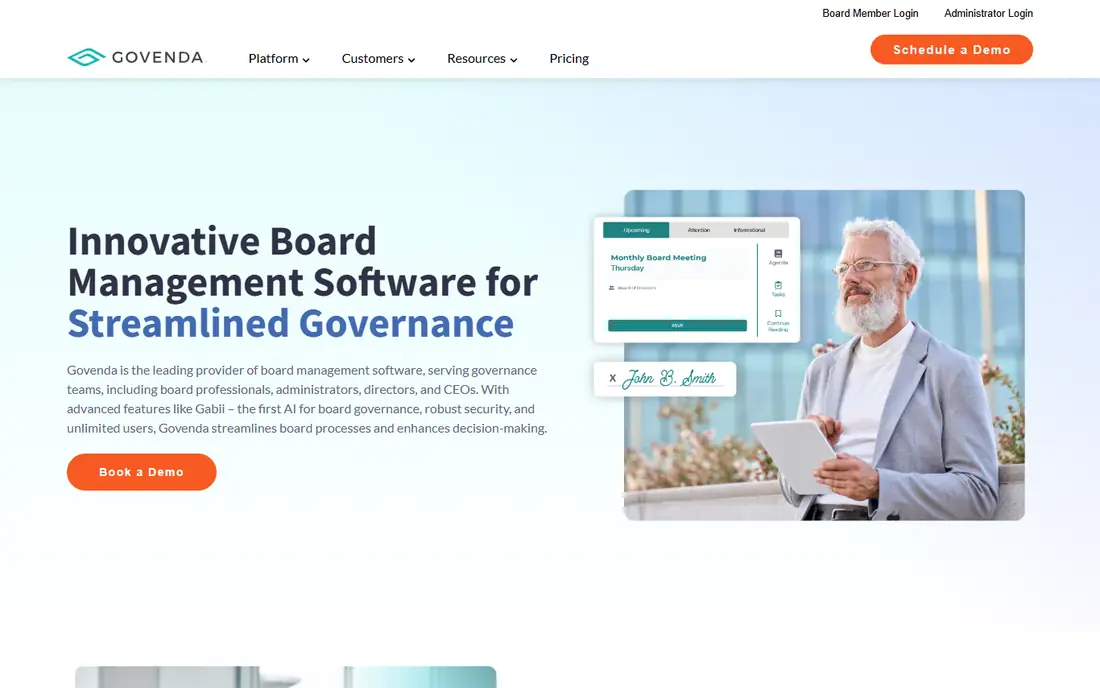
Govenda is designed for corporate boards that want a focused, director-friendly portal. Govenda (formerly BoardBookit) positions between the enterprise suites and the small-board tools.
Strengths: Unlimited users and no implementation fees; voting and minutes workflow that directors learn rapidly.
In daily use, for a mid-sized corporate board that wants a serious portal without an enterprise implementation project, Govenda is the pragmatic middle. Price to start with Govenda: Pricing on request. Govenda does not include a free plan.
Drawbacks to consider: Owned by OnBoard's parent company since 2024, so ask about the long-term roadmap.
- Per Govenda
- Questionnaires
- No published pricing
Aprio
Ideal for: Small to mid-sized boards that want all-inclusive pricing
Aprio is a good fit for small to mid-sized boards that want all-inclusive pricing. Aprio's pitch is all-inclusive pricing in a market full of extras. The feature set handles agendas, minutes, calendars, annotations, voting, surveys, attendance tracking and audit trails, plus ChatDPQ, an AI governance advisor built on DirectorPrep content.
Limits to weigh: despite the all-inclusive pitch; No published price.
From a buyer's view, you pay per user license. Every plan bundles all features, unlimited committees and administrators, unlimited training and 24/7 support from former board administrators. From a buyer's view, Aprio does not publish the actual price, so you need a quote. You can ask for a free trial. Starting cost for Aprio: Pricing on request. Free options: Free trial.
- ChatDPQ AI governance advisor included
- Unlimited training and 24/7 support from former board administrators
- Canadian company, which matters for some US procurement policies
Convene
Ideal for: Boards that meet across countries and languages
Convene works best for Boards that meet across countries and languages. The brand is better established in Asia-Pacific and Europe than in North America, which affects US reference customers. Worth adding: Convene sells three plans.
Drawbacks to consider: No published pricing.
All are quote-based, and the sales team arranges free trials on request. For everyday use, for a board with directors in several countries or a parent company outside the US, the international design is a real differentiator. Convene cost at the entry level: Pricing on request. Free options: Free trial.
- Nonprofit and government boards
- Capable multi-language support and global meeting workflows
- Brand recognition is lower in the US market
OnBoard
Ideal for: Boards that want a modern portal directors will actually open
In short, OnBoard is for Boards that want a modern portal directors will actually open. Directors ignore clunky software, so OnBoard built an interface that does well on tablets and phones. Beyond that, the minutes builder, approvals, eSignatures and director engagement analytics start on Premium, which also includes a dedicated Customer Success Manager.
Main advantages: Modern interface with capable director adoption.
OnBoard sells three plans, Essentials, Premium and Ultimate, and prices them by level and number of users after a demo. Beyond that, a free trial is available from the website. In practice, every plan bundles the agenda and book builder, mobile apps, Zoom and Teams integration, annotations, permissions and unlimited groups and committees. From a buyer's view, AI Assist for board books is included on all three plans. Entry price for OnBoard: Pricing on request. As for free access: Free trial. Trade-offs to know: approvals and eSignatures start on Premium, not Essentials; Board assessments.
- AI Assist for board books included on every plan
- Mobile apps and unlimited committees on every plan
- No published pricing
Boardable
Ideal for: Nonprofit boards that want meetings plus board management extras
Boardable is a good fit for nonprofit boards that want meetings plus board management extras. The interface is approachable for volunteer board members who are not software people.
Watch-outs: ESignatures need Professional ($29.99/user/month) and AI minutes need Professional+ ($35.99).
Boardable aims at the nonprofit board that needs more than meeting software but less than an enterprise portal. Worth adding: alongside agendas, board packets, minutes and a document center, it adds task tracking, discussions between meetings and dedicated workspaces for committees. On cost, Boardable starts like this: $20.99/user/month. Free plan details: Free trial (14 days).
- Published per-user prices with volume discounts
- Approachable interface for volunteer board members
- Lighter compliance story than enterprise portals
Diligent Boards
Ideal for: Corporate boards that require governance depth and compliance tooling
Where Diligent Boards fits: corporate boards that require governance depth and compliance tooling. Diligent Boards is the enterprise standard for corporate governance. The buying process is the downside.
As for the details, Diligent fits boards where governance is a formal discipline with dedicated staff, not a quarterly meeting to organize. In practice, for public firms and large private firms with compliance obligations, that depth is the point. Beyond the standard agenda builder, board pack distribution and minutes tools, it layers on entity management, secure messaging, D&O questionnaires, board assessments, governance AI and integrations with the rest of the Diligent governance suite. Entry price for Diligent Boards: Pricing on request. Diligent Boards does not include a free plan.
Where it falls short: No published pricing and enterprise sales process.
- Solid security posture for regulated industries
- The deepest governance feature set in the market
- More product than a small board needs, with the cost to match
How the list was put together
Ainotely looked at what each vendor publishes: pricing, plan limits, feature coverage for board meeting software and stated drawbacks. No hands-on testing is claimed. Where a price is missing, the vendor does not list one publicly or ties it to a quote. Always confirm before budgeting. Order on the page follows fit for the typical buyer first, then price transparency and free access. Your own requirements should decide the final pick.
What to confirm before you sign up
- Check the vendor page for the current price: Boardable starts at $20.99/user/month here, and seats or billing terms can move it.
- Take the trial from BoardPro, Aprio, Convene and others and push a live task through it before you pay.
- Read the limits listed for BoardEffect first: no published pricing.
- Ask the daily users to test BoardPro on a live task before you roll it out to everyone.
- Before rolling out BoardEffect, verify the integrations your workflow depends on.
Frequently asked questions
Can I try these options before paying?
Often, yes. BoardPro, Aprio, Convene and others offer a free trial. Use your own data and a real task during the test, and check what the free tier or trial limits before you rely on it.
Does any tool for board meeting software here have a free plan?
No tool in this list, BoardEffect and Diligent Boards included, has a permanent free plan. BoardPro, Aprio, Convene, OnBoard, Boardable offer a trial. Trials and quotes are the usual route, so plan a short evaluation period.
Is BoardEffect the right pick for everyone comparing board meeting software?
No single tool suits every team. BoardEffect comes first because it fits nonprofits and healthcare boards that want guided onboarding, while BoardPro suits small boards and nonprofits that need real software on a small budget and Govenda suits corporate boards that want a focused, director-friendly portal. Match the tool to your own size, budget and workflow before deciding.
Do these tools publish their prices?
Yes. Every tool from BoardEffect to Diligent Boards shows a starting price, though seats, add-ons and billing terms still change the final cost.
Can board portals deal with voting and e-signatures?
Check the specifics that matter to your bylaws: anonymous compared with recorded voting, quorum tracking, and whether signatures meet your state's requirements for board actions.