Best Book Analysis Software for Authors in 2026: 8 Tools Compared

- 1
 ProWritingAidFull manuscript analysisVisit
- 2
 AutoCritFiction-focused analysisVisit
- 3
 ScrivenerOrganizing and drafting long booksVisit
- 4
 FictionaryStory structure analysisVisit
- 5
 PlottrPlotting and timeline planningVisit
- ProWritingAid and AutoCrit are the strongest analysis tools, with reports on pacing, dialogue, repetition and readability.
- Scrivener and Dabble suit drafting and organizing long manuscripts, with analysis as a secondary strength.
- Fictionary and Plottr help with story structure, character arcs and scene-level analysis.
- Hemingway and Grammarly are lighter, cheaper companions for clarity and grammar rather than full book analysis.
Quick comparison
| Product | Ideal for | Price from | Free version | |
|---|---|---|---|---|
| ProWritingAid | Full manuscript analysis | See website | Free trial | Visit |
| AutoCrit | Fiction-focused analysis | See website | Free trial | Visit |
| Scrivener | Organizing and drafting long books | See website | Free trial | Visit |
| Fictionary | Story structure analysis | See website | Free trial | Visit |
| Plottr | Plotting and timeline planning | See website | Free trial | Visit |
 Dabble | Cloud novel writing | See website | Free trial | Visit |
 Hemingway Editor | Clear, readable prose | See website | Yes | Visit |
 Grammarly | Grammar and clarity checks | Free | Yes | Visit |
The best book analysis software for authors
Book analysis software goes beyond spellcheck: it examines a whole manuscript for pacing, repeated words, dialogue balance, readability, plot structure and character consistency. The eight tools below cover that range, from dedicated fiction analysis to drafting apps with built-in reports. We compared official feature pages, pricing pages and documentation.
ProWritingAid
Ideal for: Full manuscript analysis
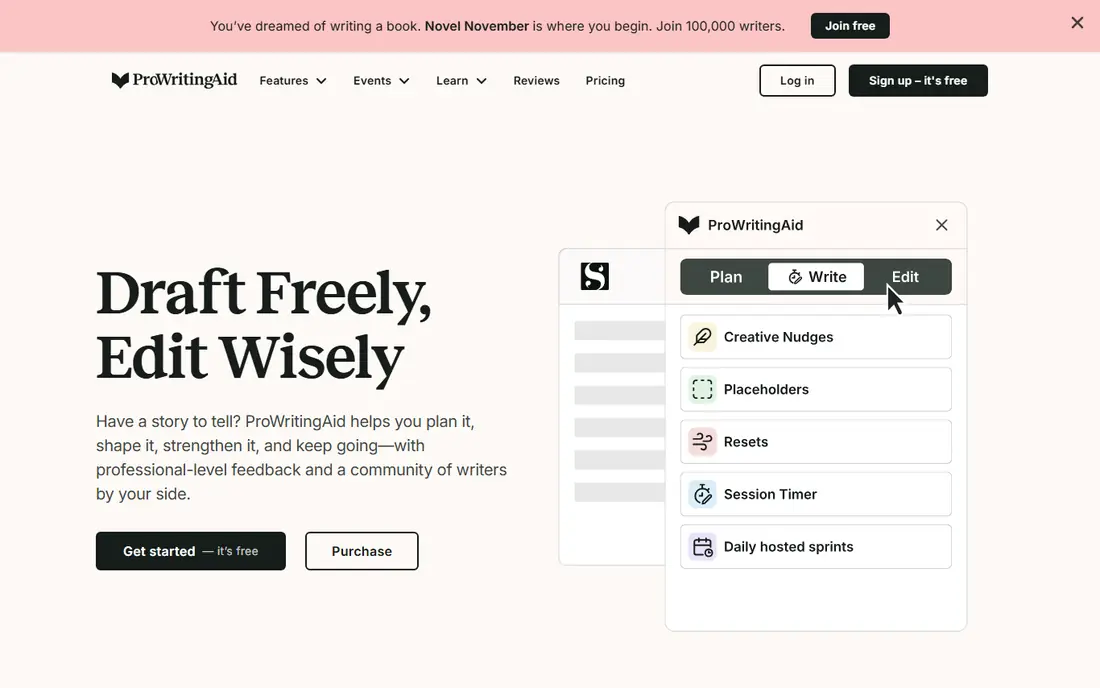
ProWritingAid is the most complete analysis tool for authors, with reports that examine sentence variety, pacing, dialogue tags, repeated words, readability, sticky sentences and more across a full manuscript. It integrates with Word, Scrivener and Google Docs, so analysis happens where you already write.
The number of reports can overwhelm at first, and full features need a subscription. For an author revising a novel or nonfiction book, though, ProWritingAid's depth is unmatched on this list, and its summary report alone often reveals patterns a read-through misses.
- Many reports covering style, pacing, dialogue and repetition
- Works with Word, Scrivener and Google Docs
- Good for long manuscripts
- Reports take time to learn
- Subscription for full features
AutoCrit
Ideal for: Fiction-focused analysis
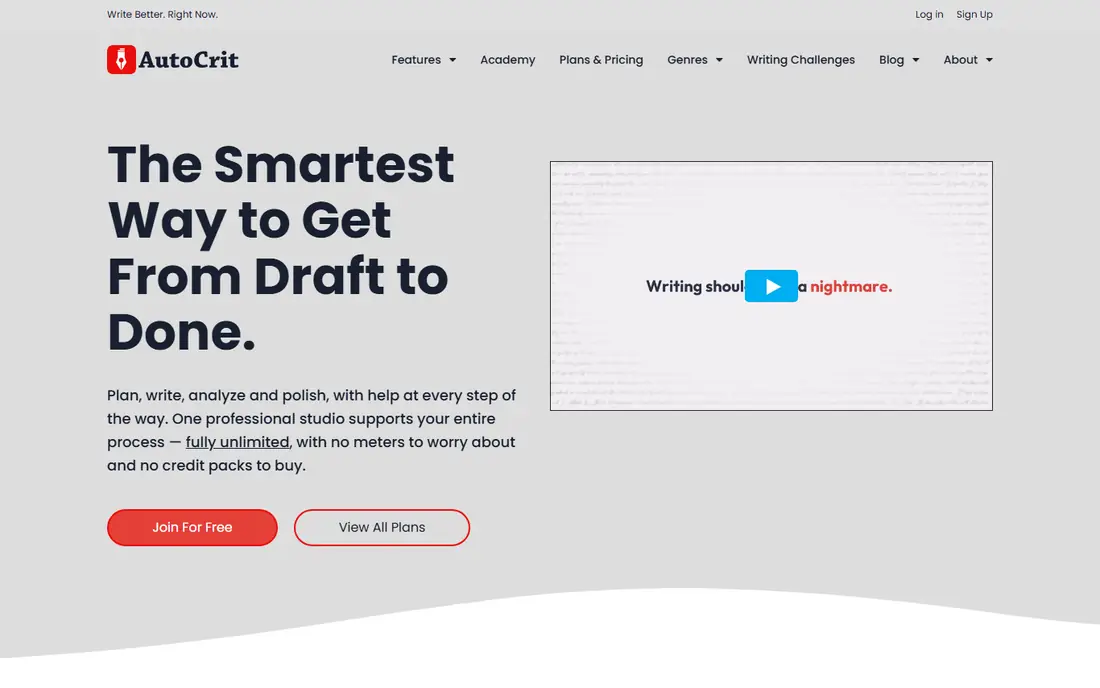
AutoCrit is built for fiction, analyzing dialogue, pacing, word choice, repetition and sentence variation, and comparing your manuscript to benchmarks from published books in your genre. That genre comparison helps a novelist see whether their pacing or dialogue balance matches reader expectations.
It is less useful for nonfiction, and it is subscription based. For a fiction author in revision, AutoCrit's focused reports complement a general editor like ProWritingAid rather than replacing it.
- Built specifically for fiction writers
- Compares your style to genre benchmarks
- Dialogue and pacing reports
- Fiction focus means less for nonfiction
- Subscription based
Scrivener
Ideal for: Organizing and drafting long books

Scrivener is the drafting home for many novelists and nonfiction authors: chapters, scenes, research notes and outlines live in one project, with a corkboard for rearranging scenes and snapshots for tracking revisions. Its statistics and targets help with word counts and session goals.
Deep style analysis is not its job, so pair it with ProWritingAid or AutoCrit for revision. As a writing environment with a one-time license, Scrivener remains the standard for long-form authors.
- Best-in-class manuscript organization
- Corkboard, outline and research in one app
- One-time license
- Analysis features are lighter than ProWritingAid
- Learning curve for new users
Fictionary
Ideal for: Story structure analysis
Fictionary analyzes a novel scene by scene, tracking story elements like character arcs, plot points, setting and tension, and visualizing where a story sags or rushes. That structural view helps authors revise with purpose instead of polishing sentences in a sagging middle.
It is a niche fiction tool, not a grammar checker, and it is subscription based. For a novelist stuck on structure, Fictionary offers insight that general editors cannot.
- Scene-by-scene story analysis
- Character arc and plot tracking
- Built for novel revision
- Niche focus on fiction structure
- Subscription based
Plottr
Ideal for: Plotting and timeline planning
Plottr is a visual plotting tool: timelines, plot templates, character arcs and place notes arranged on boards that show how storylines interweave. It suits outliners and planners who want to see a whole novel's structure before or during drafting.
It analyzes structure, not prose, so it pairs with an editor for revision. For an author who thinks in timelines and arcs, Plottr is the clearest planning tool on this list.
- Visual timeline and plot templates
- Character and place tracking
- Exports to Word and Scrivener
- Planning tool, not a prose analyzer
- License per platform version
Dabble
Ideal for: Cloud novel writing
Dabble is a cloud-based writing app for novelists, combining a clean manuscript editor with a plot grid, character notes and word-count goals. Because it lives online, your book is available on any device and safe from a single computer failure.
Its analysis features are lighter than dedicated tools, so serious revision still benefits from ProWritingAid or AutoCrit. For an author who wants Scrivener-like organization in the cloud, Dabble is a modern and friendly option.
- Cloud-based novel writing with plot grid
- Simple, distraction-free interface
- Good for co-writing
- Analysis depth below ProWritingAid
- Subscription only
Hemingway Editor
Ideal for: Clear, readable prose
Hemingway Editor highlights hard-to-read sentences, passive voice, adverbs and complex phrases in color, pushing prose toward clarity and brevity. The free web version handles quick checks, and the desktop app works offline for longer pieces.
It does not analyze plot, pacing or dialogue like ProWritingAid, and its advice can be blunt for literary styles that value long sentences. As a clarity pass before or after deeper analysis, Hemingway is a useful and cheap companion.
- Free web version for quick checks
- Highlights dense sentences and passive voice
- Very easy to use
- No full manuscript reports
- Style advice is blunt and general
Grammarly
Ideal for: Grammar and clarity checks
Grammarly catches grammar, spelling and punctuation errors across browsers, Word and docs, with clarity and tone suggestions on paid plans. For an author, it is the safety net that catches errors before a manuscript reaches an editor or beta readers.
It does not analyze story structure, pacing or dialogue balance, so it complements rather than replaces book analysis tools. As a daily writing companion with a free plan, Grammarly belongs in most authors' toolkits.
A further use for analysis reports is tracking revision progress across drafts. Run the same reports on each major draft and compare pacing, repetition and dialogue balance over time, so you can see whether a revision actually fixed the problems it targeted. That comparison turns revision from feeling into evidence, and it helps you stop revising when the numbers stabilize.
- Strong grammar and spelling checks
- Works across browsers and Word
- Free plan for basics
- Not a book structure analyzer
- Tone suggestions can be generic
How we picked these
We compared official feature pages, pricing pages and documentation, focusing on what each tool actually analyzes: style, pacing, dialogue, structure, readability or grammar. We favored tools that are actively maintained today and handle full manuscripts, not just short passages.
We also distinguished analysis from drafting: a great drafting app is not automatically a great analyzer. Every tool here earns its place for a specific job, and the guide below explains how to combine them.
How to build an author analysis toolkit
Use drafting and analysis tools for different passes. Draft in Scrivener or Dabble, check structure in Fictionary or Plottr, run style analysis in ProWritingAid or AutoCrit, and finish with Grammarly and Hemingway for clarity. Trying to do every pass in one tool usually means doing each pass badly.
Treat reports as questions, not verdicts
An analysis report that flags repeated words or slow pacing is starting a conversation with your manuscript, not issuing a grade. Check each flag in context: a repeated word may be intentional, and a slow scene may be doing emotional work. Revise what serves the story, and ignore what does not.
Analyze in stages, not all at once
Run one or two reports per revision pass, starting with structure and pacing, then style, then grammar. Fixing everything at once leads to churn, where edits in one area break another. A staged approach keeps revision manageable across a long book.
Keep a human reader in the loop
No software understands your story's intent, humor or emotional effect. Beta readers and, for serious projects, a human editor catch what reports miss. Use software to find patterns, and use people to judge whether those patterns matter.
Frequently asked questions
What is the best book analysis software for authors?
ProWritingAid offers the deepest general analysis, AutoCrit leads for fiction-specific reports, and Fictionary leads for story structure. Most authors combine one analyzer with a drafting tool like Scrivener.
Can software analyze my novel's plot?
Partly. Fictionary and Plottr analyze structure, arcs and scene elements, which reveals pacing and structural problems. They cannot judge originality, emotional impact or theme, which still need human readers.
Is ProWritingAid or AutoCrit better for fiction?
AutoCrit is more fiction-focused, with genre benchmarks and dialogue reports. ProWritingAid covers more report types and integrates with more writing apps. Many fiction authors use both at different revision stages.
Do I need book analysis software if I have an editor?
It helps even then. Software finds patterns across a whole manuscript quickly, so your editor spends time on story and voice rather than repeated words and pacing basics. It complements an editor, it does not replace one.
What is the best free book analysis tool?
Hemingway Editor's web version is free for readability checks, Grammarly's free plan covers grammar, and ProWritingAid and AutoCrit offer free trials. Full manuscript analysis generally needs a paid plan.
Should I run analysis on every draft?
Run full reports on major drafts, not every small edit, since daily reports create noise. Compare the same reports across drafts to see whether pacing, repetition and dialogue balance improved, and stop revising a section when its numbers stabilize.