Best Budget Tracking Apps in 2026: 8 Apps Compared

- 1
 YNABHands-on zero-based budgetingVisit
- 2
 Monarch MoneyAll-in-one household money trackingVisit
- 3
 Rocket MoneySubscription tracking and bill helpVisit
- 4
 CopilotApple users who want a clear dashboardVisit
- 5
 PocketSmithLong range cash flow forecastingVisit
- YNAB suits people who want to plan every dollar before spending it, while Monarch suits households that want accounts, budgets, and goals in one place.
- Rocket Money and EveryDollar both offer genuinely useful free plans, so you can start tracking spending without paying first.
- Copilot stands out for Apple users who care about design and clear cash flow views, but it has no free plan beyond a trial.
- PocketSmith is the strongest pick for long range forecasting, and Goodbudget is the simplest choice for envelope budgeting with a partner. Simplifi adds a low cost automatic spending plan for people who want less setup.
- This is not financial advice. Budget apps show your spending and help you plan, but they do not replace professional advice for debt, tax, or investment decisions.
Quick comparison
| Product | Ideal for | Price from | Free version | |
|---|---|---|---|---|
| YNAB | Hands-on zero-based budgeting | See website | Free trial (34 days) | Visit |
| Monarch Money | All-in-one household money tracking | See website | Free trial | Visit |
| Rocket Money | Subscription tracking and bill help | Free | Yes | Visit |
| Copilot | Apple users who want a clear dashboard | $7.92 per month | Free trial | Visit |
| PocketSmith | Long range cash flow forecasting | See website | Yes | Visit |
 Goodbudget | Envelope budgeting with a partner | Free | Yes | Visit |
 EveryDollar | Simple zero-based budgeting | Free | Yes | Visit |
 Quicken Simplifi | Automatic spending plan with low setup | $3.99 per month | No | Visit |
The best budget tracking apps
We compared official feature pages, pricing pages, app store listings, and public reviews for the apps below. Our pick for most people is Monarch Money, because it covers budgets, accounts, goals, and partner sharing in one place without forcing one budgeting method on you.
YNAB
Ideal for: Hands-on zero-based budgeting
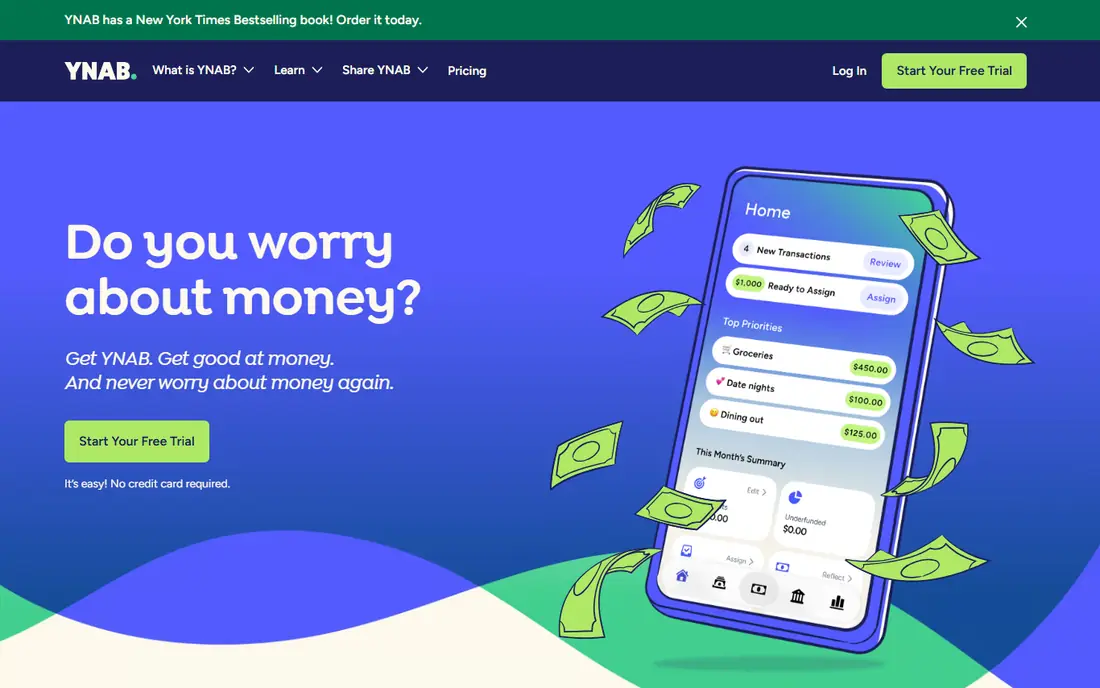
YNAB asks you to assign every dollar a job before you spend it, which is a very different habit from simply watching transactions roll in. If you often reach the end of the month unsure where the money went, that structure can change the pattern fast. The app supports goal tracking, scheduled transactions, and shared budgets, so couples and families can work from the same plan.
The trade-off is effort. YNAB works best when you open it often and adjust categories as life changes, and people who want a mostly automatic tool may find that rhythm tiring. The 34-day trial gives enough time to test the method properly, but there is no free tier once the trial ends. For disciplined budgeters, that hands-on style is the point, and it is why YNAB keeps a loyal following year after year.
- Clear method for giving every dollar a job
- Strong goal and debt payoff tools
- Helpful learning material for new budgeters
- Higher learning curve than automatic trackers
- No permanent free plan
- Manual work suits people who like regular check-ins
Monarch Money
Ideal for: All-in-one household money tracking
Monarch brings bank accounts, credit cards, loans, investments, and property into a single view, then layers budgets, goals, and reports on top. That breadth is its main strength. You can track net worth, watch recurring charges, and review spending trends without stitching several tools together. Partner sharing is included, which matters for households that split bills or save toward shared goals.
The app is flexible about budgeting style, so you can use categories and monthly targets without adopting a strict method. The catch is price, since there is no free tier after the trial, and like every account aggregator it depends on bank connections that sometimes need attention. For most households that want one clear home for their money, Monarch is our pick.
- Accounts, budgets, goals, and reports in one place
- Partner collaboration at no extra cost
- Recurring transaction detection
- No permanent free plan
- Some bank connections can need occasional fixes
- Fewer coaching features than some rivals
Rocket Money
Ideal for: Subscription tracking and bill help
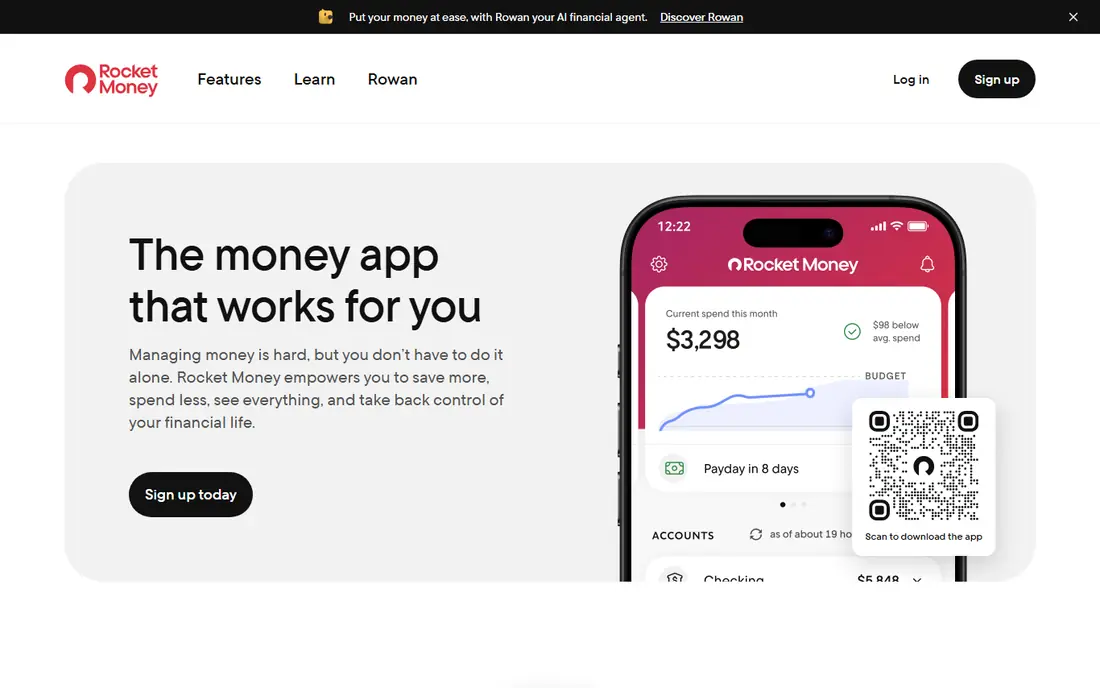
Rocket Money starts by finding your subscriptions and recurring charges, which is often the fastest win in a budget review. Forgotten streaming services, app renewals, and gym memberships show up in one list, and the app can help cancel some of them for you. Spending breakdowns, balance alerts, and net worth views round out the free plan.
Premium adds unlimited budgets, shared accounts, and concierge help with bills, so the free tier is best seen as a strong starting point rather than the full product. Bill negotiation help is a bonus, not a promise, and results depend on the provider. If subscriptions are your main leak, start here before paying for anything.
- Finds recurring subscriptions automatically
- Free plan covers core tracking
- Optional help cancelling services and lowering bills
- Premium features sit behind a paid tier
- Bill negotiation results vary
- Some users prefer a stricter budgeting method
Copilot
Ideal for: Apple users who want a clear dashboard
Copilot is built around a calm, visual view of spending, budgets, investments, and net worth. Its automatic categorization learns from your corrections, and features like rollovers let unspent money carry forward toward larger purchases. Cash flow summaries show income and spending trends at a glance, which helps people who check in briefly rather than studying reports.
The main limits are platform and price. Copilot is strongest on iPhone, iPad, and Mac, and it costs $95 billed yearly, which works out to $7.92 per month. There is a trial and a free test drive before connecting accounts, but no ongoing free tier. If you live in the Apple world and want money tracking to feel pleasant rather than clinical, Copilot is hard to beat.
- Clean design and clear cash flow views
- Automatic categorization that improves over time
- Rollover budgets and subscription spotting
- Apple platforms first, with web access added later
- No permanent free plan
- Investment tracking is simpler than a dedicated portfolio tool
PocketSmith
Ideal for: Long range cash flow forecasting
PocketSmith is the planner of this list. Beyond budgets and reports, it forecasts daily account balances far into the future, so you can test how a new rent payment, a loan payoff, or a savings goal changes the picture over months and years. Custom dashboards let you focus on one topic at a time, such as a single account, a budget, or a savings target.
That depth comes with a busier interface, and new users may need a few sessions before it feels natural. Bank feed quality also varies by region, so manual imports are sometimes part of the routine. For planners, freelancers with uneven income, and households weighing big decisions, the forecasting alone can justify the paid plans, and the free tier is a fair way to test the basics.
- Cash flow forecasts up to 60 years ahead
- Multi-currency support
- Custom dashboards and detailed reports
- Interface feels dense at first
- Bank feeds vary by country
- Best features sit on paid plans
Goodbudget
Ideal for: Envelope budgeting with a partner
Goodbudget turns the old envelope method into a phone app. You divide money into envelopes for groceries, rent, transport, and fun, then record spending against each envelope. When an envelope is empty, the limit is visible at once, which makes overspending harder to ignore. Budgets sync across devices, so two people can share one household plan.
The honest catch is manual entry. Goodbudget does not pull transactions from your bank automatically, so you must record spending yourself or import it. That sounds like a drawback, but many users say the habit itself is what keeps them on track. If you want a simple, shared, low cost system and you do not mind entering transactions, Goodbudget remains a solid choice.
- Simple envelope method that is easy to explain
- Syncs and shares budgets across devices
- Free plan covers core budgeting
- No automatic bank sync on the free plan
- Transaction entry is manual
- Reports are simpler than rivals
EveryDollar
Ideal for: Simple zero-based budgeting
EveryDollar keeps zero-based budgeting simple. You build a monthly plan with custom categories, assign income to each line, and watch what is left as you record spending. The free plan is genuinely usable for as long as you want it, with unlimited categories, sinking funds, and split transactions included.
Premium adds bank connection, custom reports, CSV export, and coaching, and it costs $79.99 billed yearly after a 14-day trial. Without premium, you enter transactions by hand, which suits people who prefer a weekly budgeting ritual. For beginners who want the YNAB style of planning without the price or the learning curve, EveryDollar is the friendliest starting point.
- Free plan covers full monthly budgeting
- Simple zero-based layout
- Household sharing and debt payoff tracking on premium
- Automatic bank sync needs premium
- Free plan needs manual entry
- Coaching features sit behind the paid tier
Quicken Simplifi
Ideal for: Automatic spending plan with low setup
Quicken Simplifi starts with your income, subtracts bills and subscriptions, and builds a spending plan that updates as you spend. That approach suits people who want guidance without assigning every dollar by hand. You can see what is left to spend per day, add planned spending for events, and keep savings goals separate so they are not spent by mistake.
Projected cash flow is the feature that sets Simplifi apart at this price, since it forecasts future balances from your bills and habits. Investment views, reports, and a retirement planner round out a package that costs $3.99 per month billed yearly. The catch is the lack of a free tier, and the budgeting controls are lighter than a strict zero-based app. For readers who want one low cost plan that mostly runs itself, Simplifi is a strong final option.
- Automatic spending plan based on bills and income
- Projected cash flow views
- Savings goals and investment tracking in one place
- No free plan
- Sharing is limited to one extra person
- Some users want deeper zero-based controls
How we picked these
We compared official feature pages, pricing pages, app store listings, privacy policies, and public reviews for each app, and we opened every homepage to confirm it loads and belongs to the product named. We favored apps that still work in October 2026, cover the core job of tracking a budget, and offer a clear free plan or trial so readers can test before paying. We left out apps that had shut down, pivoted away from budgeting, or relied only on manual spreadsheets with no real tracking features.
What to check before you pay
Start with the job you actually need done. If your problem is forgotten subscriptions, a tracker with strong recurring charge detection will help more than a strict budgeting method. If your problem is overspending in a few categories, an envelope or zero-based app that forces a monthly plan will serve you better. If you manage money with a partner, check sharing rules before paying, since some apps charge per person and others include a partner at no extra cost.
Bank connections deserve a test during the trial. Link your main accounts, watch a week of transactions, and see how well categories are assigned and how often a connection needs fixing. Also check how easy it is to export your data and cancel, because a budgeting app should never hold your history hostage. Finally, set a review habit you can keep, such as ten minutes each Sunday, since even the best app only works when you open it.
Frequently asked questions
What is the best budget tracking app for beginners?
EveryDollar and Goodbudget are the easiest starting points, because both have free plans and simple layouts. EveryDollar suits people who like a monthly plan, while Goodbudget suits people who like envelope limits. Try the free plan of one for a month before paying for anything.
Are free budget tracking apps good enough?
Yes, for many people. Rocket Money, Goodbudget, and EveryDollar cover tracking, categories, and basic reports at no cost. Paid apps add automatic bank sync, forecasting, and deeper reports, which matter more for complex finances or shared household budgets.
Which budget tracking app is best for couples?
Monarch Money is our pick for couples, because partner collaboration is included and both people can see accounts, budgets, and goals together. Goodbudget also shares well on a budget, and EveryDollar offers household sharing on its premium plan.
Do budget apps work without linking a bank account?
Yes. Goodbudget and the free plan of EveryDollar work with manual entry, and YNAB and PocketSmith also support manual or imported transactions. Manual entry takes more time, but some people prefer it because it keeps them aware of every purchase.
Can a budget app help me pay off debt?
Yes, if you use its goal and payoff features consistently. YNAB and EveryDollar both support debt payoff planning, and PocketSmith forecasting can show how extra payments change your timeline. A budget app shows the plan, but the payoff still depends on the payments you make.